The Hedra Developer API: models, SDKs, MCP and the console in one place
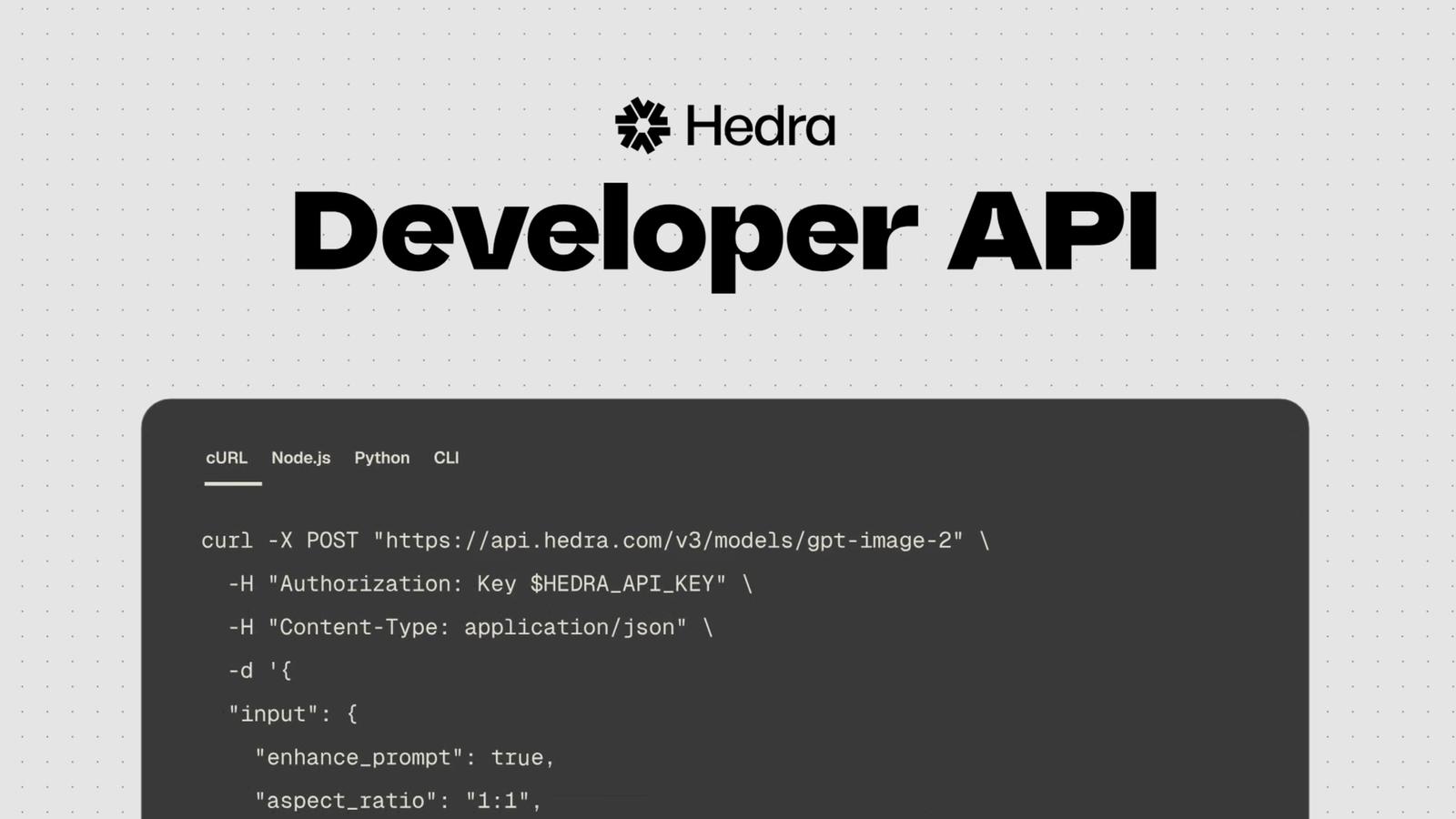
The Hedra Developer API gives your code more than 110 generation models through one API key and one prepaid wallet. It covers video, image and audio models, including Veo, Minimax H3, Kling, Seedance, Nano Banana and ElevenLabs, plus text models for the scripts, prompts and agents around them. You can call it over REST, from the Python and TypeScript SDKs, from the command line, or from an agent through MCP.
Hedra helps teams build products with vision models, the AI models that create or understand images and video. The Developer API is the way in: one API for every model in the catalog.
Get an API key · Read the docs
On this page: the model catalog, a four-step quick start, setup for the SDKs, CLI and MCP, a tour of the console, early access to training and hosting your own model, and a checklist for before you launch.
Why build on the Hedra Developer API
We develop and run our own vision models on the same stack, and that work keeps teaching us the same things: a generation can take minutes, it costs real money, and sometimes it fails at the provider. The API is built around those facts.
- The price of the exact request, before you run it. The estimate endpoint takes the same body you're about to submit and returns what it will cost, free. Use it to show a price before a user clicks, or to refuse a request that's over budget.
- A predicted finish time on each job. For models that publish one, the submit response includes an estimated completion time, refreshed on every status check, so your loading screen can say "about two minutes" instead of spinning.
- Callbacks you can audit and replay. If your server is down, Hedra keeps retrying a job's webhook for about six hours. Every job's callback is logged, and you can resend it.
- Job events in your own monitoring. A log drain sends every job's lifecycle events to your OpenTelemetry collector or any HTTPS endpoint, so generation shows up next to the rest of your system.
What's in the catalog
All four types bill per use from the same prepaid USD wallet, so adding a voiceover or a script to a video pipeline means calling another model on the same account. Each model publishes its price and the inputs it accepts.
Type | What it does | Billed by | A few of the models |
|---|---|---|---|
Video | Text-to-video, image-to-video, avatars, motion transfer, editing | Per second, by resolution | Veo 3.1, Kling V3, Seedance 2.5, MiniMax H3, Wan 3.0, Hedra Avatar |
Image | Generation and editing, with reference images on many models | Per image or per megapixel | Nano Banana Pro, GPT Image 2, Flux.2, Seedream 5.0, Ideogram V4 |
Audio | Speech, voice cloning, music, sound effects | Per character, minute or second | ElevenLabs V3, ElevenLabs Music, MiniMax Speech 2.5 |
Text | Chat, reasoning, tool use, image input on most models | Per million tokens | GLM-5.3, Kimi K3, DeepSeek V4 Pro |
The catalog also has tools for media you already have: video and image upscalers, video background removal, audio isolation and relighting. To compare what the same 10-second clip costs across video models, see What 10 seconds of AI video costs.
Three shortcuts worth bookmarking:
- The Models page in the console lets you try models in a playground and copy each one's API request before you write any code.
GET /v3/models/{model_id}/openapi.jsonreturns one model's live input schema: required fields, allowed values, file size limits. Your code, or the agent writing it, can read the schema instead of trusting a page that may be out of date.- Text models speak the OpenAI and Anthropic formats. Point either SDK at Hedra by changing the base URL. How to call them.
Your first request
Four steps get you to a finished video.
1. Create a key in the console. The secret is shown once, so copy it straight into an environment variable:
export HEDRA_API_KEY="<key_id>:<secret>"
2. Fund the wallet on the billing page. The API bills a prepaid wallet in US dollars, and a new wallet starts at $0.00. Hedra Studio credits and subscriptions can't pay for API requests (the MCP server is the one exception). Until the wallet has funds, every generation returns 402 INSUFFICIENT_BALANCE, with the amount you need and a link to add it.
3. Install the Python SDK (it needs Python 3.10 or newer):
pip install hedra-sdk
4. Submit a 6-second MiniMax H3 clip and wait for it. At 768p it costs $0.36.
from hedra import Hedra, InputMinimaxH3 client = Hedra() # reads HEDRA_API_KEY job = client.jobs.submit_minimax_h3( input=InputMinimaxH3(prompt="a fox sprinting across fresh snow", aspect_ratio="16:9", resolution="768p", duration_ms=6000), idempotency_key="fox-demo-001",)for _ in client.jobs.stream(job.job_id): pass # follows the job until it finishesprint(client.jobs.get(job.job_id).outputs[0].url)
Each model has its own typed submit method, so your editor knows which fields a model accepts. The v3 docs cover pricing a request first, webhooks, uploads and chaining one job's output into the next.
Every way to connect
Option | Install or set up | Good for |
|---|---|---|
REST API |
| Any language, quick tests with curl |
Python SDK |
| Python services and scripts |
TypeScript SDK |
| Node and TypeScript apps |
CLI |
| Terminals, shell scripts, local coding agents |
MCP server | Claude, ChatGPT, Cursor, Claude Code, Codex | |
OpenAI or Anthropic SDK | Base URL | Text models |
Install @hedra/sdk by its full name.
The MCP server signs in with OAuth, so Claude and ChatGPT need no API key, and generations made through MCP can use your Hedra subscription or pay as you go. In Claude Code or Codex it's one line:
claude mcp add --transport http hedra https://mcp.hedra.comcodex mcp add hedra --url https://mcp.hedra.com
You can also run the coding agent itself on Hedra's text models. Claude Code, Codex CLI, OpenCode and Pi each take a short config pointing at GLM-5.3, Kimi K3 or DeepSeek V4, billed to the same wallet. More on agents in Bring Hedra into your own agents.
If an agent is writing your integration, point it at hedra.com/docs/llms.txt, which lists every documentation page, and at each model's openapi.json, so it works from the real schema.
The console, page by page
The console at hedra.com/develop is where you create keys, fund the wallet and see what your code has been doing.
Page | What you do there |
|---|---|
A three-step quickstart | |
Browse the catalog, try models in the playground, copy each model's API request and see its limits | |
The history of every generation made through the API or MCP | |
Set your callback URL, get the public key for checking signatures, see past deliveries | |
Send every job's events to an OpenTelemetry collector or any HTTPS endpoint | |
The server URL, setup lines for coding agents and the billing mode | |
Create, rotate and revoke keys, and limit what each one can do | |
Balance, top-ups, automatic recharge and invoices | |
Invite teammates and manage their permissions |
Training, fine-tuning and hosting your own model
Signed in, you'll also see five pages in the console marked for early access. They're for teams that train, adapt or serve their own vision models.
What you want to do | Console page | What it's for |
|---|---|---|
Adapt a model to your task | Fine-tune | Adapting an existing model with your own examples |
Adapt a model to your task | Evaluations | Testing a model version against your task before it ships |
Run your own code and data | Clusters | GPU capacity to train models or run your own code |
Run your own code and data | Storage | Training data and model files, kept close to the compute that uses them |
Deploy and serve | Containers | Deploying a model so your app can call it |
We're building these toward one connected path, from adapting a model to running it in production, with each piece usable on its own next to the tools you already have. Keeping the parts of your stack that work may be the right call, so start with whichever part is costing your team the most time.
Access is by request. If you already have a model, Hedra can run a supported model you own or an open model you choose, with the environment and responsibilities agreed before you commit. Tell us about the model and the workload, including where it has to run, and we'll tell you whether we're a fit.
The endpoints you'll use most
All paths sit under https://api.hedra.com. The API reference covers the rest.
Method | Path | What it does |
|---|---|---|
GET |
| List the catalog |
GET |
| One model's live input schema |
POST |
| Price a request without running it (free) |
POST |
| Submit a job |
GET |
| Status, progress and estimated finish time |
GET |
| The same status as server-sent events |
GET |
| The full result, with output URLs |
POST |
| Upload a reference image, video or audio file |
PUT |
| Set an account-wide callback URL |
GET |
| Every callback sent, with its attempts |
POST |
| Stream job events to your own monitoring |
GET |
| Your wallet balance |
POST |
| Text models, in OpenAI's chat format |
What to set up before you launch
Eight settings and habits that are quick to add now and painful to add after users are waiting on your app.
Keep the wallet from running dry. Turn on automatic recharge on the billing page: a threshold of at least $10, an amount to refill to of at least $35 (or $25 above the threshold), and an optional monthly cap. If a top-up is ever declined, Hedra sends a billing.top_off_failed event to your default webhook, so a failed card doesn't stop your app without anyone noticing.
Pass your own idempotency key on every submit. A repeated submit with the same key, model and input returns the original job and doesn't charge again. The SDKs already reuse one key across their own automatic retries. Your key matters when your code sends the request again, for example after a timeout: without one, the second call is a new job and a second charge.
Price before you run. The estimate endpoint returns the cost of an exact request body for free, which makes it the place for spend caps and per-user limits. A few models can only be priced once their inputs are measured, such as an uploaded audio file's length.
Download outputs within 48 hours. Generated files are kept for 48 hours after the job finishes, then the links stop working. Inside that window you can pass an output straight into the next job by its asset_id.
Use webhooks for anything a user is waiting on. Each delivery carries a digital signature (ed25519) that your server can check with Hedra's public key, which proves the callback came from Hedra and wasn't changed on the way. Hedra makes up to 12 attempts over about six hours, and the delivery log lets you see and replay any job's callback. How to verify them.
Give production its own key. Create a service key, which belongs to the workspace and keeps working when a teammate leaves, unlike a personal key. Limit its scopes to what the service does, for example jobs:write and jobs:read, plus files:write if it uploads inputs, and set an expiry if your policy calls for one.
Read limits from the response headers. Rate and concurrency limits come back as x-ratelimit-* response headers, so have your code read them and slow down as they run low. Text models allow 15 concurrent chat requests per key and workspace, and a non-streaming request has to finish within 120 seconds, so stream long completions.
Treat time estimates as estimates. estimated_completion_at can change while a job runs, so read it from every status check rather than keeping the first value, and say "about" in your UI. Some models, such as text-to-speech, don't publish one.
Frequently asked questions
What is the Hedra Developer API?
An API for more than 110 generation models across video, image, audio and text, with one API key, one prepaid USD wallet and the same job flow for every media model. It comes with Python and TypeScript SDKs, a CLI, an MCP server and a web console.
How much does it cost?
Each model has its own per-use price, listed in the catalog and on each model's page in the console. POST /v3/models/{model_id}/estimate returns the price of a request before you run it. There's no subscription for API use.
Is there a free tier?
No. A new wallet starts at $0.00 and generations are refused until it's funded. Estimates and file uploads are free.
Can I use my Hedra Studio credits?
Not for API requests, which always bill the separate USD wallet. Generations made through the MCP server are the exception: they can use your Hedra subscription or credits.
Does Hedra serve language models?
Yes. Five open-weight text models are in the catalog today, callable through POST /v3/chat/completions with the OpenAI SDK or through the Anthropic-compatible endpoint, and billed per token from the same wallet.
Which SDKs are there?
Python 3.10 or newer (pip install hedra-sdk, imported as hedra) and TypeScript on Node 18 or newer (npm install @hedra/sdk), both with a typed submit method per model, plus a CLI (npm install --global @hedra/cli). For text models you can use the OpenAI or Anthropic SDK.
Where can I see my jobs?
On the Jobs page of the console, or with GET /v3/jobs. Generations made through MCP appear there too.
Can I train, fine-tune or host my own model on Hedra?
Hedra can run a supported model you own or an open model you choose, agreed with our team for your workload. Training, fine-tuning, evaluation and storage are in early access. Talk to our team about what you need.
Get started
Create a key, fund the wallet and send your first request with the four steps above. The v3 docs have every endpoint in detail.