

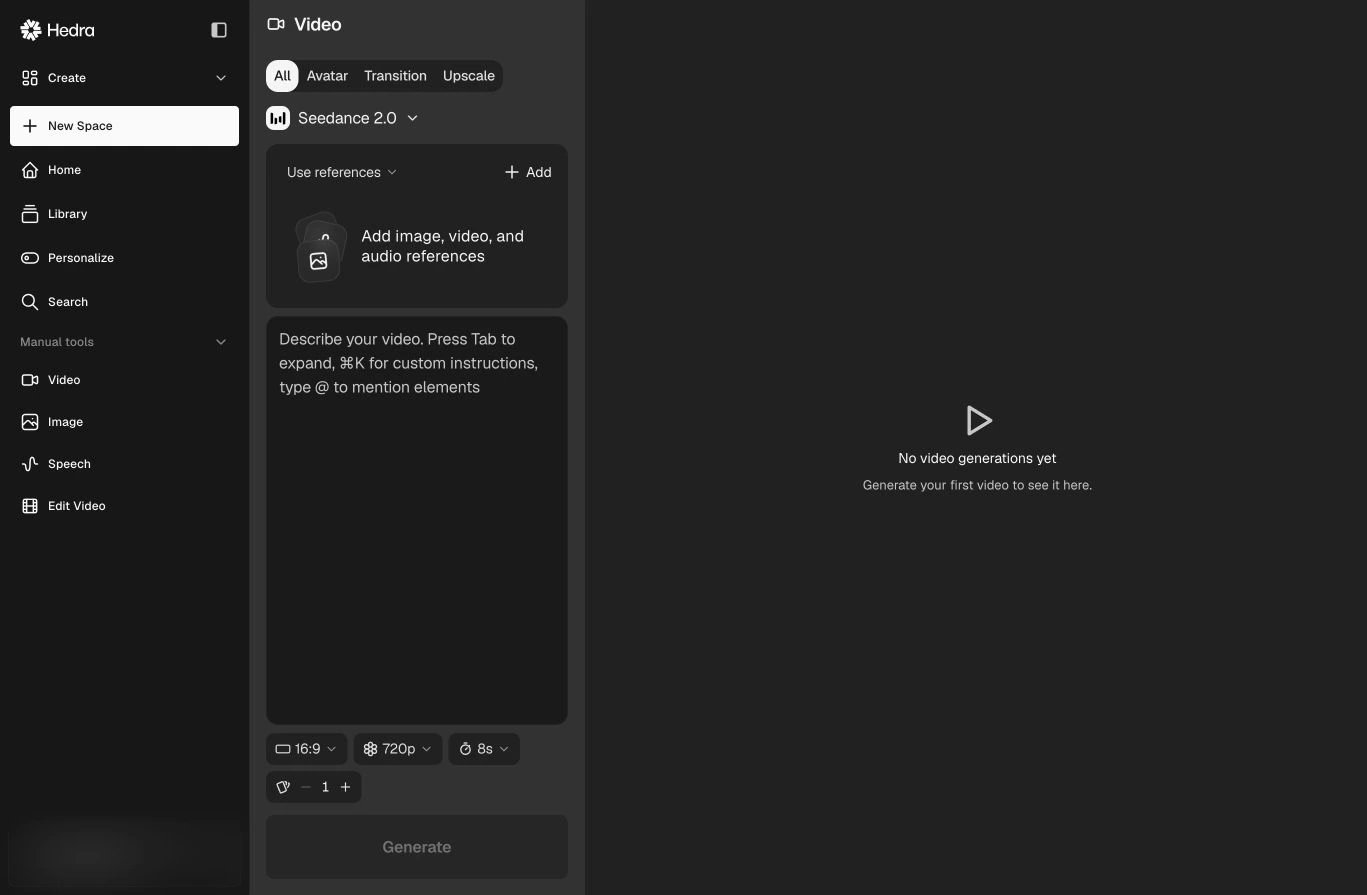
Video modes narrow the catalog to models built for that operation.
Start with a mode
Compare models by capability
Before choosing a model, check:- Accepted references — image, video, audio, start frame, end frame, or multiple visual references;
- Output controls — aspect ratio, resolution, duration, and batch size;
- Audio behavior — silent output, generated sound, or supplied audio;
- Identity fidelity — how closely the result must preserve a person, product, or source frame;
- Motion needs — subtle animation, camera movement, performance, transition, or complex action;
- Cost and speed — shown in the live selector and generation controls.
Use references intentionally
Reference requirements change with the selected model. The reference panel updates to show what that model can accept. Do not assume a prompt-only model can preserve identity as reliably as a reference-driven workflow.Exact model names, credit prices, duration limits, and resolutions are intentionally
not duplicated here. Check the live selector before generating.