

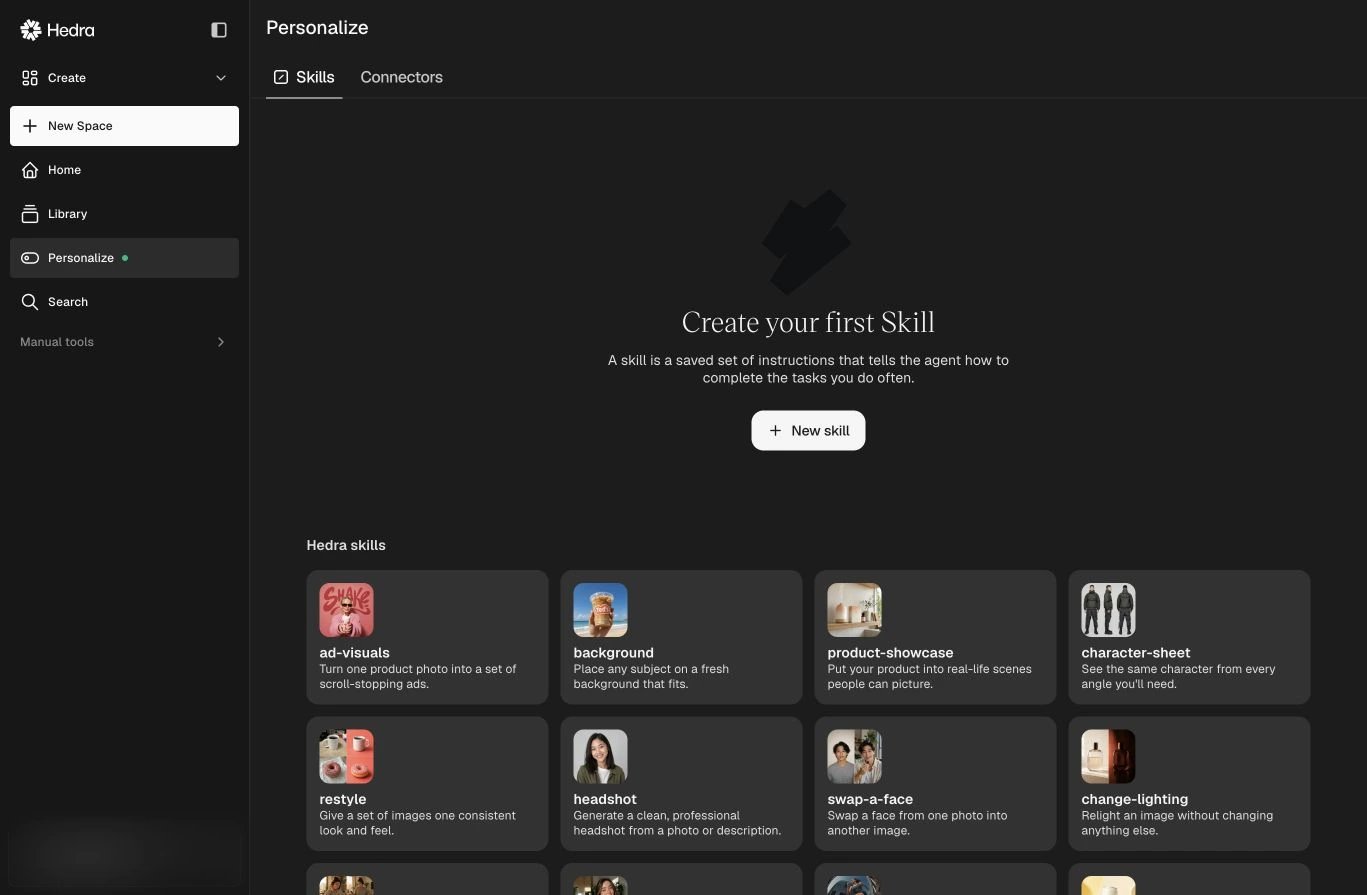
Start with a Hedra Skill or create one for your own recurring workflow.
Skills
A Skill is a saved set of instructions that tells the agent how to complete a task you do often. Hedra includes Skills for visual production and planning, including storyboards, UGC, product showcases, character sheets, restyling, moodboards, campaign briefs, and competitor scans. Create a custom Skill when you repeatedly specify the same:- sequence of steps;
- brand or creative rules;
- required inputs and deliverables;
- review checklist;
- output format.
1
Open Personalize
Select Personalize in the sidebar, then open Skills.
2
Create a Skill
Select New and describe the instructions the agent should follow.
3
Use it from a prompt
Select the Skill from the home screen or invoke it while working in a Space,
then provide the task-specific inputs.