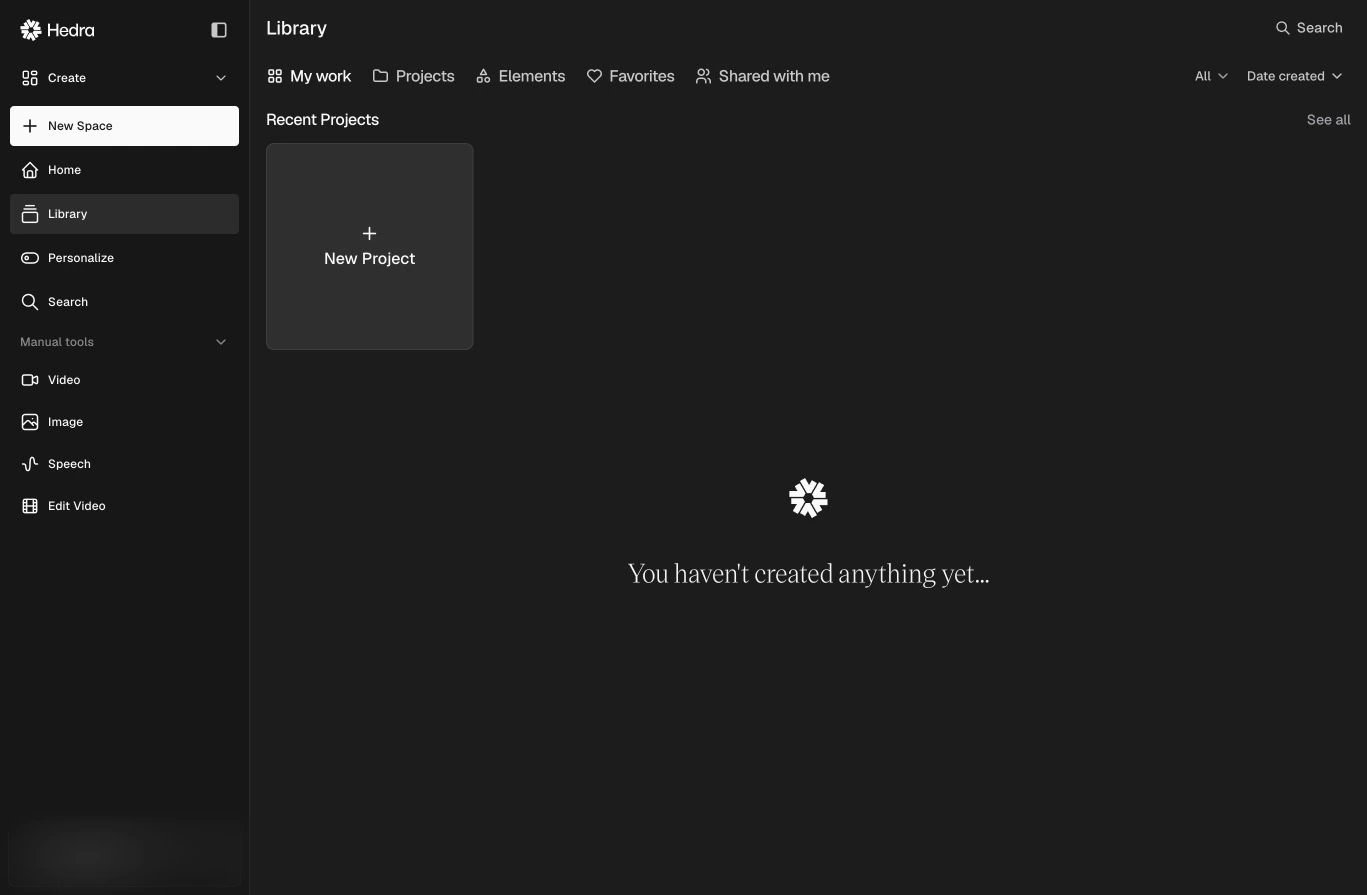
The Library is the durable home for work created or uploaded in Hedra. Use it to find media across Spaces, organize assets into Projects, manage Elements, and return to work you have favorited or Projects someone shared with you.
The Hedra Library with My work, Projects, Elements, Favorites, and Shared with me tabs

The Library brings media, Projects, Elements, favorites, and shared work together.

Library views

Use Search to find an asset, the media-type filter to narrow results, and Date created to filter work created before, after, or within a date range.

Projects

Projects organize assets independently of the Space where they were created. Select New Project, give it a useful name, and add related media as the work develops.
Use a Space for active agent context and a Project for the curated set of assets you want to keep together.

Use Library assets in a task

When adding a reference to a Space or generation, choose the Library source to reuse existing media. The original asset stays in the Library; the task receives it as context.

Delete work

Asset and Space deletion is permanent. See Manage and delete content before removing work.