

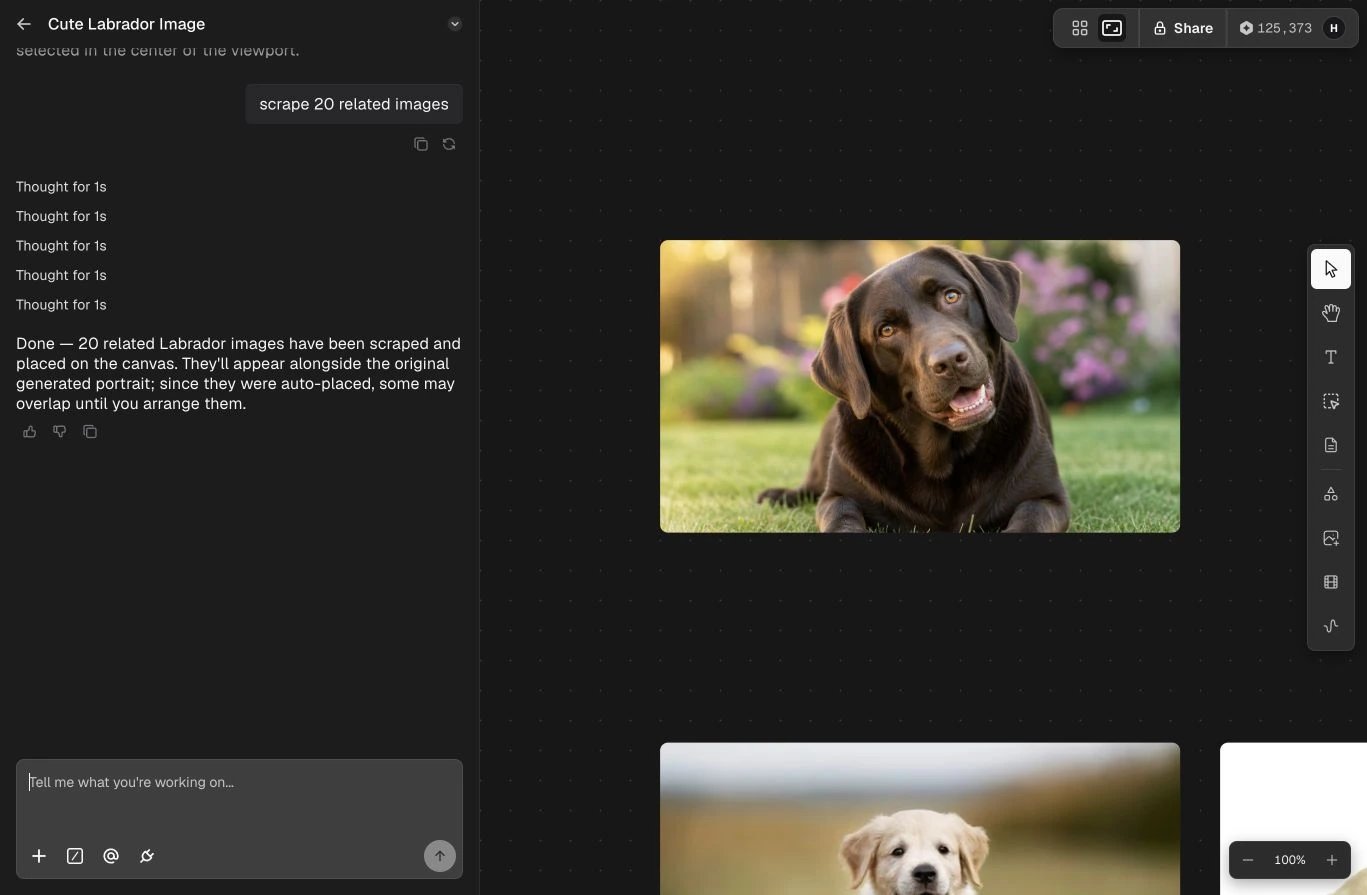
A Space keeps the agent and its visual work side by side.
What a Space contains
- Conversation — the brief, follow-up instructions, decisions, and agent results.
- Canvas — generated, uploaded, and collected media arranged in a visual workspace.
- References — the assets and Elements used to keep identity, style, or product details consistent.
- Project context — the work already completed and available for the next request.
A practical workflow
1
Set the direction
Describe the outcome and add the references the agent should use.
2
Review on the canvas
Compare outputs spatially, select the useful work, and keep multiple directions
visible while you decide.
3
Refine in context
Ask for targeted changes by referring to a selected asset or an earlier result.
4
Reuse or organize
Download finished work, keep it in the Space, or organize assets through the
Library and Projects.