

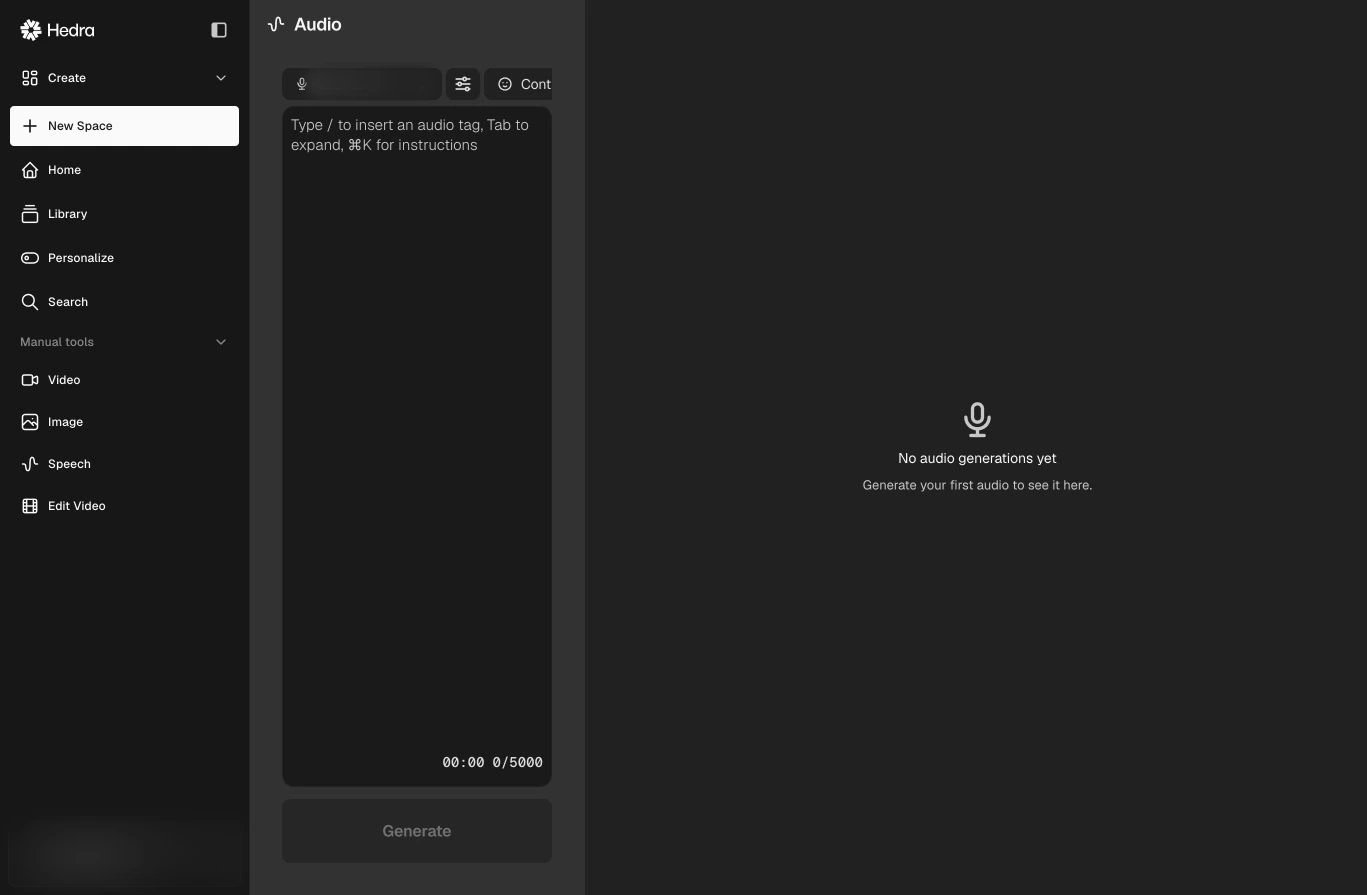
Choose a voice, control the performance, and write the script in one panel.
1
Choose a voice
Open the voice selector and preview the available voices. Voice availability can
depend on your workspace and plan.
2
Write the script
Enter up to the limit shown in the editor. Use punctuation and paragraph breaks
to make the intended pacing clear.
3
Direct the delivery
Open Synthesis settings for voice-specific controls. Select Control or
type
/ to insert supported emotion, reaction, energy, or pacing tags.4
Generate and review
Select Generate, listen to the result, and adjust the text or synthesis
controls before using the audio in a Space, avatar video, or composition.
Write for speech
- Prefer short sentences and pronounceable wording.
- Spell out uncommon abbreviations when pronunciation matters.
- Use line breaks to separate changes in thought or tone.
- Generate a short sample before committing to a long script.