Hedra Avatar
Hedra's latest longform avatar model, audio to video will full multi-language support. Perfect for talking and singing video with speaker selection up to 10 minutes long.
All modelsOverview
Hedra Avatar is a specialized video model developed by Hedra, powered by Together AI infrastructure, that generates talking-head videos from a portrait image and an audio track. It supports long-form video with lip-sync and facial motion for dialogue, explainers, and vocal performances.
Specifications · Text + image + audio to video
- Input mode
- Text + image + audio to video
- Accepts
- start frame, audio (required)
- Aspect ratios
- 1:1, 4:3, 3:4, 16:9, 9:16, 9:21, 21:9
- Resolutions
- 540p, 720p, 1080p
- Max duration
- 10m
- Native audio
- Audio-driven
Pricing
Build with this model: the Hedra Avatar API on the Hedra Developer Platform.
Hedra Avatar API →Real output · generated with Hedra Avatar
Best of Hedra Avatar
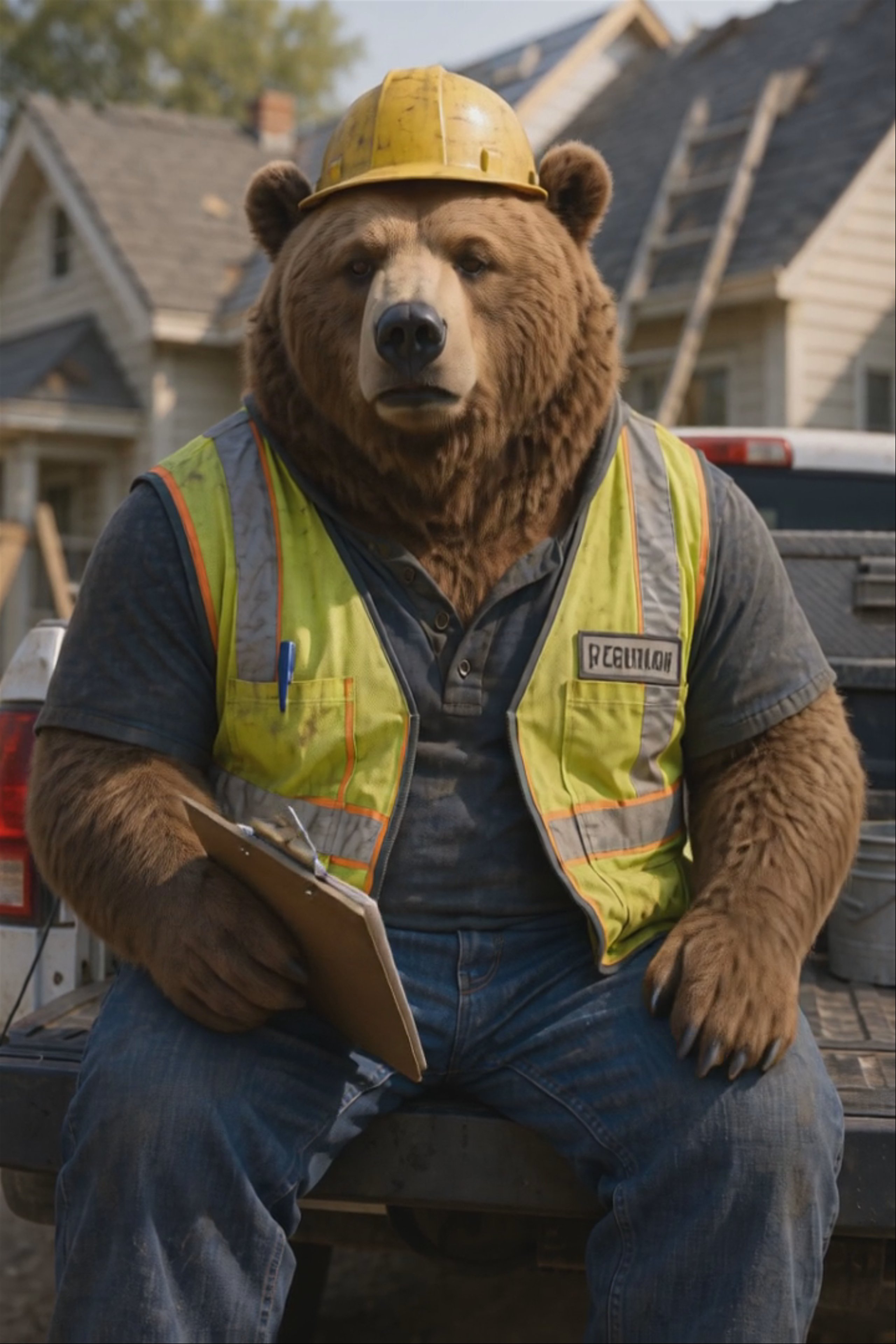
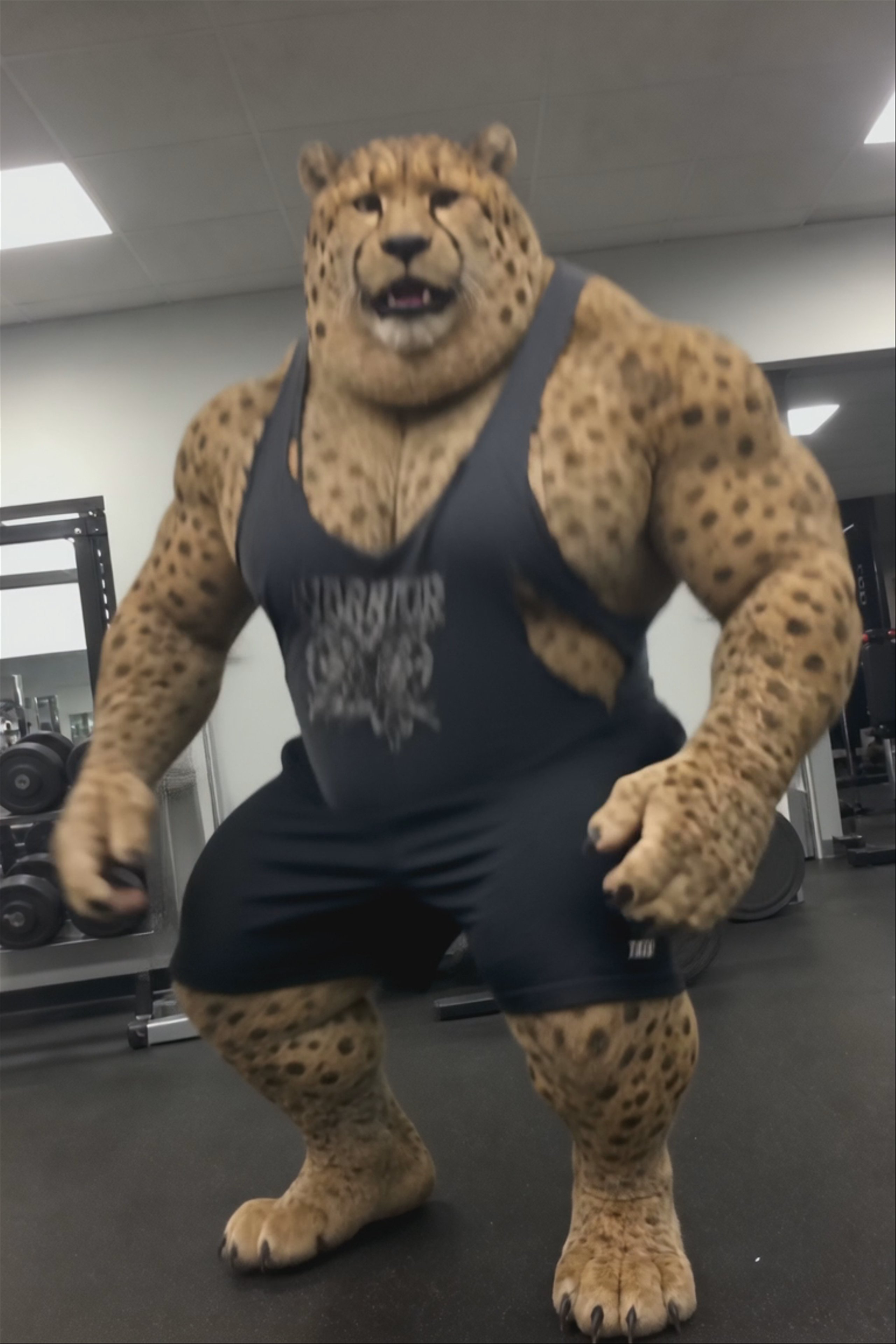
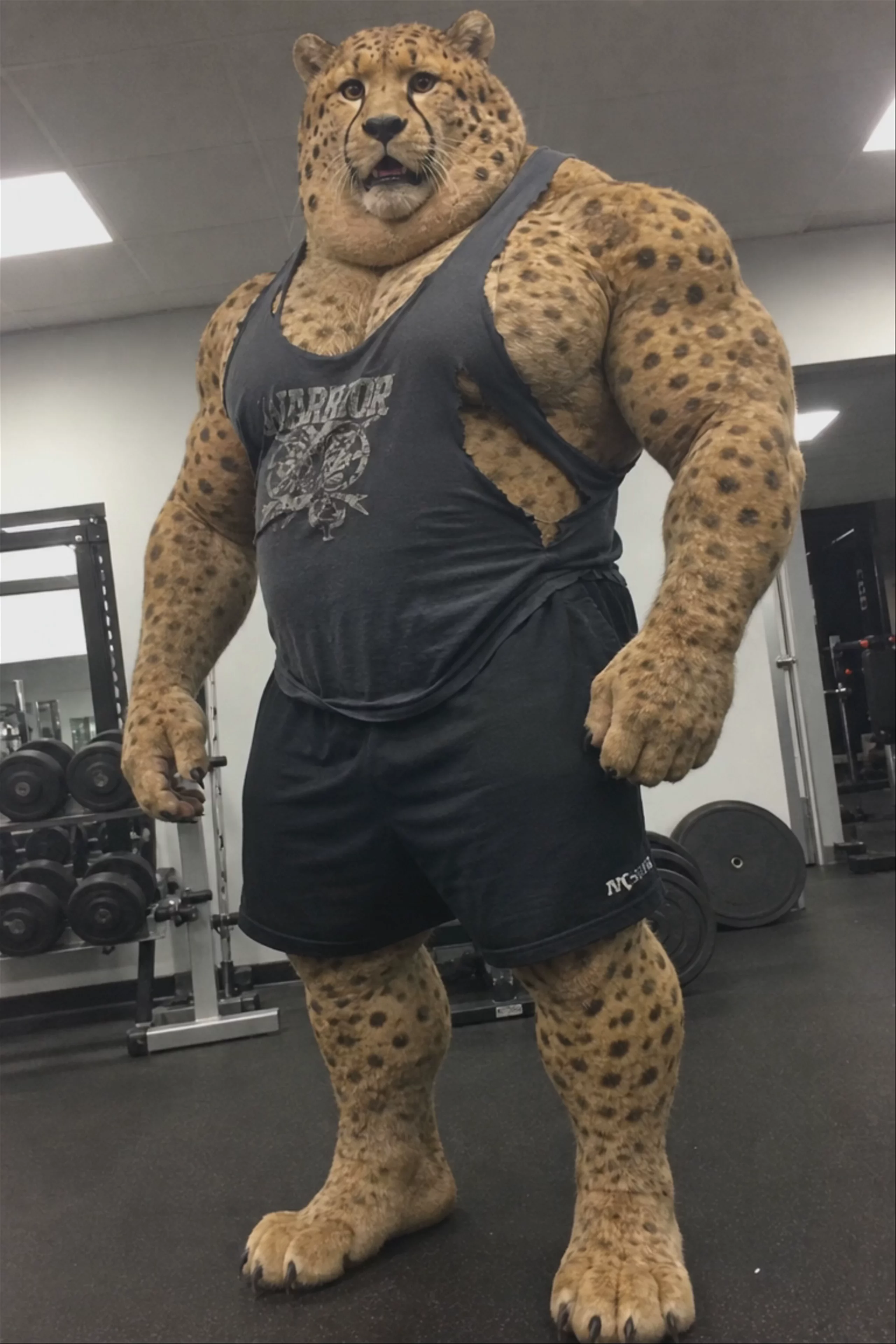
Talking Cheetah Gym Coach — Hedra Avatar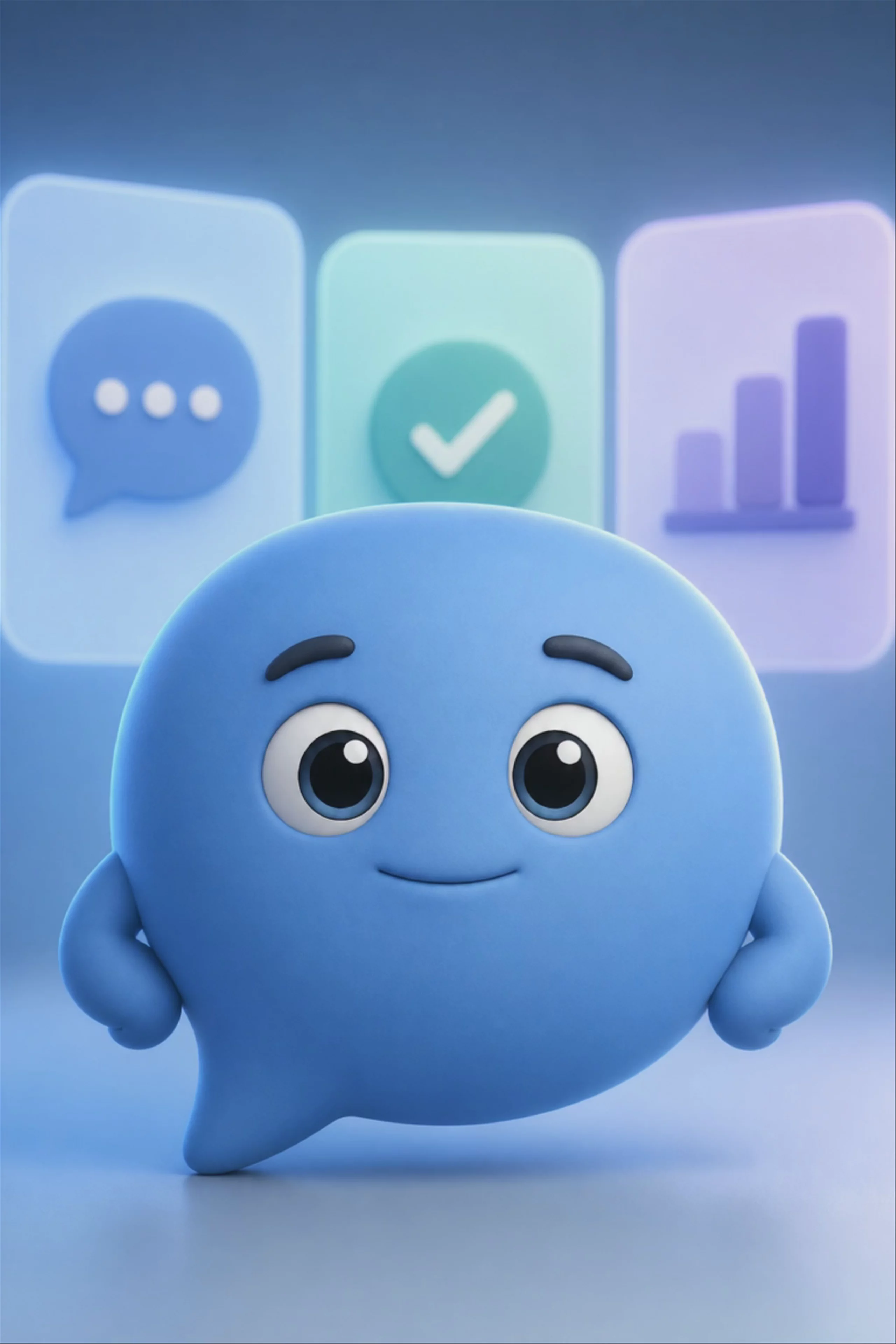 Talking Mascot App Demo, Animated Character — Hedra Avatar
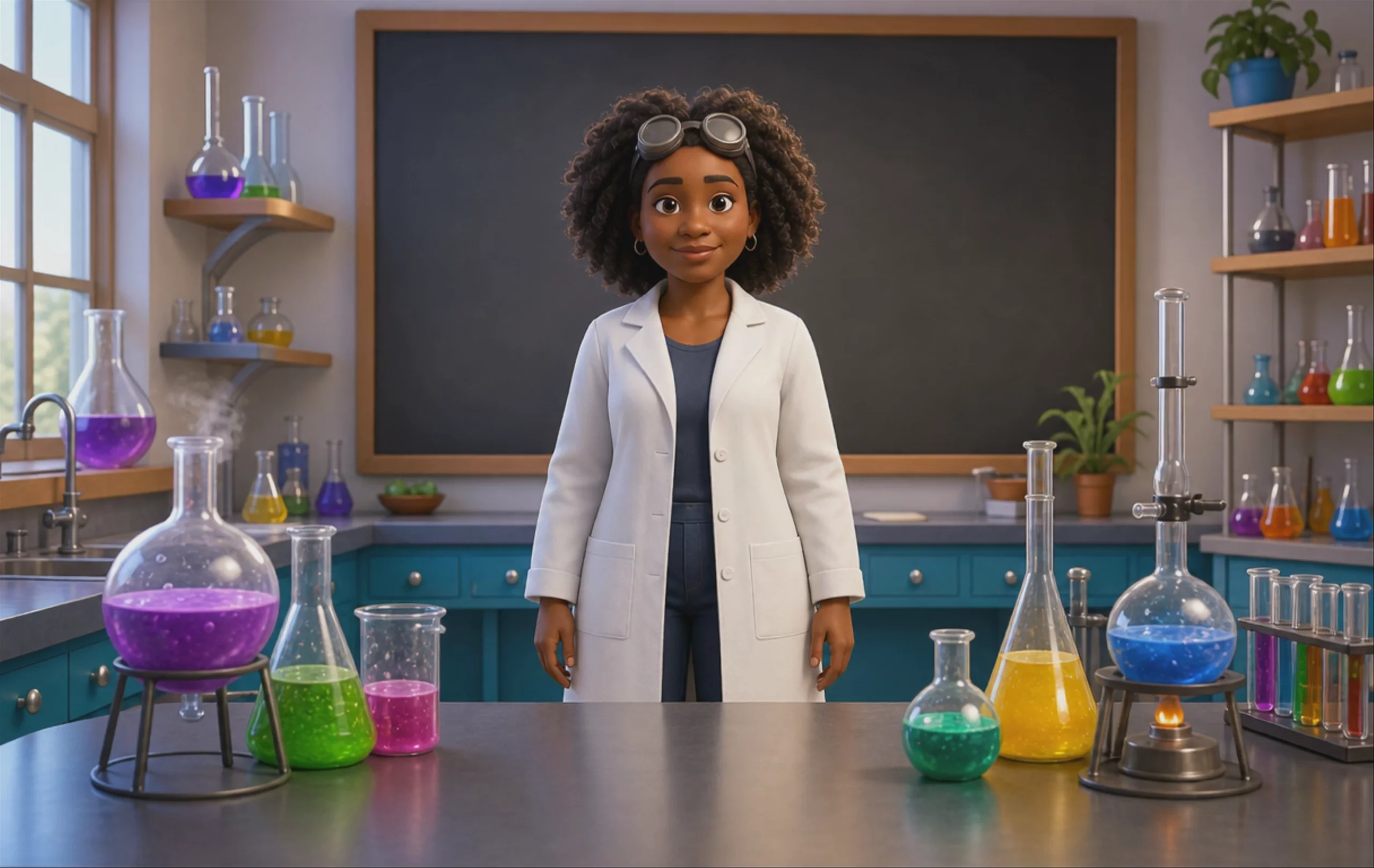 Animated Science Teacher Explainer — Hedra Avatar
 Talking Bull Finance Spokesperson — Hedra Avatar
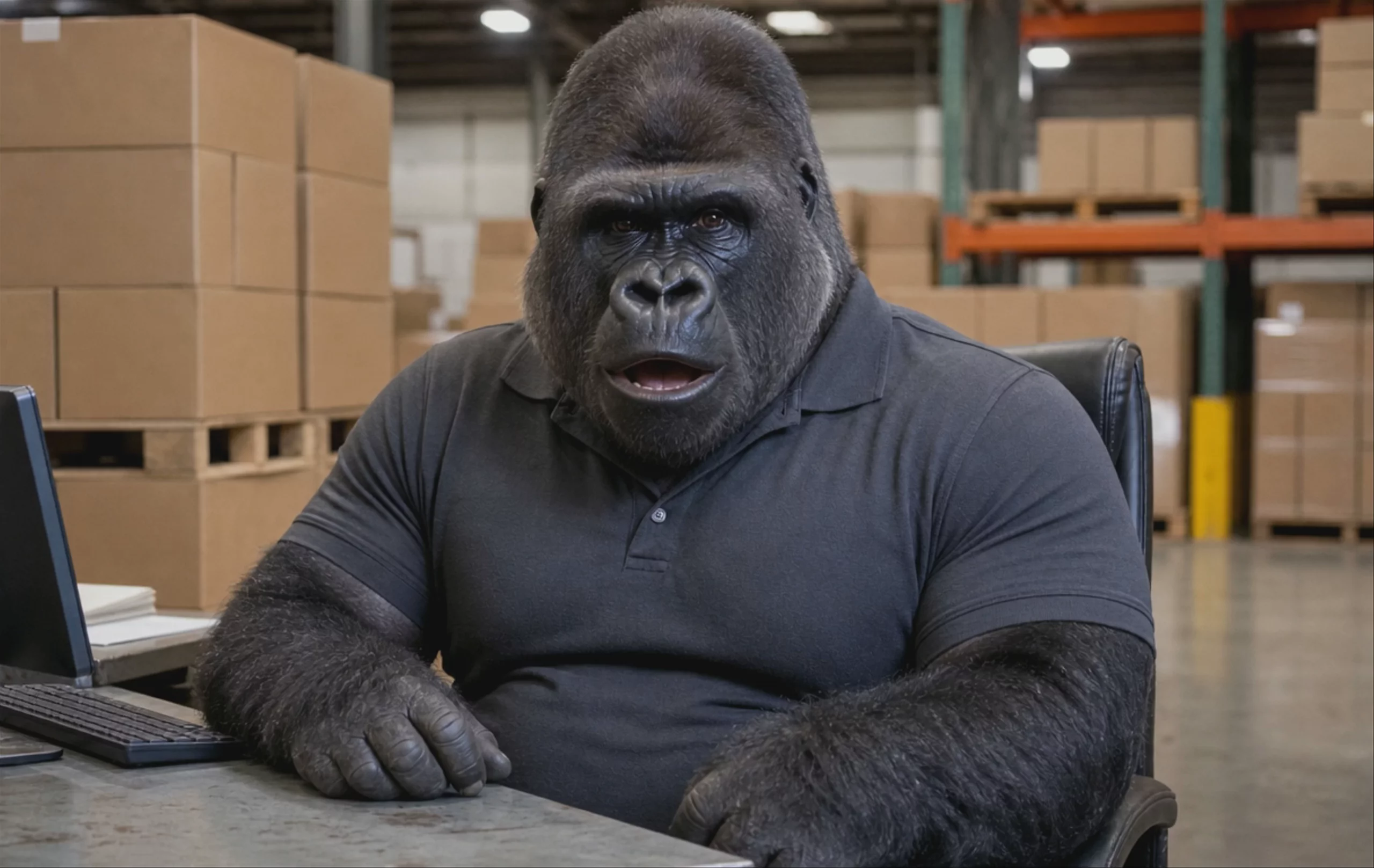 Talking Gorilla Logistics Spokesperson — Hedra Avatar
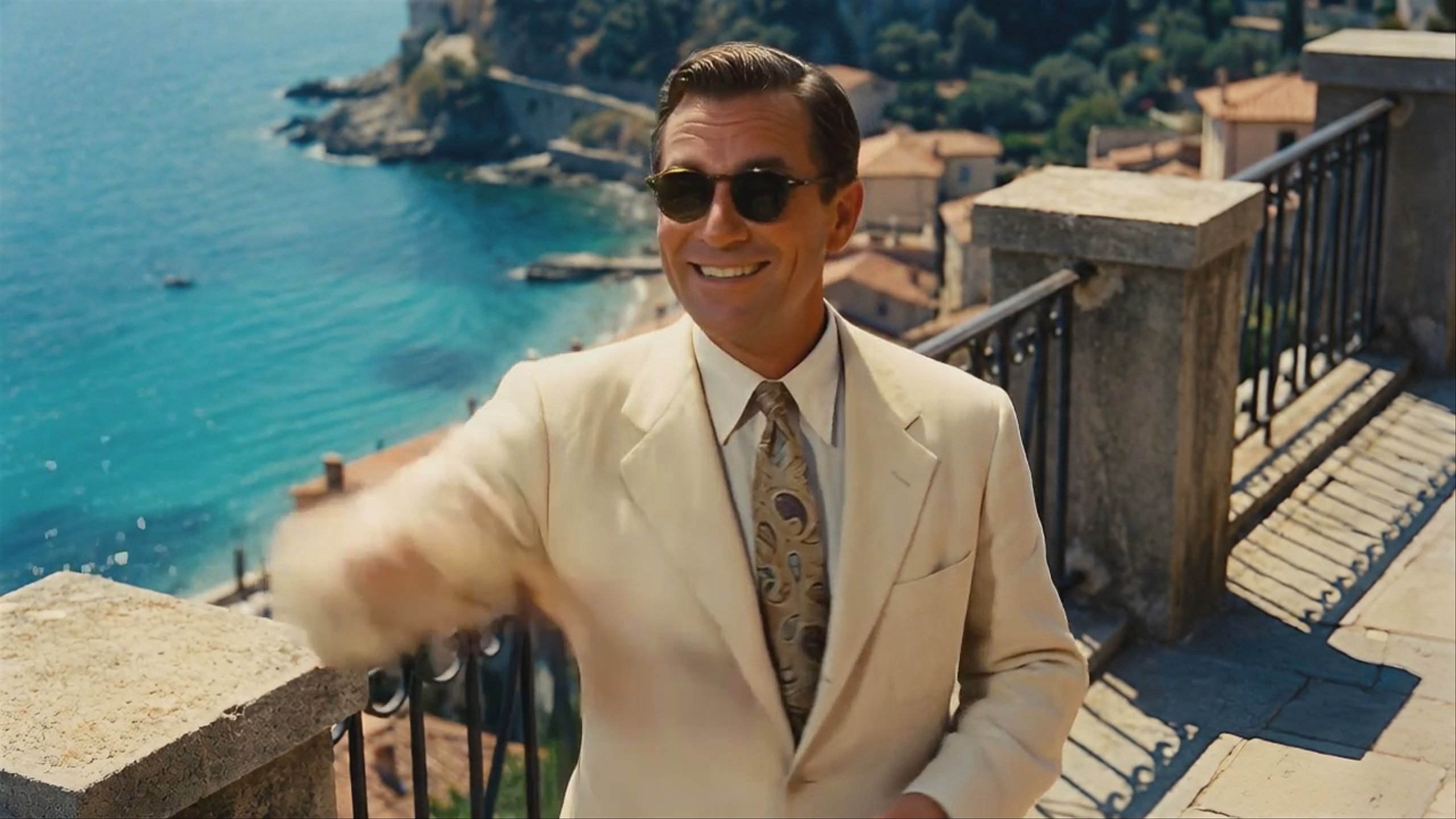
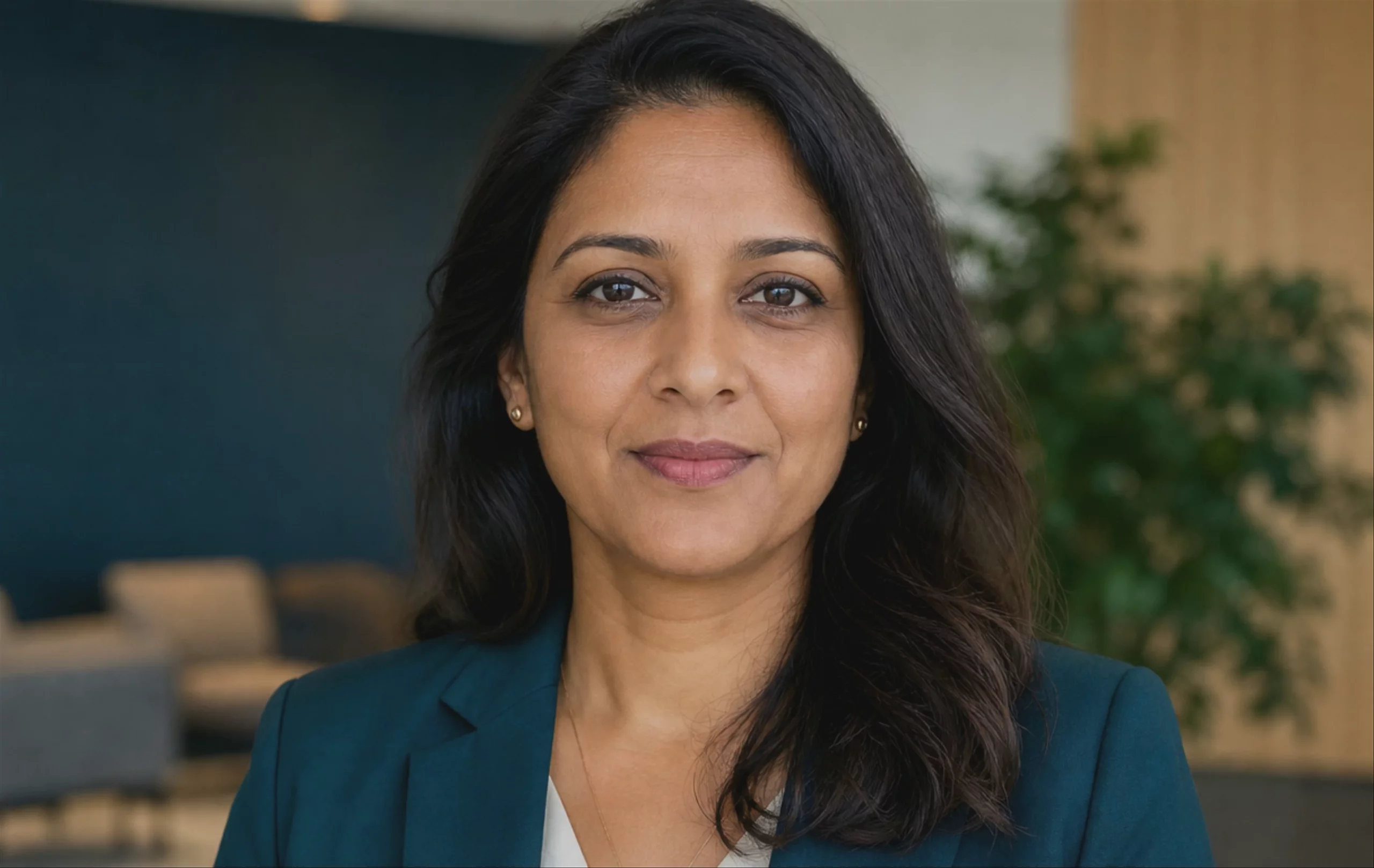 Corporate Brand Spokesperson Talking Head — Hedra Avatar
 Home Cook Recipe Hook, UGC Food Ad — Hedra Avatar
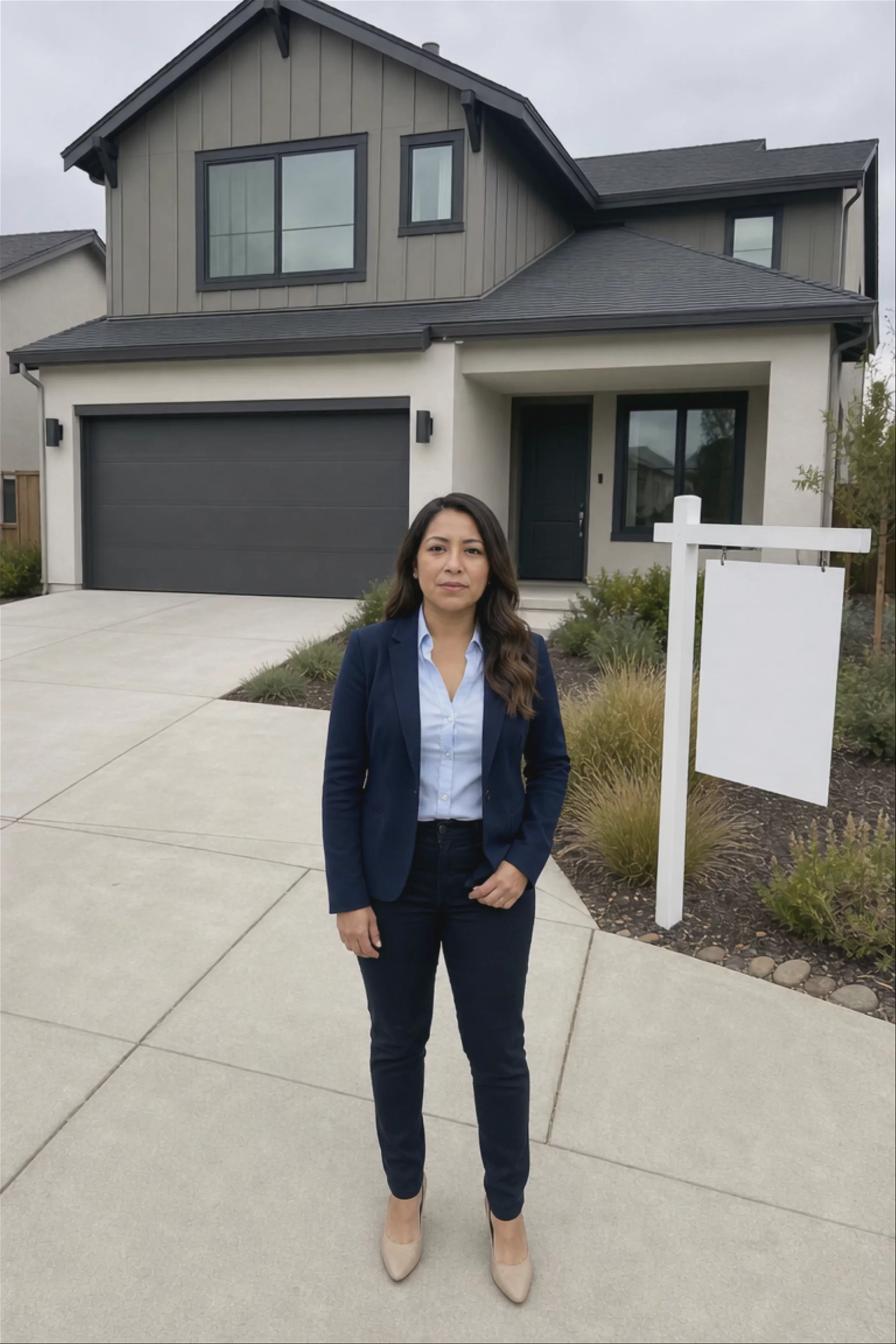 Real Estate Agent Home Tour — Hedra Avatar
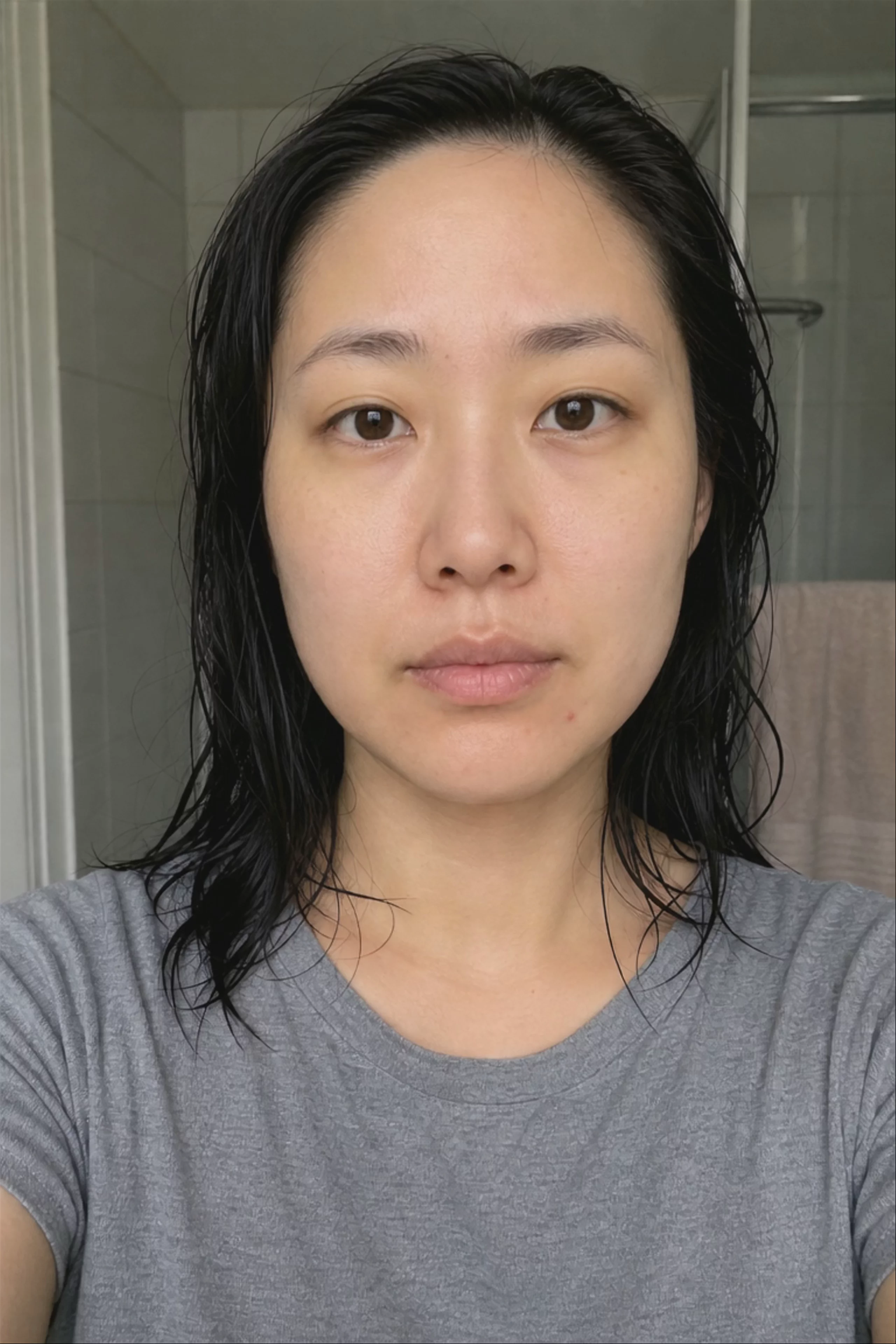 UGC Skincare Testimonial, Talking to Camera — Hedra Avatar
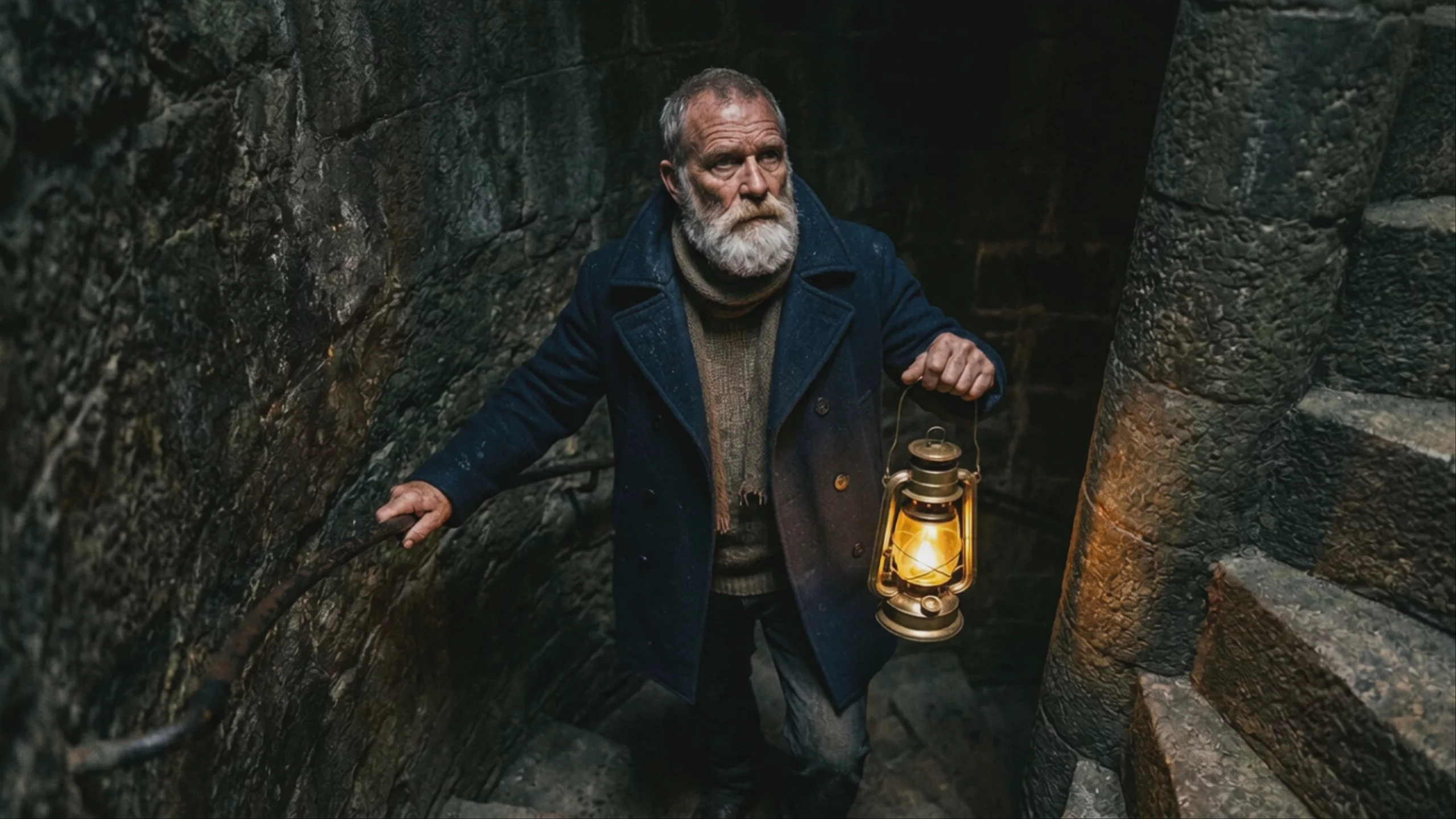 Weathered Lighthouse Keeper on Stone Stairs — Hedra
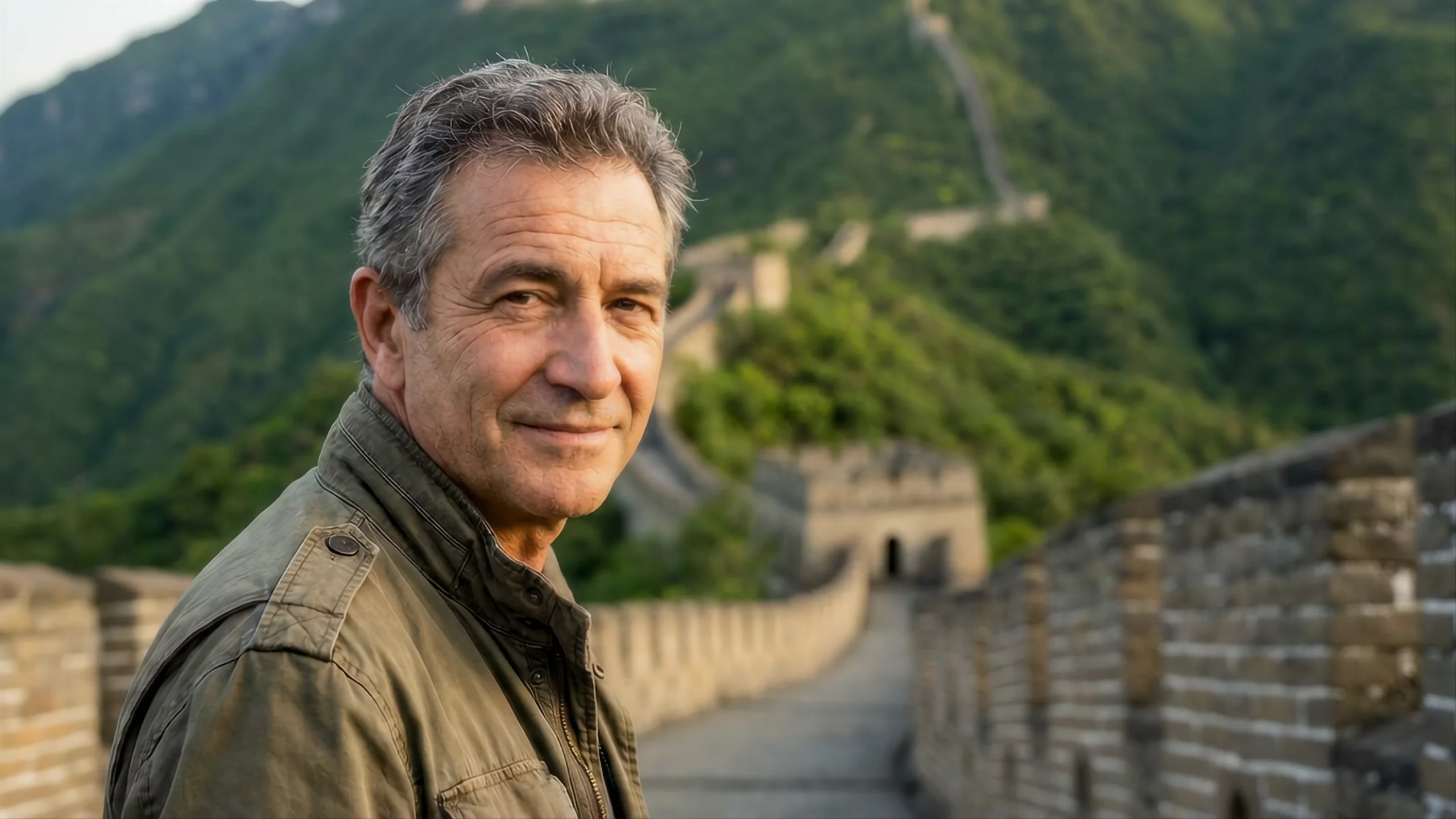 Narrator on the Great Wall of China — Hedra
Prompting
Prompt tips
- Start with a high-quality portrait: Use a well-lit, front-facing headshot. You can generate a realistic base image using a model like Nano Banana 2 before animating it.
- Control length via audio: The duration of your final video is dictated entirely by your audio input. For a 3-minute video, provide exactly 3 minutes of audio.
- Guide expressions with text prompts: Even when driven by audio, you can use text prompts to guide the avatar's behavior (e.g., 'gestures naturally, occasional smile, friendly and relaxed vibe').
- Optimize your audio: Record or generate your audio in a quiet environment. Clear, high-quality audio produces the cleanest lip-sync and facial mapping.
About the model
Questions, answered
What is Hedra Avatar best used for?
Hedra Avatar is optimized for generating highly expressive talking-head videos with accurate lip-sync. By pairing a static portrait with an audio file, the model tracks phonemes to naturally match mouth movements and facial expressions to the spoken rhythm. According to the Hedra API documentation, it is ideal for character-driven storytelling, educational videos, and virtual presenters, supporting continuous video generations of up to 10 minutes in length.
How does Hedra Avatar fit into the Hedra model family?
Hedra Avatar is part of Hedra’s family of models for audio-driven video. Hedra is also developing Omnia as a unified world model and an open core base for partners to specialize through post-training on visual data.
How can I get the most consistent characters with Hedra Avatar?
To achieve the best results, the community recommends separating your image generation from your animation step. Use a dedicated image model like Nano Banana 2 to generate a high-quality, static portrait. Once your character design is locked, upload that image alongside your audio file into Hedra Avatar. You can also include an Avatar Behavior Prompt (e.g., 'gestures naturally, occasional smile') to guide the specific emotional expressions and micro-movements during the lip-sync. For more structured prompting, consult Hedra's official prompt guide.