Hedra
  • Developers
  • Studio
  • Enterprise
  • Blog
Log inSign Up
Open Hedra
Your account
    Explore
  • Home
  • Developers
  • Studio
  • Enterprise
  • Blog
    Log inSign Up
    Open Hedra

Make an AI product video from one photo.

Start from the packshot you already paid for and get motion back that keeps the product itself — for listing pages, paid social, and the storefront inside your own app.
Start building nowMake one now — no code
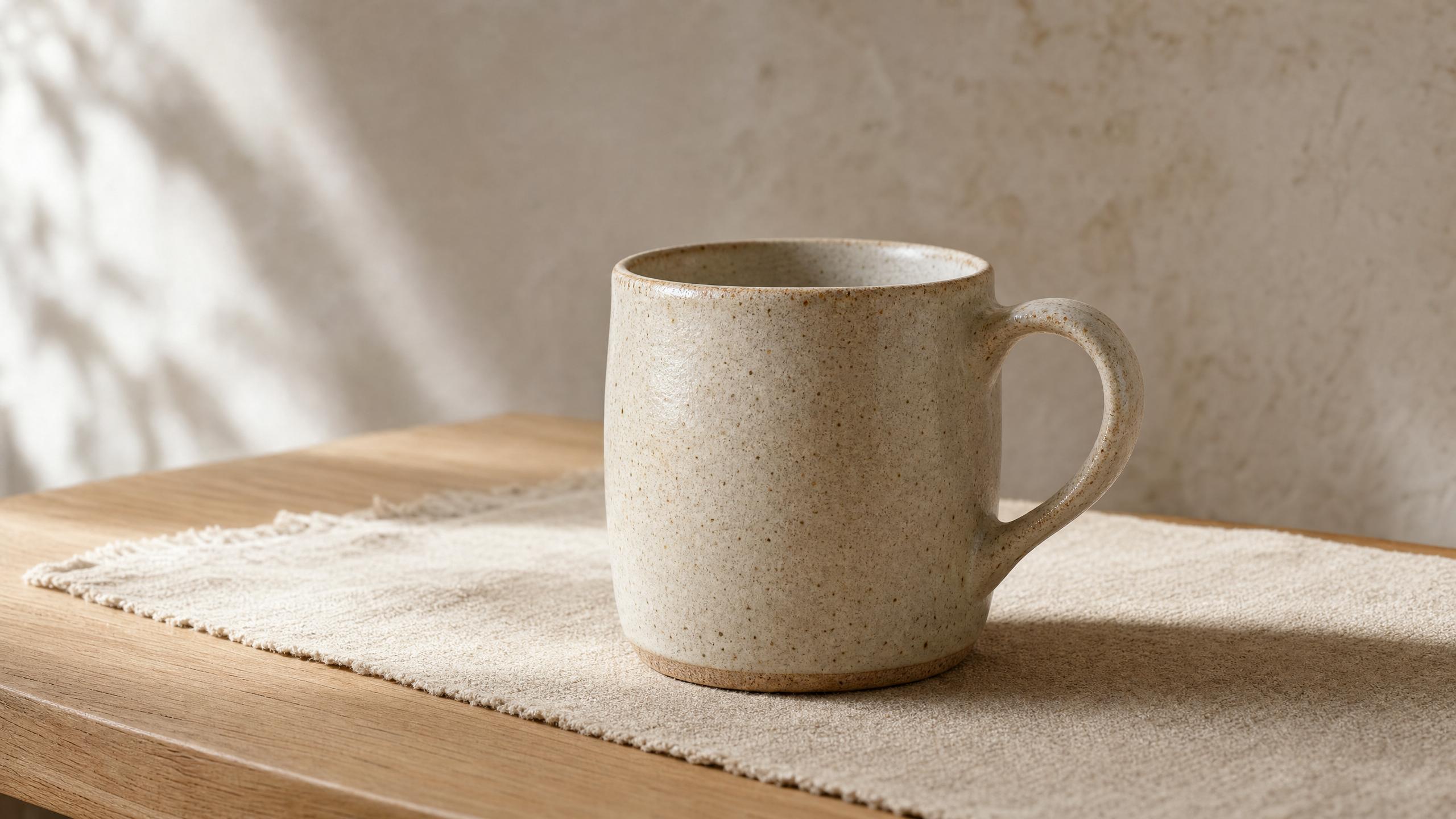
Packshot in

"Push in slowly. The light moves across the glaze; the mug does not."

PNG · 2560 × 1440
→

Footage a brand can actually run.

KLING V3 · 0:05 · 1080P

The product survives the take.

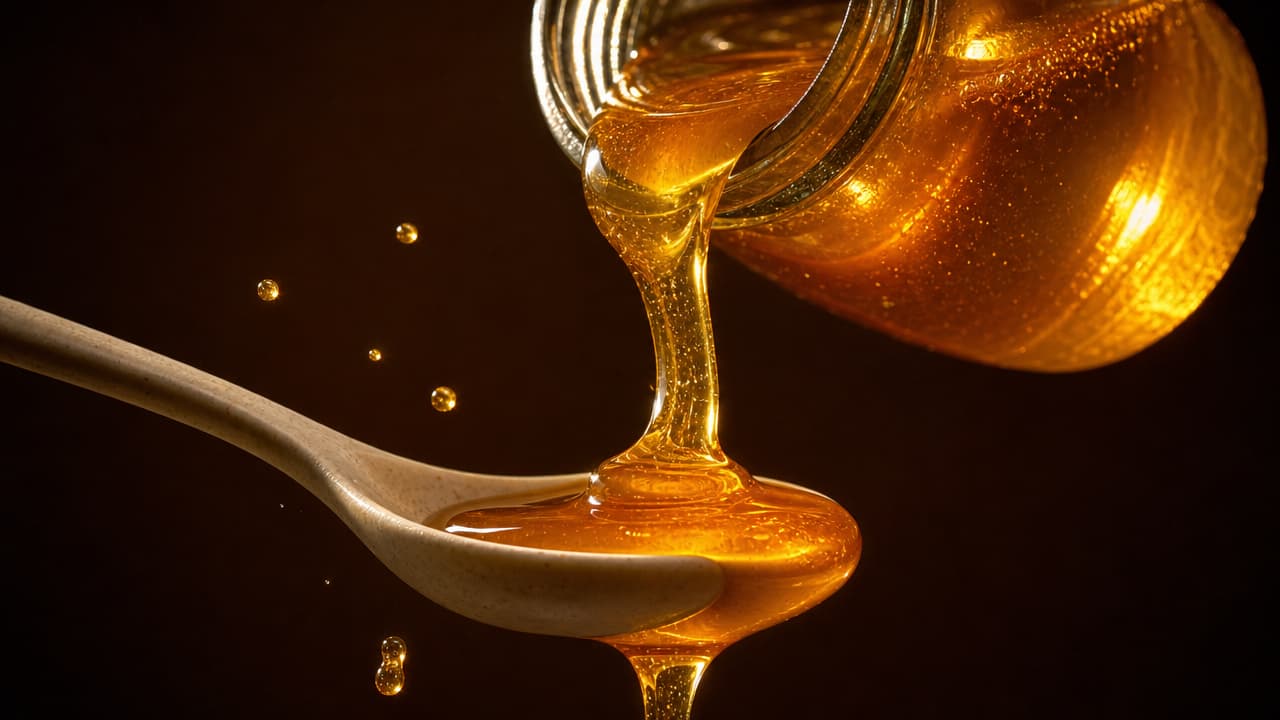
A product video has a harder job than looking good: the thing on screen has to be the thing you ship. Geometry, finish, the highlight running down brushed steel — all of it has to hold while the camera moves, because a customer holding the video up against the photo notices before you do.


GPT IMAGE 2 · ONE REFERENCE

The fiftieth looks like the first.

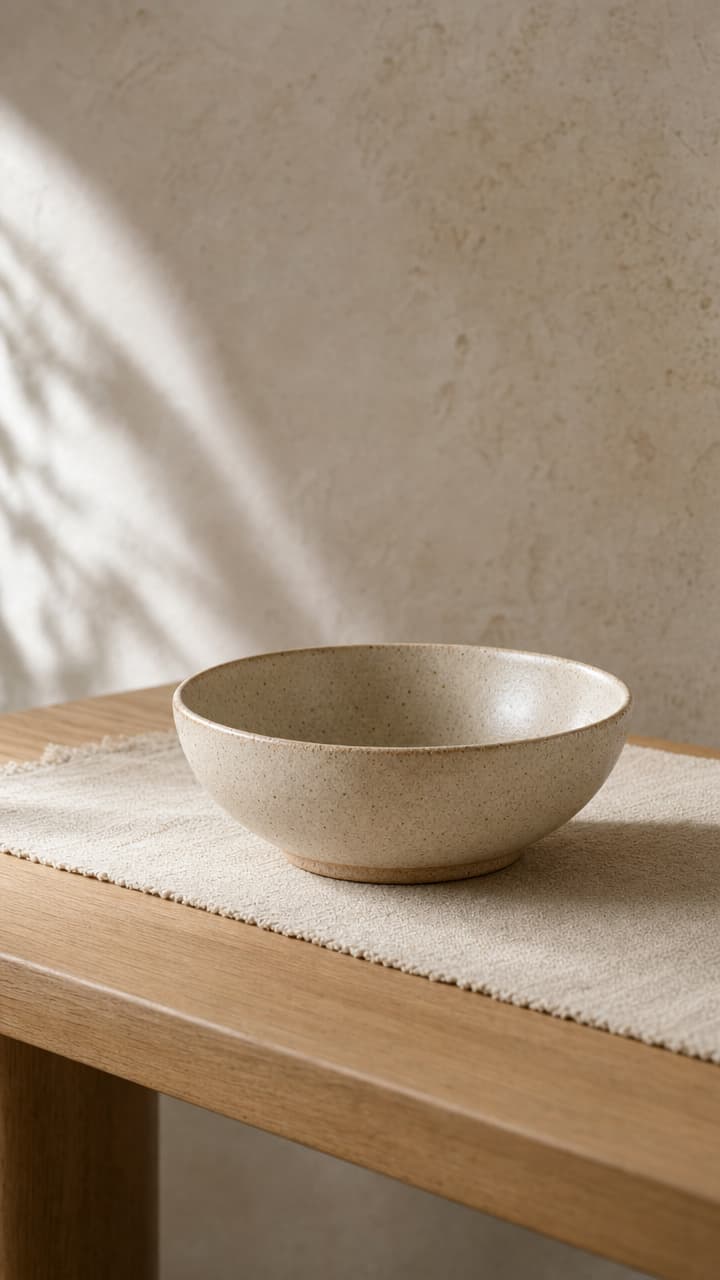
One hero product is a shoot. A catalogue is a problem. Lock the treatment once — the surface, the light, the distance, the linen it sits on — and every SKU after it comes back matching, so a drop of fifty listings looks like one brand had one very good day instead of fifty separate compromises.

GPT IMAGE 2 · 2560 × 1440

Cut for the shelf it sits on.

A listing thumbnail, a Reel, a Short, a hero band across the top of the site — one product, four shapes, four attention spans. Frame the set with room to spare and every one of those crops comes out of the same generation rather than the same argument with a designer.

Every model that can move your packshot.

GoogleGoogleVeo 3.1Veo 2Gemini Omni 1.1 Flash
KlingKlingKling V3Kling O3Kling O1
ByteDanceByteDanceSeedance 2.0Seedance 1.5 Pro
MiniMaxMiniMaxMiniMax H3
Black Forest LabsBlack Forest LabsFLUX.3
xAIxAIGrok Video
See all models →

Built for visual inference.

Serving video is a different problem from serving text — a single request can saturate a GPU, and none of the tricks that made language models cheap apply. Hedra's engine was built for exactly that workload.

Whichever model you choose — ours or anyone else's — it runs on the same infrastructure, behind one key, priced per second of output. Which is the part that changes the arithmetic on a catalogue: the bill follows the seconds you render, not the days you book.

Generate with API or Agent

Build with the API

One key, every model, priced per second of output. Point it at the catalogue and let the pipeline do the rest.

Start building now

Make one now.

No code — drop in the packshot, describe the move, export the cut.

Create with Agent

FAQs

Most of the video catalog. Veo, Kling, Seedance, MiniMax, LTX and Wan all start from a frame, which is what a packshot is — each model page lists the inputs it accepts, the resolutions it renders, and its per-second rate.

Browse all models →

How strictly depends on the model, which is why the choice matters. Name what must not change — proportions, finish, the label — and reach for the reference-driven models when a customer will be holding the video up against the photo.

Video models →

Yes, and that is the useful part. Hold the treatment in the reference image and the instruction, and the fiftieth SKU arrives matching the first — no re-lighting, no re-briefing, no drift halfway through a drop.

Frame the generation with room to spare and the listing thumbnail, the vertical cut and the site hero all come out of it. Most models take the aspect ratio as a parameter, so a second shape is another request rather than another edit.

Several of these models generate audio natively — Kling, Seedance, Wan and LTX among them — so a clip can arrive with its own ambience instead of needing a pass in an editor. Each model page says whether audio is included and what it adds per second.

Video models →

Per second of finished output, on one key across every model — so a catalogue costs what it renders. Each model page carries its own rate.

See model pricing →

No — Hedra Studio runs the same models on the same engine with nothing to build. Drop in the packshot, describe the move, export the result.

More you can do with Hedra

Animate any still you already haveIMAGE TO VIDEO AI →
Give the packshot more frameAI IMAGE EXTENDER →
hedra keys create
→ sk-hedra-••••••••
Wire it into your catalogueDEVELOPER PLATFORM →

Put the next SKU in motion.

Start building nowMAKE A PRODUCT VIDEO NOW — NO CODE →
Hedra
Hedra

Product

Developer PlatformStudioEnterpriseSovereignPricing

Resources

Agent documentationDeveloper documentationBlogUse CasesModelsFeedbackChangelogStatus

Company

AboutCareersContactBuilder programSupportAlternatives

Legal

Privacy PolicyTerms of useAcceptable useCookie PolicyBiometric data policy
LinkedinInstagramDiscord
support@hedra.comHedra 2026 — All rights reserved