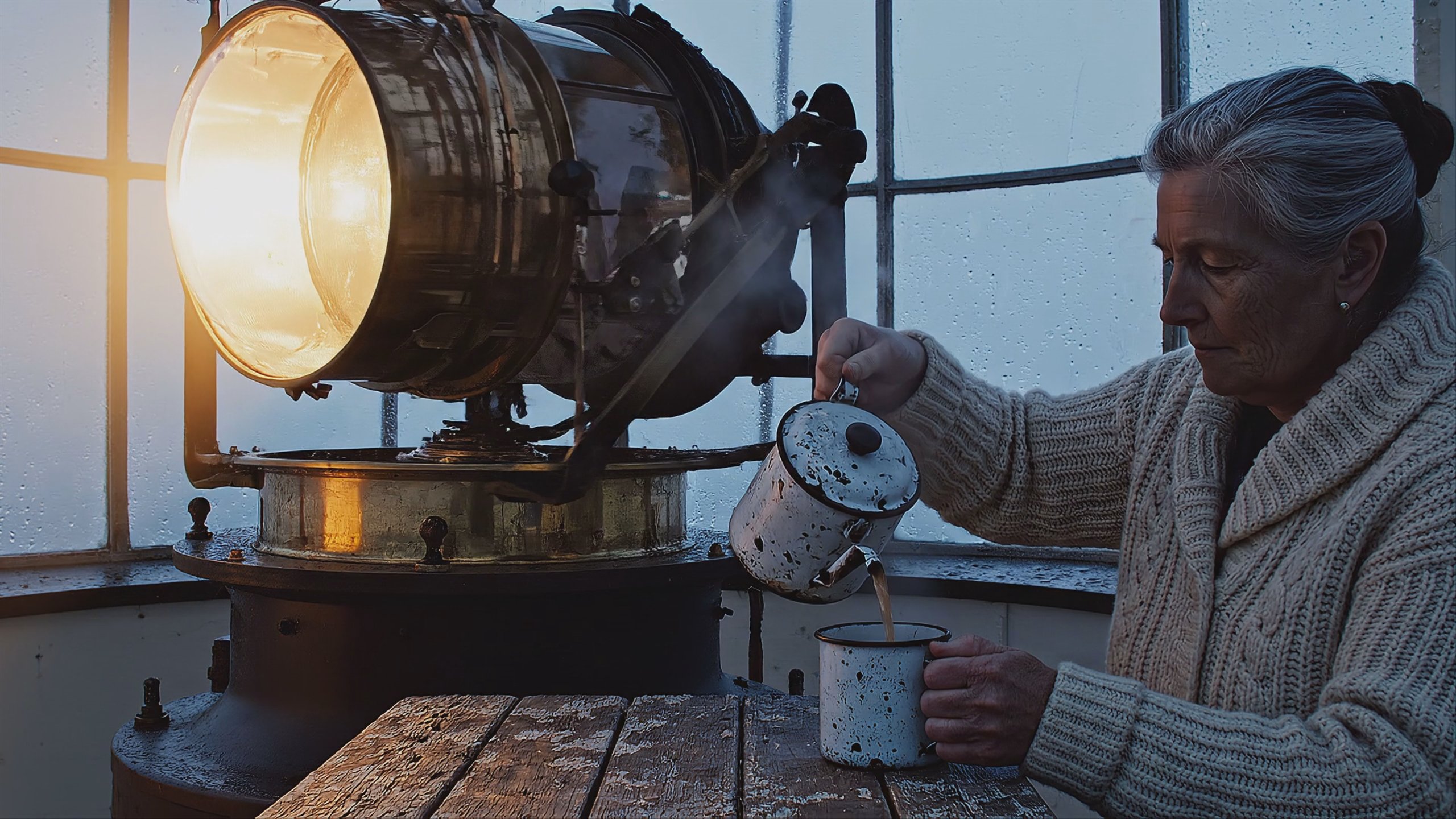
Turn any image into video with AI.
Animate a product shot, a portrait, or a frame you've already signed off — and the subject comes through intact. For ads, catalogs, localization, and the video features inside your own app.
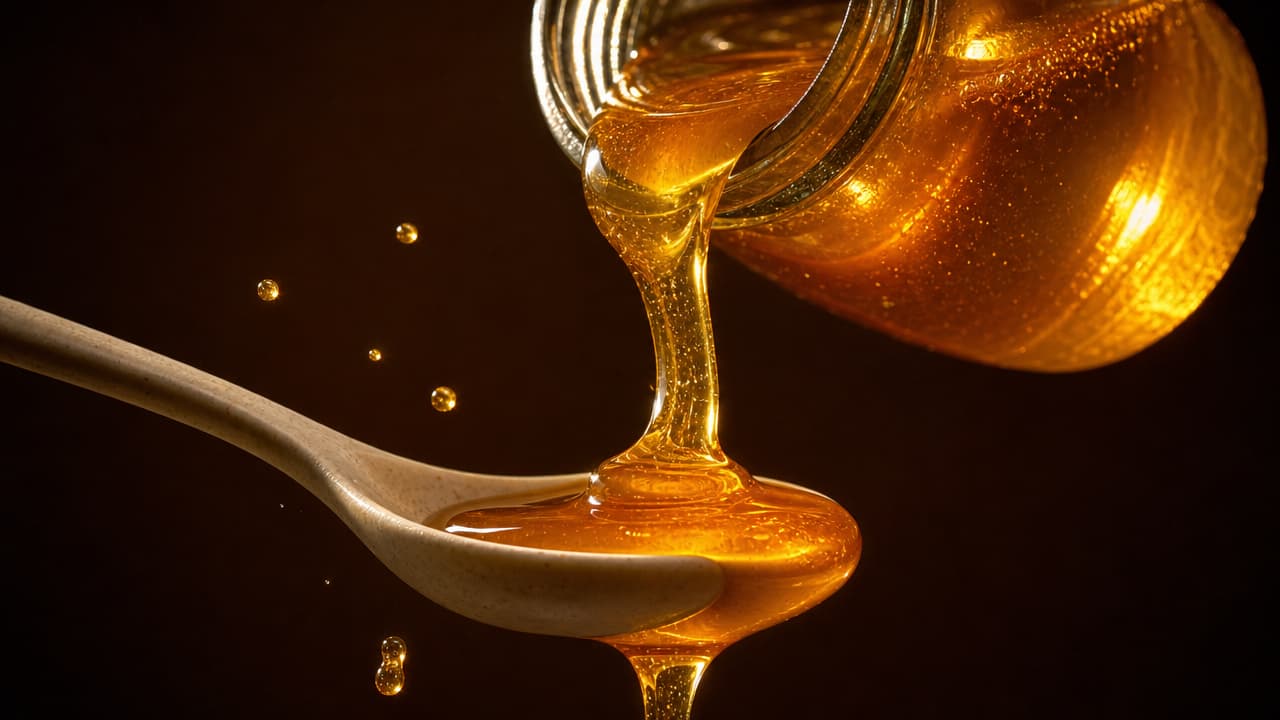
"The pour resumes — honey ribbons onto the spoon and over the edge."
Your frame, in motion.
The frame you approved is the frame that moves.
Your still isn't a suggestion to the model — it's the frame the clip opens on. Product geometry, a face, the light someone spent a day getting right: all of it survives into motion. That's the difference between footage a brand can run tomorrow and a lookalike somebody has to explain.
Two frames and it knows the shot.
Say where the shot starts and where it ends and the model fills the middle. Hand it a reference clip instead and it copies the move; hand it reference images and one subject holds from shot to shot. In Studio that's a second file dropped in, in a request it's another URL — either way the picture is how you stop guessing.
Hand the photo a voice.
Point a portrait at audio — a script you typed, a voice you cloned, a recording off your phone — and the face performs it in whatever language the market speaks. One photo covers ten of them, and the take holds for as long as the audio runs.
The right model for every still.
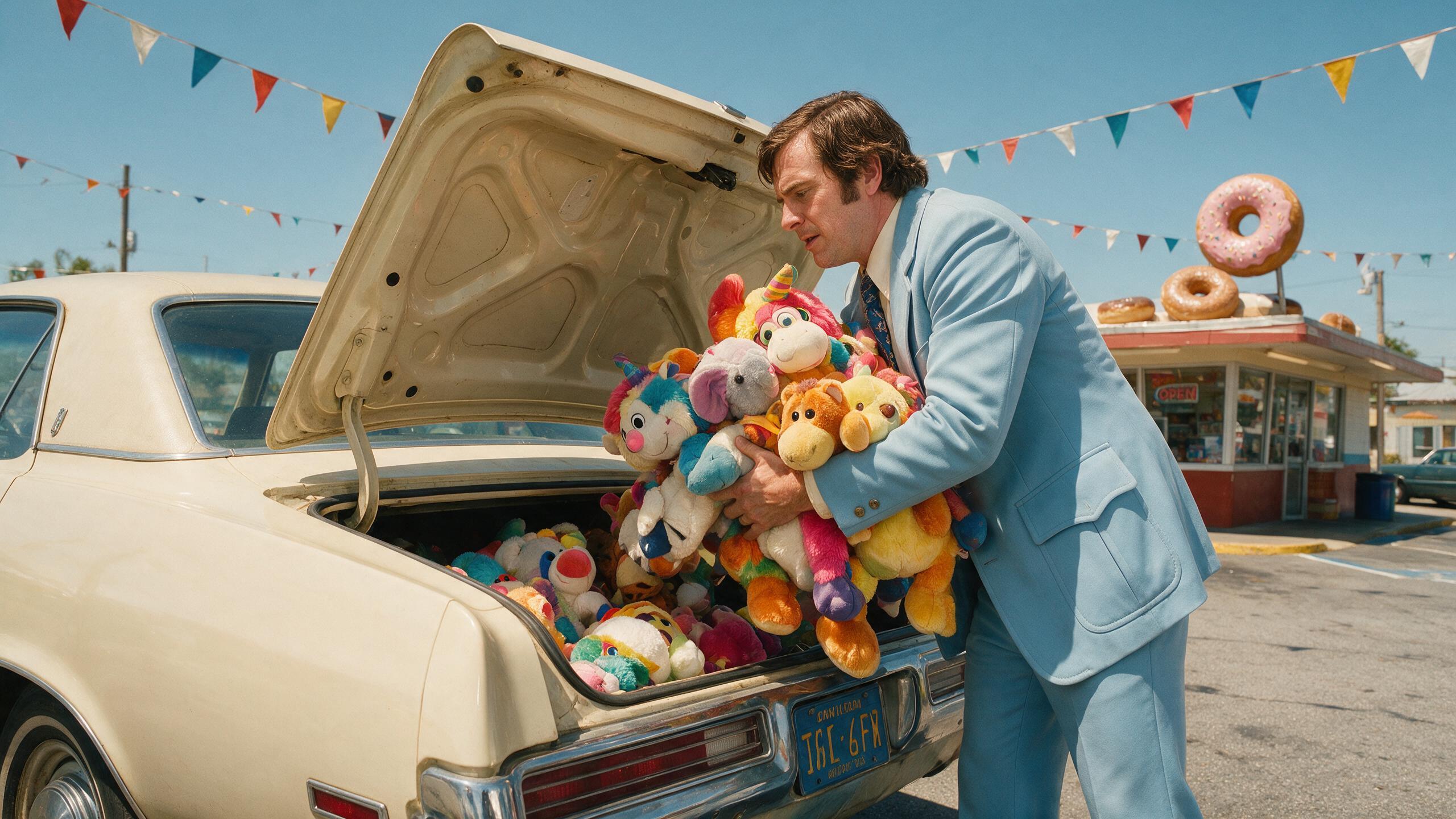
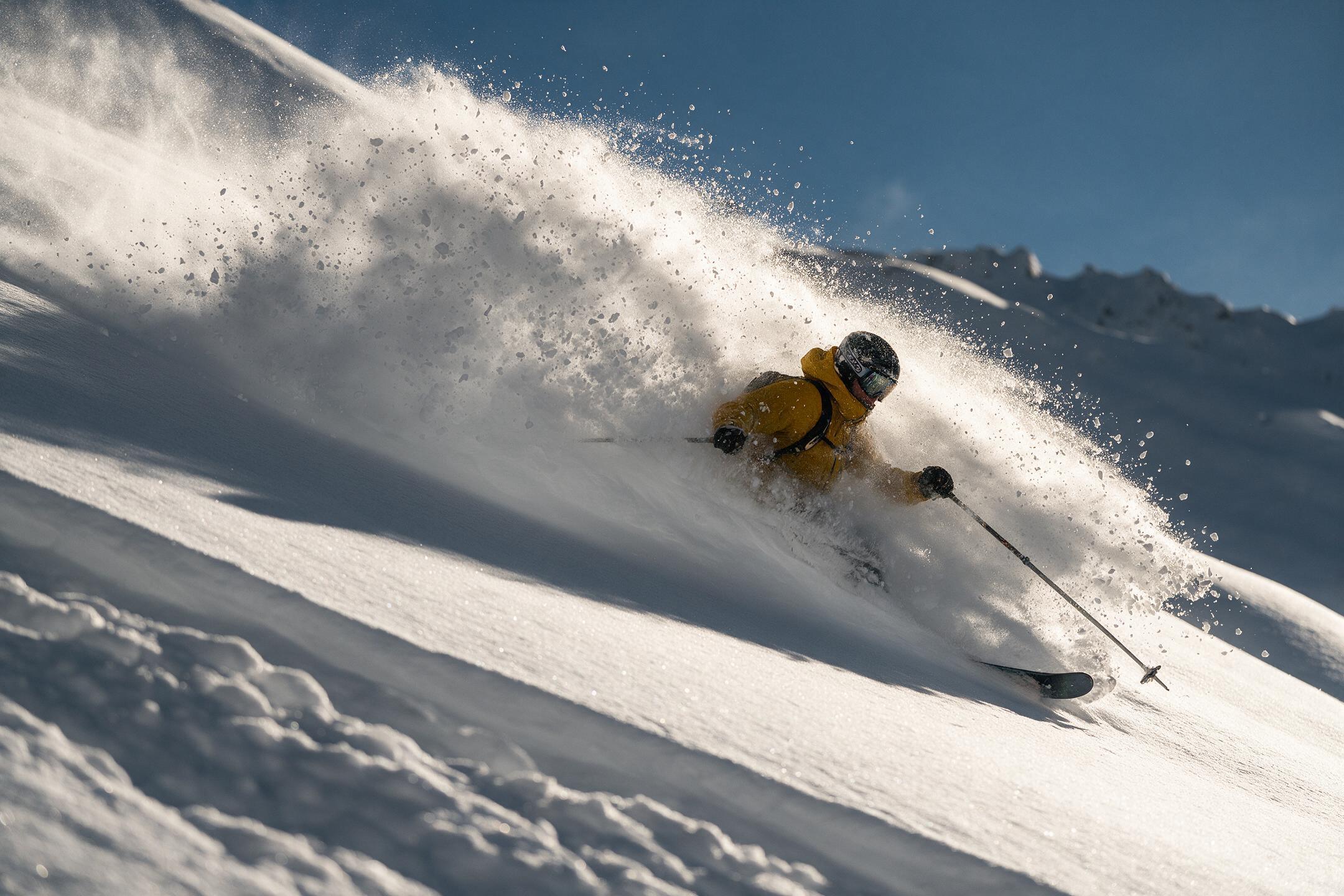
Nearly every model in the catalog starts from a picture — some animate a start frame, some fill the gap between two, some hold one subject across shots from reference images. Let the agent route each job or name the model yourself: in Studio it's a dropdown, in a request it's a string, and it's priced per second of output either way.
 KLING V3
 WAN 3.0
 MINIMAX H3
 VEO 3.1
 SEEDANCE 1.5
 LTX-2.3
 VIDU Q3
 SEEDANCE 2.0
 FLUX.3
 KLING O3
 PIXVERSE V6
 HAILUO 2.3
Built for visual inference.
Serving video is a different problem from serving text — a single request can saturate a GPU, and none of the tricks that made language models cheap apply. Hedra's engine was built for exactly that workload.
Whichever model you choose — ours or anyone else's — it runs on the same infrastructure, tuned for visual inference and priced per second of output.
Generate with API or Agent
Build with the API
One key, every model, priced per second of output.
Animate it now.
No code — drop in an image, describe the motion, and export the result.
FAQs
Most of the catalog. Some animate a start frame, some fill the gap between a start and an end frame, and some hold one subject across shots from reference images — each model page lists the inputs it accepts and its per-second rate.
Browse all models →