Extend any image with AI.
Continue a background past the edge of the frame, give a subject room to breathe, or reframe one shot for a placement it was never cropped for. For campaigns, catalogues, and the editing tools inside your own product.
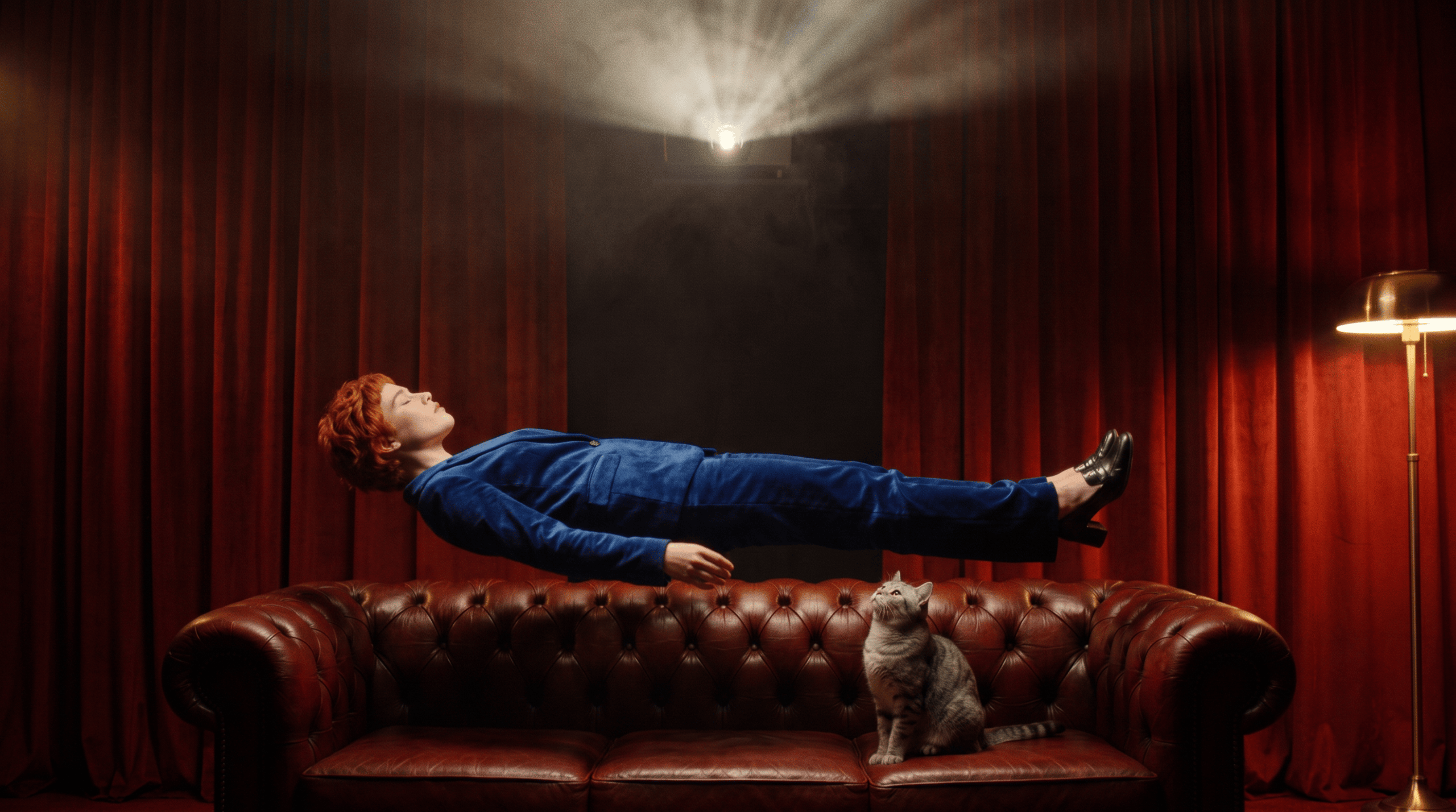
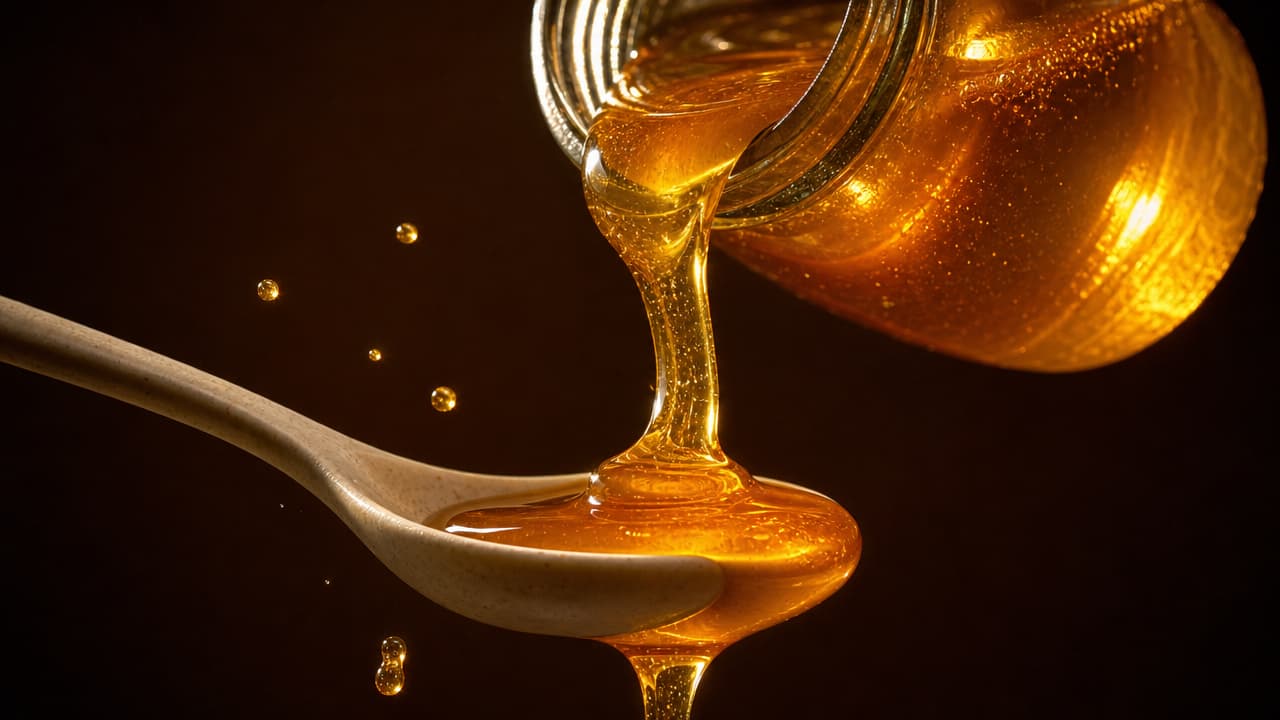
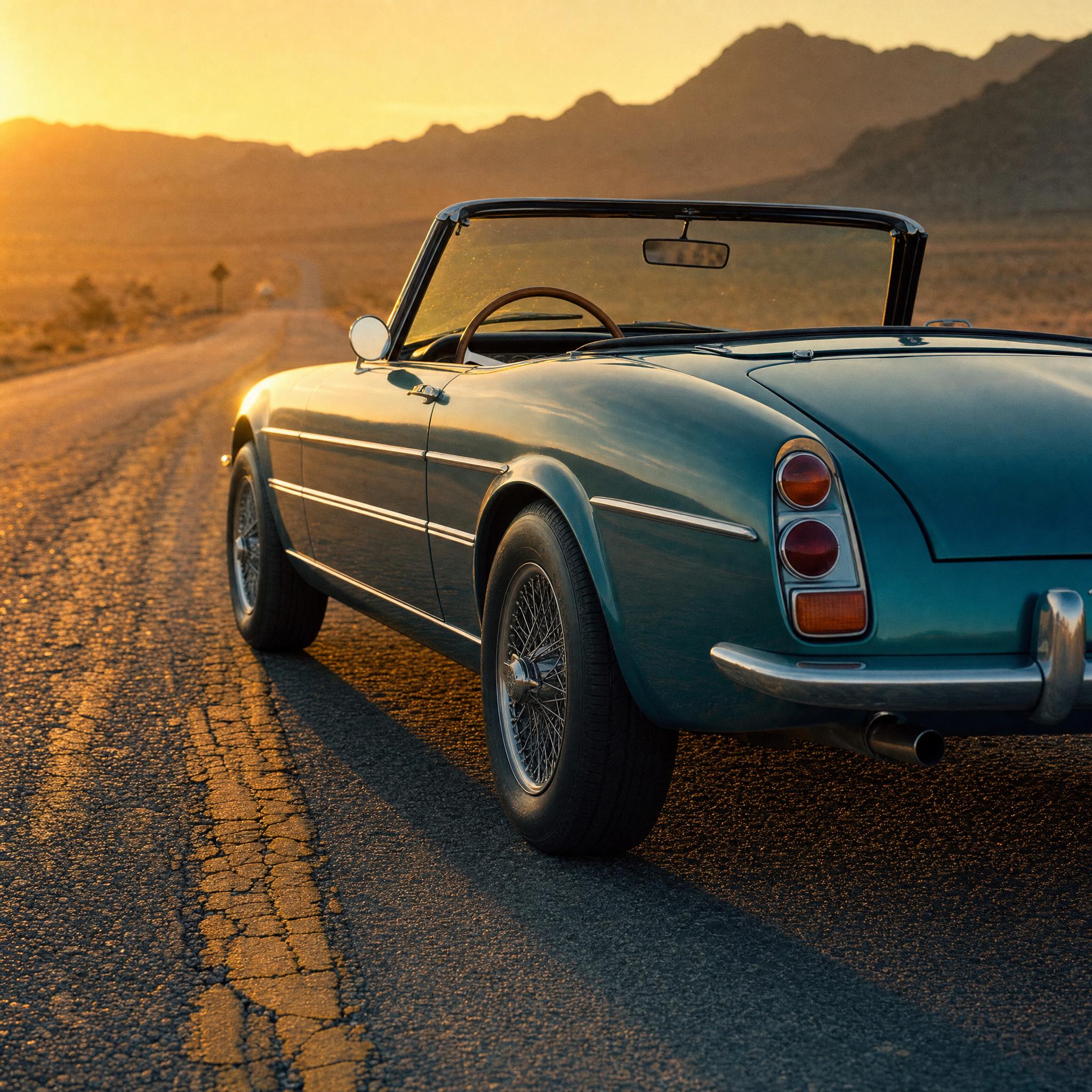
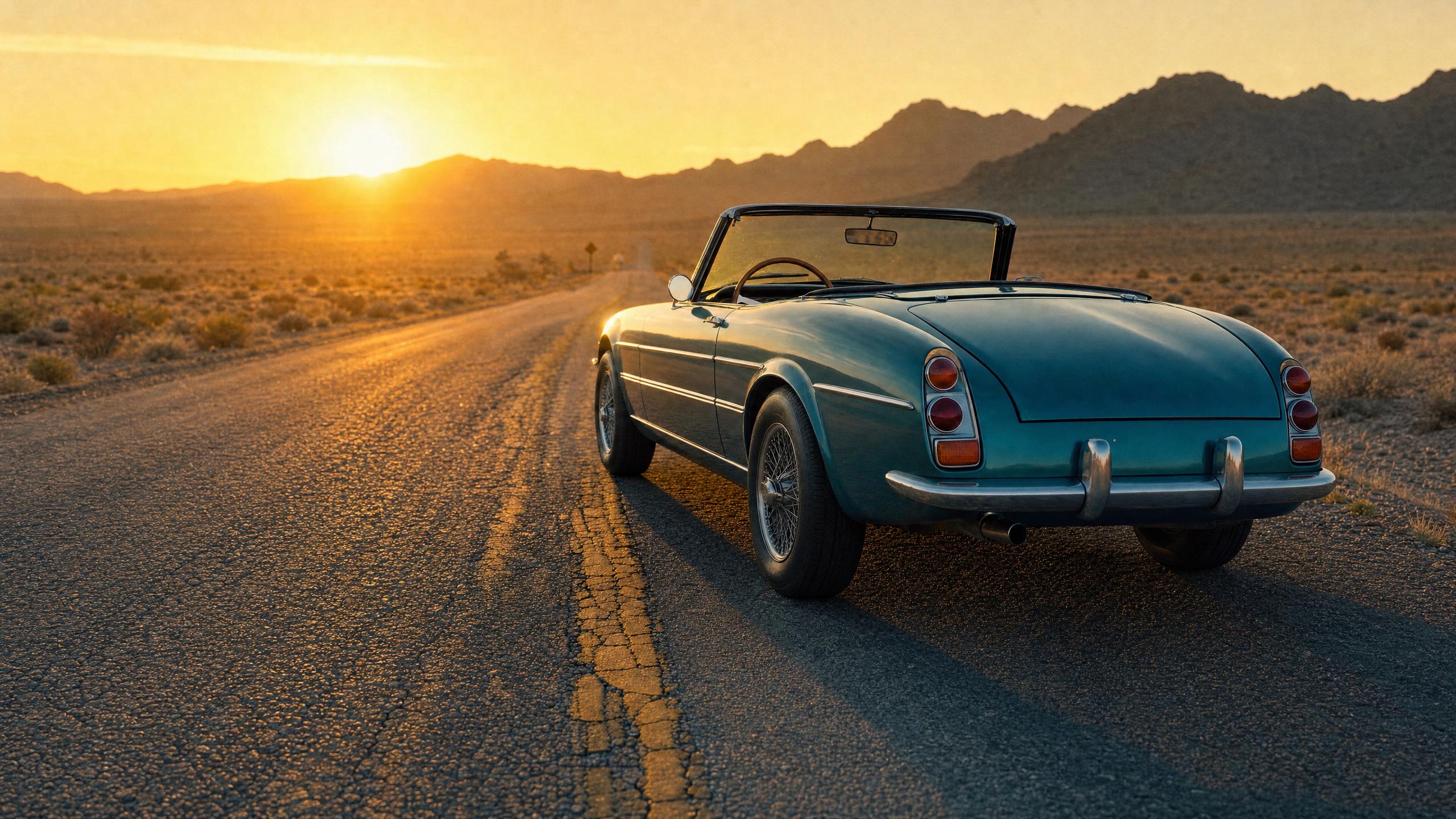
One square photograph, extended into a wide frame and a tall one. The square itself never moves or changes size — everything that appears around it is what the model added, and it came back within 0.7% of the same size in both.
Switch back to Source and anything that shifted inside the square becomes visible: reference editing re-renders the original rather than copying its pixels. Check faces, text and product detail before anything ships.
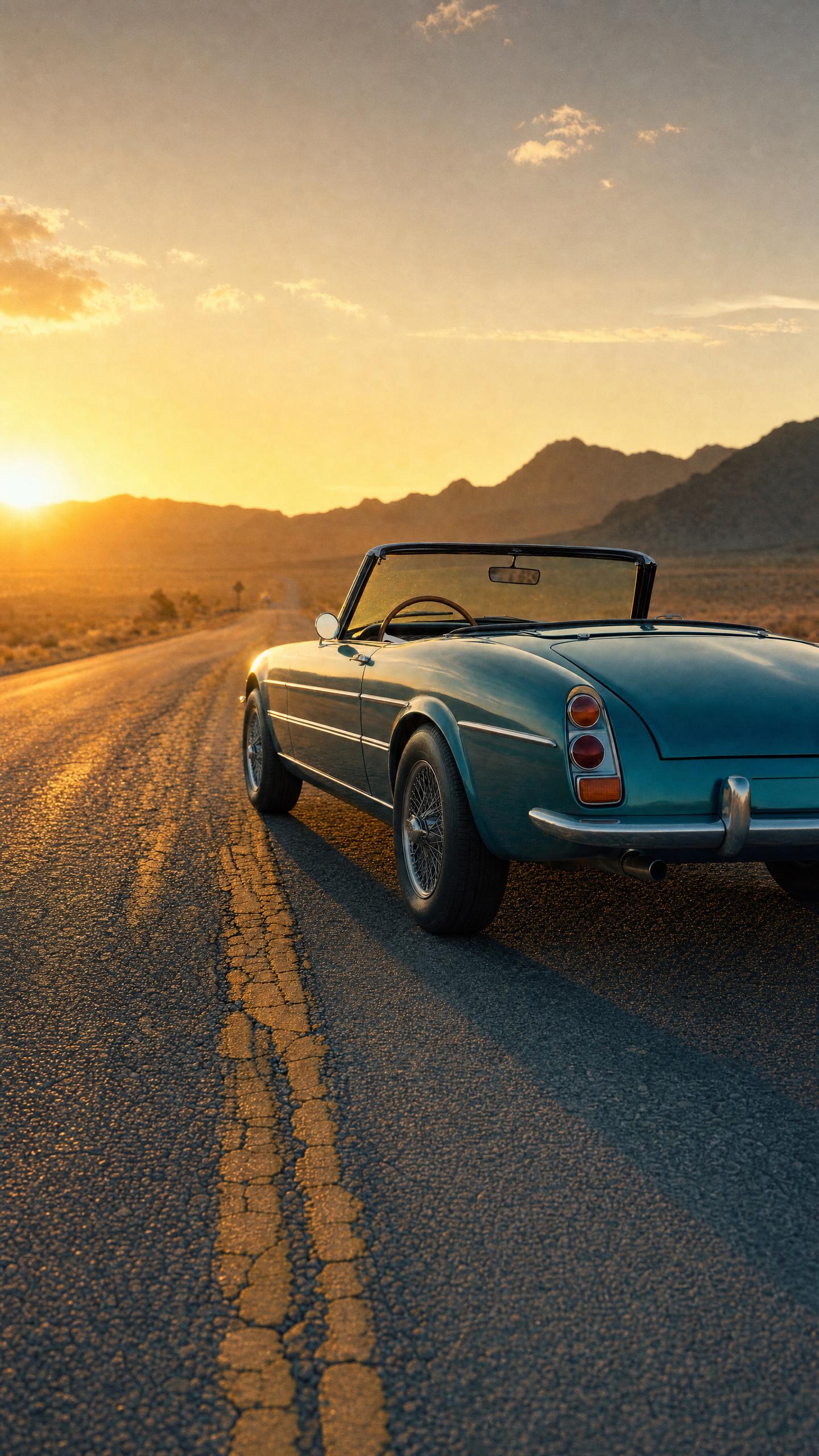
Past the edge of the frame.
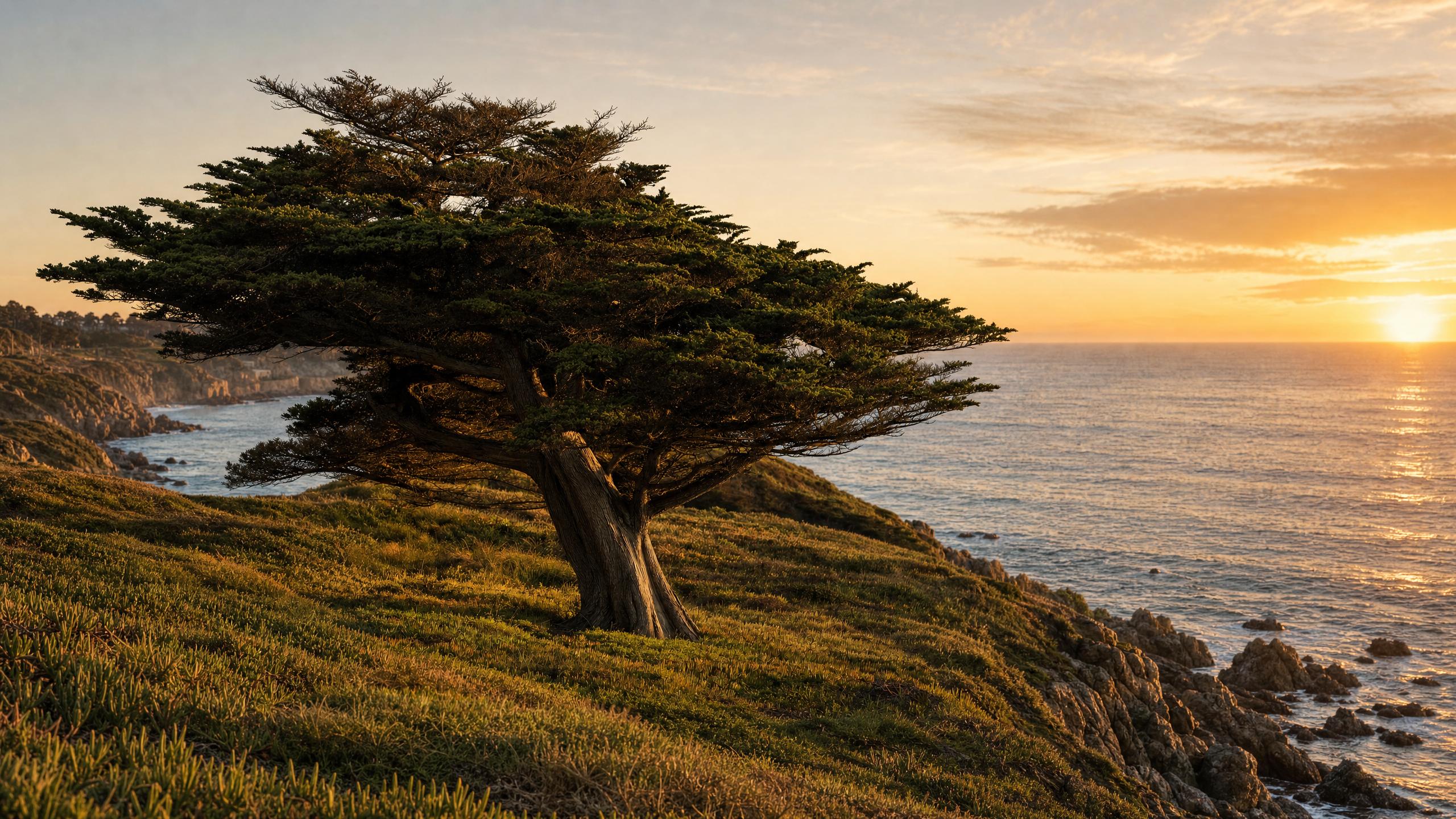
The scene keeps going.
An extension isn't a stretch. The model reads the light, the perspective and the texture it can already see, then keeps drawing in the same direction — so what arrives outside the original crop belongs to the same photograph rather than sitting beside it.
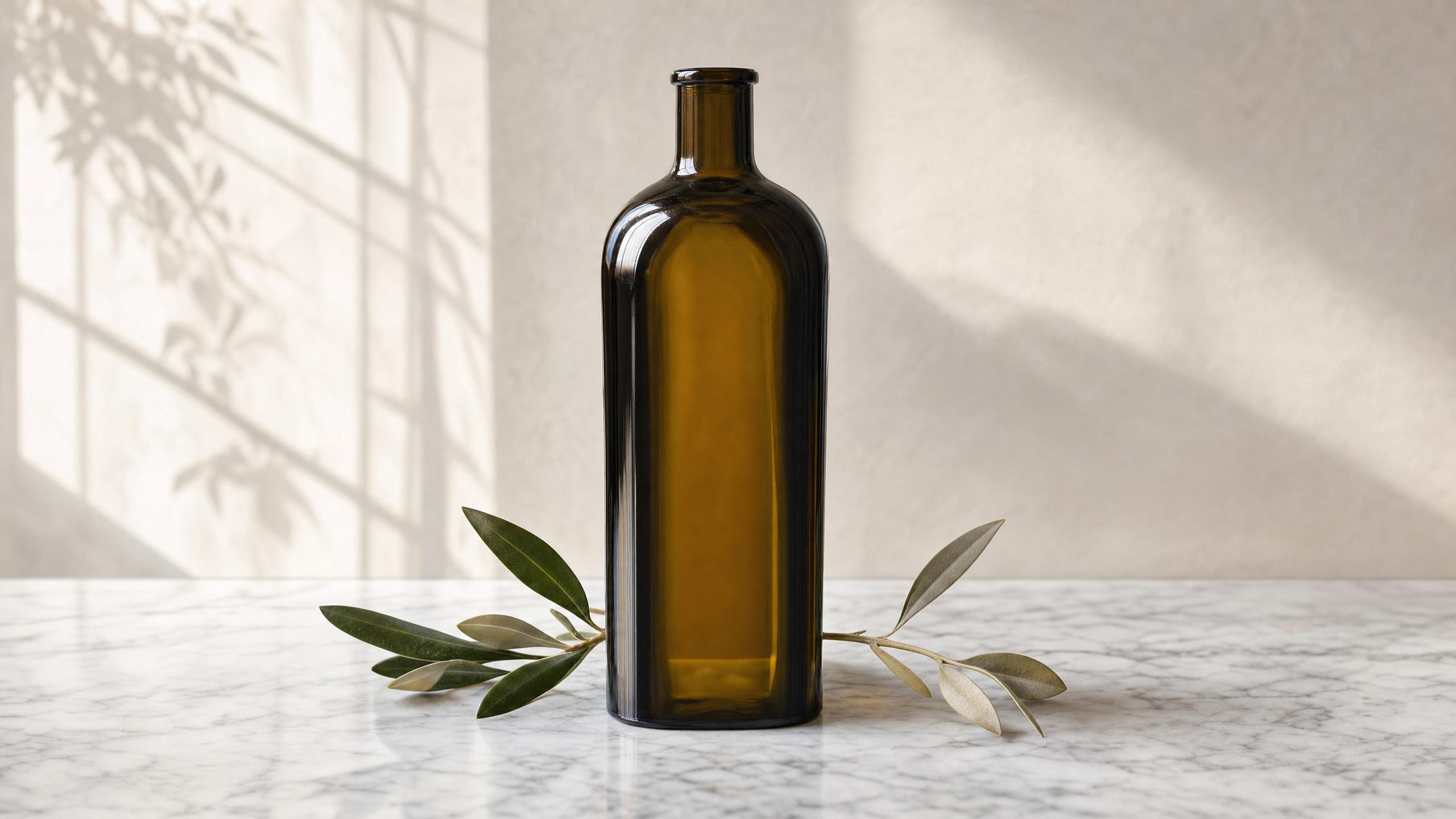
Room around the subject.
A product shot cropped tight for one placement suffocates in another. Extending outward buys the negative space a layout wants — the same bottle, the same label, the same light, with somewhere for the rest of the design to live.

Space for the words.
Every headline needs somewhere quiet to sit, and the shot you have rarely leaves any. Ask for more sky above the subject and you get a frame the copy can occupy — without shrinking the people in it or letting type crowd their faces.
Every model that can read your image.
Built for visual inference.
Serving images and video is a different problem from serving text — a single request can saturate a GPU, and none of the tricks that made language models cheap apply. Hedra's engine was built for exactly that workload.
Whichever model you choose — ours or anyone else's — it runs on the same infrastructure, behind one key, priced per generation.
Extend with the API or in Studio
Build it into your product
Send an image and an editing instruction to any reference-capable model through one key, and bring the result straight back into your own workflow.
Extend one now.
No code — drop the image in, say what should continue beyond the frame, and export the result.
FAQs
An AI image extender generates new visual content beyond an existing image’s frame. Often called outpainting, it adds background and breathing room for a different composition instead of stretching the original pixels.