Veo free: access and pricing
Explore Google’s free Flow credits and the paid Veo 3.1 options on Hedra. Compare the exact model, audio setting and resolution before starting your next clip.
All modelsOverview
Google Flow offers free-of-charge credits for eligible accounts. Available models and credit costs depend on the current offer, account and region. Check Flow’s credit guide and your balance before planning a series of Veo generations.
Read Google Flow’s credit guide
Use Veo 3.1 on Hedra for video generation with the inputs and settings shown below. Describe the shot, camera movement and sound you want. Choose the available quality tier and audio option, then confirm the cost for your clip length.
On Hedra, generation uses paid credits. The current rate is shown alongside the specifications. Check the full cost for your selected settings before running, and leave room in your budget for variations and retries.
Specifications · Text + image + video to video
- Input mode
- Text + image + video to video
- Accepts
- reference image (up to 3), start frame, end frame, source video
- Aspect ratios
- 16:9, 9:16
- Resolutions
- 720p, 1080p
- Durations
- 4s, 6s, 8s
- Max duration
- 8s
- Native audio
- Optional
Pricing
Build with this model: the Veo 3.1 API on the Hedra Developer Platform.
Veo 3.1 API →Real output · generated with Veo 3.1
Best of Veo 3.1
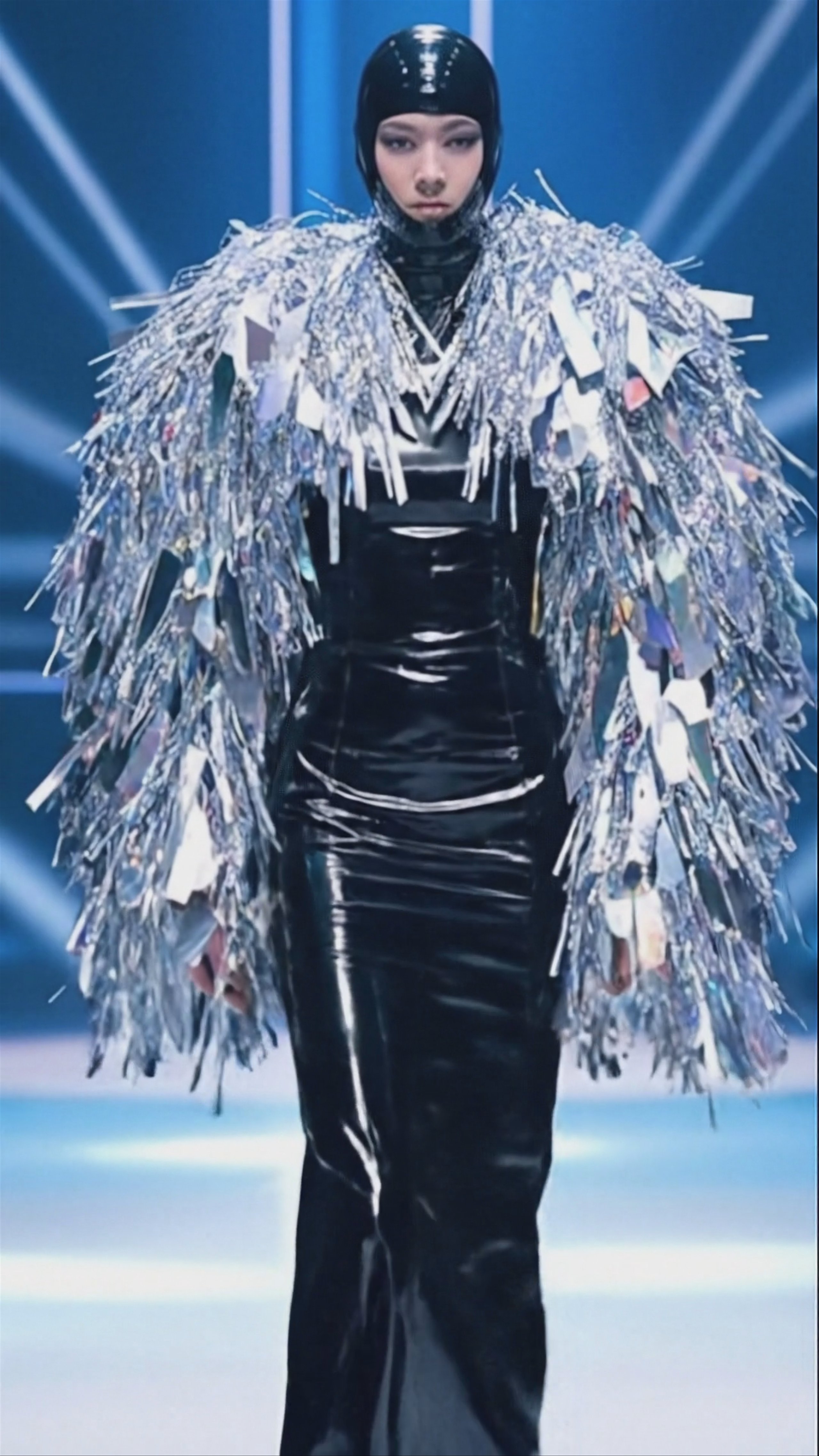
Golden Hour Train Ride, by Veo 3.1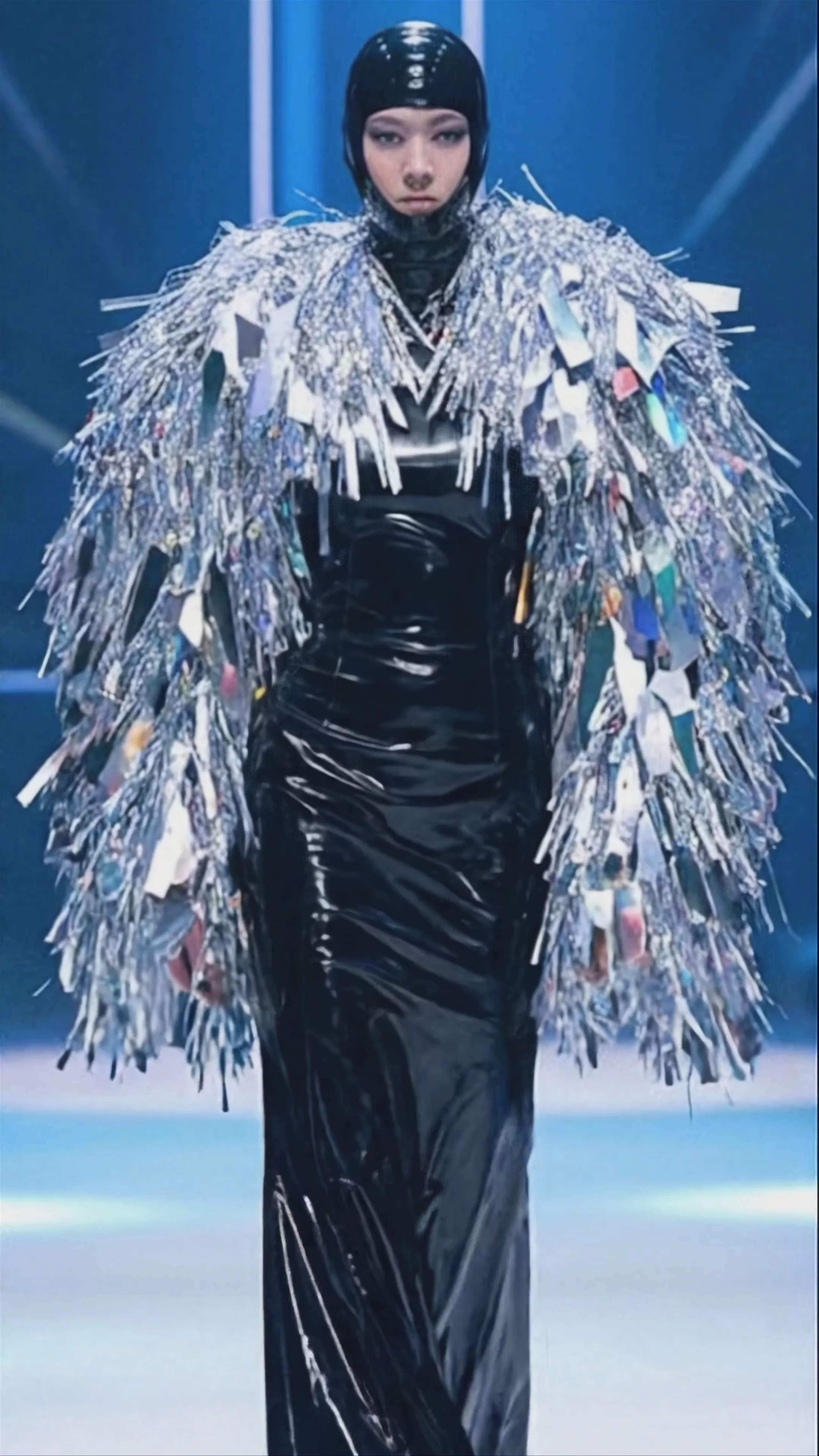 Futuristic Runway Fashion Show — Veo 3.1 Fast
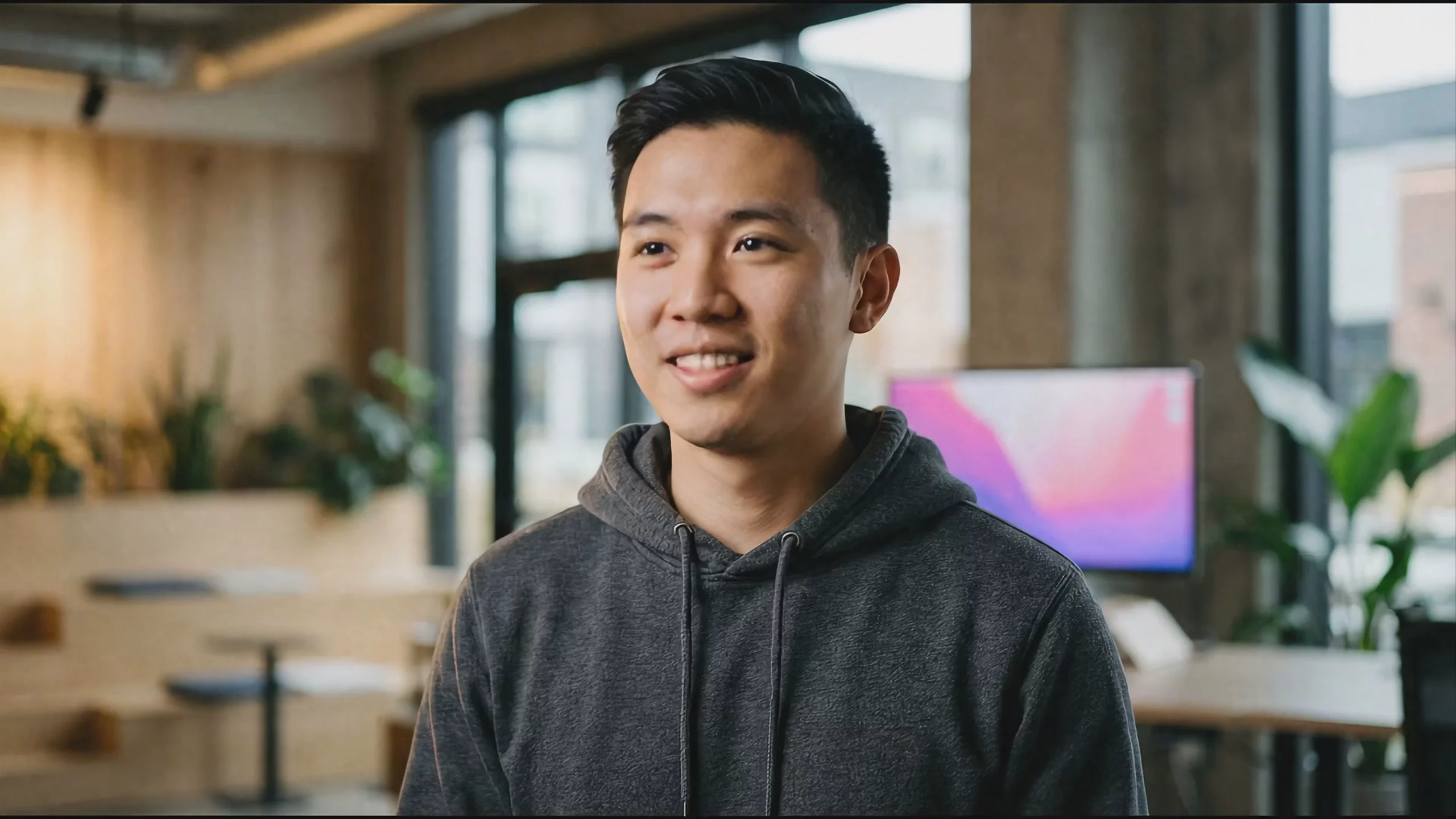 Professional Coder in Modern Office — Veo 3.1 Fast
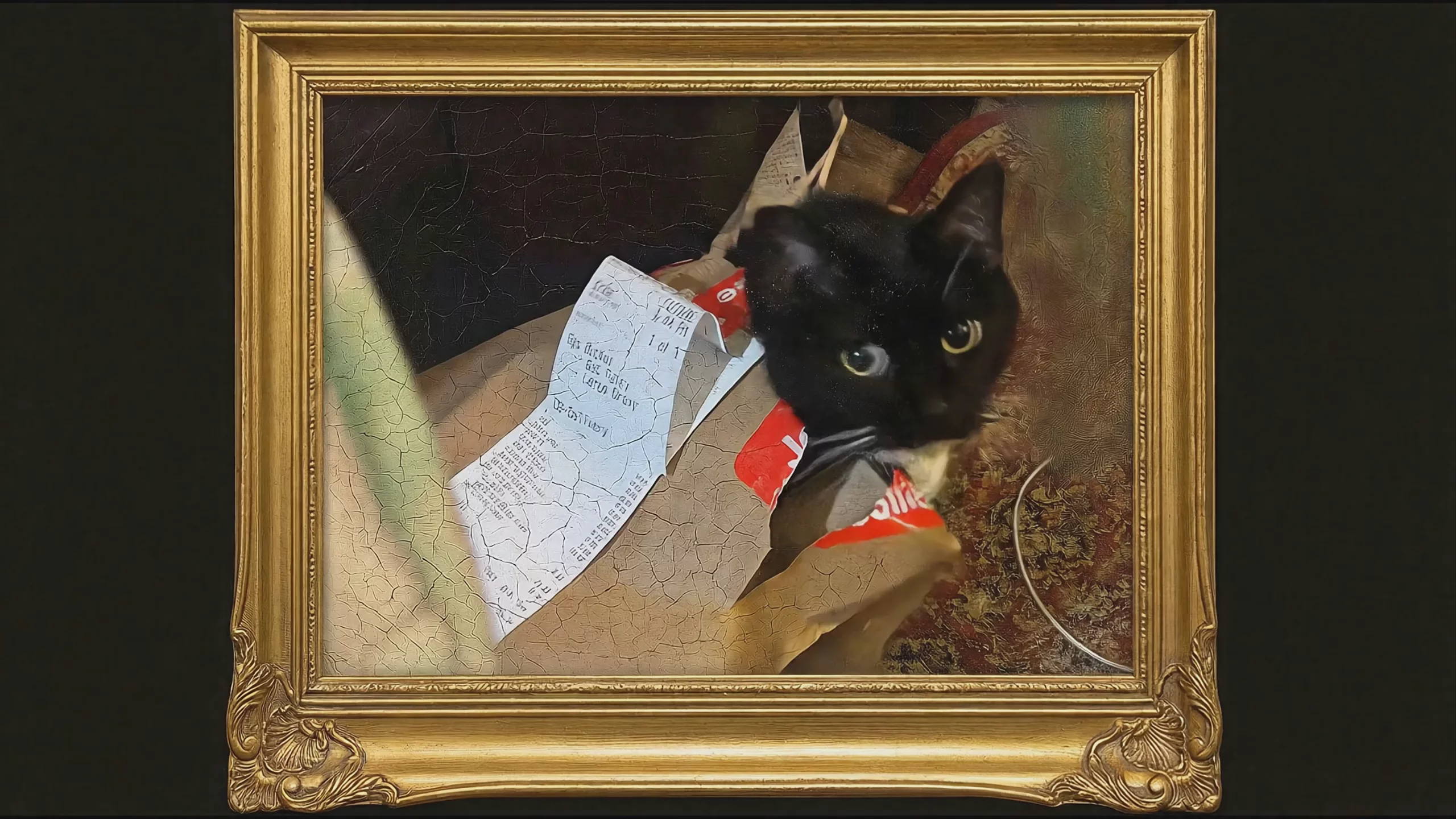 Black Cat in Golden Frame — Veo 3.1
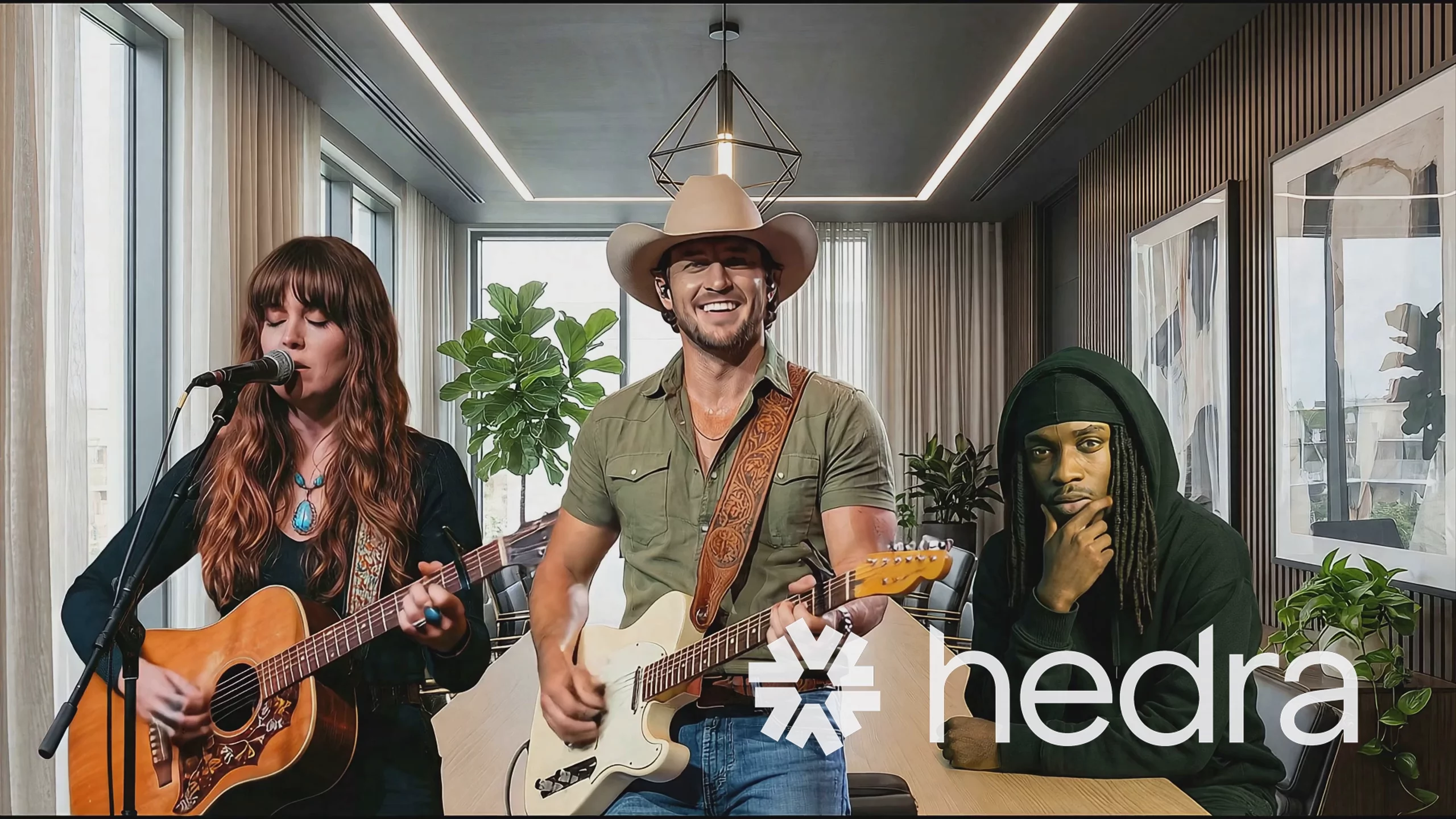 Veo 3.1 Fast: Three Musicians Performing Indoors
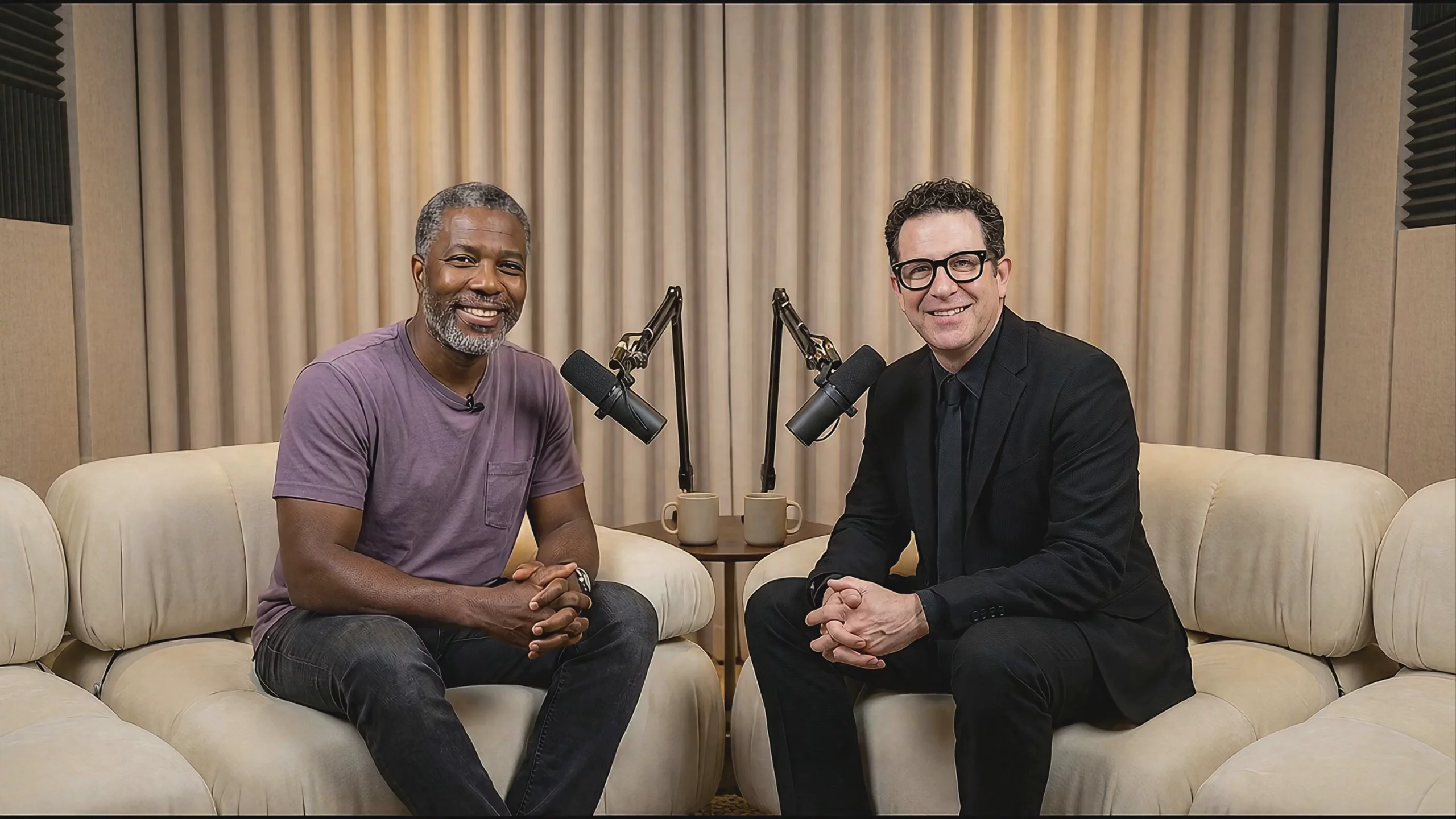 Two Men on a Podcast Set — Veo 3.1 Fast
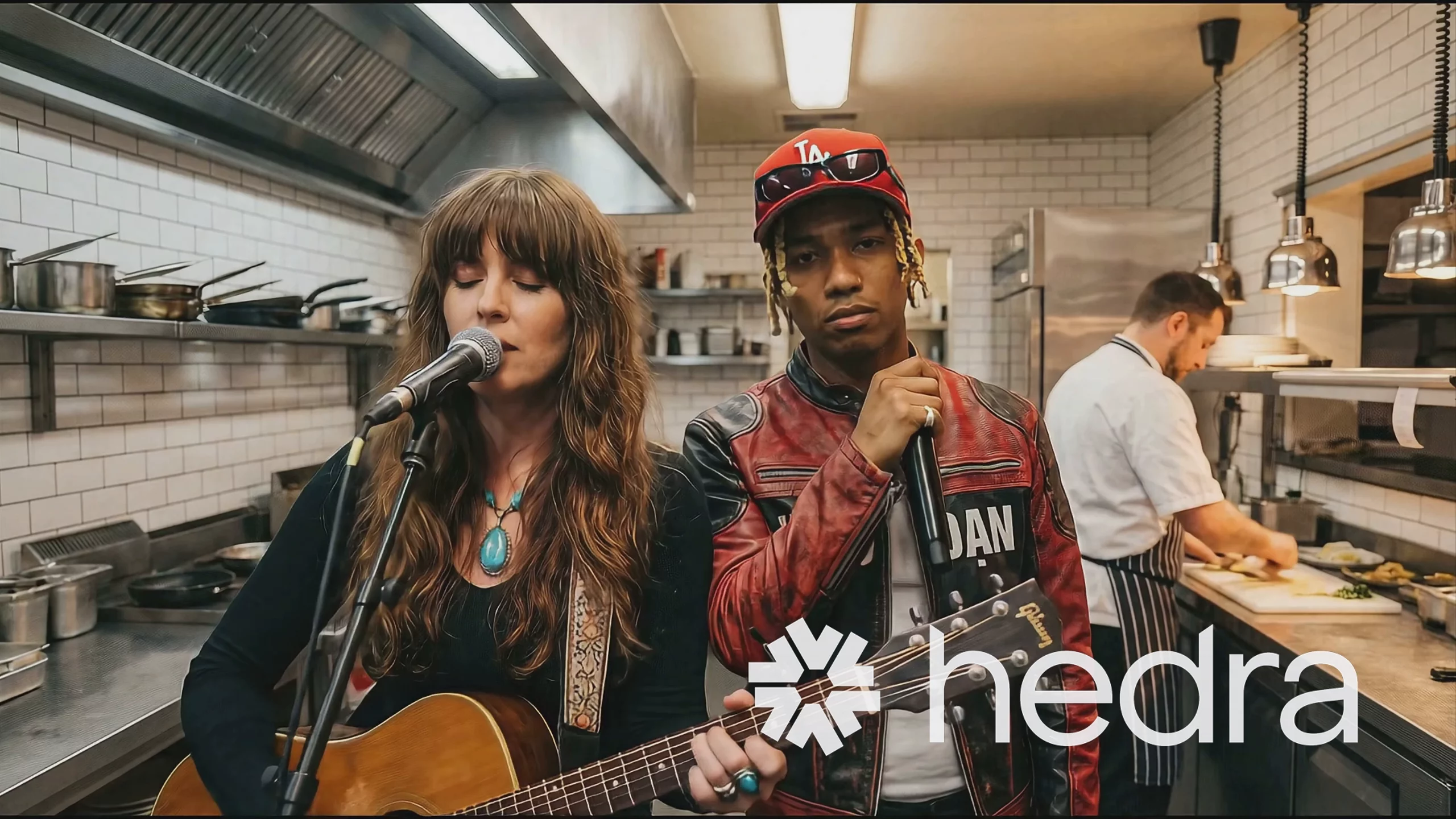 Musicians Performing in a Kitchen — Veo 3.1 Fast
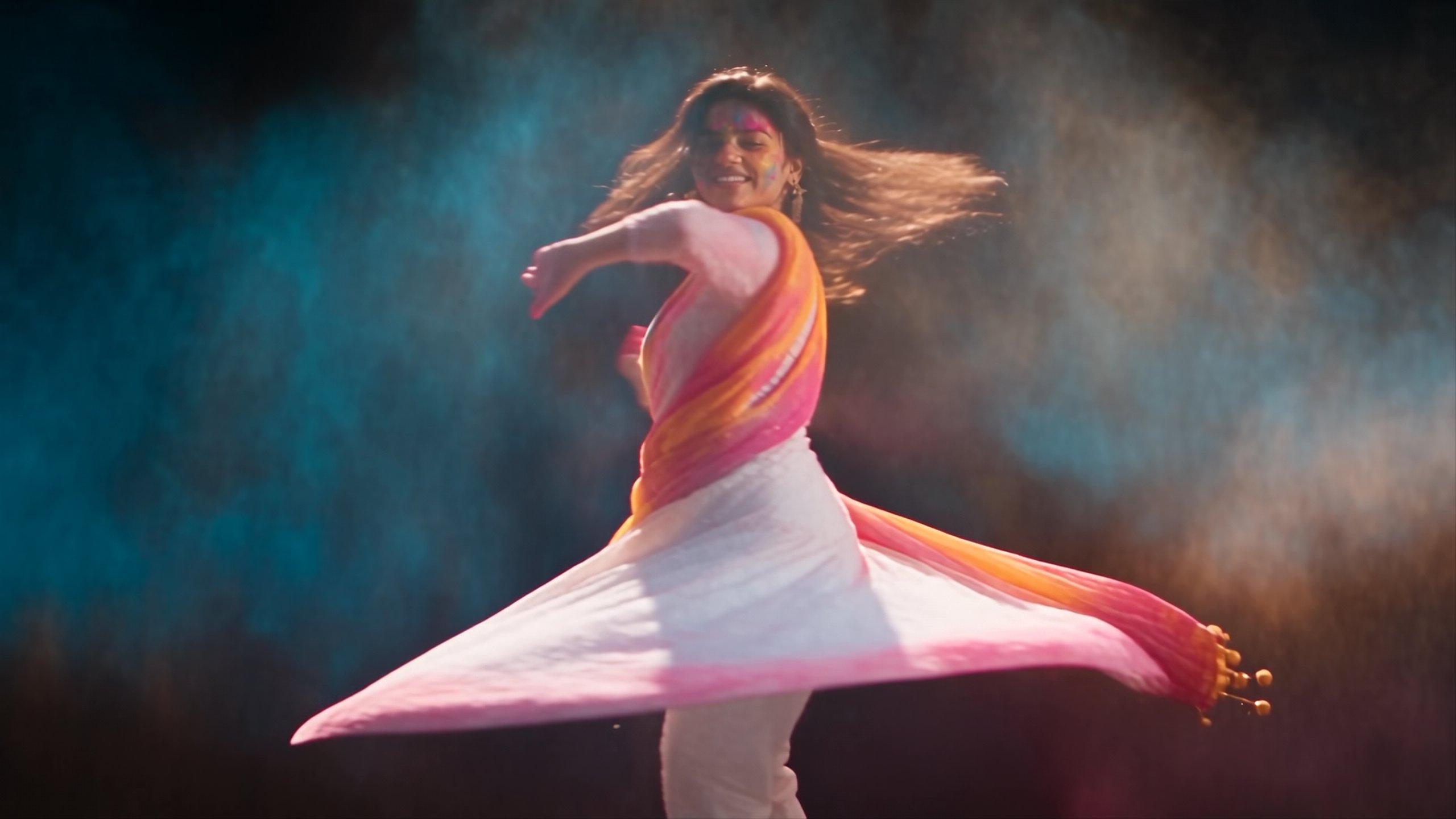
 Woman Waving in Holiday Setting — Veo 3.1
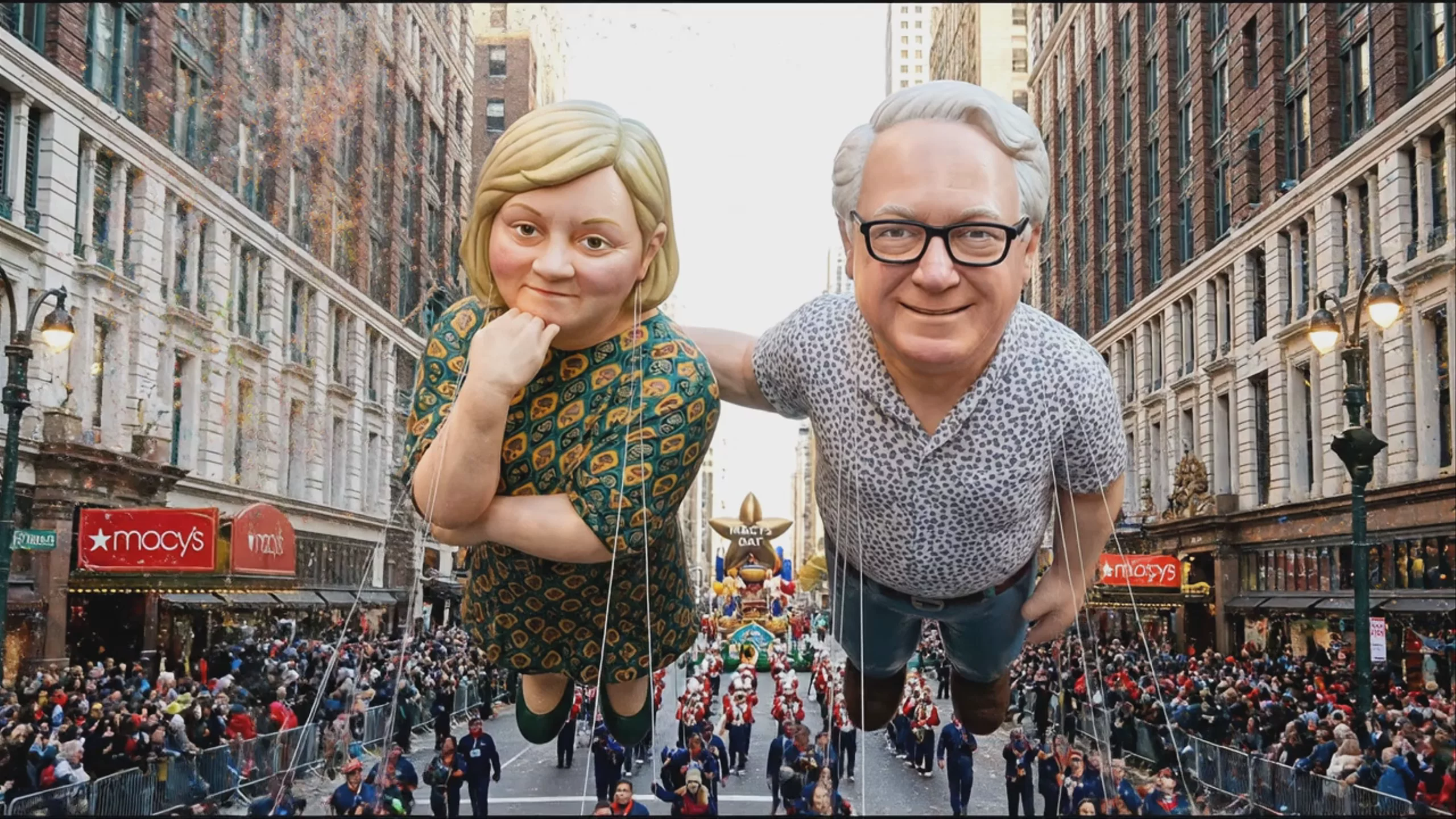 Giant Parade Balloons Floating in New York — Veo 3.1
Prompting
Prompt tips
- Write explicit audio cues: Include dialogue in quotes or describe specific sound effects (e.g., "whispering excitedly" or "torchlight flickering with a low crackle") to trigger the native audio engine.
- Pre-generate reference assets: Use an image model like Imagen 4 or Nano Banana Pro to create your base characters and style frames, then use Veo 3.1's image blending to animate them.
- Anchor your camera motion: Provide both a starting image and an ending image to force the model to calculate the specific camera movement and action required to bridge the two frames.
- Specify aspect ratio: Explicitly request 16:9 for landscape or 9:16 for portrait outputs in your configuration, as the model natively supports both without requiring post-generation cropping.
About the model
Questions, answered
Is Veo free?
Google Flow offers free-of-charge credits for eligible accounts. Available models and credit costs depend on the current offer, account and region. Check Flow’s credit guide and your balance before planning a series of Veo generations.
Is Veo free on Hedra?
Generation on Hedra uses paid credits. The pricing table on this page comes from Hedra’s live model catalog. Check the quote for your selected settings before submitting a generation.
Do free Flow credits also cover Hedra or API usage?
No. Flow credits belong to Google’s product and do not transfer to Hedra. Hedra generation has its own credit balance and model pricing. The table here covers Veo 3.1 on Hedra, including its listed Standard and Fast settings.
What should I check when a free allowance runs out?
Check when credits reset or expire, which settings the allowance covers, and the paid rate for your next run. Budget for retries as well as the final output. Paid access remains subject to service limits and availability.
Can I use the output commercially?
Review the applicable model and platform terms for your use case. You also need the rights to any images, footage, voices or other material you supply. A free trial alone does not establish commercial-use rights.
Do I need an API key?
You can create in Hedra’s Creative Studio without an API key. Create a key when you want to call the model from your own application; the model’s developer page lists the request schema.
Same API · one key