Grok Imagine free: access and pricing
Looking for Grok Imagine for free? Compare the maker’s access rules with credit-based generation on Hedra. Hedra generation is paid; check the price before you run.
All modelsOverview
Grok has a free account tier, but that does not guarantee free Imagine generation. xAI’s pricing page lists image and video generation under SuperGrok. Check the features and allowance shown in your account before relying on free access.
Use Grok Imagine for still images and edits. Start with a prompt or reference images, compare the results, then refine your direction. Choose Grok Video separately when you want to animate a frame.
On Hedra, generation uses paid credits. The current rate is shown alongside the specifications. Check the full cost for your selected settings before running, and leave room in your budget for variations and retries.
Specifications · Text + image to image
- Input mode
- Text + image to image
- Accepts
- reference image (up to 3)
- Aspect ratios
- auto, 2:1, 20:9, 19.5:9, 16:9, 4:3, 3:2, 1:1, 2:3, 3:4, 9:16, 9:19.5, 9:20, 1:2
- Resolutions
- 1k, 2k
Pricing
Build with this model: the Grok Imagine API on the Hedra Developer Platform.
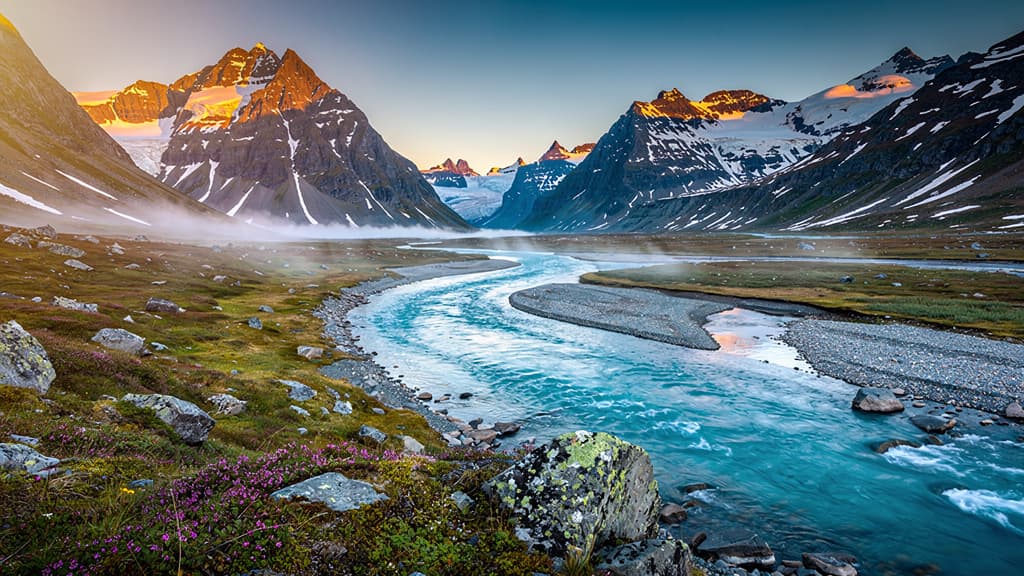
Grok Imagine API →Real output · generated with Grok Imagine
Best of Grok Imagine
Golden Eagle Landing in the Highlands, by Grok ImaginePrompting
Prompt tips
- Be exhaustively descriptive: Specify the subject, action, environment, lighting, and camera angle (e.g., "cinematic depth of field, 40mm lens") to compensate for the model's literal interpretation.
- Use realism keywords: To avoid cartoonish or "uncanny valley" looks in human subjects, include phrases like "life-like" or "normal people".
- Iterate in fast modes: When testing concepts, use the faster default generation modes to find your composition before switching to the stricter "Quality Mode" for final renders.
- Leverage image-to-image for consistency: When editing, use a strong base image and only prompt for the specific changes you want; the model natively understands the content and preserves the overall composition.
About the model
Questions, answered
Is Grok Imagine free?
Grok has a free account tier, but that does not guarantee free Imagine generation. xAI’s pricing page lists image and video generation under SuperGrok. Check the features and allowance shown in your account before relying on free access.
Is Grok Imagine free on Hedra?
Generation on Hedra uses paid credits. The pricing table on this page comes from Hedra’s live model catalog. Check the quote for your selected settings before submitting a generation.
Are Grok Imagine and Grok Video the same model?
No. Grok Imagine generates and edits images; Grok Video generates motion. Their rates use different units: per generation for images and per second for video. Hedra also lists Grok Imagine 2.0 separately.
What should I check when a free allowance runs out?
Check when credits reset or expire, which settings the allowance covers, and the paid rate for your next run. Budget for retries as well as the final output. Paid access remains subject to service limits and availability.
Can I use the output commercially?
Review the applicable model and platform terms for your use case. You also need the rights to any images, footage, voices or other material you supply. A free trial alone does not establish commercial-use rights.
Do I need an API key?
You can create in Hedra’s Creative Studio without an API key. Create a key when you want to call the model from your own application; the model’s developer page lists the request schema.