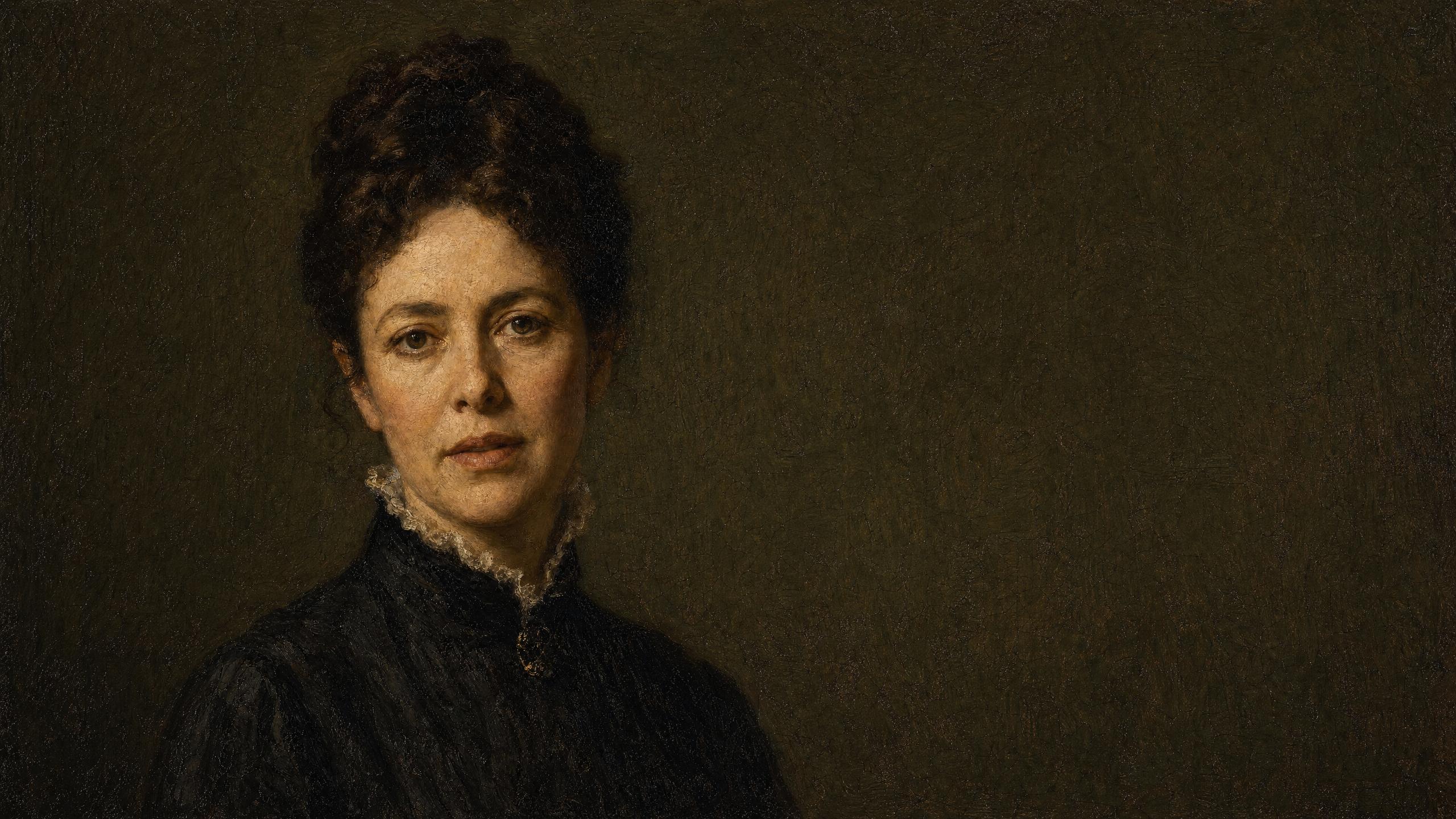
Turn any photo into a talking video with AI.
Hand it a face and a recording and the face performs the recording — mouth, jaw, brows, breath — for as long as the audio runs. A portrait, an illustration, a mascot, a painting: all of them count as a photo here.
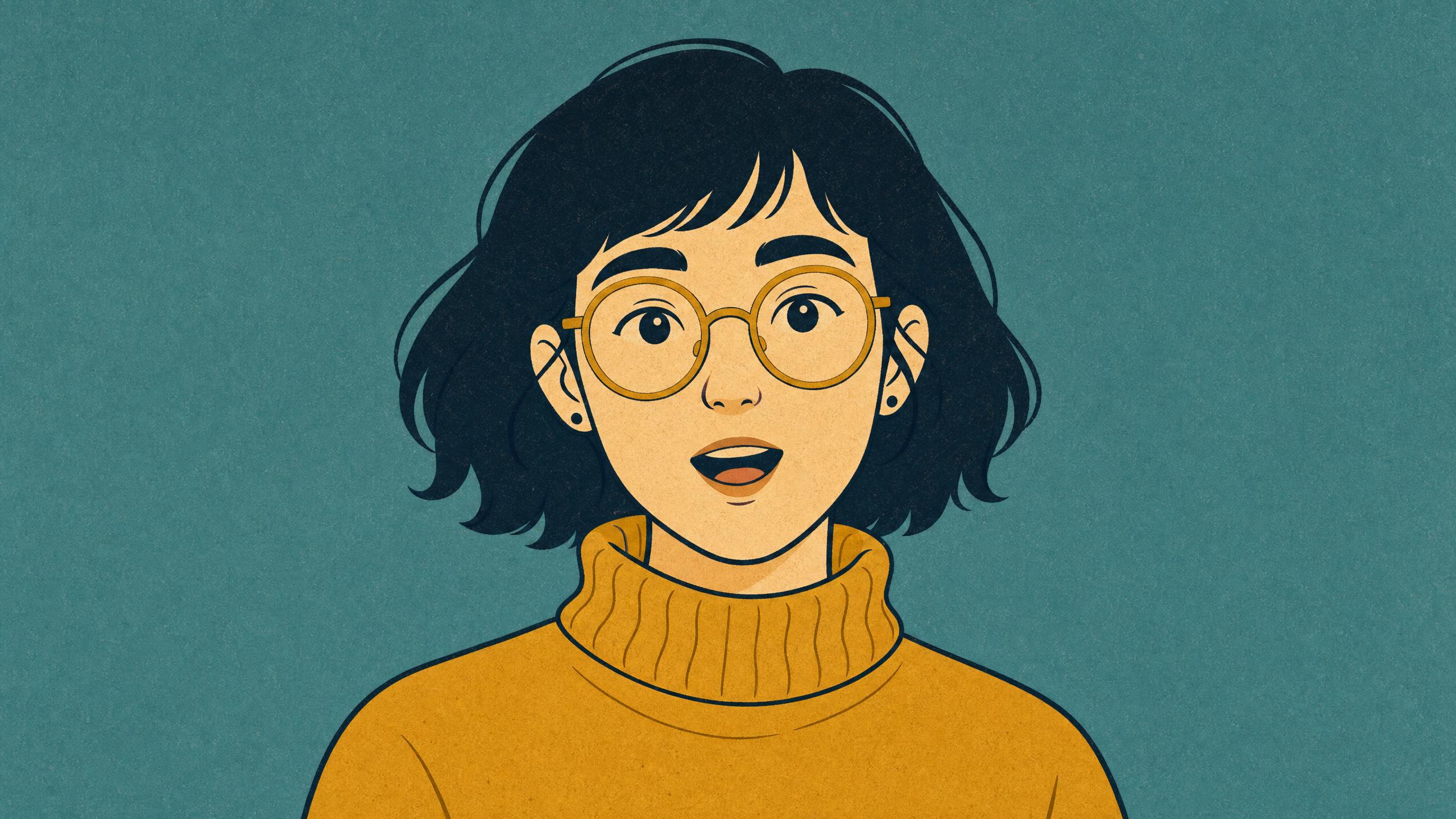
"Honestly? I have been waiting a very long time for someone to ask me that."
If it has a face, it can talk.
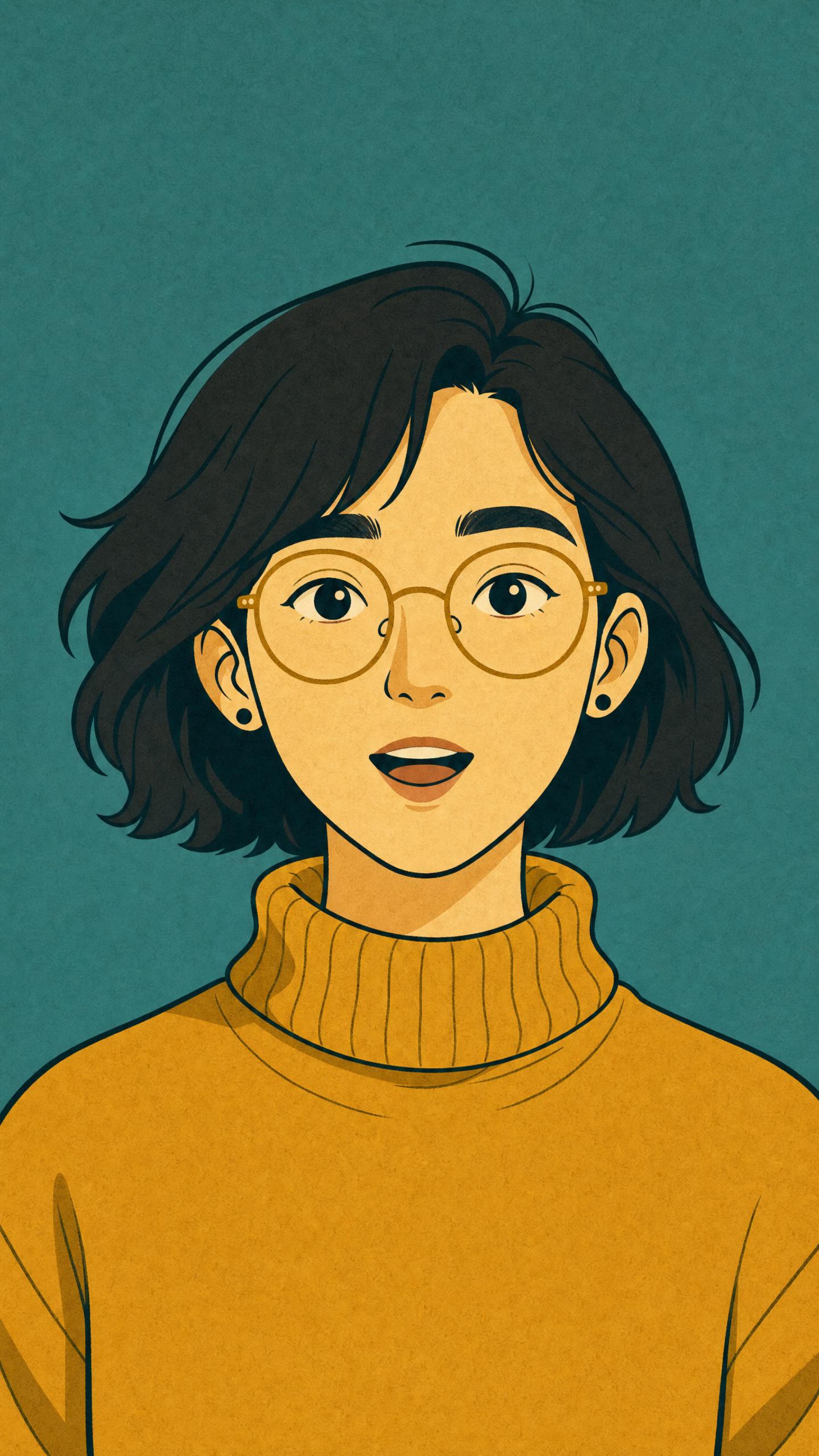
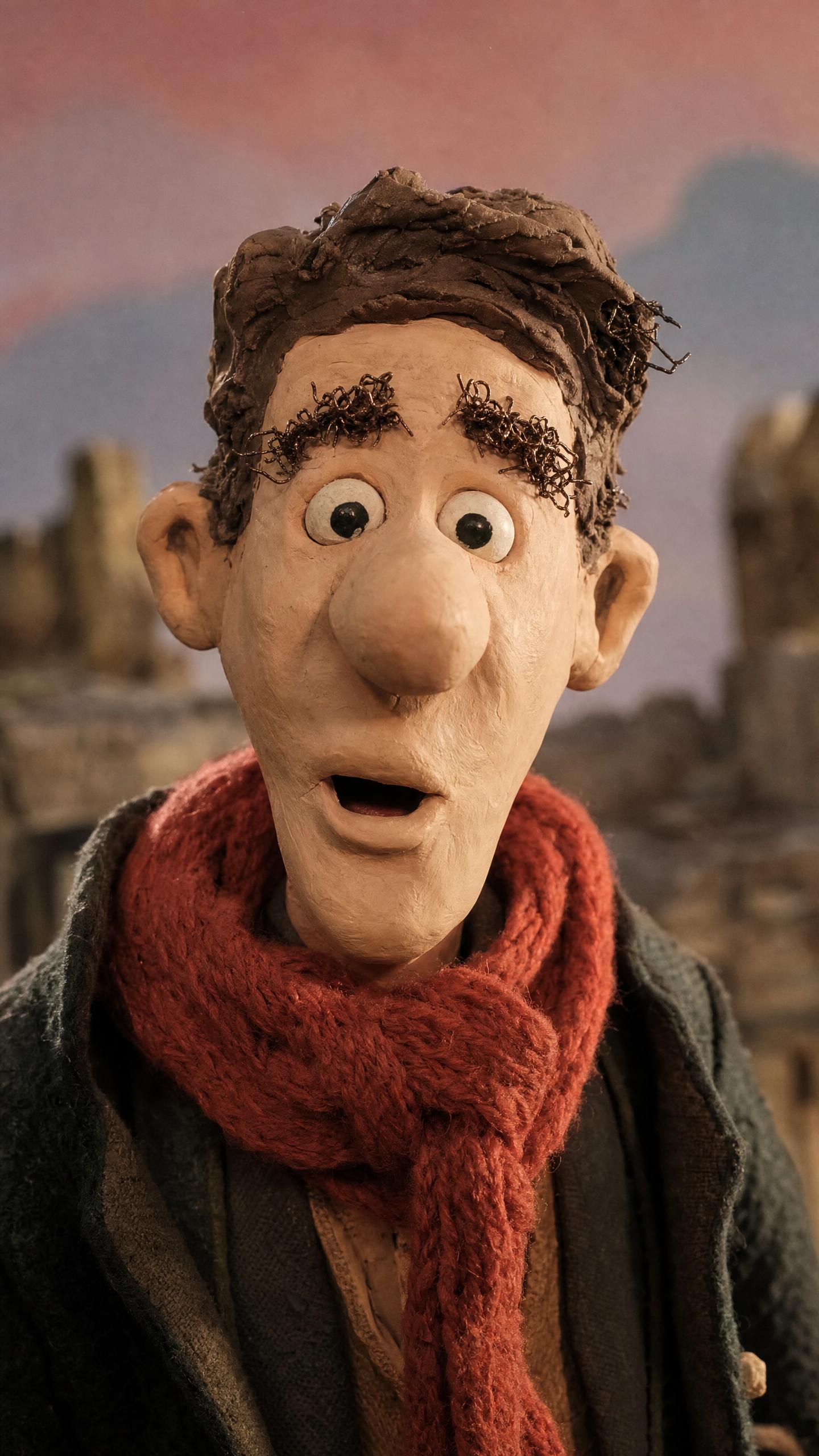
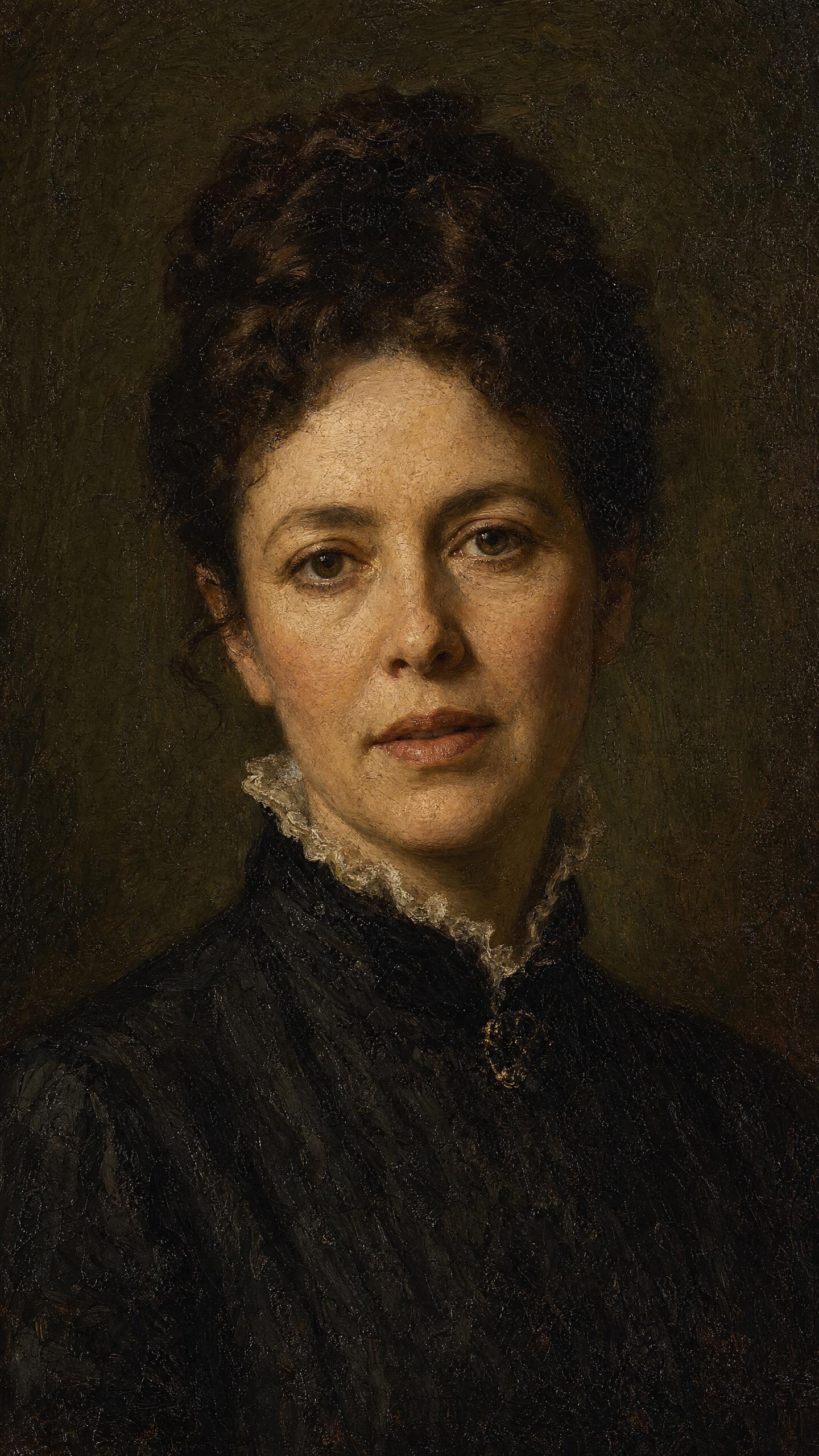
It doesn’t have to be a photograph.
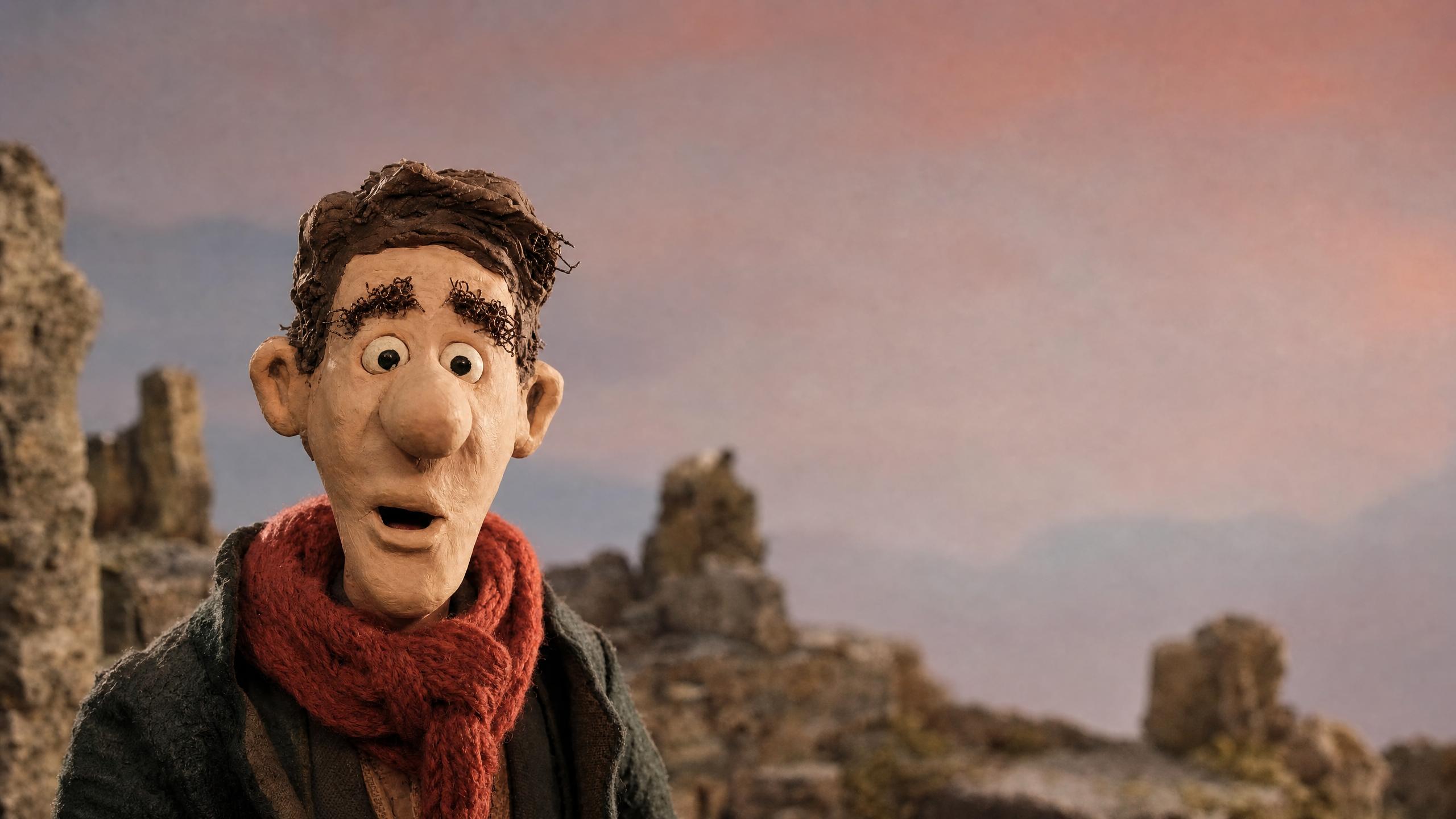
A drawn character, a clay puppet on a miniature set, a woman painted in oils a century before film existed — the model wants a face, and it does not much mind what the face is made of. Which means the thing that speaks can be your mascot, your illustration style, or a portrait nobody could have filmed.
The face follows the audio, not a prompt.
This is the part that makes it a performance rather than a puppet. The model reads the recording — where the stress lands, where the breath goes, where the sentence turns — and the face answers it. Send the same eight seconds to a drawing and to a painting and you get the same reading in two hands that share nothing.
As long as the recording runs.
Most video models hand back a few seconds. An audio-driven one has a different contract: leave the duration out and the take runs exactly as long as the audio you sent, up to ten minutes in a single generation. A walkthrough, a lesson, a full read of a script — not a clip you then have to stitch.
Models that animate a face from audio.
Built for visual inference.
Serving video is a different problem from serving text — a single request can saturate a GPU, and none of the tricks that made language models cheap apply. Hedra's engine was built for exactly that workload.
Whichever model you choose — ours or anyone else's — it runs on the same infrastructure, behind one key, priced per second of output. Which for an audio-driven take means the price is set by the recording: a ten-minute read costs ten minutes.
Generate with API or Agent
Build with the API
One key, every model, priced per second of output. Send a face and an audio URL and get a take back.
Make one now.
No code — drop in the picture, add the audio, export the take.
FAQs
Anything with a clear, legible face pointed roughly at the viewer. Photographs, illustrations, cartoons, 3D characters, stop-motion puppets, paintings — every face on this page is a different kind of picture, and all of them were driven by the same recording.