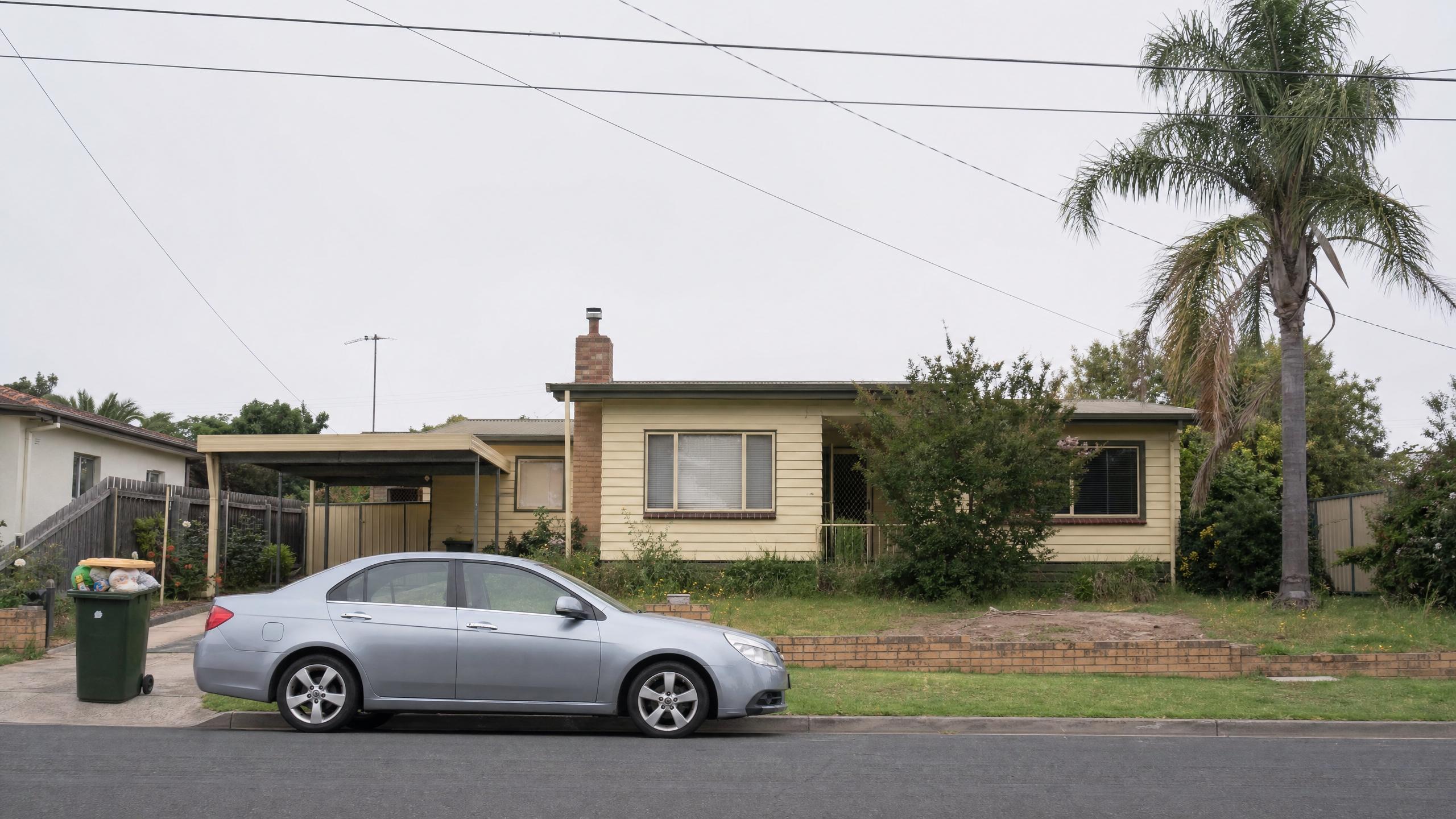
Edit a photo with AI by describing the change.
Say what you want different — the car gone, the sky warmer, the lawn fixed — and get the same photograph back with only that changed. For listings, catalogues, and the editing tools inside your own product.
Three instructions, applied one after another to the same photograph. Switch back to the original and check what the model left alone.
Instruction editing regenerates the frame, so untargeted detail can drift — here the brick wall and the side fence are subtly rebuilt between passes. Check faces, text, and anything a buyer might measure before it ships.
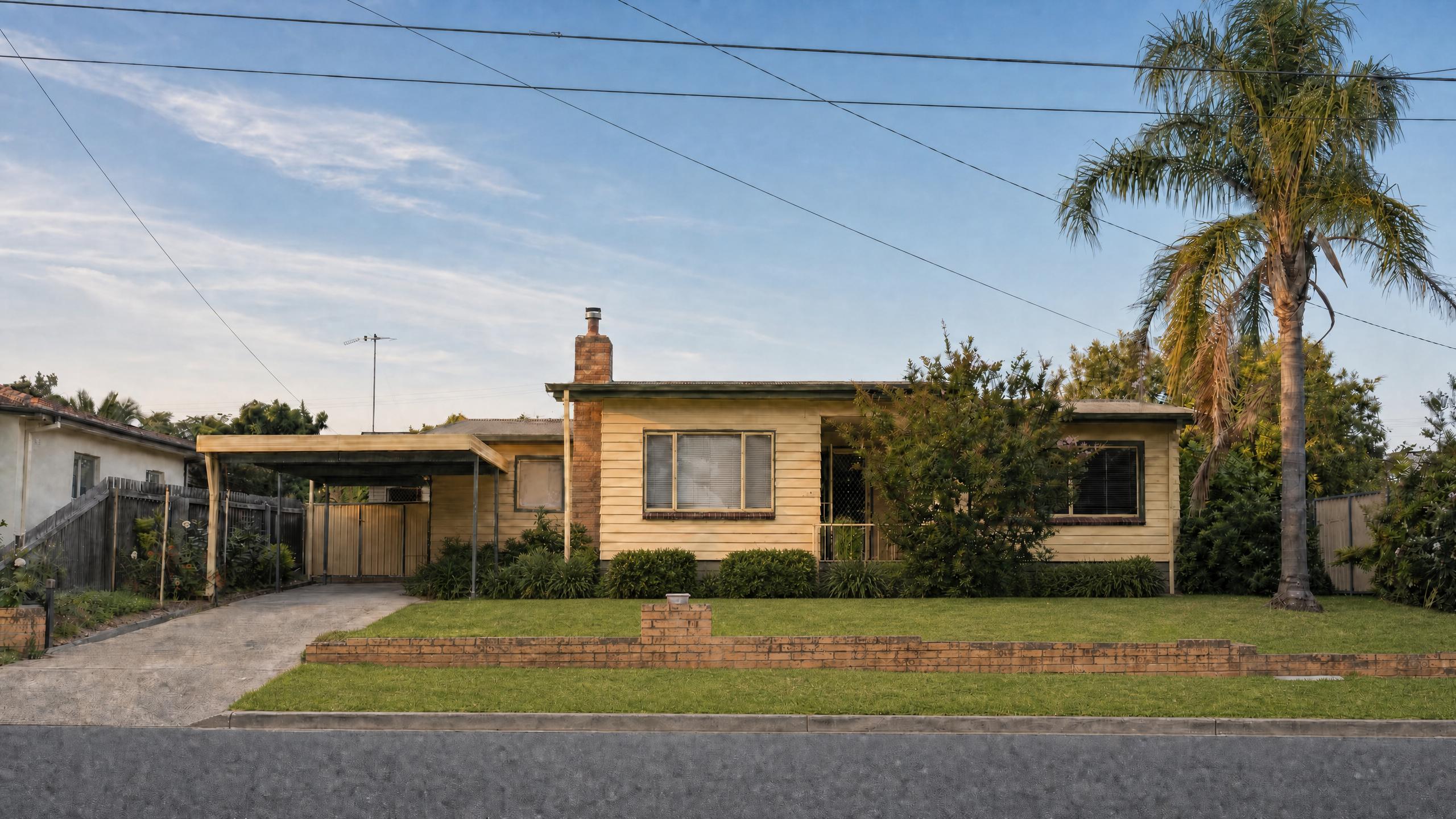
Say what to change. Not how.
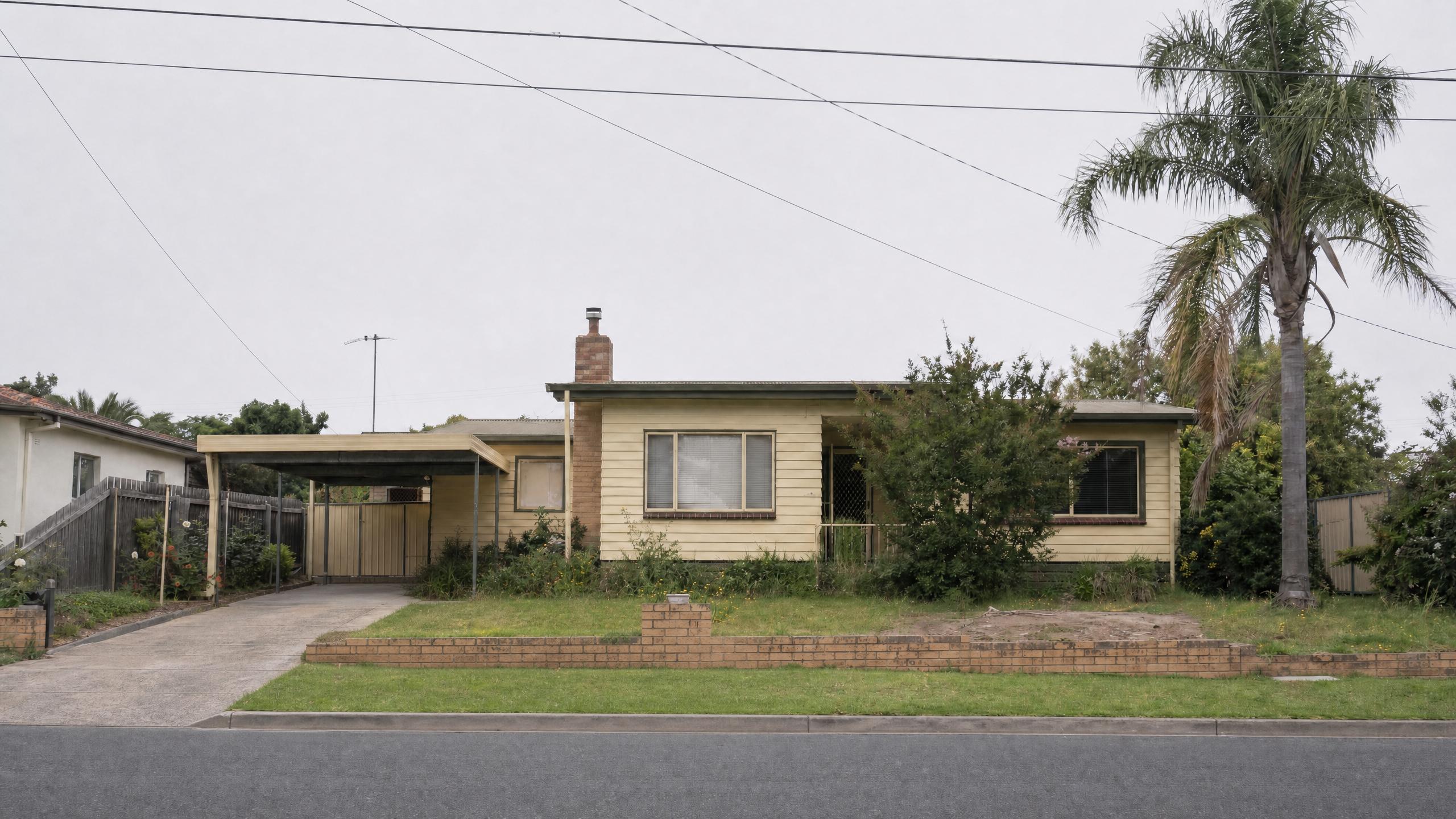
One sentence, one change.
“Remove the parked car and the wheelie bin.” No selection, no lasso, no feathered mask, no clone-stamping the tarmac back in by hand. The instruction names the thing to go, and what is underneath it arrives looking like road and driveway rather than like a repair.
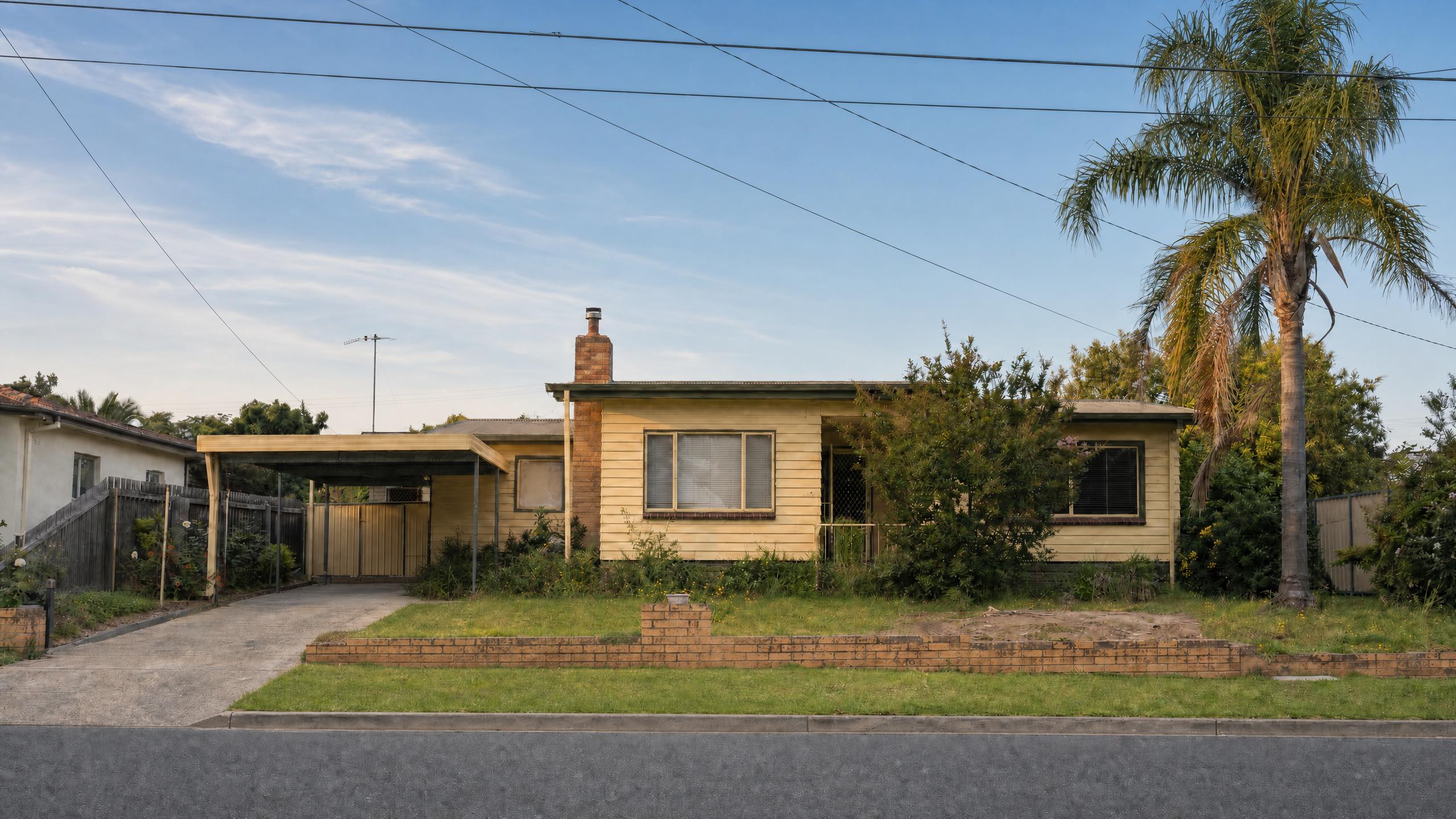
The rest of the frame stays put.
This is the part that makes an edit usable. The sky is new and the light has moved with it — longer shadows off the palm, warmth on the weatherboard — and the house, the carport, the power lines, the framing and even the bare patch still in the lawn are all where they were. A change you did not ask for is a defect, not a bonus.
Edits stack.
Each of these three instructions was given to the output of the last one, not to the original — so the lawn was repaired in a photograph that had already lost its car and gained a sky. That is what lets an edit be a conversation rather than one shot you either accept or start over from.
Every model that edits from an instruction.
Built for visual inference.
Serving video is a different problem from serving text — a single request can saturate a GPU, and none of the tricks that made language models cheap apply. Hedra's engine was built for exactly that workload.
Whichever model you choose — ours or anyone else's — it runs on the same infrastructure, behind one key. Which is what makes stacking cheap: each pass is another request against the last result, priced per generation, with no state to keep anywhere but the image itself.
Generate with API or Agent
Build with the API
One key, every editing model. Send an image and a sentence, get an image back.
Edit one now.
No code — drop in the photo, describe the change, keep going until it is right.
FAQs
The photograph and a sentence describing the change. No masks, no selections, no layer work — the instruction identifies what should be different and the model returns the same photograph with that difference in it.