Change a hairstyle with AI and stay recognisable.
A try-on is only useful if every version is unmistakably you. Name the cut, name what must not change, and get one face back with a different haircut on it — not a stranger who suits the style.
A jaw-length blunt bob with a straight fringe, asked for in one sentence. Switch back and check the mole, the freckles and the eyebrows — those are the things a good edit leaves alone.
Editing regenerates the whole frame rather than masking the hair, so skin texture can soften and the background can shift. Name what must not change, and compare against the original before you keep it.
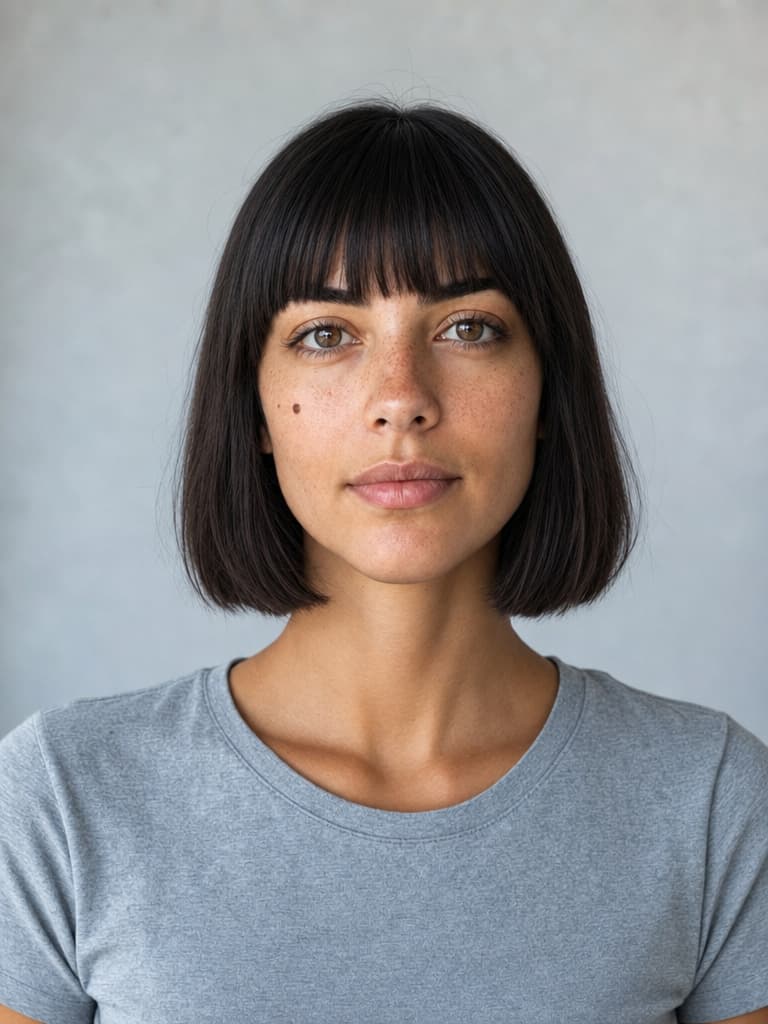
A try-on is only useful if it is still you.
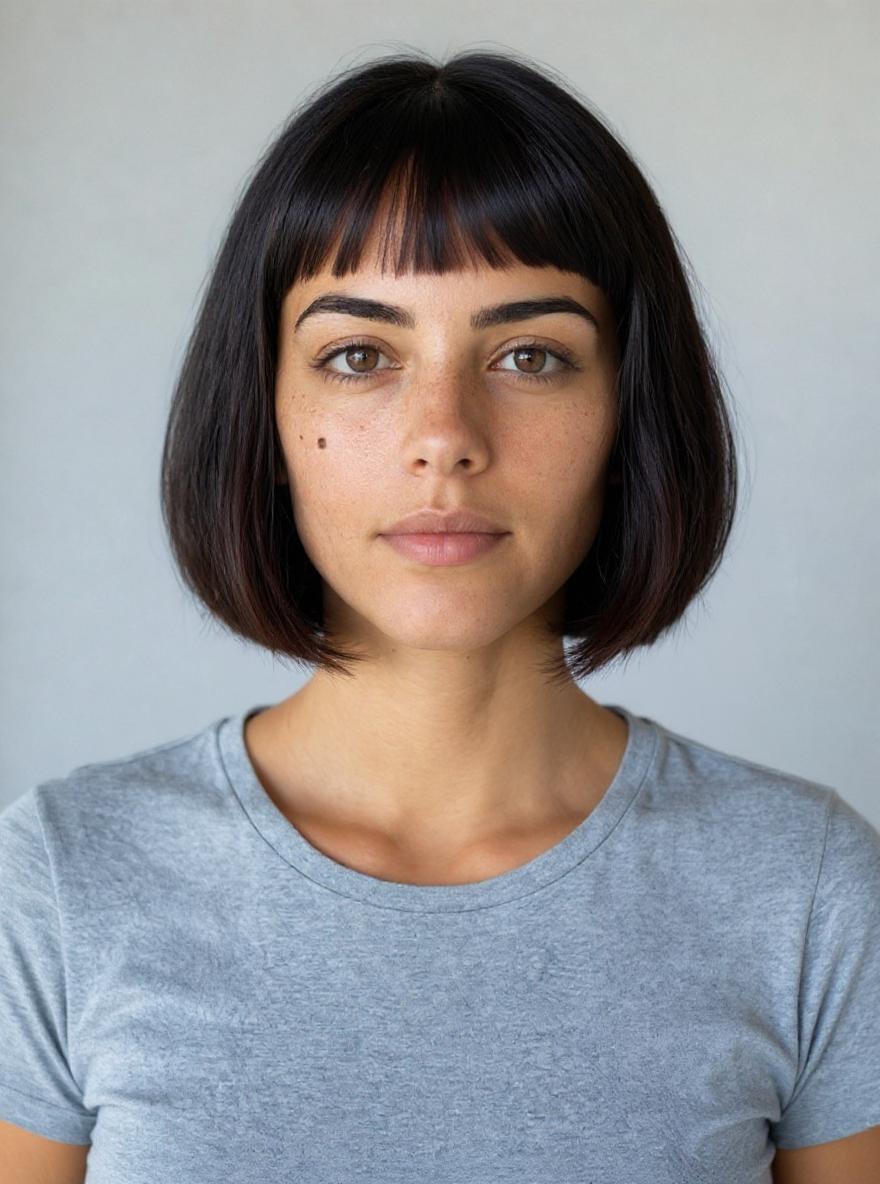
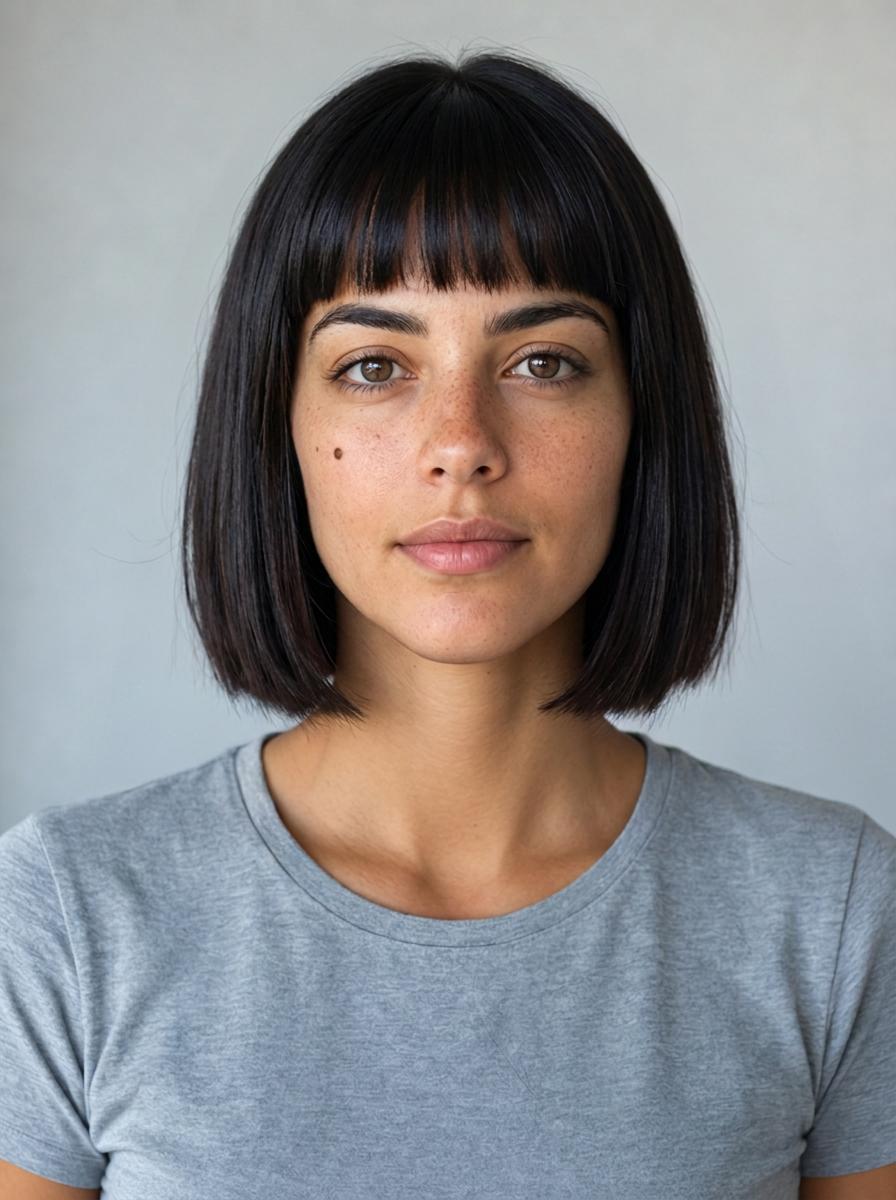
Same sentence, three models, three haircuts.
Every one of these is the same portrait and the same instruction, and every one held her face — the mole, the freckles, the eyebrows. What differs is the haircut each model thinks that sentence describes, and something less obvious: only one of the three returned the image at the size it was given. The others handed back a bigger canvas, and one model elsewhere in the catalogue quietly returned a JPEG from a PNG. For a single edit that is trivia. For a set you flick between, the frame jumps and there is nothing left to compare.
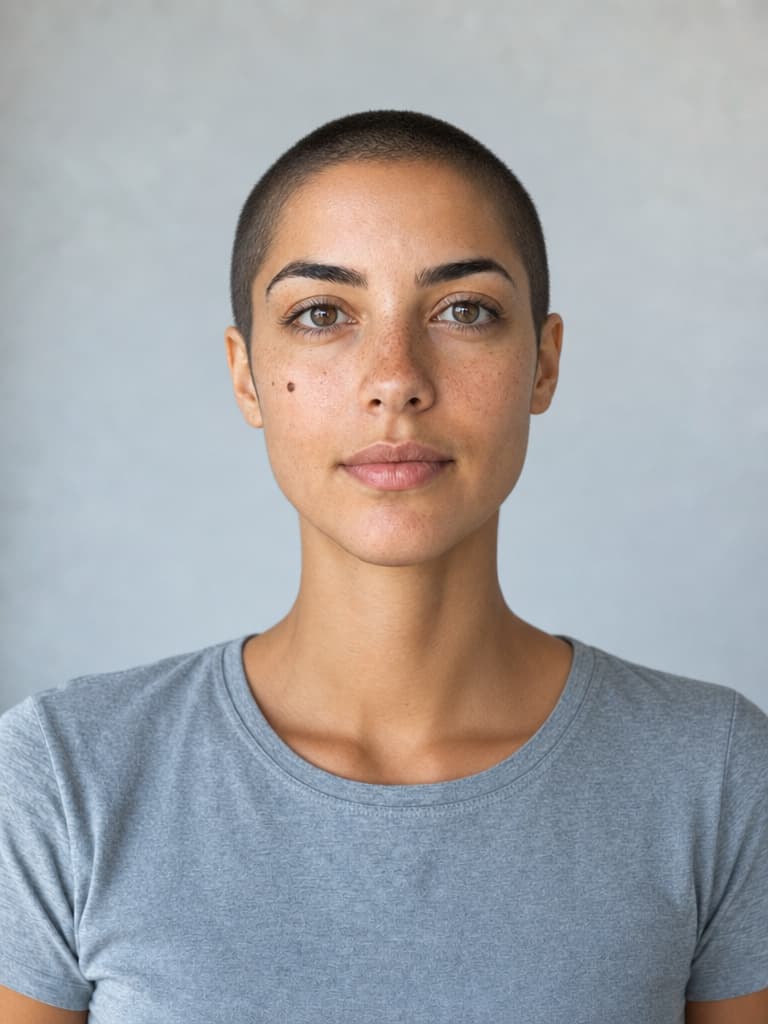
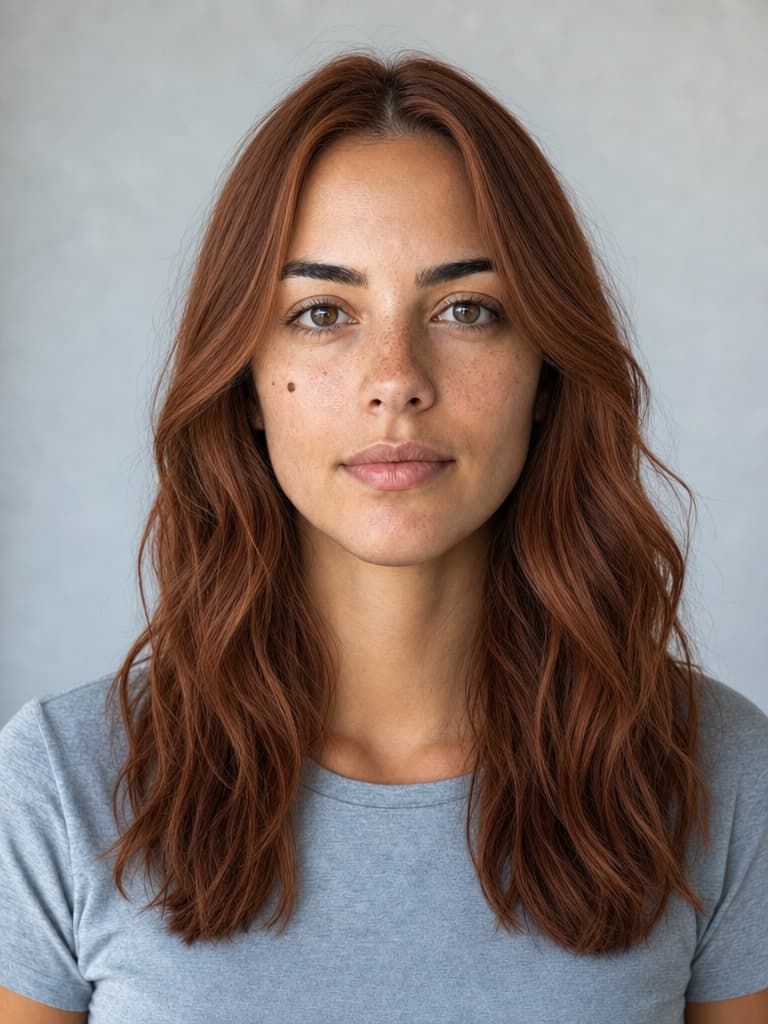
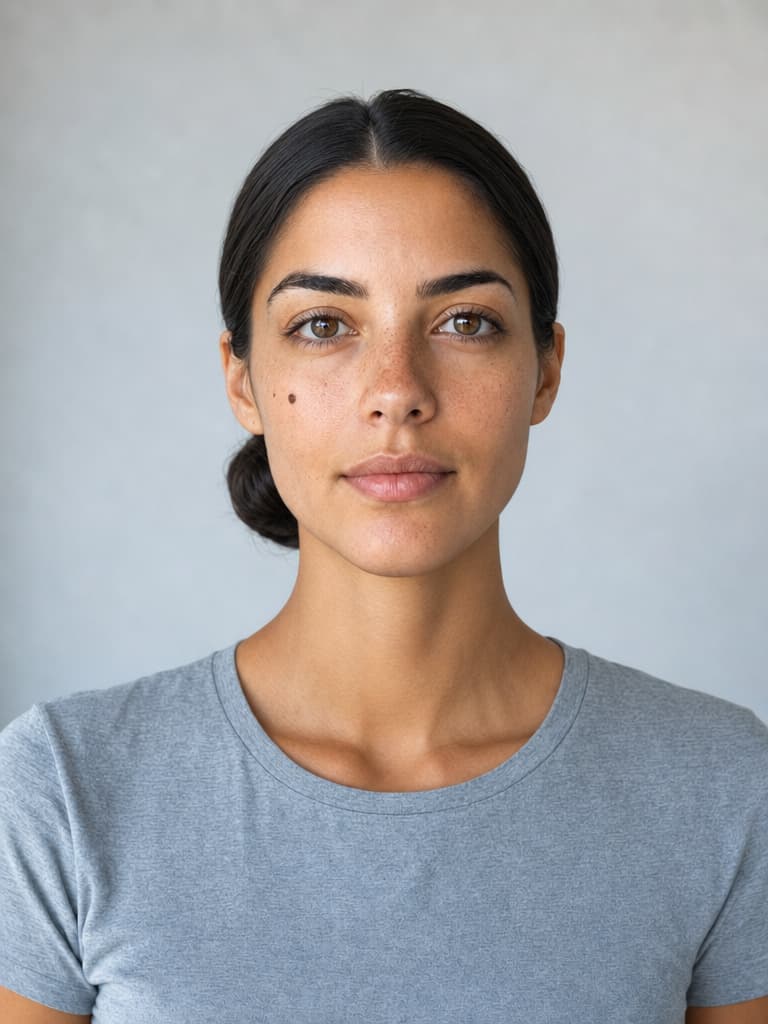
One face, a whole set.
This is what the page is actually for: not one edit, but a set built from a single portrait so the only thing changing is the hair. A buzz cut, a colour, a pulled-back bun — three answers to three different questions, and the same woman in all of them, freckles and mole intact. Because each one references the original rather than the previous edit, nothing drifts as the set grows.
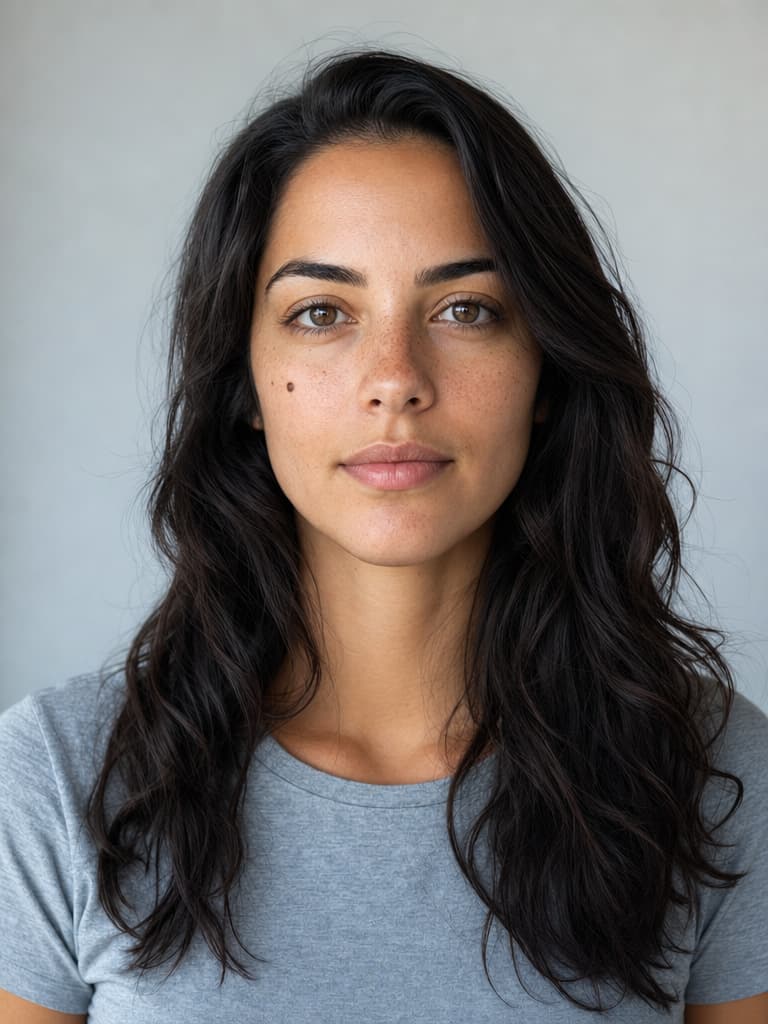
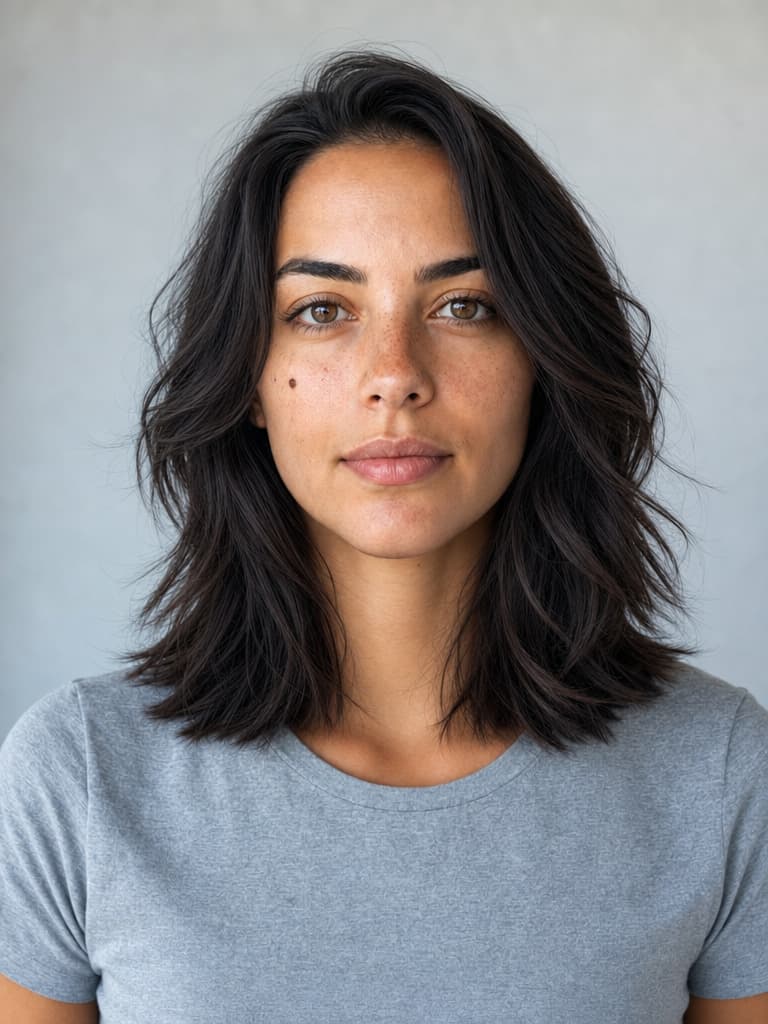
Ask vaguely and it gives you back your own hair.
Her own hair, then “give her a nice modern haircut that suits her”, then a named cut. The middle one is not a failure and it is not ugly — it is a competent layered lob. It is also, within a few centimetres, the hair she walked in with. Asked to choose for you, the model picks the safe answer, which is the one answer a try-on cannot use. Name the length, the fringe and the parting and you get the cut you were actually curious about.
Every model that will recut a photograph.
Built for visual inference.
Serving video is a different problem from serving text — a single request can saturate a GPU, and none of the tricks that made language models cheap apply. Hedra's engine was built for exactly that workload.
Whichever model you choose — ours or anyone else's — it runs on the same infrastructure, behind one key. Which is what makes a real try-on affordable: send one portrait and six instructions in parallel, put two models side by side on the same face, and keep whichever held it best. Switching between them is a string, not a migration.
Generate with API or Agent
Build with the API
One key, every editing model. Send one portrait and a list of cuts, and get a set back.
Try one now.
No code — drop in a photo, name the cut, and compare it against the original before you keep it.
FAQs
The cut, in the words you would use to a hairdresser: the length, the fringe, the parting, the colour. Then the things that must not change — the face, the expression, the background. Asking for “something that suits me” gets you a safe answer close to the hair you already have, which is the one result a try-on cannot use.