


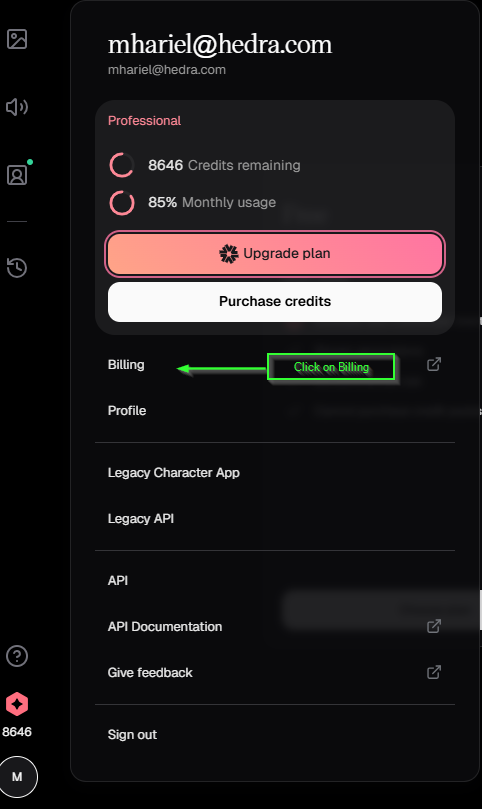
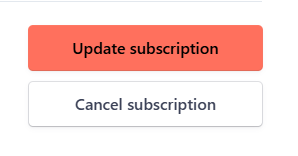
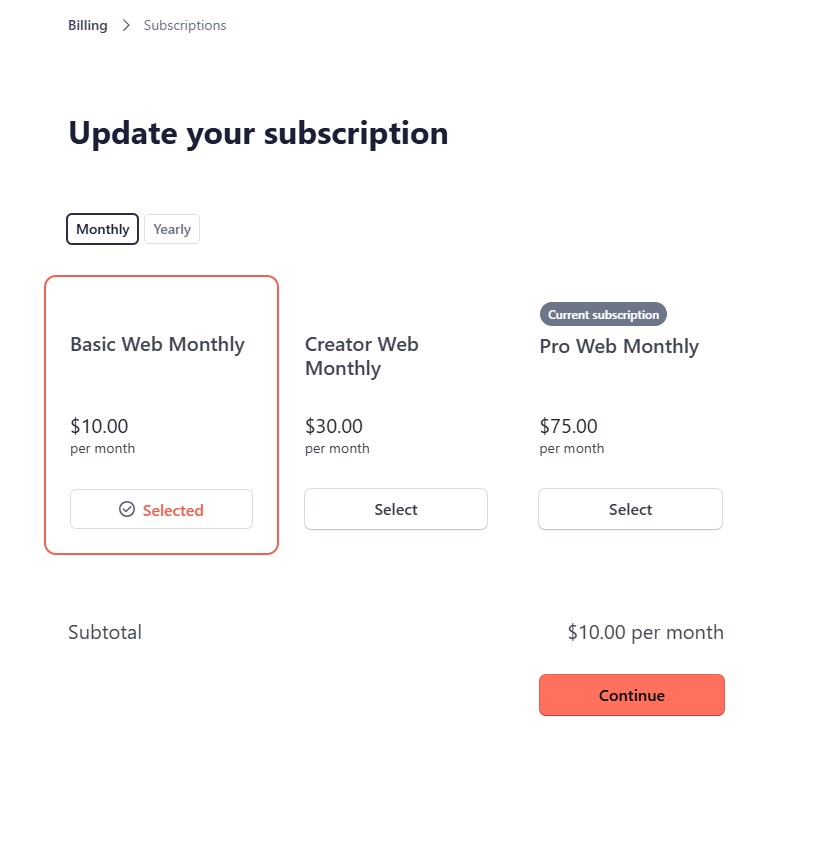
Add promo code
Click “Add promotion code” to enter your code. Possible results:
Possible results:- Invalid code — The promo code is not recognized
- Valid code, wrong plan — The code is valid but doesn’t apply to your selected plan
- Valid code, correct plan — The discount is applied successfully