Canva and Hedra: a design product, and the model company to build one on
Canva is a design platform built on templates and licensed AI features. Hedra operates GPU clusters and an inference engine, and post-trains visual models for product teams building generative features.
export HEDRA_API_KEY="<key_id>:<secret>"

curl -X POST \
  "https://api.hedra.com/v3/models/flux-dev" \
  -H "Authorization: Key $HEDRA_API_KEY" \
  -H "Content-Type: application/json" \
  -d '{ "input": {
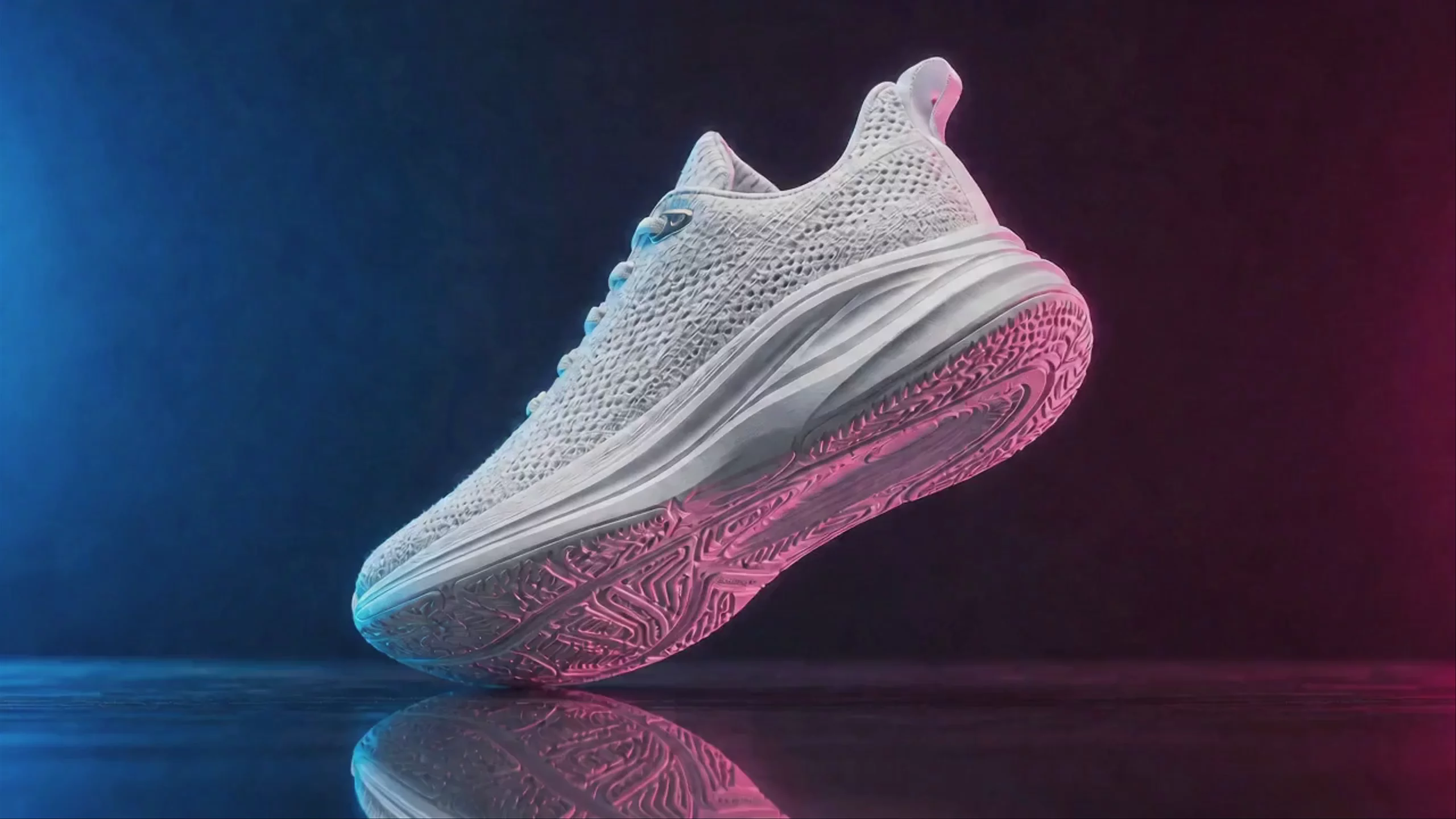
      "prompt": "A product hero shot of a matte white sneaker on a pink gradient",
      "aspect_ratio": "1:1"
} }'A more modern way to work
Skip the model aggregators. Hedra Agent and Workspaces give your team an autonomous agent that supercharges your workflows with a superintelligent understanding of the latest models: brief it in a shared space and it plans, generates, and edits across video, image, speech, and music, with your team and your agents working alongside it.
GPU infrastructure, an inference engine, and post-training research
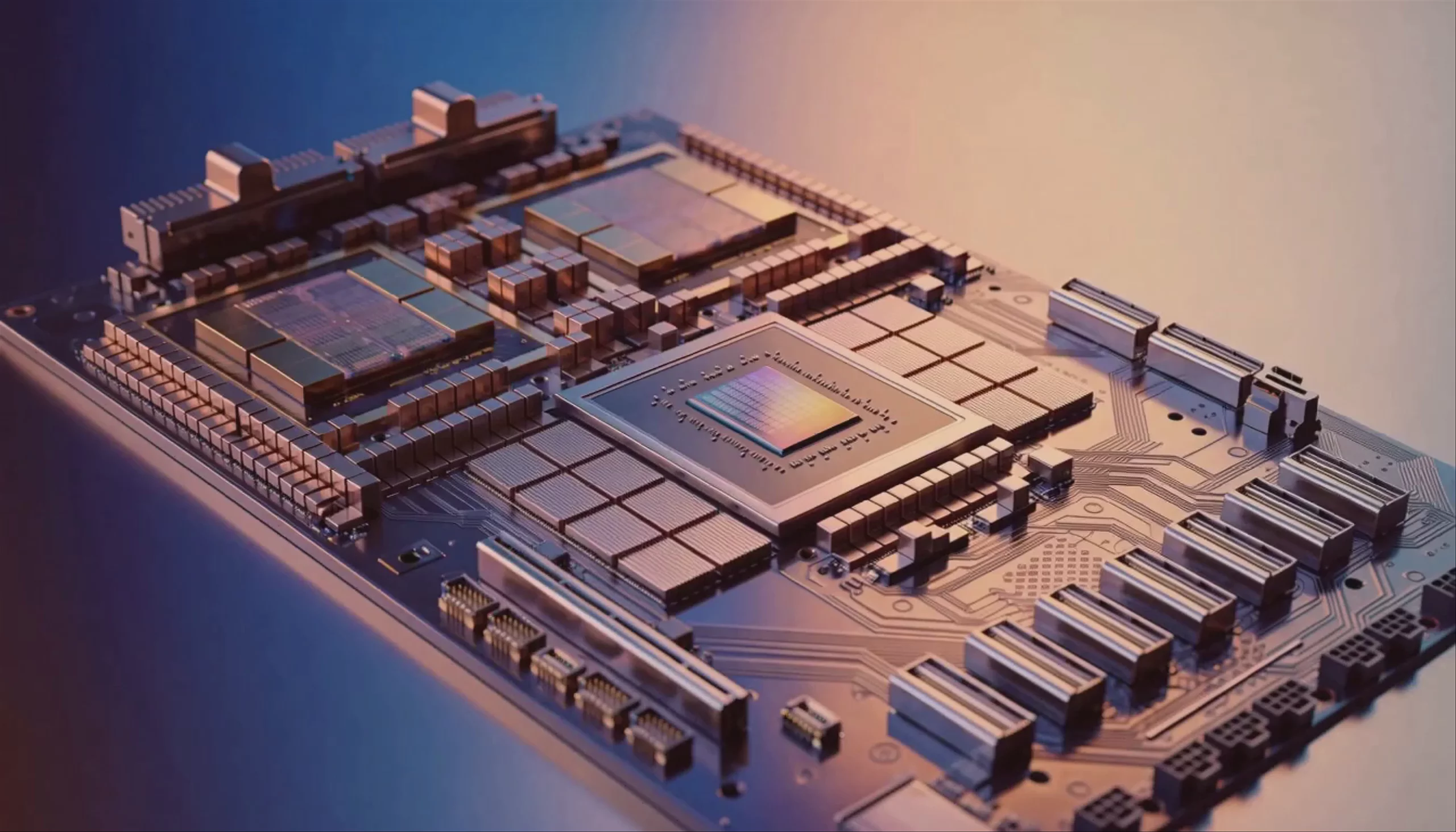
Hedra operates GPU clusters and the inference engine that runs diffusion and autoregressive media models on them 8x faster. The same research team post-trains models for customers: supervised fine-tuning, LoRA training, and GRPO, on your data.
Hedra and Canva: focus at a glance
Canva is a finished design product. Hedra serves and post-trains the image models a product like that is built on.
| Dimension | Hedra | Canva |
|---|---|---|
| What it is | GPU infrastructure, inference and post-training research | Design and publishing for non-designers |
| Core technology | Hedra's inference engine, its own GPU clusters, and post-training (SFT, LoRA, GRPO) | Templates, layouts, brand kits and licensed AI features inside the editor |
| Models | Open-weight models on Hedra's engine, models post-trained for you, and partner models through a gateway | Other makers' generative models inside its own product |
| How you connect | API, SDK, CLI, MCP, and Hedra Workspaces | Canva apps and Canva Connect APIs |
| Where inference runs | Hedra's GPU clusters, or your own | Canva's cloud and its model providers |
| Best fit | Teams building visual products who need inference, capacity and custom models | Marketers and small teams designing from templates |
Image models on Hedra infrastructure, priced per generation
Rates per generation for the variant shown. Open-weight models run on Hedra's engine on Hedra's clusters or yours; partner models are reached through the gateway.
| Provider | Model ID | Rate |
|---|---|---|
| Black Forest Labs | flux2-pro | 3¢/image · text to image |
| Black Forest Labs | flux-dev | 2.86¢/MP · open weights |
| nano-banana-pro | 15¢/image · 1K | |
| OpenAI | gpt-image-2 | 14.29¢/image · 1K medium |
| ByteDance | seedream-50-pro | 6.75¢/image · 1080p |
| Alibaba | qwen-image-2 | 3.5¢/image · standard |
| NVIDIA | sana | 0.71¢/MP · open weights |
FAQs
- How do Hedra and Canva fit together?
- Canva is a design tool with generative features licensed from model makers. Hedra is the layer a product like that is built on: GPU clusters, an inference engine that serves open-weight and partner image models, and post-training that tunes a model to a customer's own brand and data.
- What does Hedra actually operate?
- GPU clusters, the inference engine that serves media models on them, and a research team that pre-trains and post-trains models. Open-weight models and models post-trained for customers run on that engine, on Hedra's clusters or inside your perimeter. Partner models that only their makers serve are reached through Hedra's gateway so one request shape covers both.
- Can Hedra post-train a model for us?
- Yes. Hedra runs supervised fine-tuning, LoRA training, and GRPO on models you own or license, on your data and against your evals, then serves the result on the same engine. The weights are yours.