Seedream 4.5
Overview
Seedream 4.5 is a high-fidelity image generation and editing model developed by ByteDance. Building upon Seedream 4.0, it delivers enhanced multi-image consistency, precise text rendering, and 4K resolution output. The model is especially effective for professional visual design, e-commerce, and advertising, as it accurately identifies main subjects and strictly preserves details across multiple reference images.
Best of Seedream 4.5
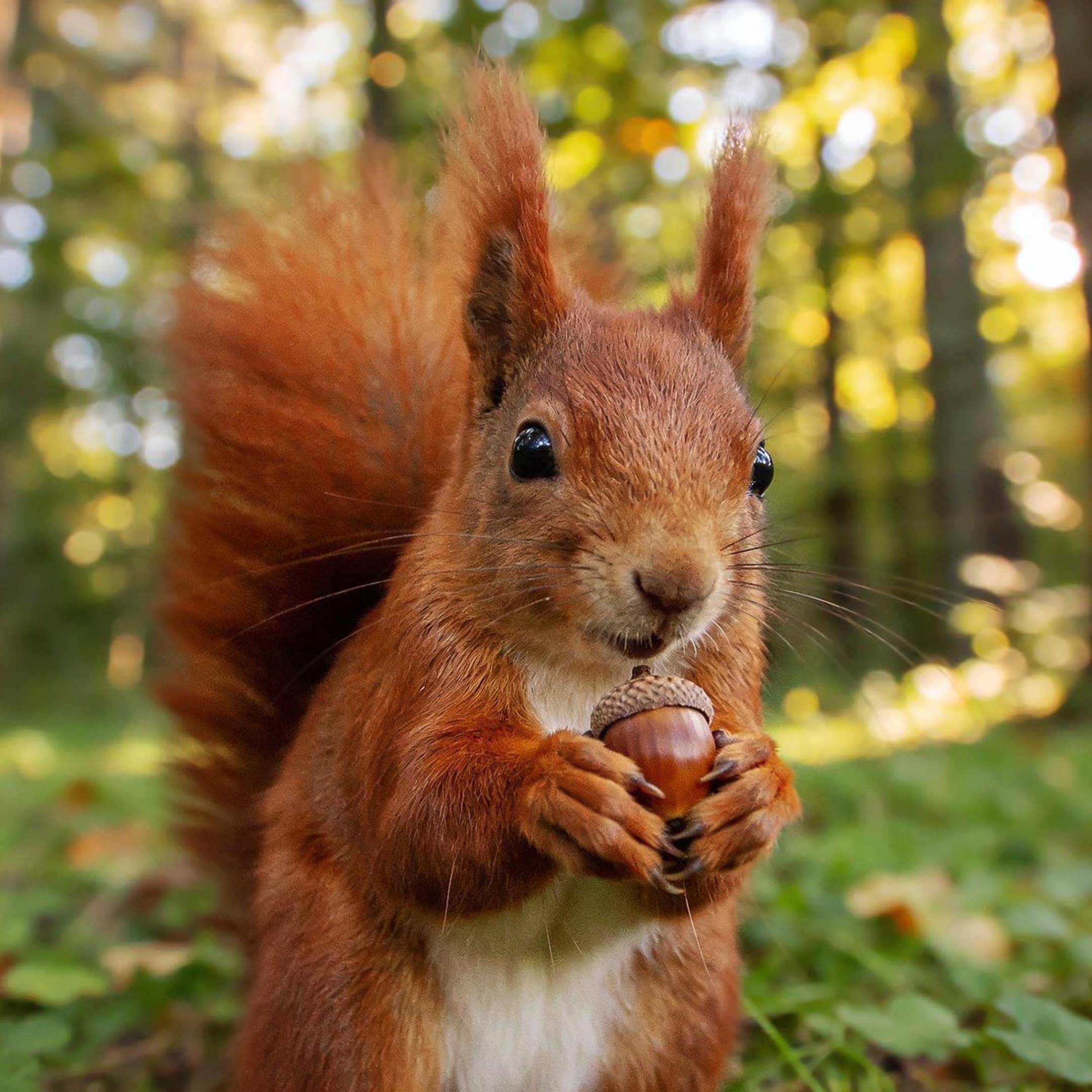
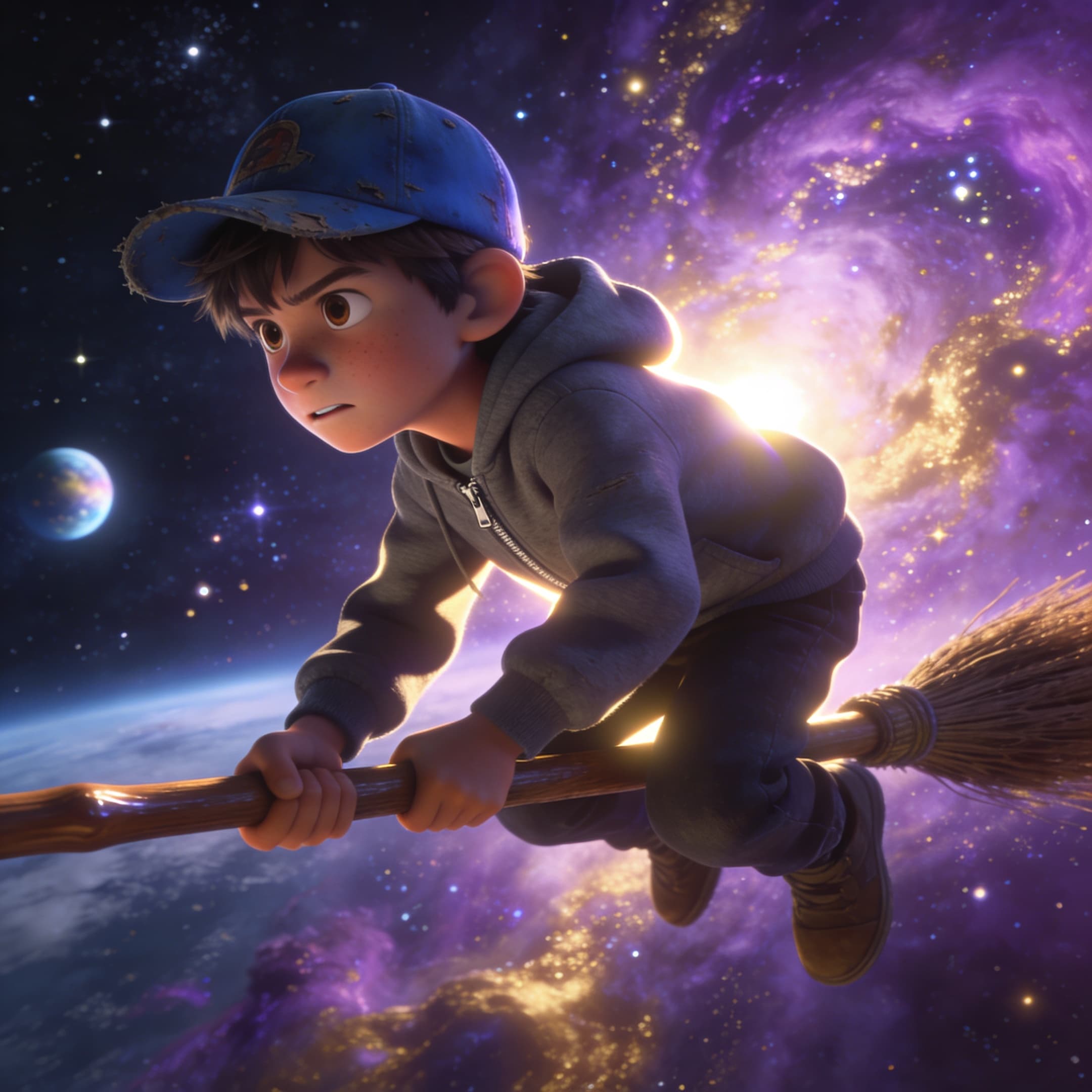
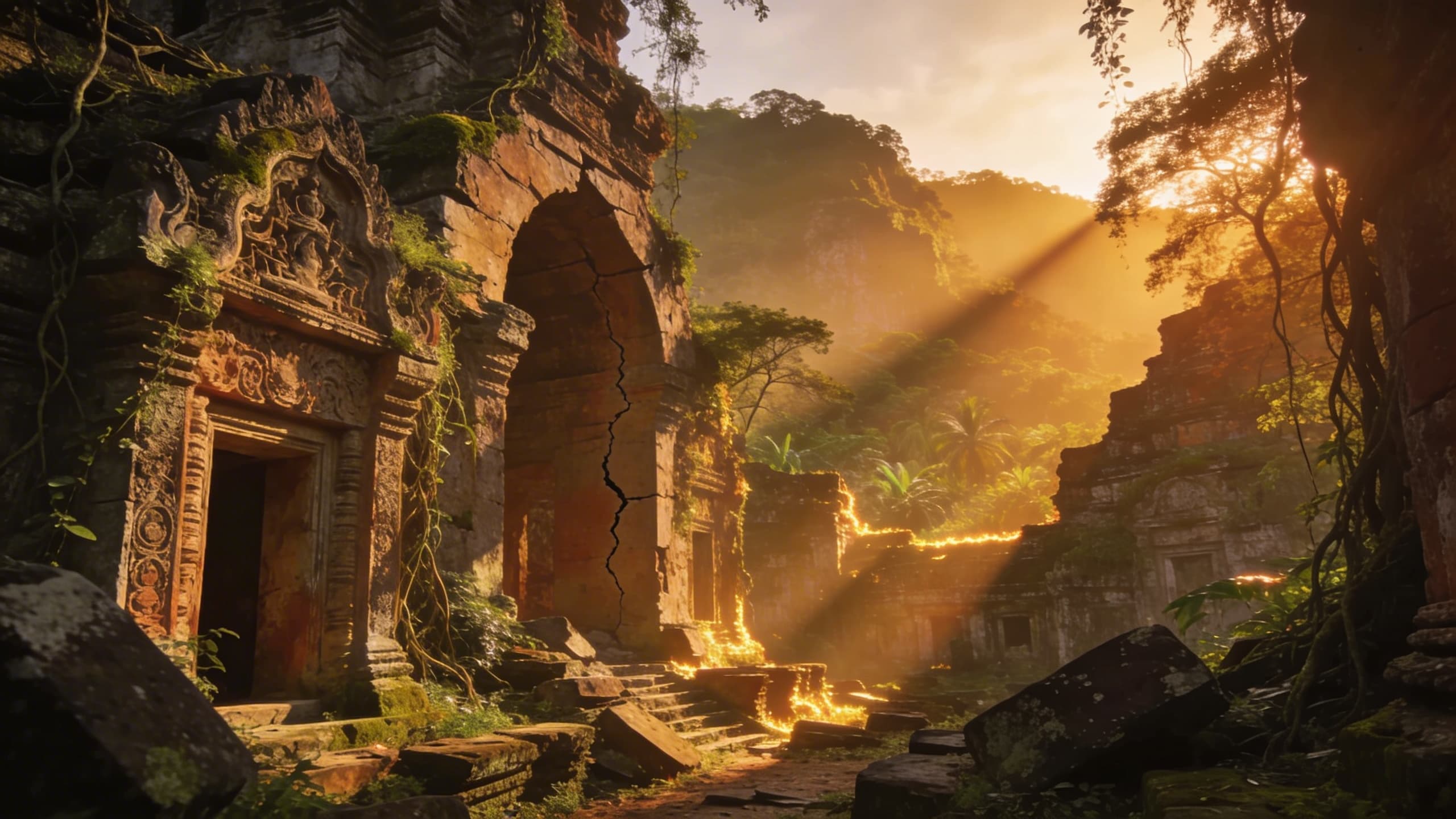
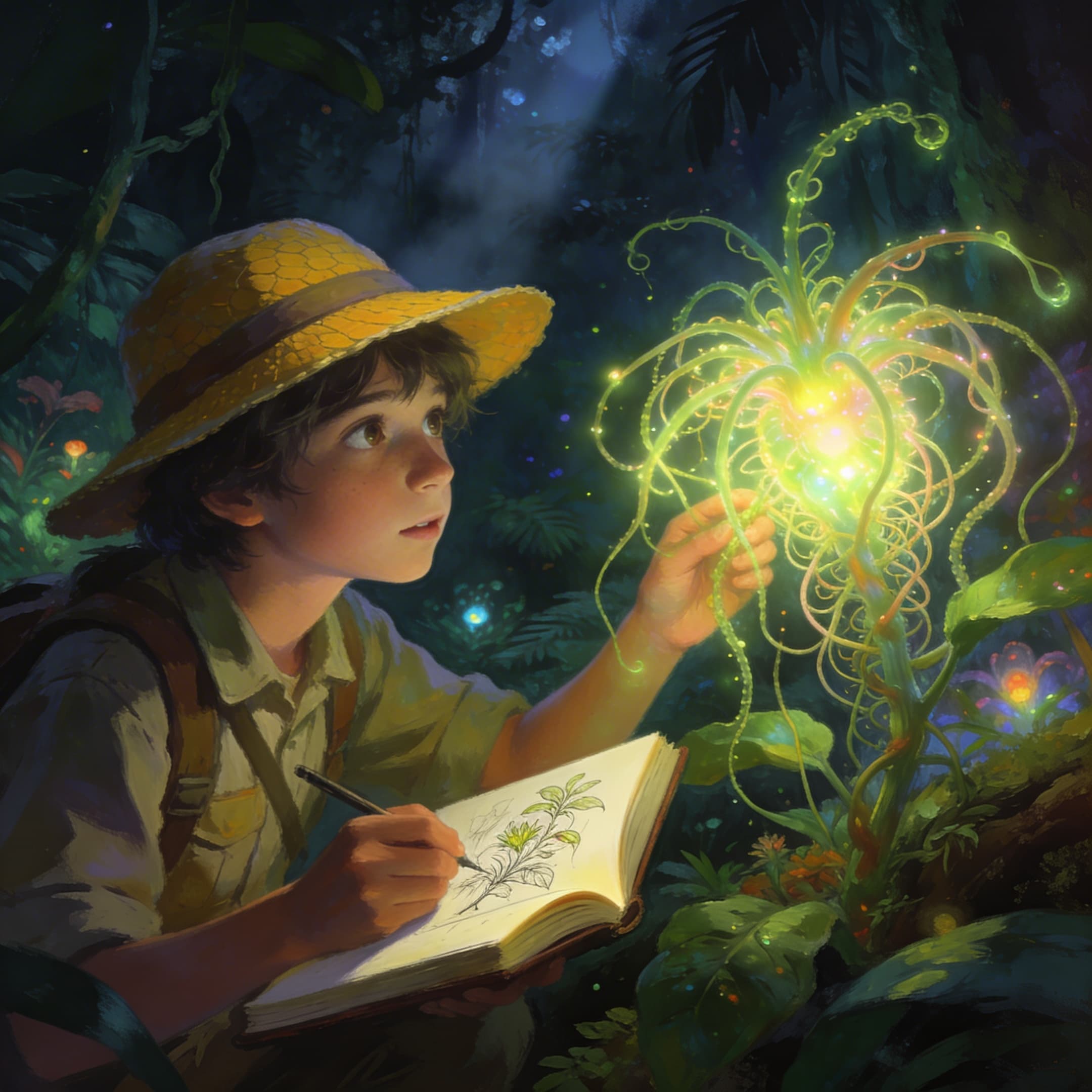
What is Seedream 4.5 best used for?
Seedream 4.5 by ByteDance excels at multi-image consistency and professional text rendering. Its unified architecture natively integrates generation and editing, allowing you to input multiple reference images to blend styles, characters, or elements while maintaining strict subject fidelity. This makes it highly reliable for e-commerce campaigns and character design. It also handles mixed bilingual typography and complex layouts with minimal distortion, generating ready-to-use marketing materials and posters.
When was Seedream 4.5 released and what is its lineage?
ByteDance officially released Seedream 4.5 on December 3, 2025, through its Seed team and BytePlus enterprise platform. It serves as a direct upgrade to Seedream 4.0 (released in September 2025), focusing on enhanced controllability and professional adaptability. It was subsequently succeeded by Seedream 5.0 Lite in February 2026. The Seedream image family shares underlying multimodal research with ByteDance's video generation models, including Seedance 2.0.
How can I improve text accuracy and editing precision in my prompts?
For optimal results, the official BytePlus ModelArk prompt guide recommends using double quotation marks around any exact text you want rendered (e.g., Generate a poster with the title "Seedream 4.5"). When performing image edits, avoid vague pronouns. Explicitly state both your modification goal and which elements must remain fixed—for example, "Dress the tallest panda in a pink costume, keeping its pose unchanged." Finally, keep text prompts under 600 words to ensure the model captures all critical details.
Similar models
Prompt tips
Use natural language: Write coherent sentences describing the subject, action, and environment rather than using comma-separated keyword tags.,- Quote your text: Always enclose specific words or phrases you want rendered in the image within double quotation marks.,- Be precise with edits: Avoid vague pronouns during image-to-image tasks; use specific nouns (e.g., "Dress the tallest panda" instead of "Change that one").,- Declare the format: Explicitly state the purpose or type of the image in your prompt, such as "Design a logo for a gaming company" or "Generate a product display poster."