Flux Kontext Max
Overview
Flux Kontext Max is an instruction-based image editing model developed by Black Forest Labs. It allows creators to modify existing images using natural language prompts, handling complex tasks like typography integration, style transfer, and character consistency without the need for finetuning. As the highest-tier editing model in the provider's lineup—operating above Flux Kontext Pro and complementing generation models like Flux.2 [max]—it provides maximum output fidelity for precise composition control and scene transformations.
Best of Flux Kontext Max
 Businessman Driving Coastal Road at Sunset — Flux Kontext Max
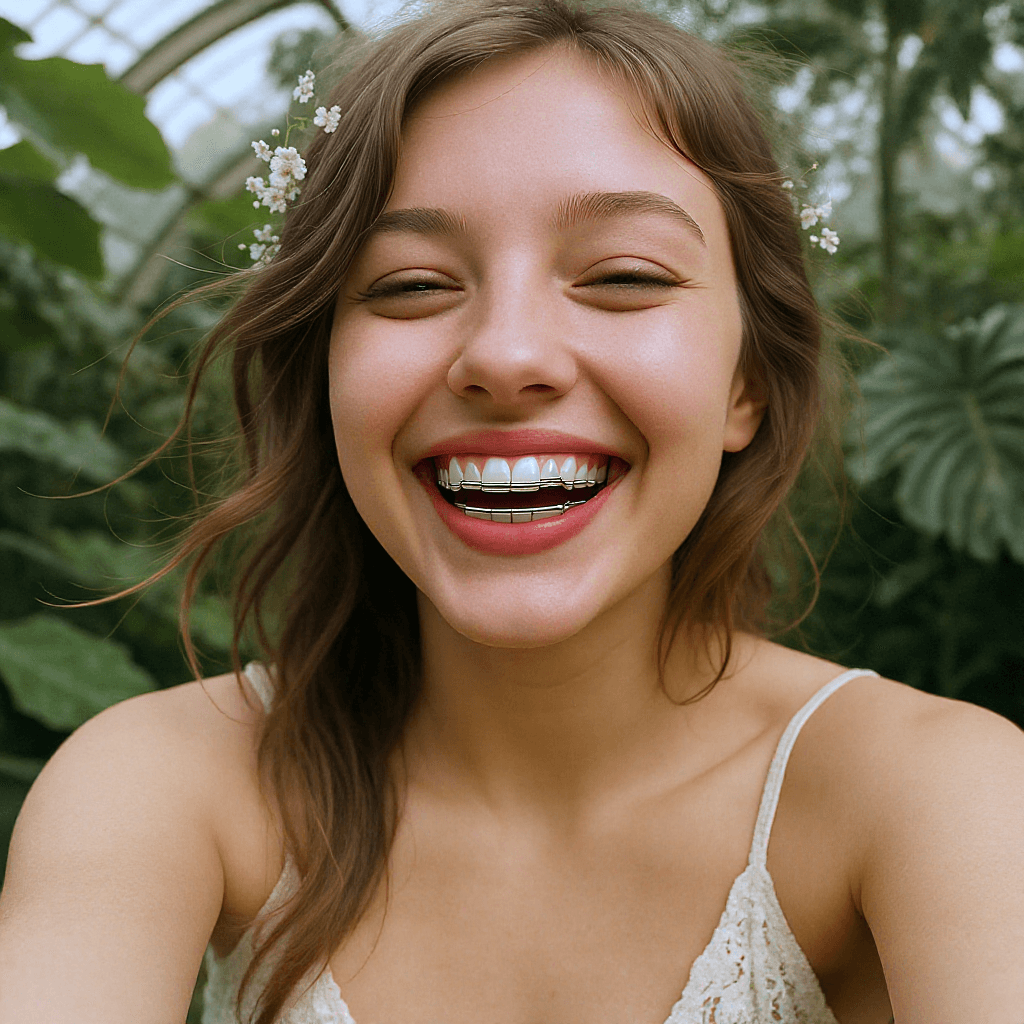 Smiling Woman in Greenhouse, by Flux Kontext Max
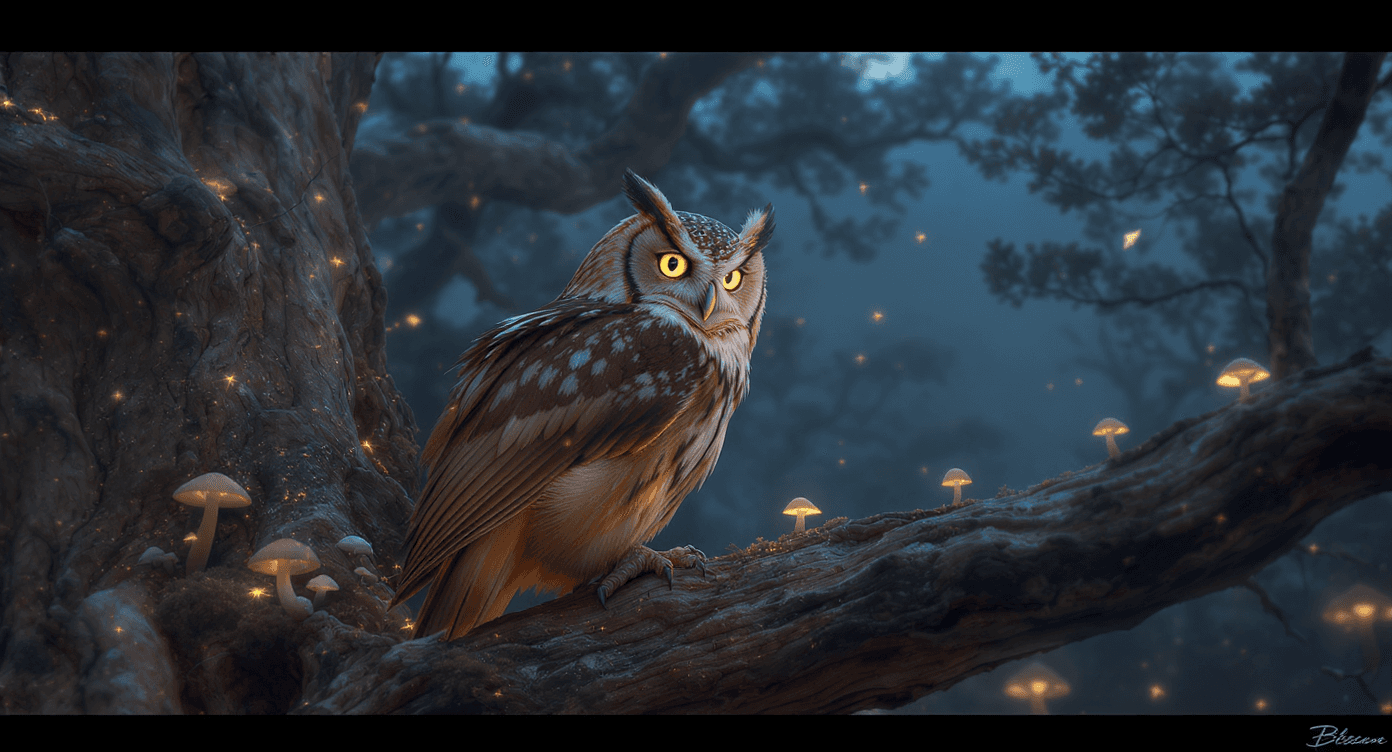 Magical Owl on a Gnarled Branch — Flux Kontext Max
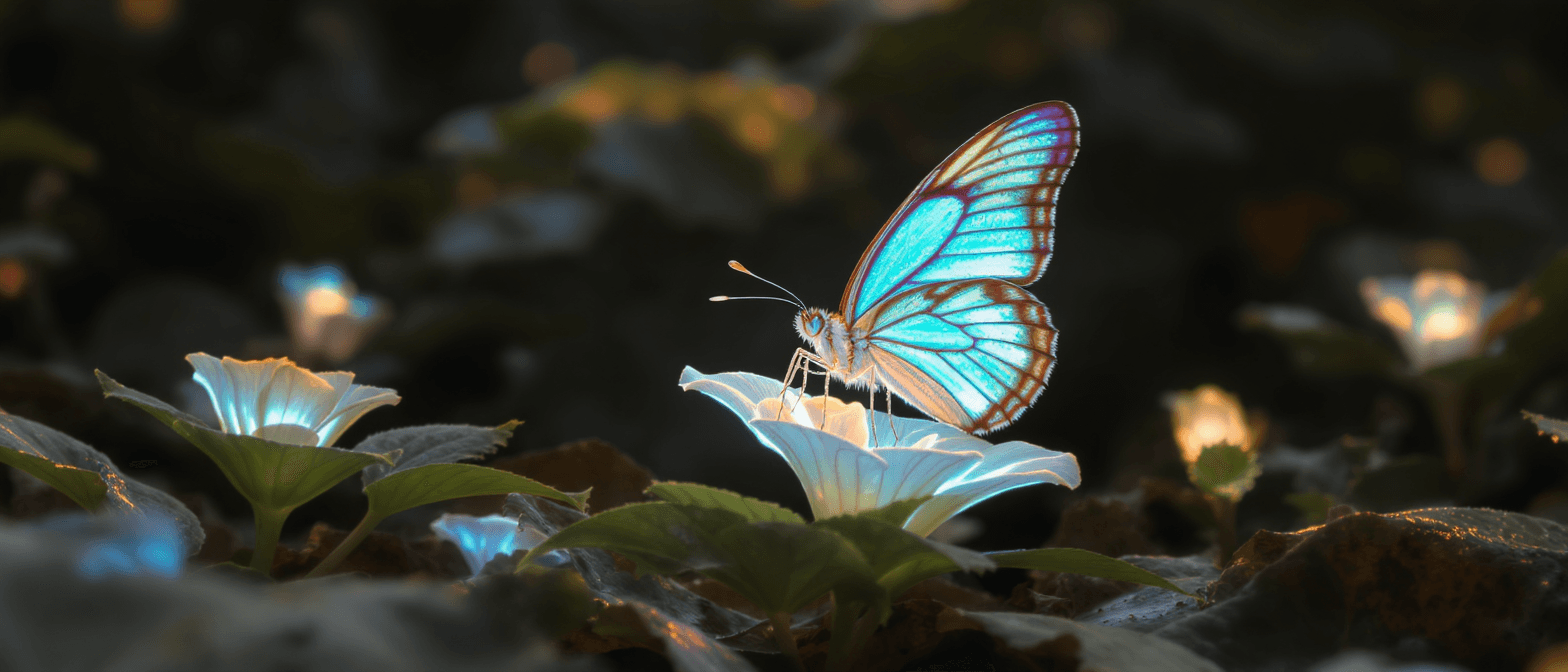 Glowing Butterfly on Bioluminescent Flower — Flux Kontext Max
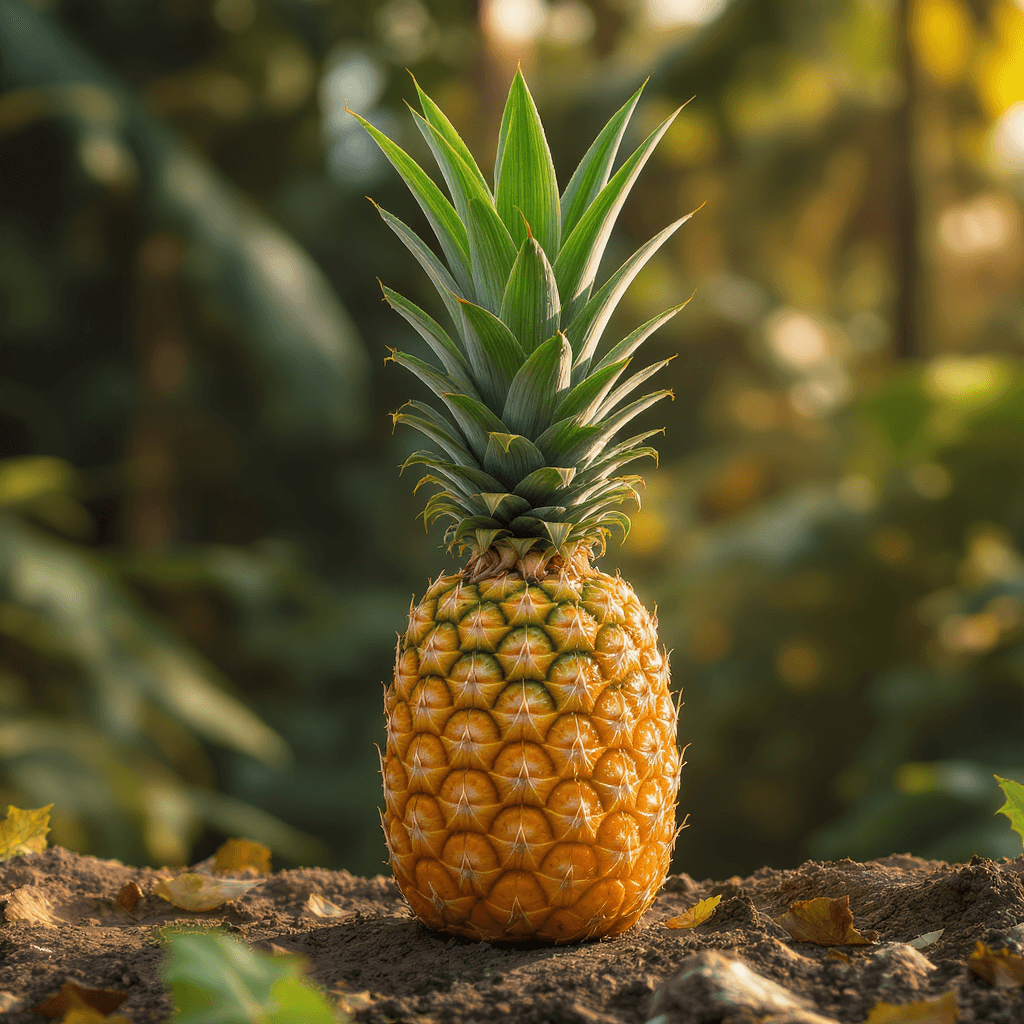 Vibrant Golden Pineapple — Flux Kontext Max
 Artist Sketching a Portrait — Flux Kontext Max
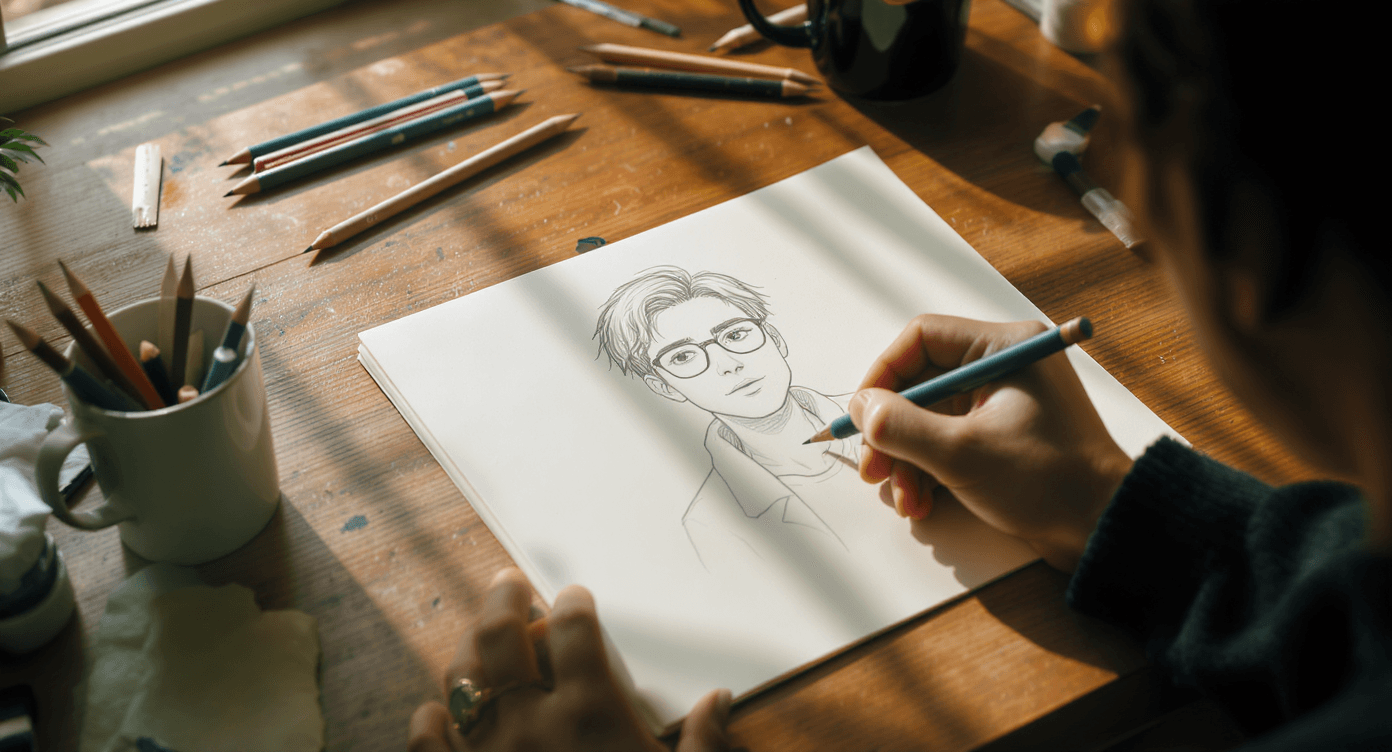 Artist Sketching Portrait on Wooden Desk — Flux Kontext Max
 Pink-Haired Gamer Podcaster — Flux Kontext Max
What is Flux Kontext Max best used for?
Flux Kontext Max is designed for context-aware image editing. According to Black Forest Labs, it focuses on character consistency, style transfer, and typography generation. The community frequently uses it for precise local edits and multi-image compositing, which allows users to combine elements from several reference images into a single scene without requiring custom fine-tuning.
When was Flux Kontext Max released, and what is its lineage?
Black Forest Labs announced the FLUX.1 Kontext suite on May 29, 2025. This suite builds on the architecture of earlier generative models like Flux.2 [max] and Flux 1.1 Pro. Flux Kontext Max operates as the premium tier of the editing suite, offering higher fidelity than its mid-tier sibling, Flux Kontext Pro, and the open-weights Dev version.
How can I get the best results when prompting for style transfers?
To achieve accurate style transfers with Flux Kontext Max, avoid vague instructions like "make it artistic." Prompting guides recommend naming specific art movements or media, such as "1960s pop art," "watercolor sketch," or "Renaissance." Being specific helps the model apply the exact aesthetic you want while preserving the original subject's identity.
Can I use multiple reference images with this model?
Yes. A useful technique among creators is leveraging the model's multi-image input capability. You can upload several reference images to combine different elements—such as extracting a character's face from one photo, a clothing style from a second, and a background from a third—into a single image.
Similar models
Prompt tips
Quote Target Text: When replacing typography, use explicit quotation marks in your instruction (e.g.,
Replace 'Choose joy' with 'BFL') to help the model identify the exact text to swap.Use Annotation Boxes: Draw a brightly colored box over the area you want to edit on your input image; the model automatically recognizes this as a targeted zone for local edits.
Command-Based Prompting: Frame your prompts as direct instructions or actions (e.g., "Make it snowing" or "Remove the object from her face") rather than traditional descriptive captions.