Seedance 2.0
Overview
Seedance 2.0 is a professional multimodal video generation model developed by BytePlus. As the successor to Seedance 1.5 Pro, it accepts a combination of text, image, video, and audio inputs to generate cinematic sequences with native sound synchronization. The model provides precise camera control, consistent character tracking, and seamless video editing and extension, supporting filmmakers and enterprise creators who require stable, multi-shot workflows.
Seedance 2.0 All Inputs
Multiple input modes — generates video.
Specifications
- Input mode
- Multiple input modes
- Accepts
- reference image (up to 9), start frame, end frame, reference video
- Aspect ratios
- 1:1, 3:4, 4:3, 16:9, 21:9, 9:16
- Resolutions
- 480p, 720p, 1080p
- Durations
- 4s, 5s, 6s, 7s, 8s, 9s, 10s, 11s, 12s, 13s, 14s, 15s
- Max duration
- 15s
- Native audio
- Yes
- Pricing
- 60 credits / second — longer clips and higher resolutions cost more
- Typical generation time
- ~3 min
- Free tier
- No
Multiple input modes examples
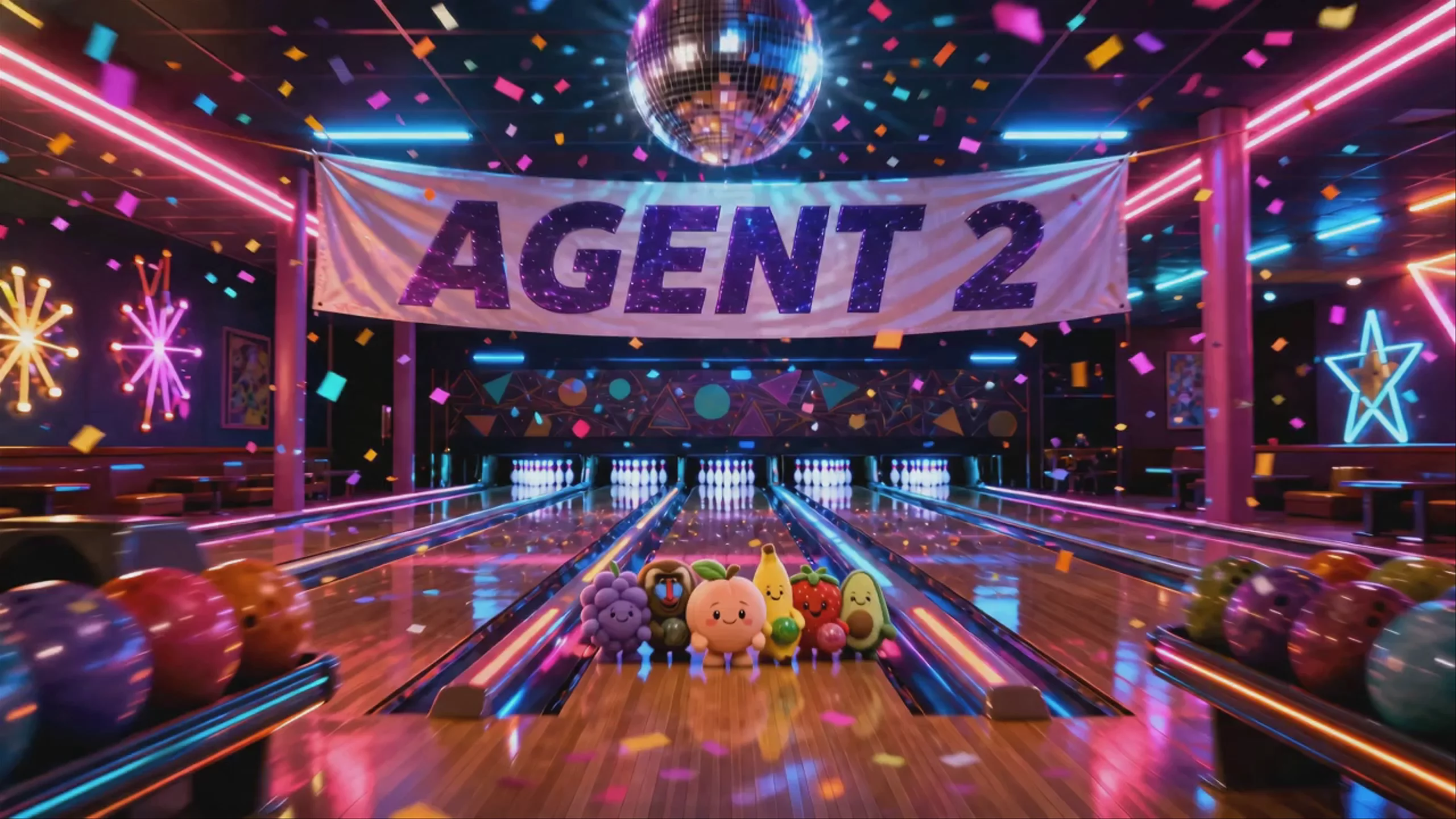

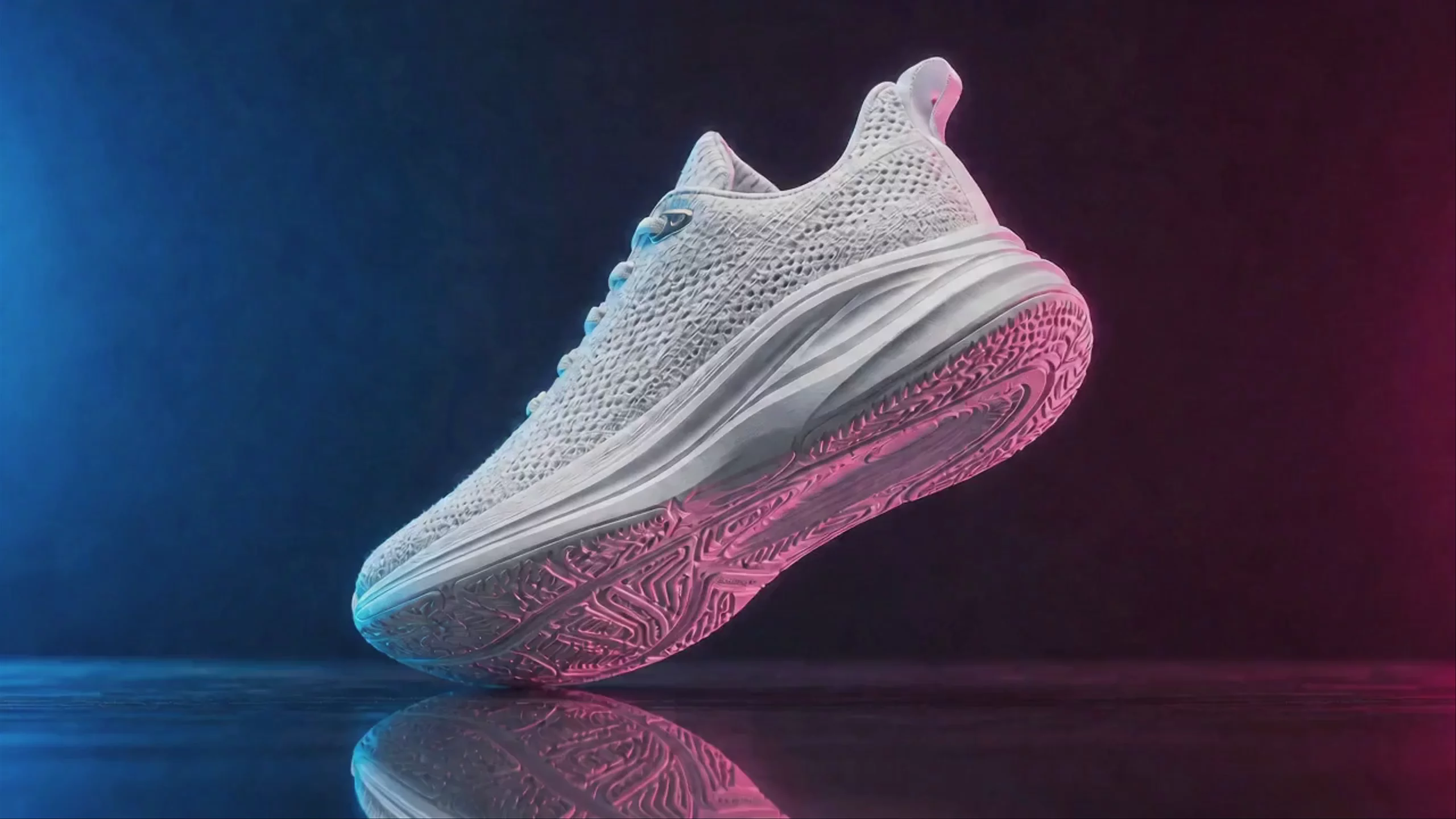


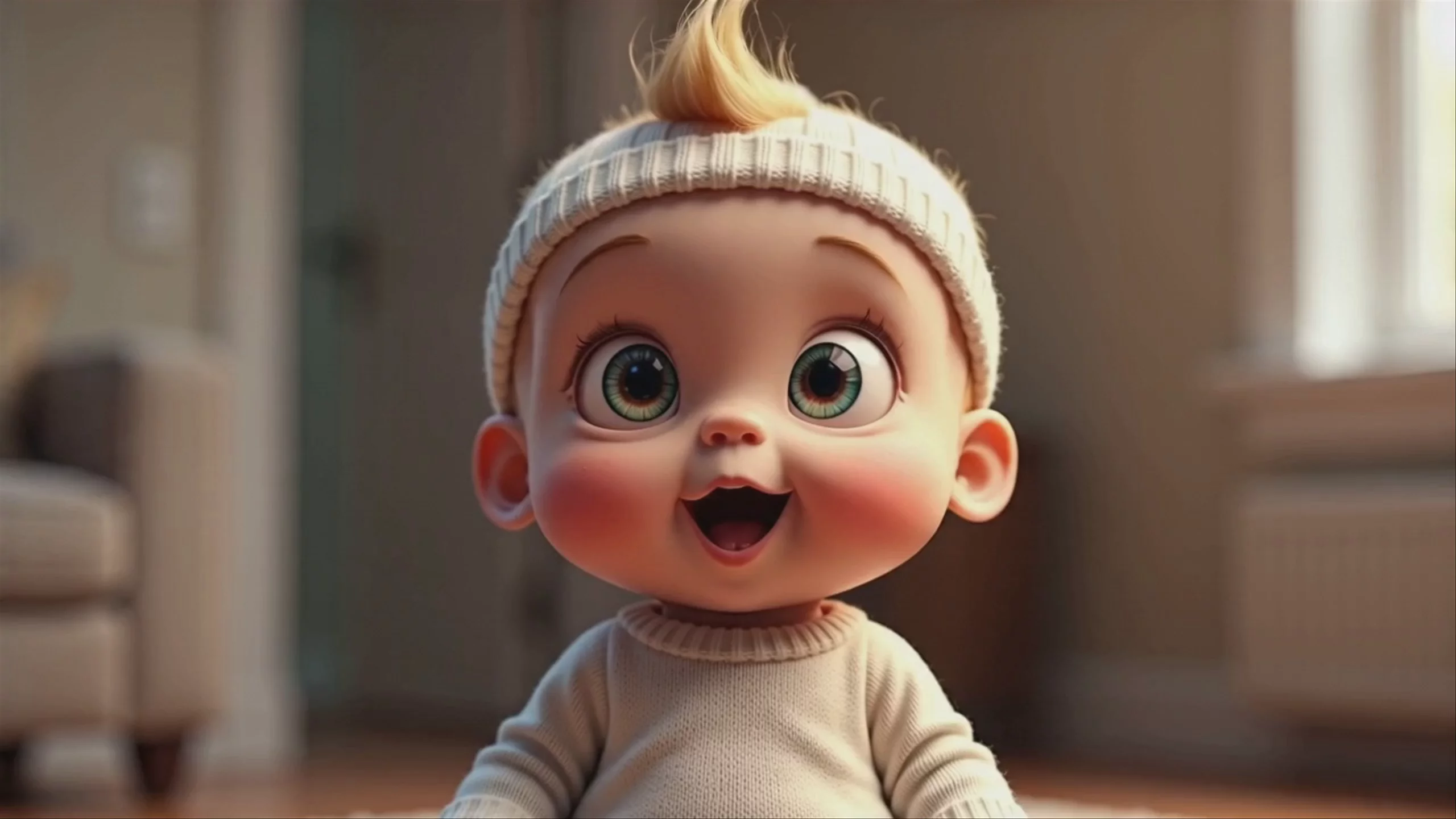
What is Seedance 2.0 best for?
Seedance 2.0 is highly regarded for its true multimodal capabilities and native audio-video generation. It excels at multi-shot storytelling and high-action sequences, such as fast-paced fight scenes. Because it processes text, images, video, and audio simultaneously, it can generate perfectly synced sound effects and lip-syncing in over eight languages without needing a separate audio tool. The community also praises its strong character consistency and ability to handle up to 12 reference assets in a single generation.
Who developed Seedance 2.0, and what is its lineage?
Seedance 2.0 was developed by ByteDance and is officially available to enterprises through BytePlus. Released in early February 2026, it is part of the broader "Seed" family of multimodal AI models, which includes image generators like Seedream 4.0 and Seedream 5.0 Lite. It succeeds earlier video models like Seedance 1.0 and Seedance 1.5 Pro, introducing a unified architecture that natively handles joint audio and video generation.
How can I get the best results with Seedance 2.0?
To maximize Seedance 2.0's potential, avoid vague, single-sentence prompts. The community recommends breaking your scene into 2 to 3-second chunks, specifying shot direction, camera movement, and subject action for each segment. Take full advantage of its multimodal reference system—you can upload multiple combined assets (such as reference images, motion videos, and audio clips) to tightly control character consistency, pacing, and beat-matching. For detailed structural advice, consult the BytePlus Video Generation Tutorial.
Similar models
Prompt tips
- Chunk Your Prompts: Instead of one broad description, break your prompt into 2–3 second chunks detailing specific shot direction, camera movement, and subject action.
- Leverage Asset Tagging: When uploading multiple references, use the model's tagging system to assign specific roles (e.g., character, background, motion style) to each file.
- Audio-Driven Pacing: Upload a music track or voiceover as an audio reference to prompt the model to match the visual pacing, cuts, and transitions to the beat.
- Lock Characters with Grids: To maintain strict character consistency across a multi-shot sequence, feed the model a multi-angle image grid of your subject as the primary reference.
