GPT Image 1.5
Overview
Developed by OpenAI, GPT Image 1.5 is an autoregressive image generation and editing model built for professional workflows. It delivers precise text rendering and operates up to four times faster than its predecessor. The model excels at iterative editing, reliably maintaining facial identities and brand logos across changes. While succeeded by GPT Image 2 High, it remains a highly consistent tool for marketers creating product mockups, offering a balanced alternative to Nano Banana Pro.
Best of GPT Image 1.5
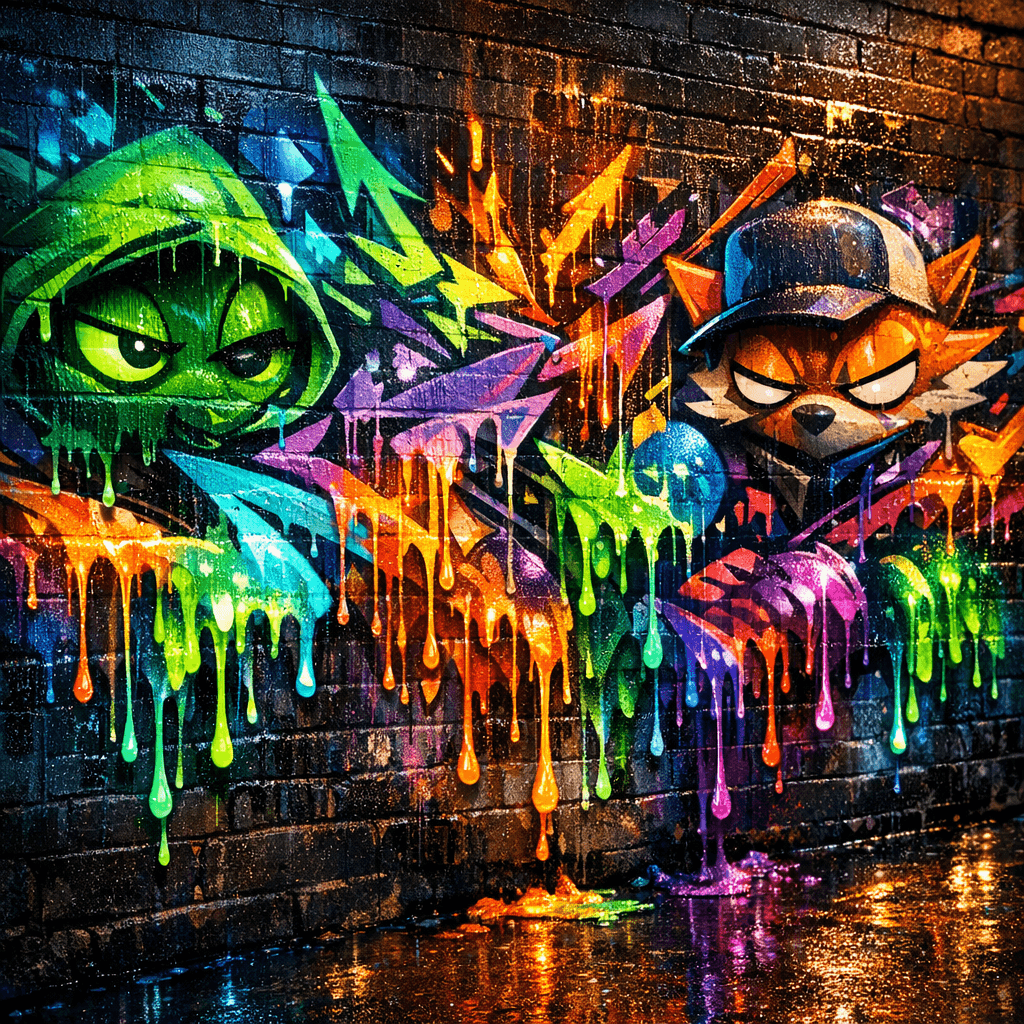 Vibrant Neon Graffiti Mural — GPT Image 1.5
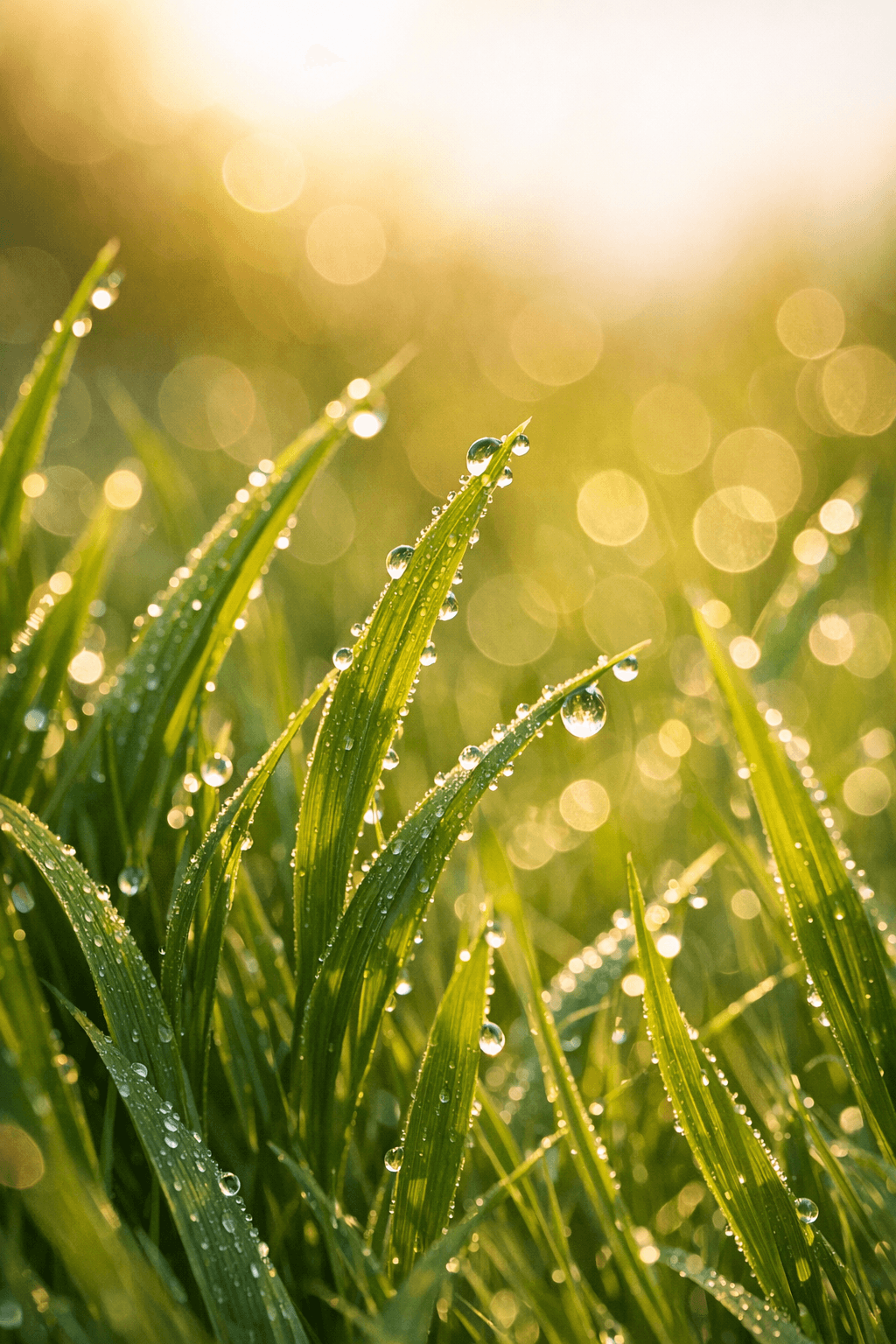 Morning Dewdrops on Green Grass, by GPT Image 1.5
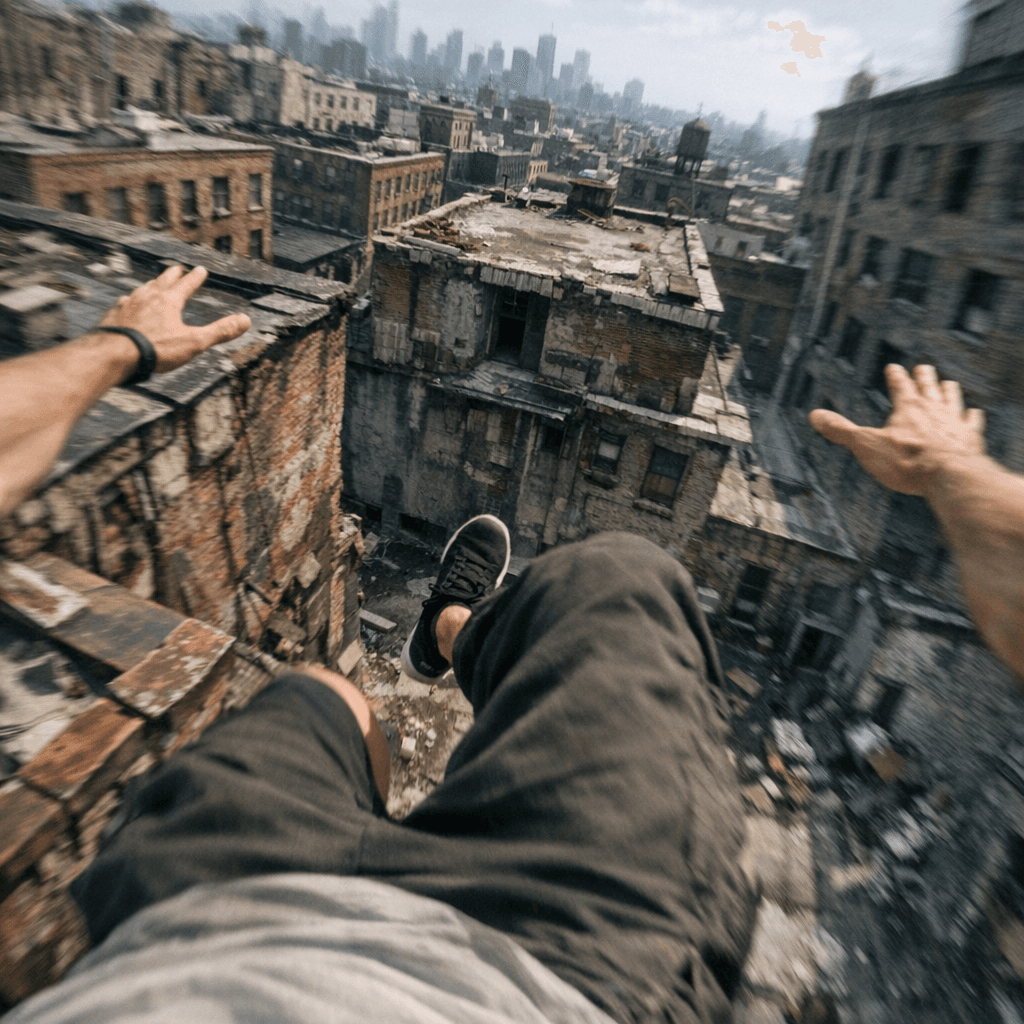 First-Person Parkour Leap — GPT Image 1.5
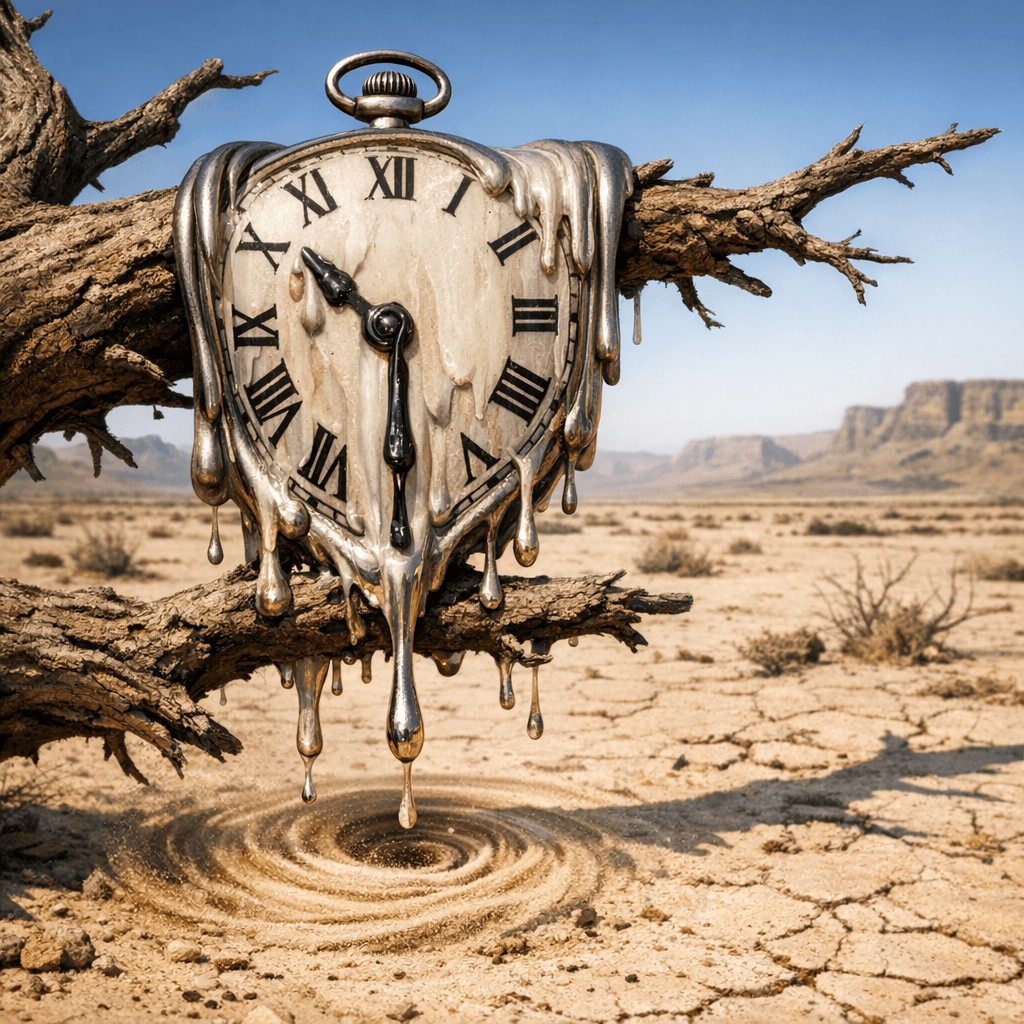 Melting Pocket Watch in Desert — GPT Image 1.5
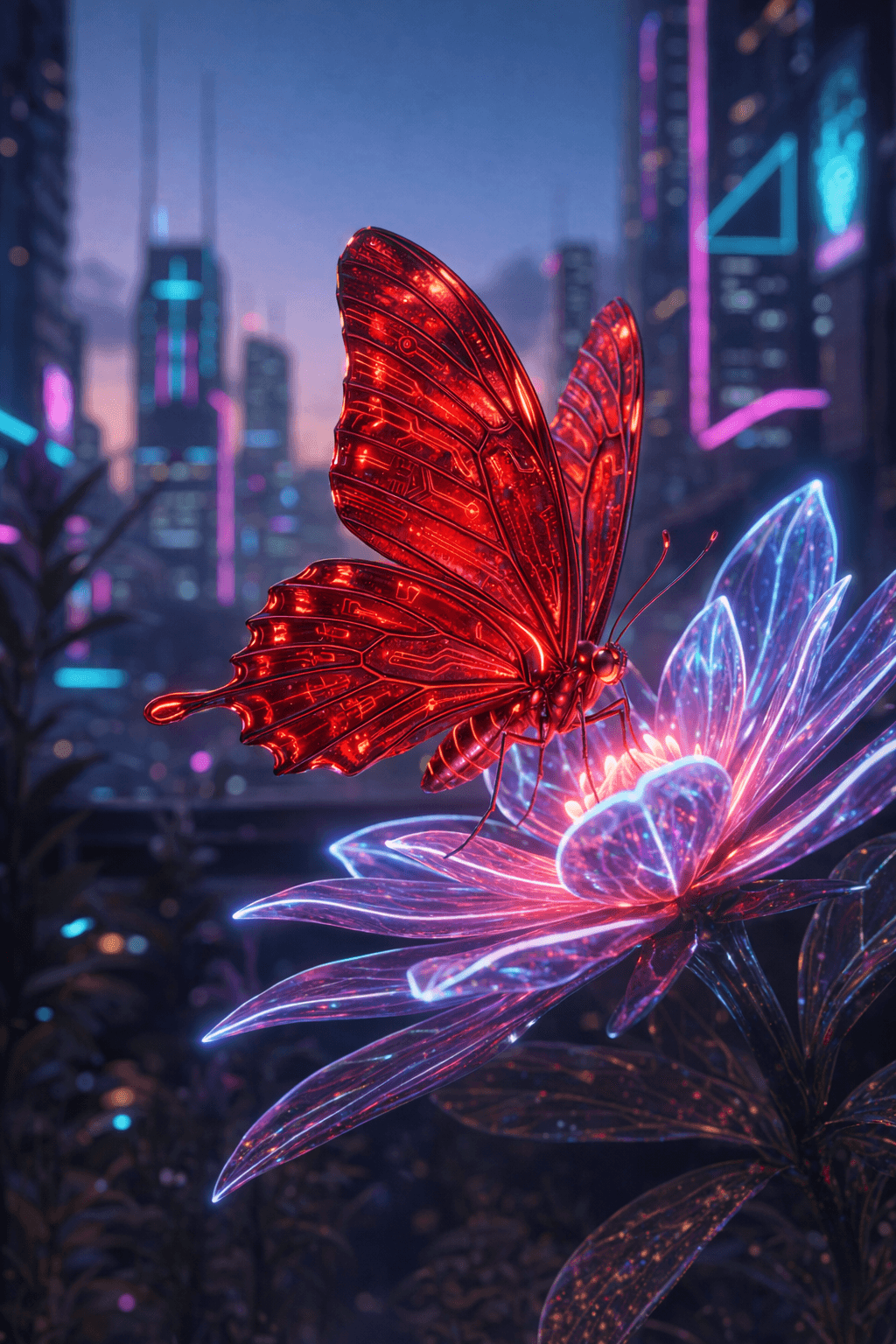 Crimson Cyberpunk Butterfly on Glowing Flower — GPT Image 1.5
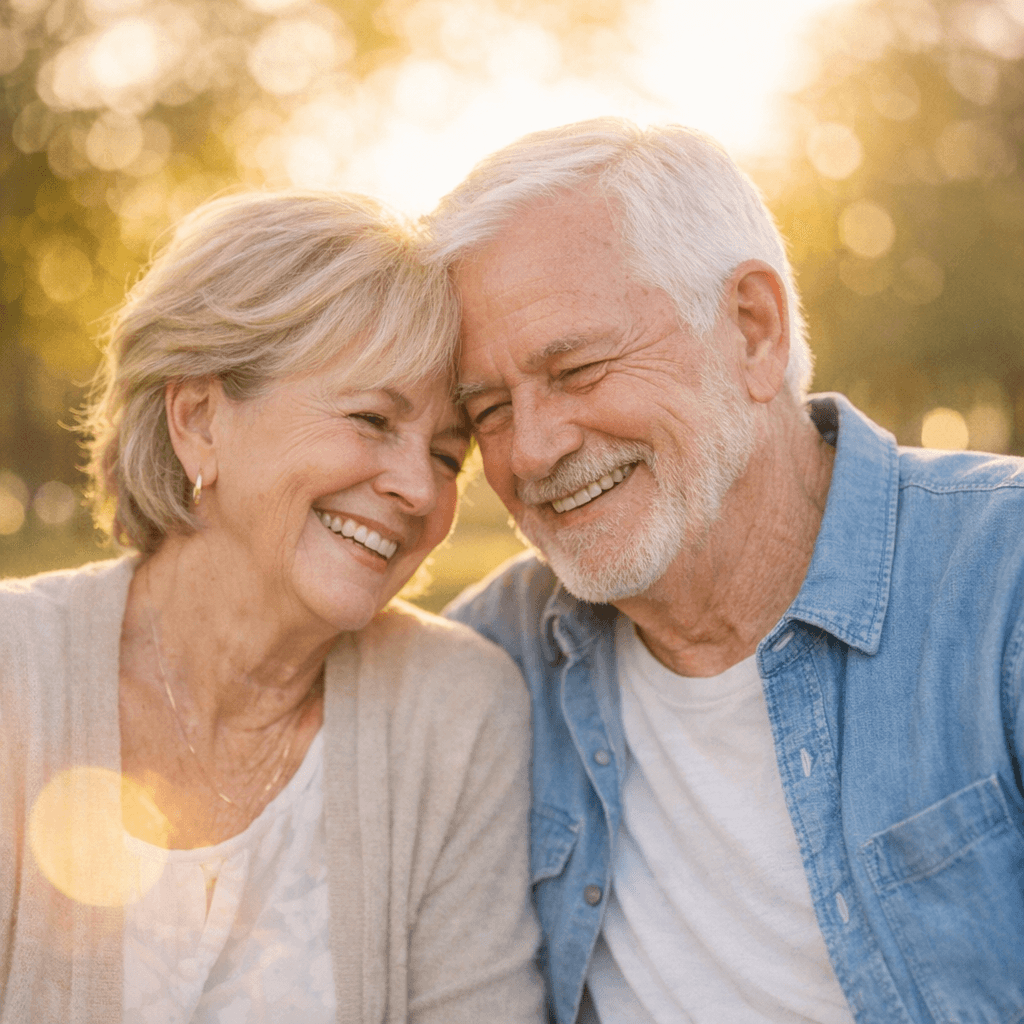 Senior Couple Smiling Outdoors — GPT Image 1.5
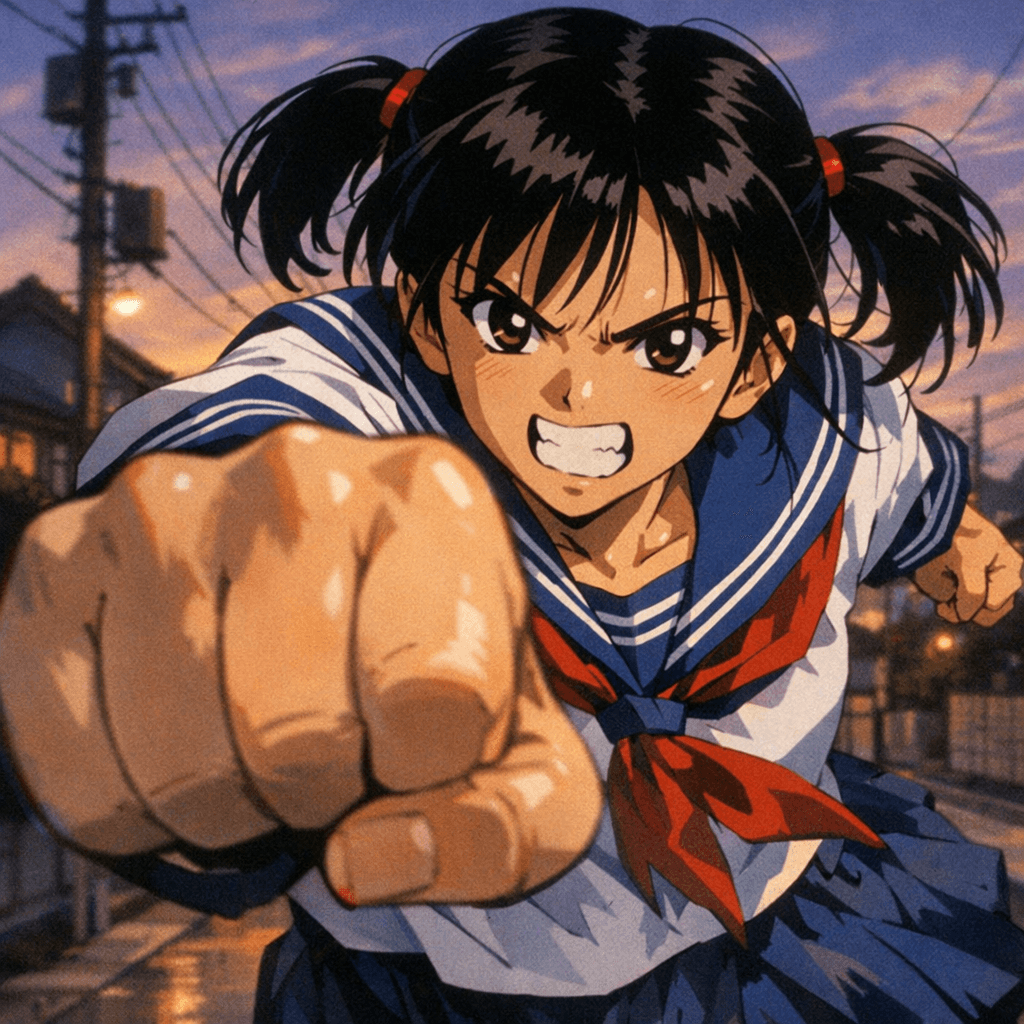 GPT Image 1.5: Anime Schoolgirl Punching Towards Camera
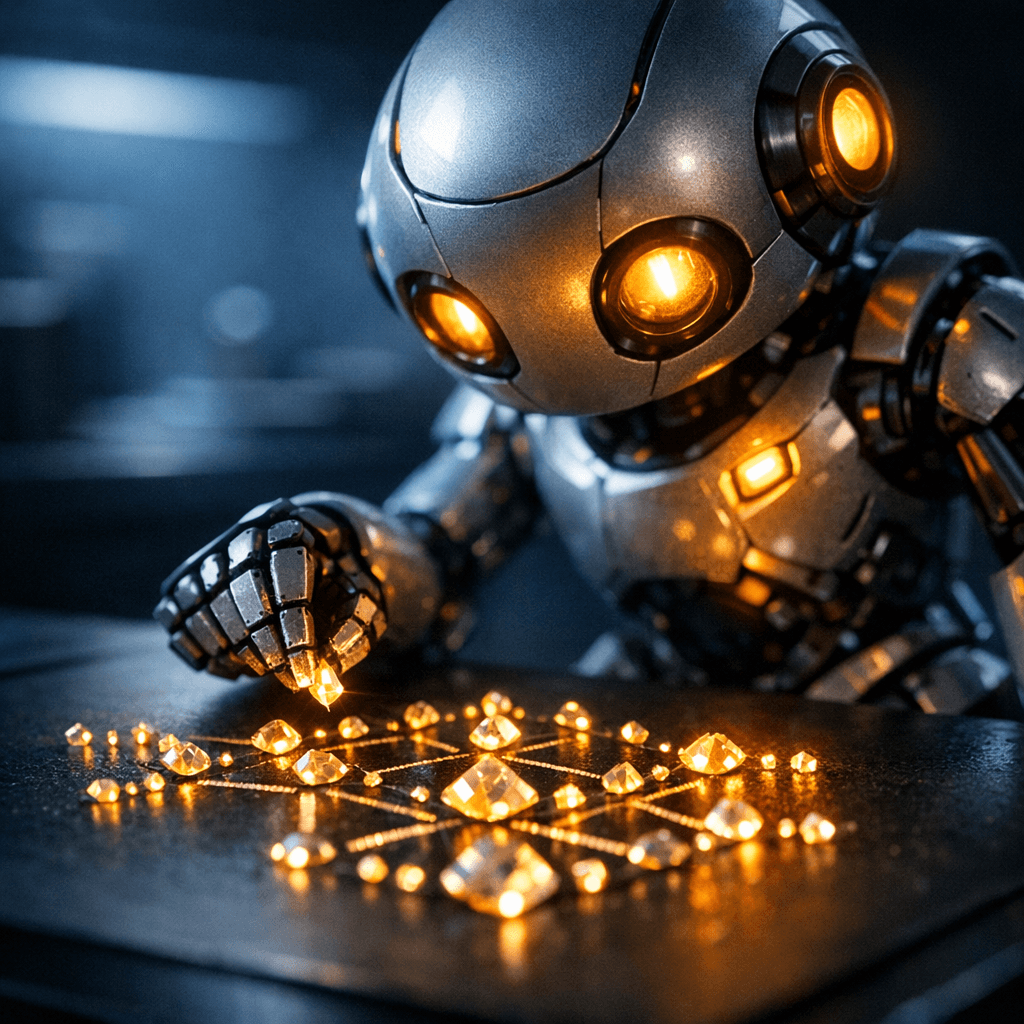 Robot Arranging Glowing Crystals, by GPT Image 1.5
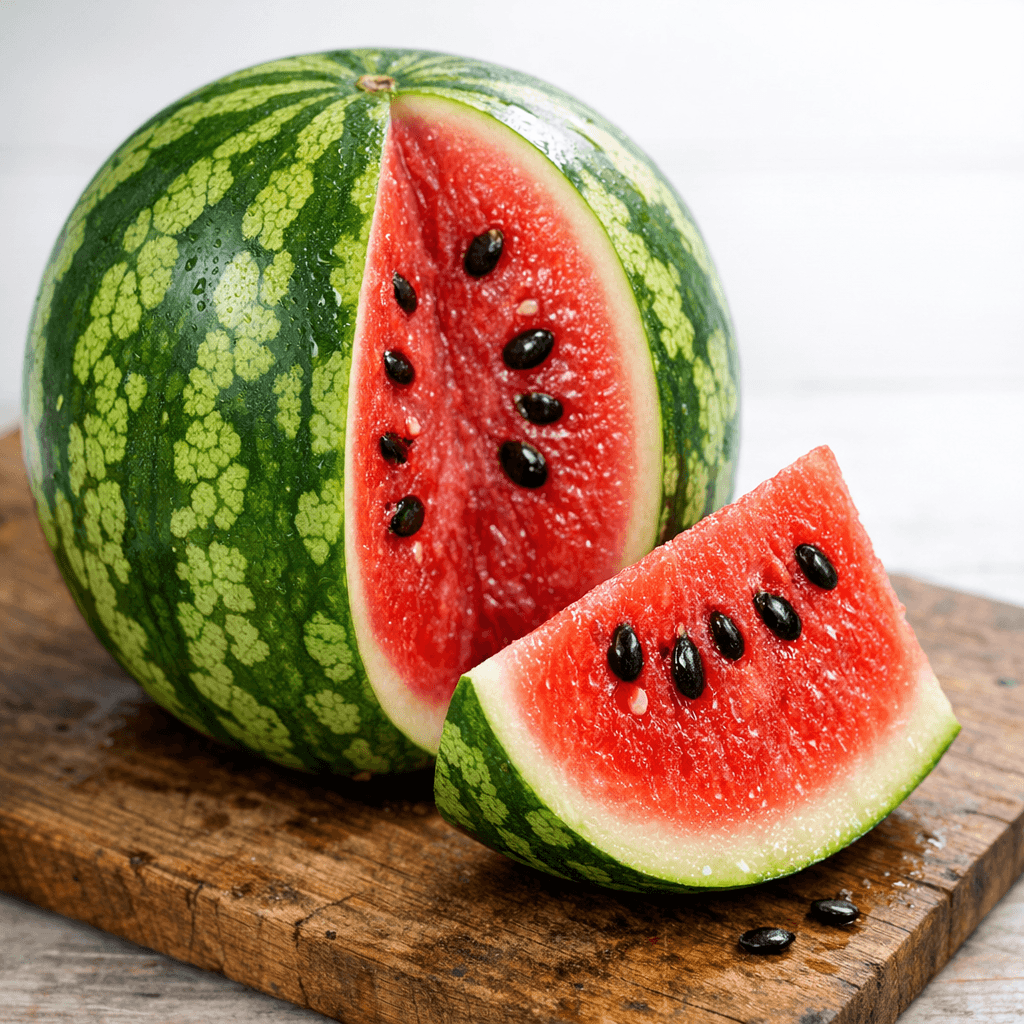 Sliced Watermelon on Wooden Board — GPT Image 1.5
What is GPT Image 1.5 best used for?
GPT Image 1.5 is a balanced workhorse for professional workflows. It excels at high-fidelity text rendering, making it highly reliable for generating infographics, UI mockups, and posters with readable typography. The community also highlights its precise editing capabilities. You can perform targeted edits—like changing a subject's clothing or swapping a background—without losing the original composition, lighting, or facial identity.
When was GPT Image 1.5 released and what is its lineage?
OpenAI released GPT Image 1.5 on December 16, 2025. It replaced the earlier GPT Image 1 and GPT Image 1 Mini models, introducing a native multimodal architecture that generates images up to 4x faster. In April 2026, it was succeeded by the GPT Image 2 family, which you can use in our catalog via GPT Image 2 High, GPT Image 2 Medium, and GPT Image 2 Low.
How should I structure prompts for this model?
The community and official documentation recommend a structured 5-slot prompt formula. Order your text by: Scene, Subject, Important Details, Use Case (e.g., "UI mockup" or "product photography"), and Constraints (e.g., "preserve face" or "no logos"). Using line breaks between these sections helps the model understand complex requests. For detailed examples, check out the OpenAI Cookbook.
Are there any specific tricks for e-commerce or character consistency?
Yes. Because of its region-aware editing, GPT Image 1.5 is highly effective as a "catalog engine." You can use it to perform surgical edits—swapping out backgrounds or changing product colors while locking the identity of your main character or item. This allows you to easily scale product variants or maintain character consistency from a single source image without the rest of the composition drifting.
Similar models
Prompt tips
Anti-Gloss Constraint Block: To remove the default "AI look," explicitly prompt against it using terms like "matte finish, natural lighting, unretouched, raw photography.",- The Character Anchor: Use specific, detailed anchor phrases to lock in a character's identity across multiple generations or edits.,- One-Change Iteration: When using the edit endpoint, prompt only for the specific change you want (e.g., "change the shirt to blue") rather than re-describing the whole scene.,- Fidelity Toggles: Use the
input_fidelityparameter (low or high) via the API to control how strictly the original pixels are preserved during a modification.