Veo 3.1 Fast
Overview
Veo 3.1 Fast is a high-speed video generation model developed by Google DeepMind, designed to deliver rapid results at a lower compute cost than the standard Veo 3.1. It produces high-fidelity 8-second clips complete with natively generated audio, dialogue, and sound effects. Featuring advanced controls like start-and-end frame targeting and multi-image reference mixing, it is especially good for iterative workflows, rapid storyboarding, and efficient ad creation.
Veo 3.1 Fast All Inputs
Multiple input modes — generates video.
Specifications
- Input mode
- Multiple input modes
- Accepts
- start frame, end frame, source video
- Aspect ratios
- 16:9, 9:16
- Durations
- 4s, 6s, 8s
- Max duration
- 8s
- Native audio
- No
- Pricing
- 20 credits / second — longer clips and higher resolutions cost more
- Typical generation time
- ~2 min
- Free tier
- Yes
Multiple input modes examples
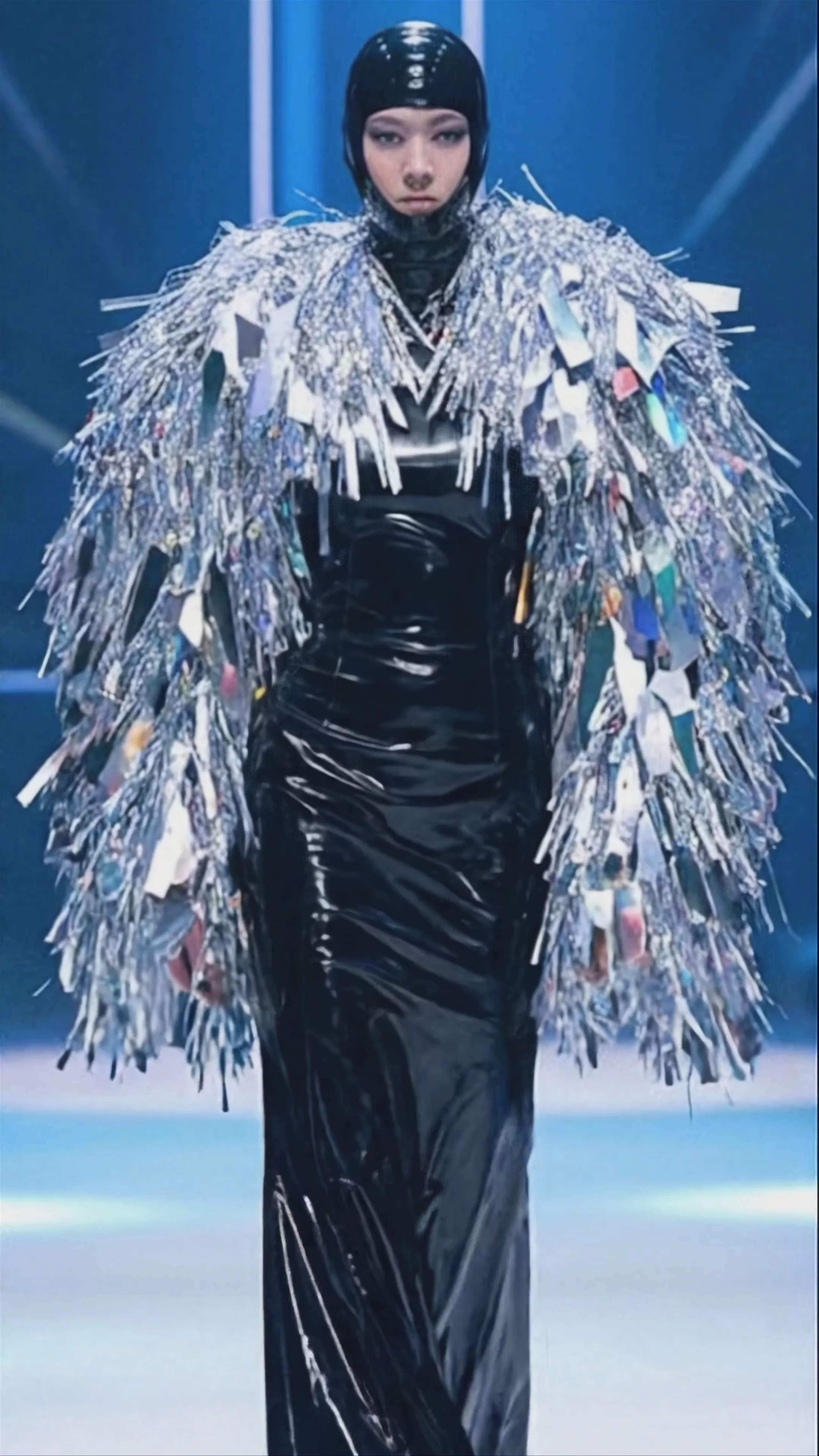
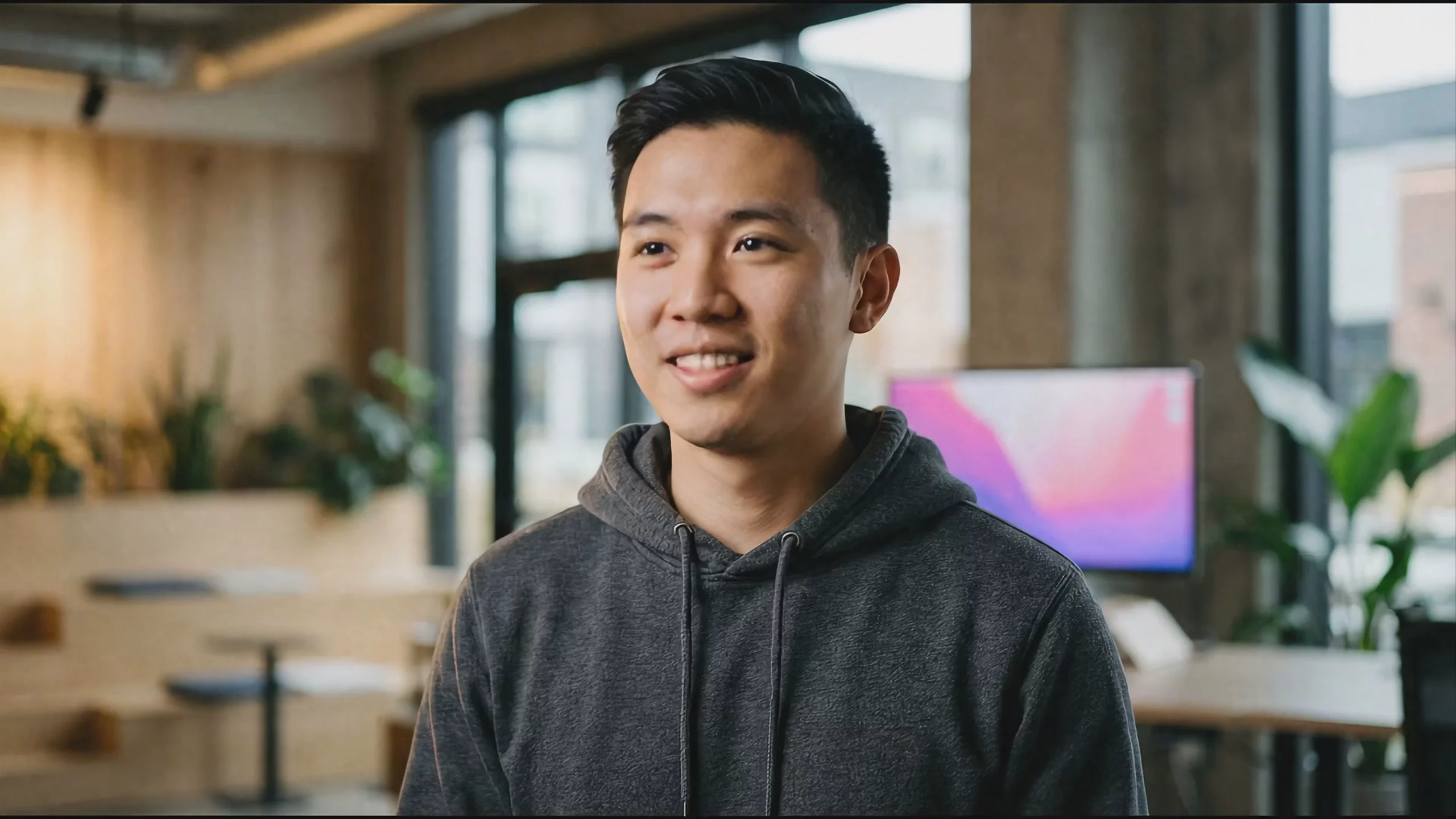

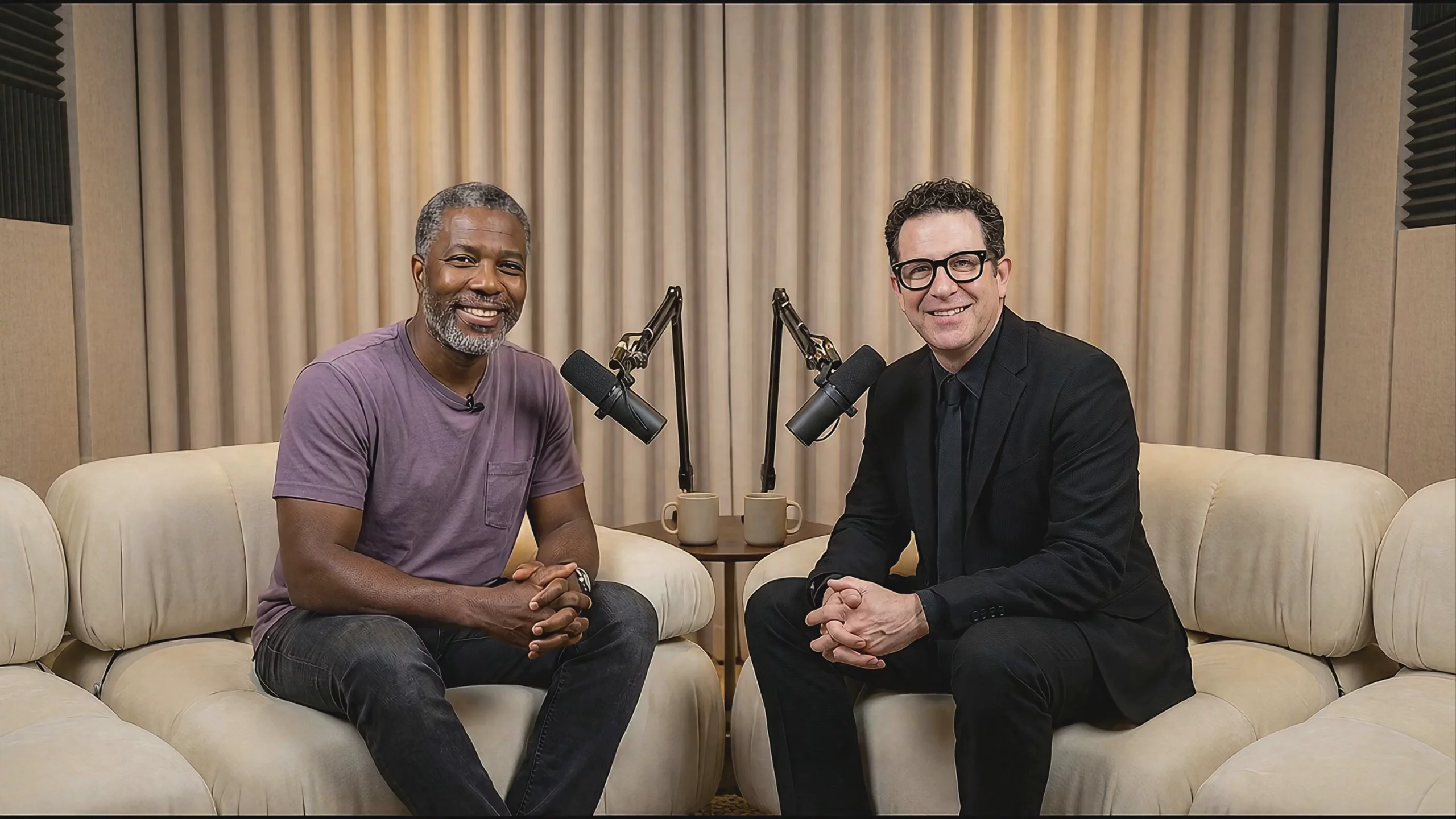
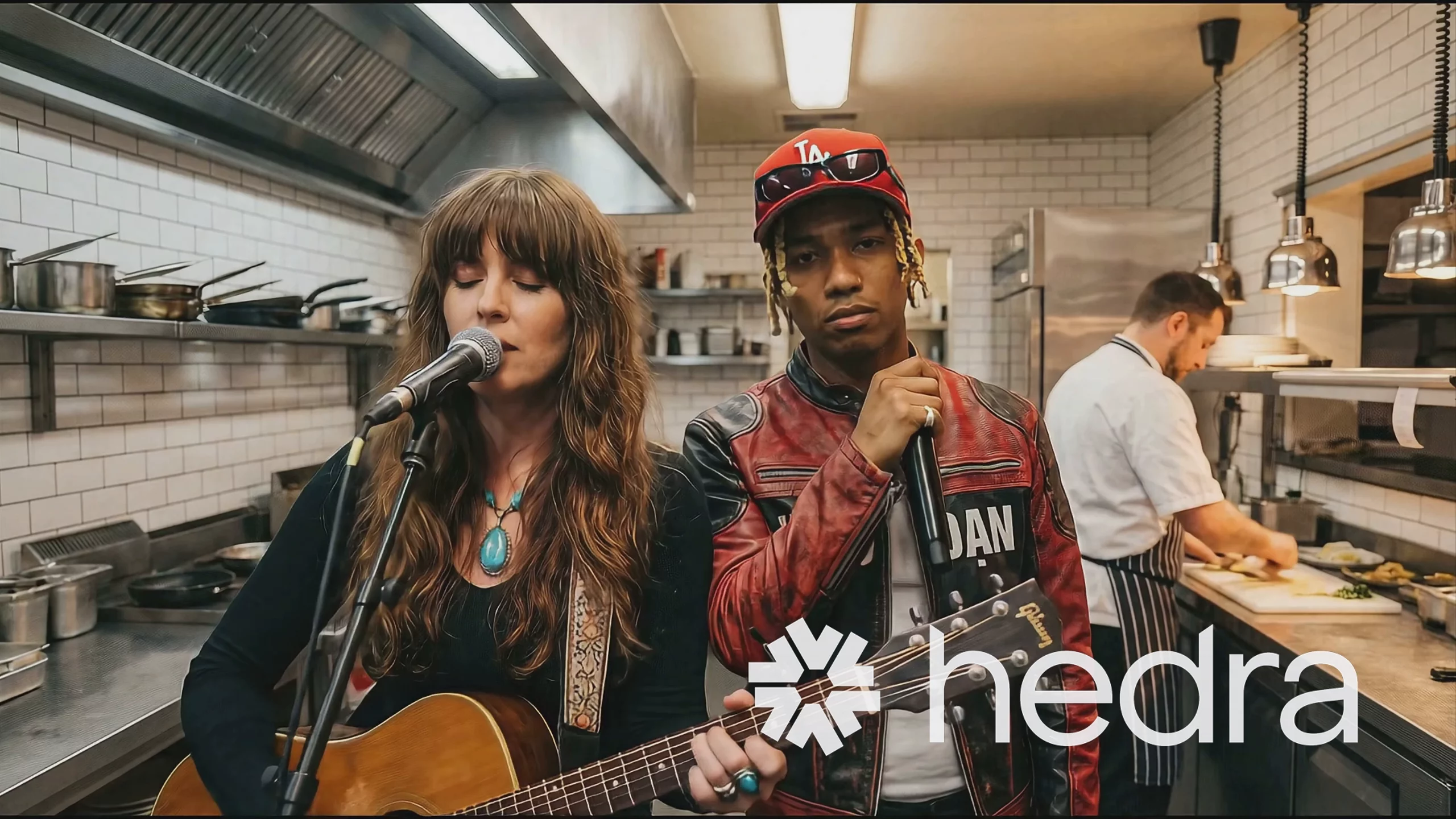
What is Veo 3.1 Fast best used for?
Veo 3.1 Fast excels at generating realistic 1080p and 4K videos with natively synchronized audio, including dialogue and sound effects. The AI video community favors this "Fast" variant over the standard Veo 3.1 because it delivers nearly identical visual fidelity at a fraction of the generation time and cost. It is particularly strong for rapid iteration, maintaining consistent character generation across camera angles, and creating multi-shot sequences.
What is the release history of the Veo 3 series?
Google announced Veo 3 and Veo 3 Fast at Google I/O on May 20, 2025. The upgraded 3.1 models, including Veo 3.1 Fast and the standard Veo 3.1, were released on October 15, 2025. This 3.1 update brought richer audio, better prompt adherence, and new multimodal controls like scene extensions. Google later introduced a lower-priority "Lite" tier in April 2026 to offer a cheaper alternative, though Fast remains the standard for quick, high-quality outputs.
How can I get the most out of Veo 3.1 Fast?
For optimal text-to-video results, structure your inputs using Google's official Veo prompt guide. To unlock the model's advanced capabilities, use the Start and End Frame feature to force smooth transitions over an 8-second clip, such as aging a character or shifting from summer to winter. You can also use the Ingredients to Video trick, combining up to three reference images to strictly maintain character consistency and environment details throughout the scene.
Similar models
Prompt tips
- Use JSON prompting: Structure your text prompts as JSON objects to explicitly define camera lenses, lighting, motion, and timecodes for tighter control over the output.,- Annotate reference images: Draw arrows or scribbles directly on your input images before uploading; the model responds well to visual cues for directing motion or camera panning.,- Bypass safety blocks: If a generation fails without explanation, simplify your text prompt to remove potentially flagged words, or slightly crop your reference image to alter its file hash.,- Pre-generate characters: Create consistent character portraits in an image model like Nano Banana Pro or Seedream 4.5, then feed them into Veo's "Ingredients" feature to lock in their likeness across multiple shots.
