Veo 3.1
Overview
Veo 3.1 is an advanced generative video model by Google DeepMind, building upon Veo 3 with native audio generation for synchronized dialogue and sound effects. It accepts text, image, and video inputs to produce clips up to 4K resolution. The model is especially good for professionals requiring precise narrative control, offering features like seamless scene extension, first-and-last frame guidance, and multi-image "ingredients" to maintain visual consistency.
Veo 3.1 Reference to Video
Reference → Video — generates video.
Specifications
- Input mode
- Reference → Video
- Accepts
- reference image (up to 4), start frame, end frame
- Aspect ratios
- 16:9, 9:16
- Resolutions
- 720p, 1080p
- Native audio
- No
- Pricing
- 55 credits / second — longer clips and higher resolutions cost more
- Free tier
- No
Reference → Video examples
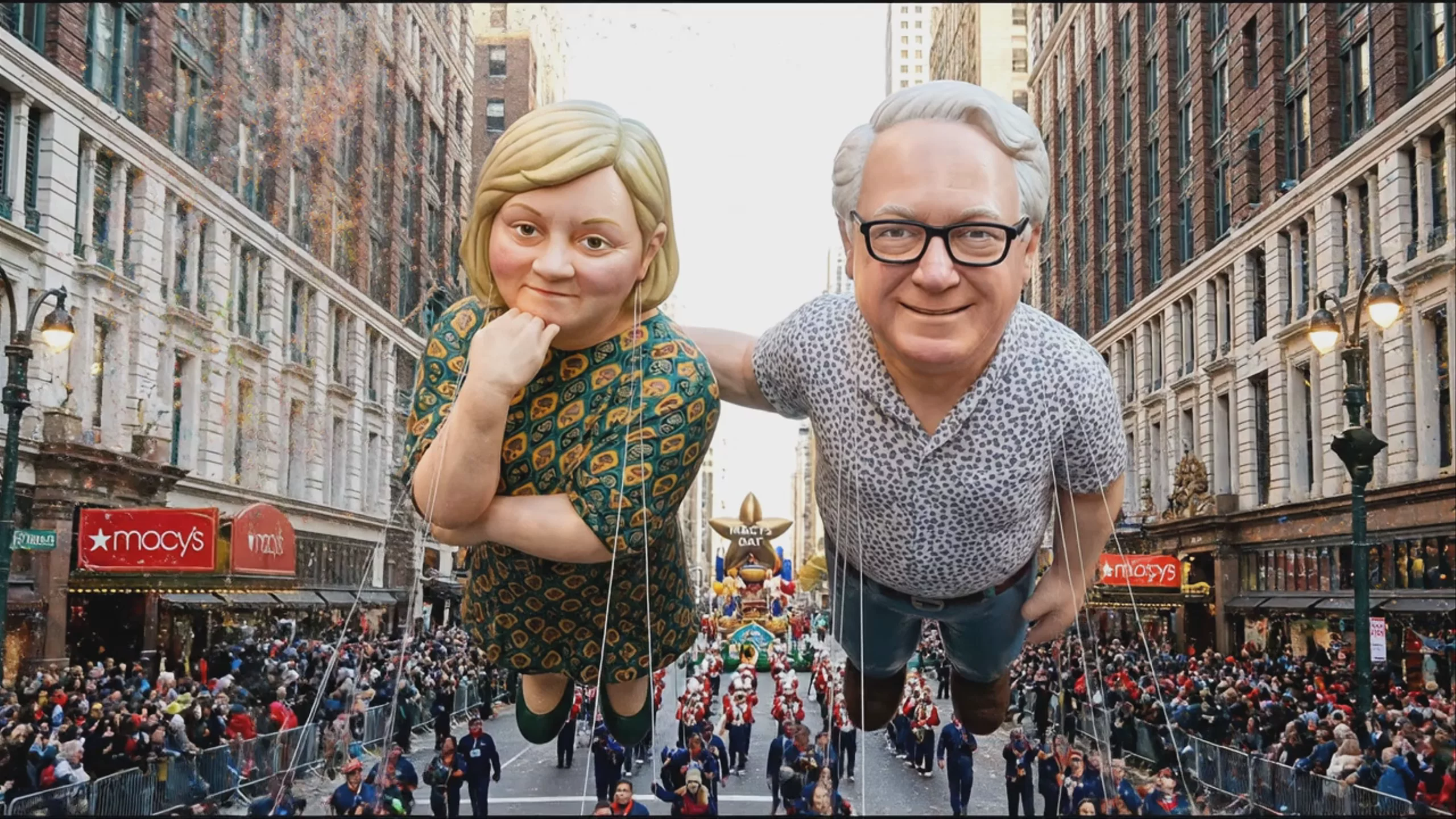
Veo 3.1 All Inputs
Multiple input modes — generates video.
Specifications
- Input mode
- Multiple input modes
- Accepts
- reference image (up to 4), start frame, end frame, source video
- Aspect ratios
- 16:9, 9:16
- Durations
- 4s, 6s, 8s
- Max duration
- 8s
- Native audio
- No
- Pricing
- 55 credits / second — longer clips and higher resolutions cost more
- Typical generation time
- ~3 min
- Free tier
- No
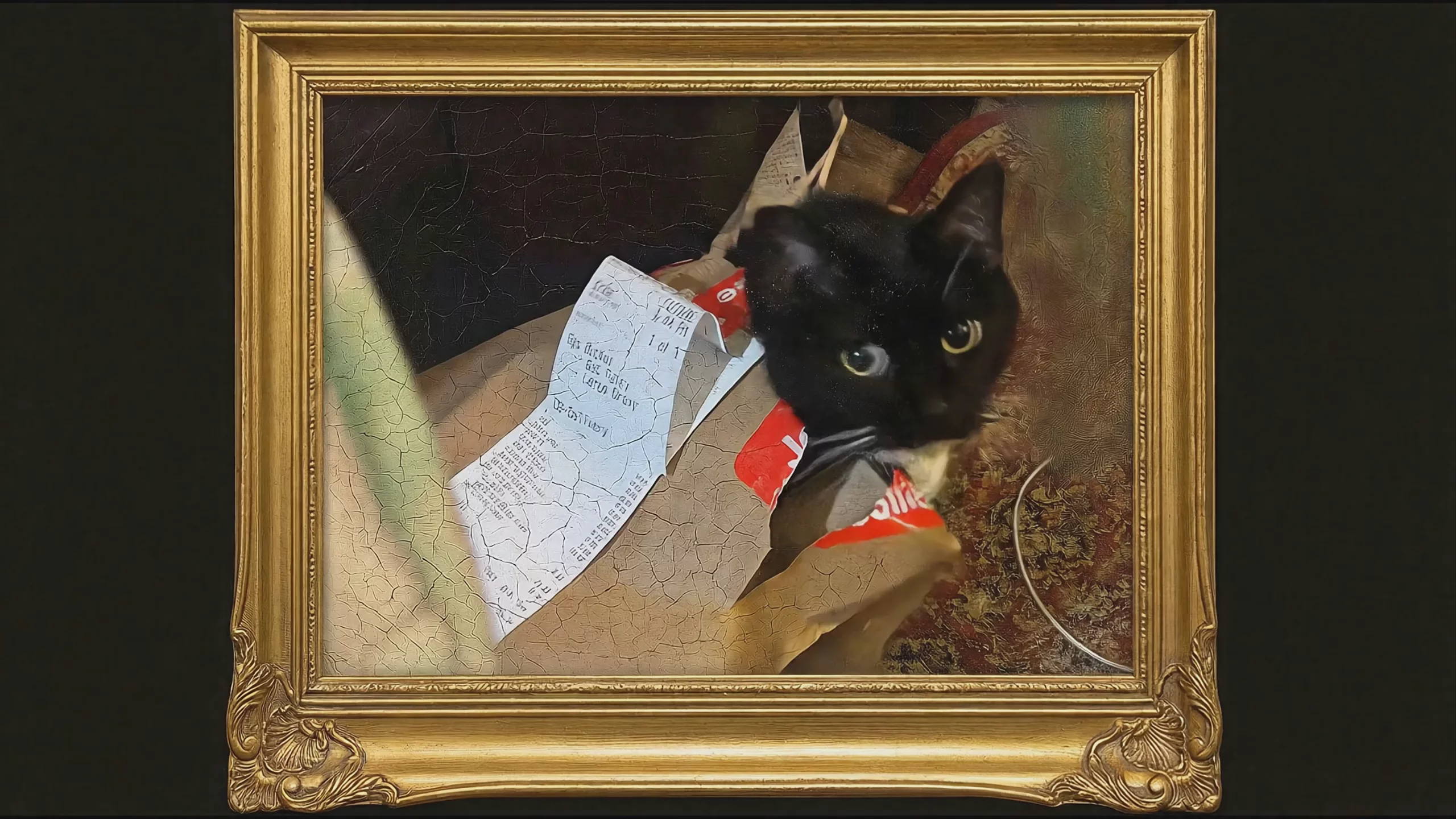
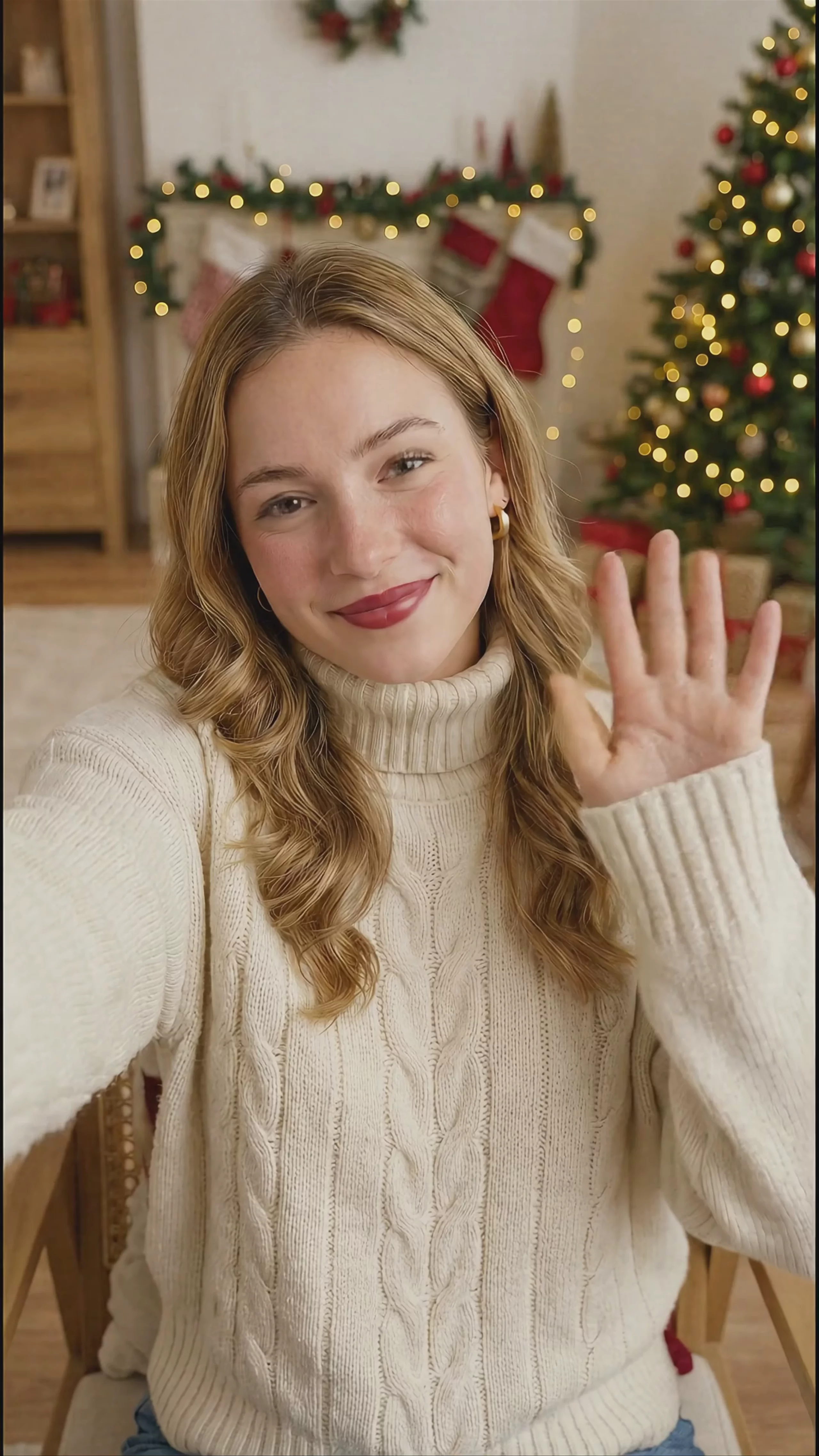
Multiple input modes examples
What is Veo 3.1 best used for?
Veo 3.1 is highly effective for generating realistic, cinematic videos with native synchronized audio. Instead of requiring you to layer sound afterward, the model generates dialogue, ambient noise, and sound effects alongside the video, matching lip movements and on-screen action. It supports 1080p and 4K resolutions in both landscape and portrait formats. Creators frequently use it for narrative shorts and character dialogue where precise audio-visual timing is required.
What is the release history of Veo 3.1?
Google DeepMind officially released Veo 3.1 on October 15, 2025. It is a direct upgrade to Veo 3, which launched in May 2025. The 3.1 update improved audio-visual synchronization and added new creative controls like video extension. Alongside the standard model, Google introduced Veo 3.1 Fast for rapid iteration and a Lite version for lower-cost generation.
How can I get the best results and maintain character consistency?
To maintain character and object consistency across multiple clips, use Veo 3.1's Ingredients to Video feature, which accepts up to three reference images to guide the output. When prompting for audio, explicitly describe the sounds you want (e.g., "wings flapping, birdsong") alongside the visual action. For a detailed breakdown on structuring text prompts for cinematic realism and dialogue, read Google's official Veo prompt guide.
Similar models
Prompt tips
- Write explicit audio cues: Include dialogue in quotes or describe specific sound effects (e.g., "whispering excitedly" or "torchlight flickering with a low crackle") to trigger the native audio engine.
- Pre-generate reference assets: Use an image model like Imagen 4 or Nano Banana Pro to create your base characters and style frames, then use Veo 3.1's image blending to animate them.
- Anchor your camera motion: Provide both a starting image and an ending image to force the model to calculate the specific camera movement and action required to bridge the two frames.
- Specify aspect ratio: Explicitly request 16:9 for landscape or 9:16 for portrait outputs in your configuration, as the model natively supports both without requiring post-generation cropping.
