Veo 3 Fast
Overview
Veo 3 Fast is a high-speed video generation model developed by Google DeepMind, serving as a more cost-effective alternative to the standard Veo 3. It supports both text-to-video and image-to-video workflows, generating 8-second clips with synchronized native audio, including dialogue and ambient sound effects. The model is well-suited for rapid prototyping, A/B testing ad creatives, and high-volume social media content creation where quick iteration is prioritized.
Veo 3 Fast Image to Video
Image → Video — generates video.
Specifications
- Input mode
- Image → Video
- Accepts
- start frame
- Aspect ratios
- 16:9, 9:16
- Resolutions
- 720p, 1080p
- Durations
- 4s, 6s, 8s
- Max duration
- 8s
- Native audio
- No
- Pricing
- 20 credits / second — longer clips and higher resolutions cost more
- Typical generation time
- ~2 min
- Free tier
- No
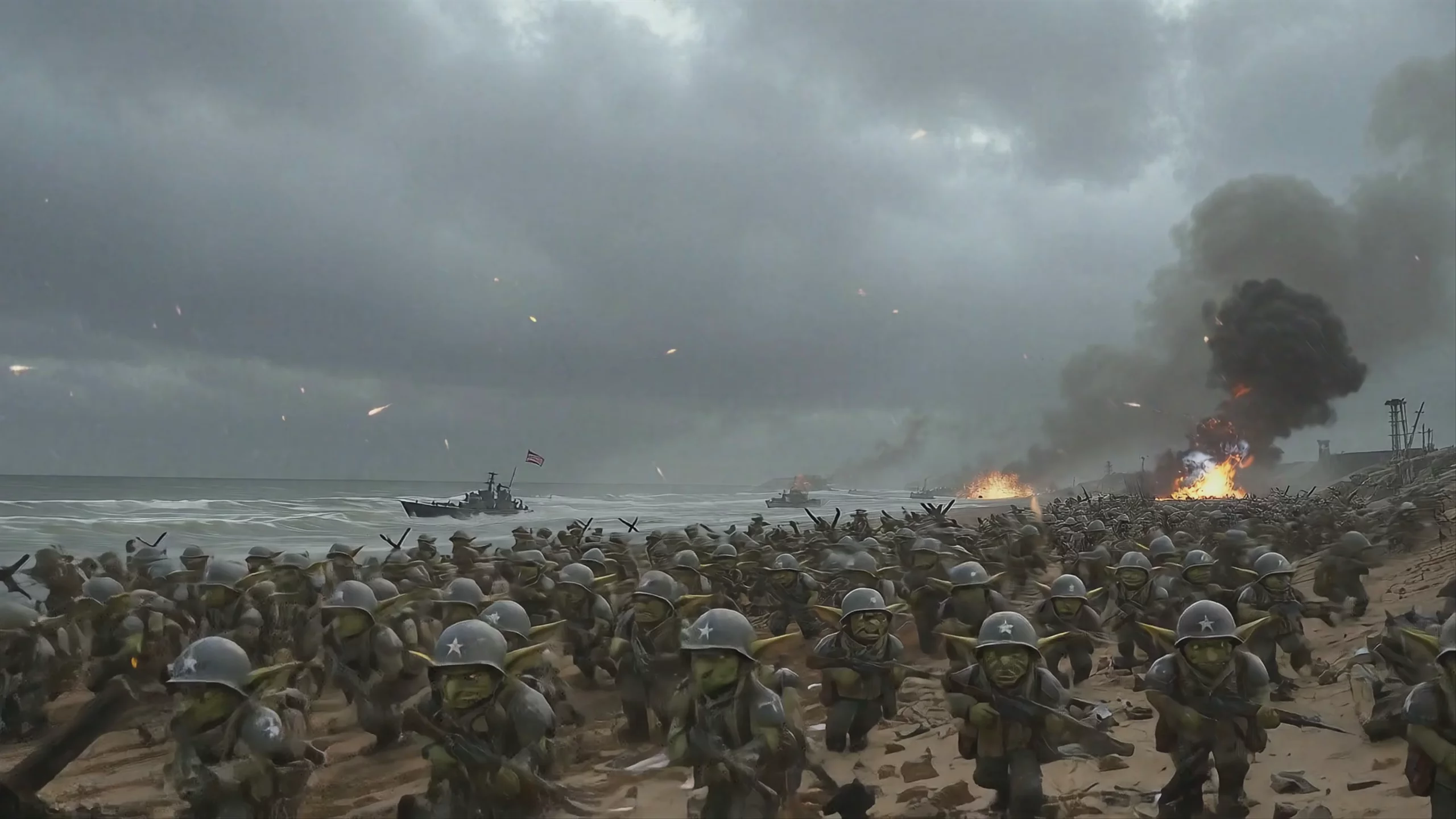
Image → Video examples

Veo 3 Fast Text to Video
Text → Video — generates video.
Specifications
- Input mode
- Text → Video
- Aspect ratios
- 16:9, 9:16
- Resolutions
- 720p, 1080p
- Durations
- 4s, 6s, 8s
- Max duration
- 8s
- Native audio
- No
- Pricing
- 20 credits / second — longer clips and higher resolutions cost more
- Typical generation time
- ~83s
- Free tier
- No
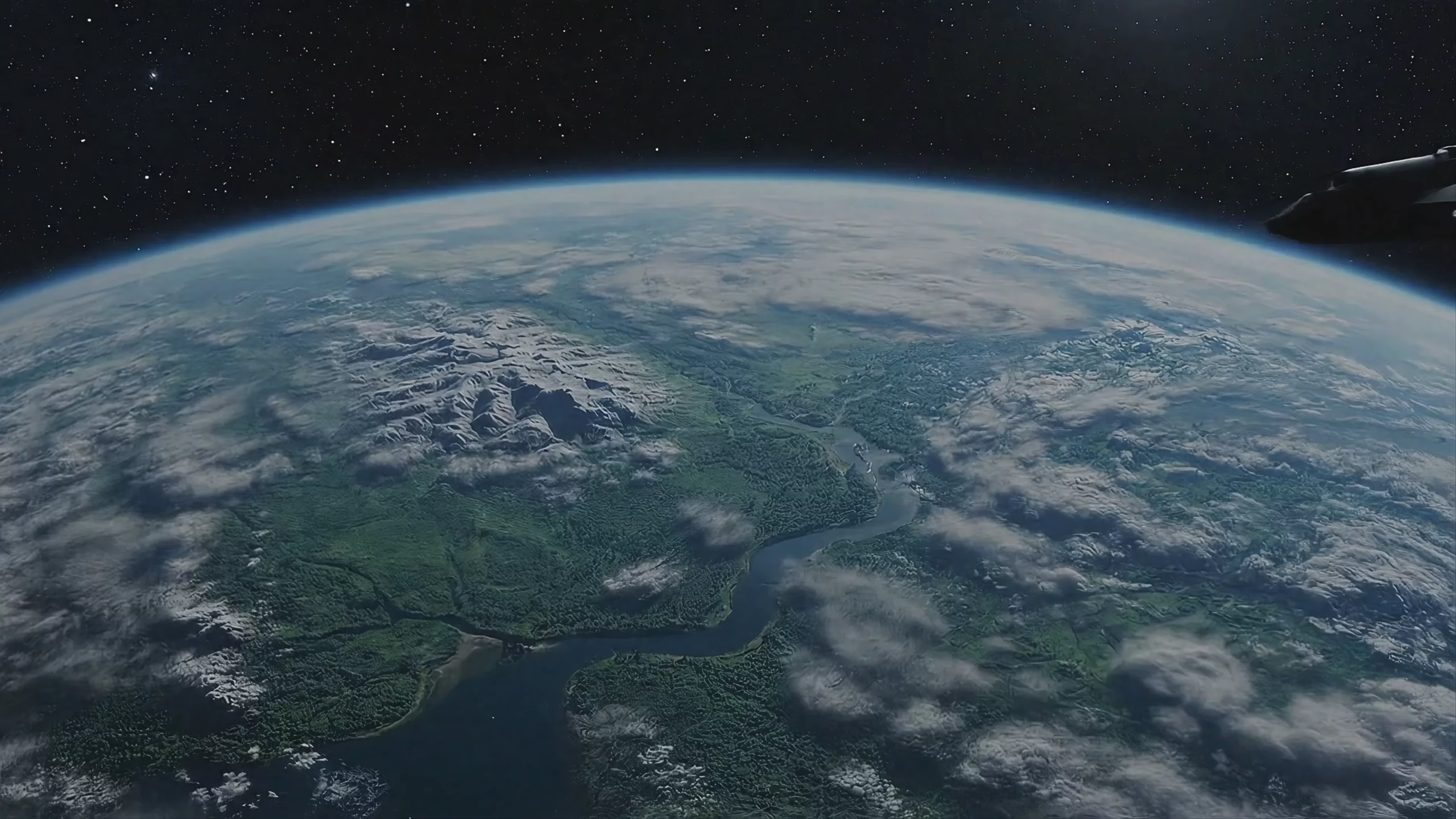
Text → Video examples

What is Veo 3 Fast best used for?
Google's Veo 3 Fast is widely used for generating cinematic 1080p videos with native, synchronized audio at a fraction of the cost of the standard Veo 3 model. Community feedback highlights its strength in rapid prototyping, social media content, and maintaining character consistency. Because it optimizes speed and price without dropping core features like realistic physics and natural lighting, creators often use it as a budget-friendly alternative for iterating on complex scenes before rendering a final version.
When was Veo 3 Fast released and how does it fit into Google's lineup?
Google unveiled the flagship Veo 3 at Google I/O in May 2025, later introducing the optimized Veo 3 Fast in July 2025 to offer a more cost-effective, high-speed alternative. The model retains the ability to generate video with synchronized audio from a single prompt. In October 2025, Google expanded the lineup with Veo 3.1 and Veo 3.1 Fast, which added advanced features like scene extension, multi-frame transitions, and enhanced image-to-video capabilities.
Are there any prompt tricks for getting the best results with Veo 3 Fast?
To get the most out of Veo 3 Fast, creators recommend leveraging Google's Ingredients to Video feature. By providing up to three reference images of a character, object, or scene, you can lock in visual consistency across multiple shots. For complex actions, visual prompting—annotating or drawing arrows directly on your reference images—helps control camera movements and multi-character interactions frame-by-frame. Because the model natively generates audio, explicitly describing sound effects and ambient noise in your text prompt will yield much better audio-visual synchronization.
Similar models
Prompt tips
- Specify Audio Types: Explicitly state in your prompt whether you want diegetic sound (e.g., "footsteps crunching on gravel") or non-diegetic sound (e.g., "melancholic piano score") to guide the audio engine.,- Draft in Fast, Render in Quality: Use Veo 3 Fast to cheaply dial in your camera movements and scene composition, then run the exact same prompt through the standard Veo 3 model for the final render.,- Leverage Visual Arrows: When using image-to-video, draw literal arrows on your starting frame in a basic image editor to force the model to move the camera or a character in a specific direction.,- Maintain Consistency: To keep a character consistent across a sequence, use the final frame of your previous generation as the input image for your next prompt.
