Sora 2 Pro
Overview
Sora 2 Pro is a premium text-to-video model developed by OpenAI. It generates highly realistic, cinematic footage with accurate physics, complex character consistency, and synchronized audio. The model supports professional storytelling by offering advanced control through features like timeline prompting and custom character cameos, and is frequently compared to Veo 3.1.
Sora 2 Pro Image to Video
Image → Video — generates video.
Specifications
- Input mode
- Image → Video
- Accepts
- start frame
- Aspect ratios
- 16:9, 9:16
- Resolutions
- 720p, 1080p
- Durations
- 4s, 8s, 12s
- Max duration
- 12s
- Native audio
- No
- Pricing
- 70 credits / second — longer clips and higher resolutions cost more
- Typical generation time
- ~7 min
- Free tier
- No
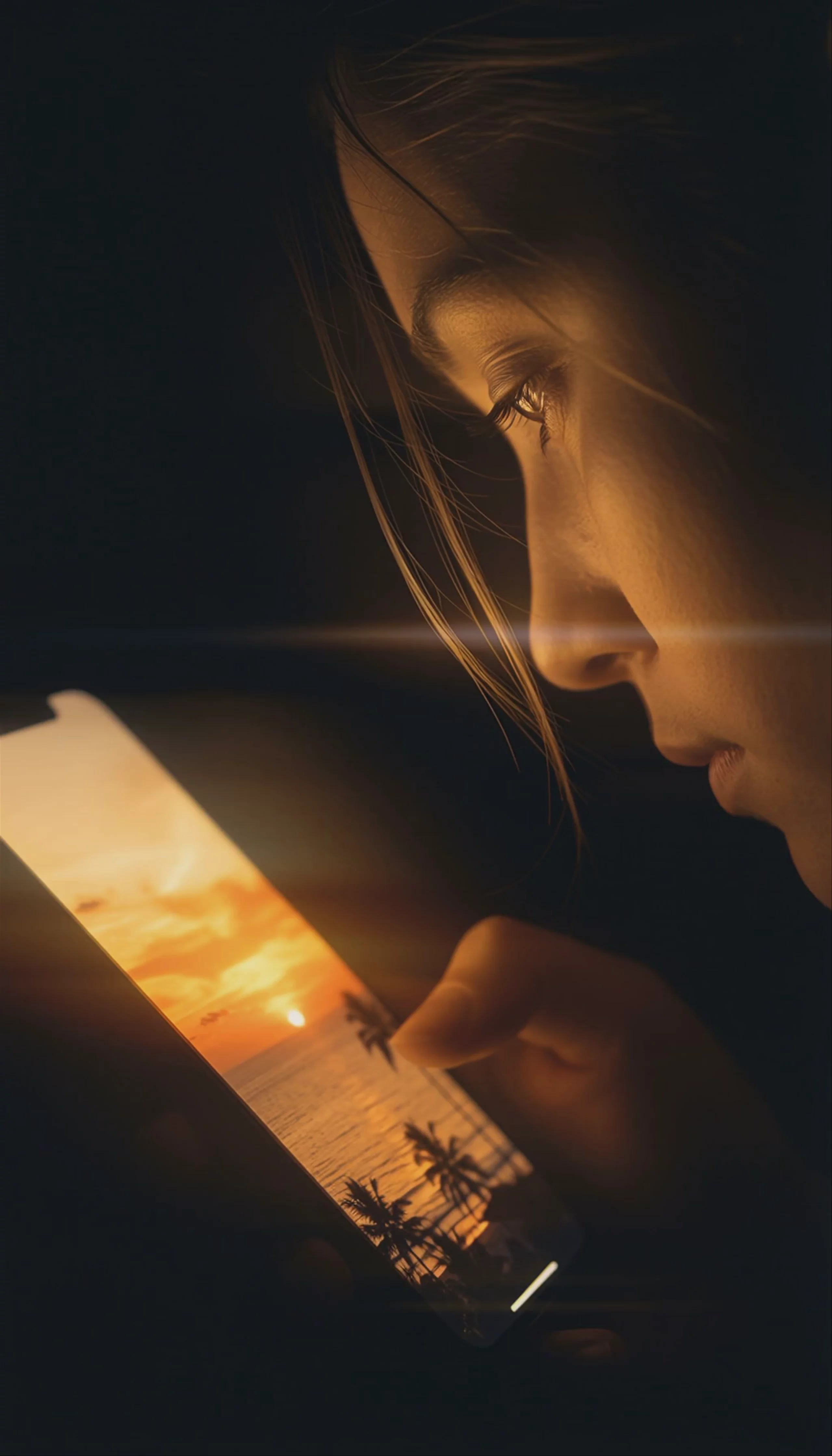
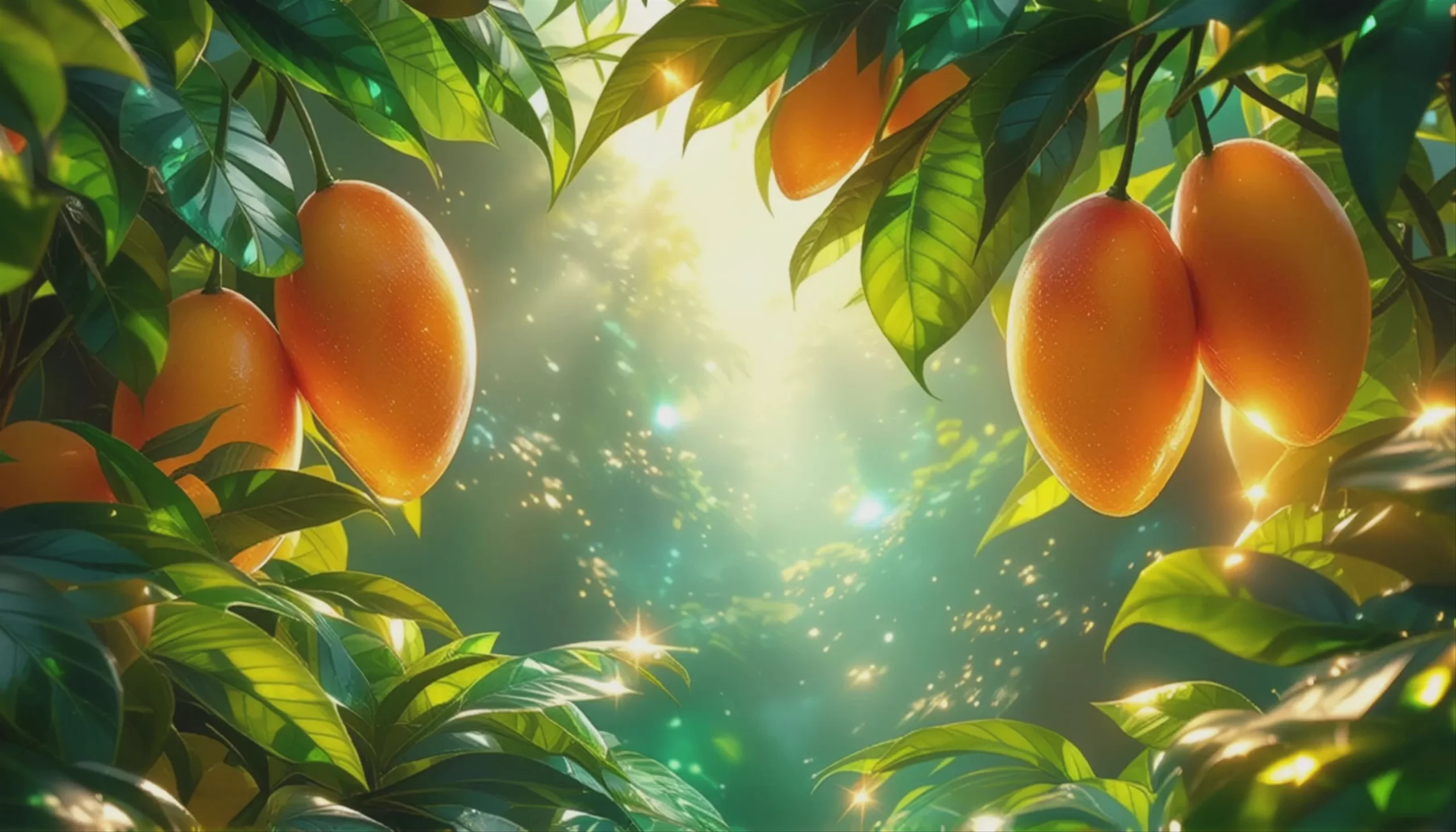
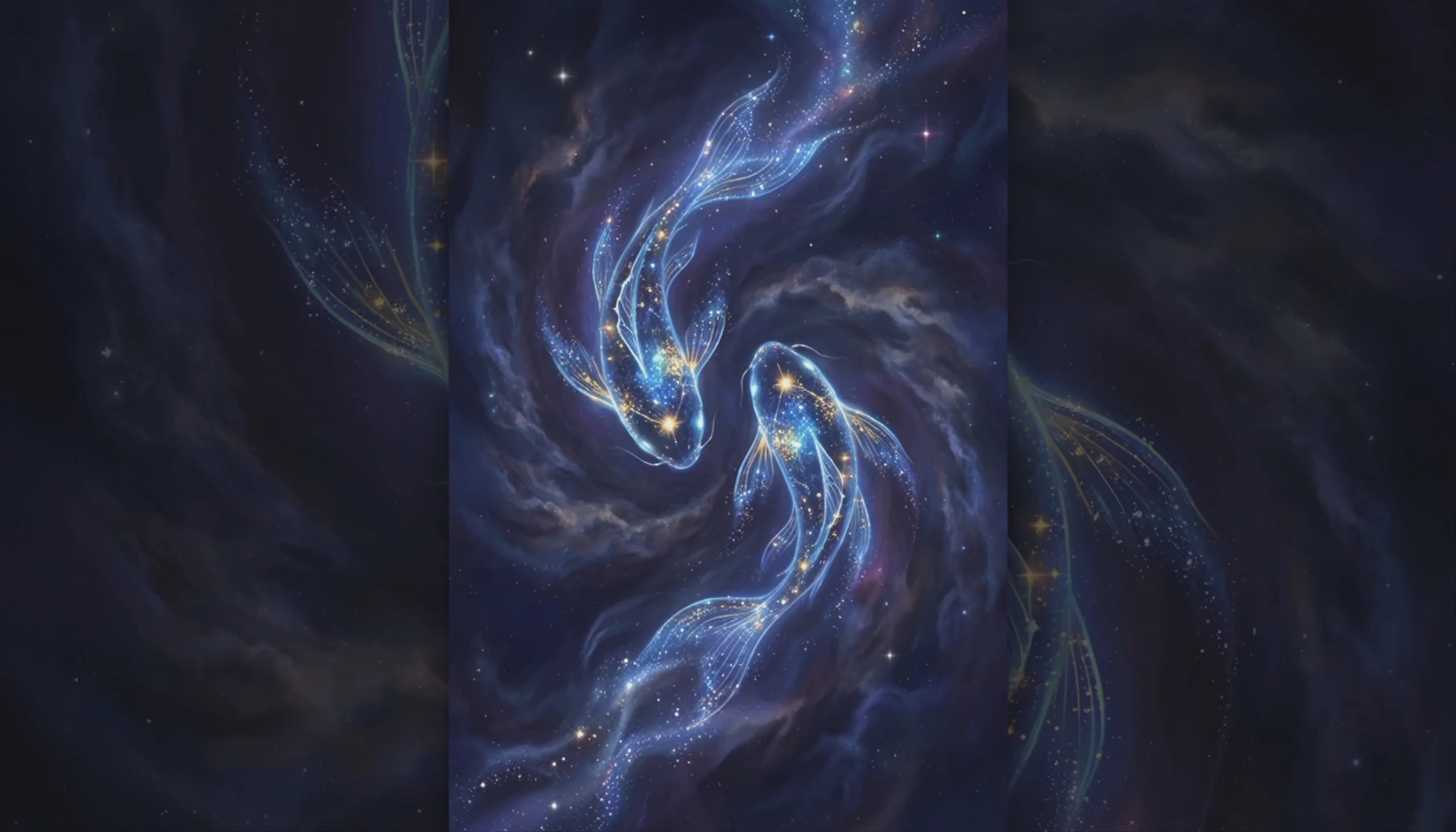
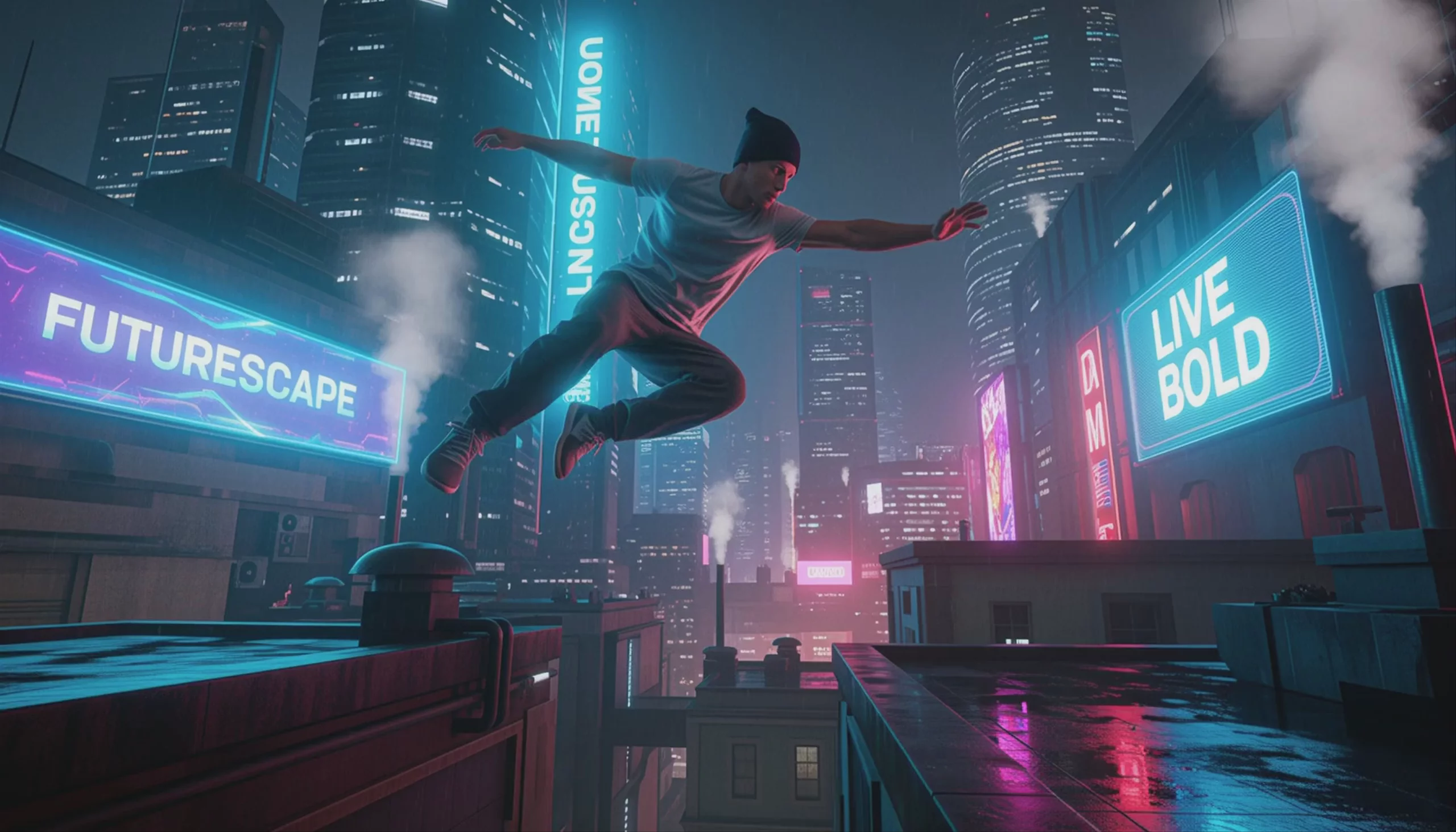
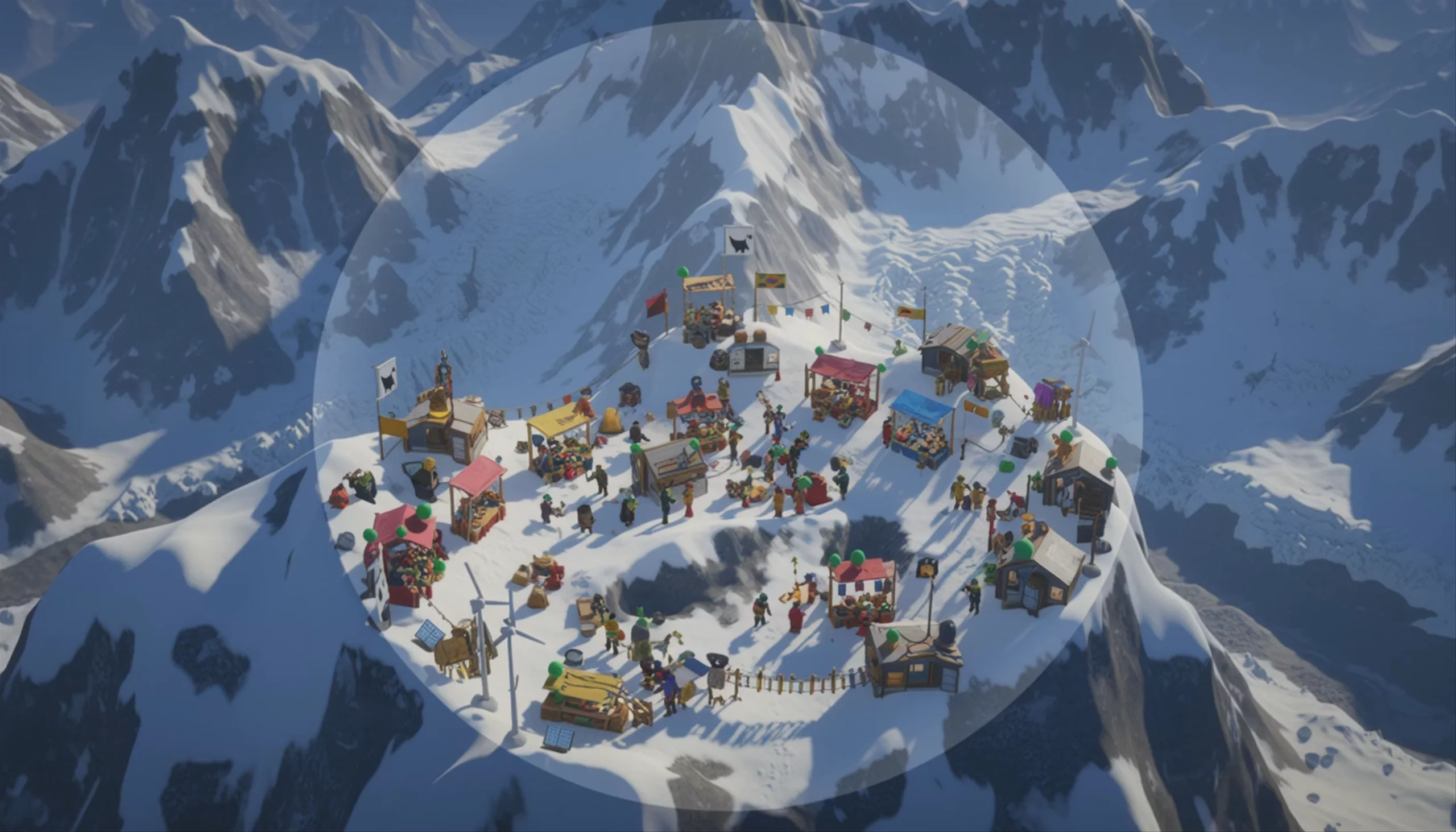
Image → Video examples

Sora 2 Pro Text to Video
Text → Video — generates video.
Specifications
- Input mode
- Text → Video
- Aspect ratios
- 16:9, 9:16
- Resolutions
- 720p, 1080p
- Durations
- 4s, 8s, 12s
- Max duration
- 12s
- Native audio
- No
- Pricing
- 70 credits / second — longer clips and higher resolutions cost more
- Typical generation time
- ~8 min
- Free tier
- No
Text → Video examples
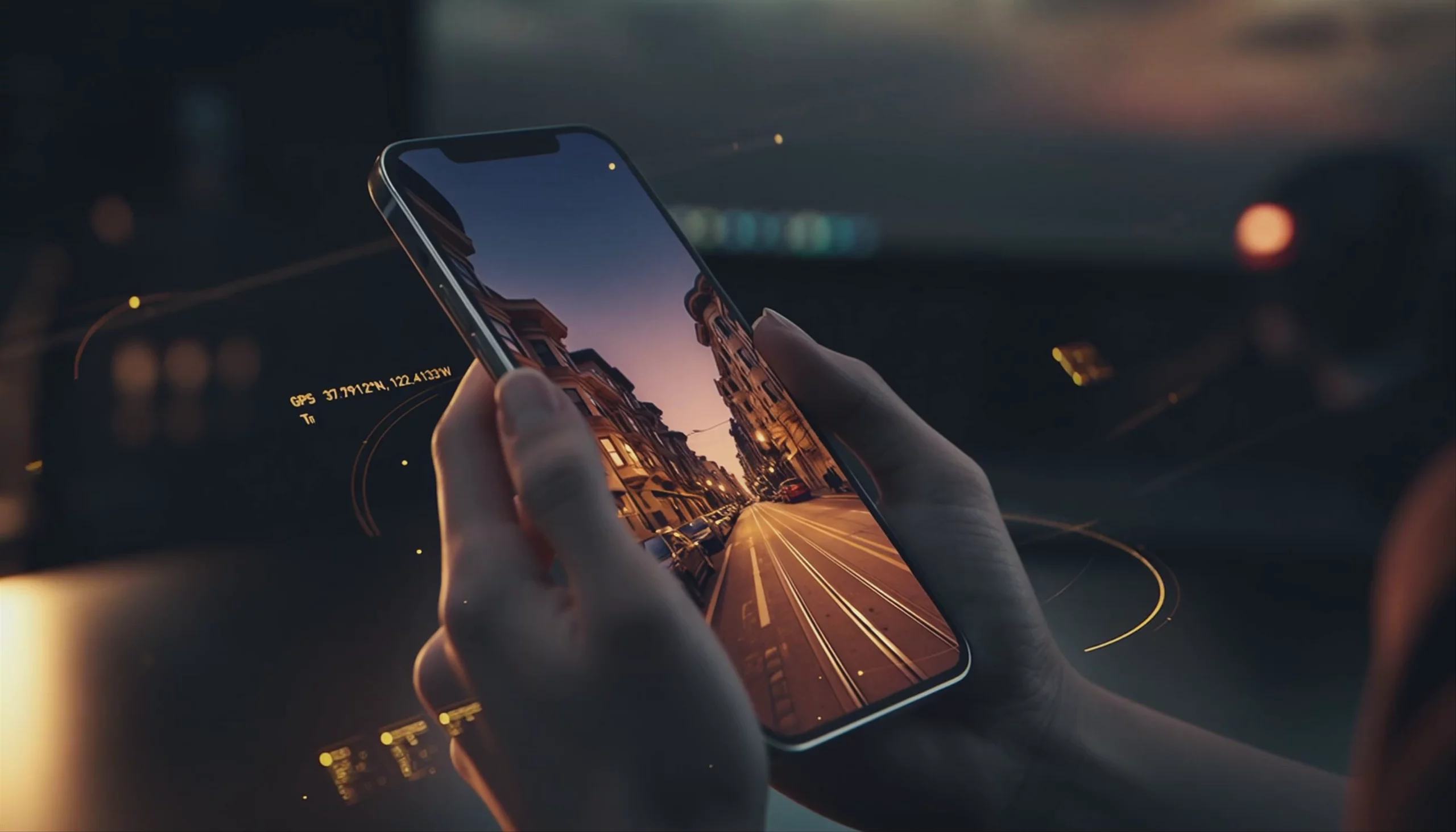 Sora 2 Pro: Holographic Interface on Smartphone
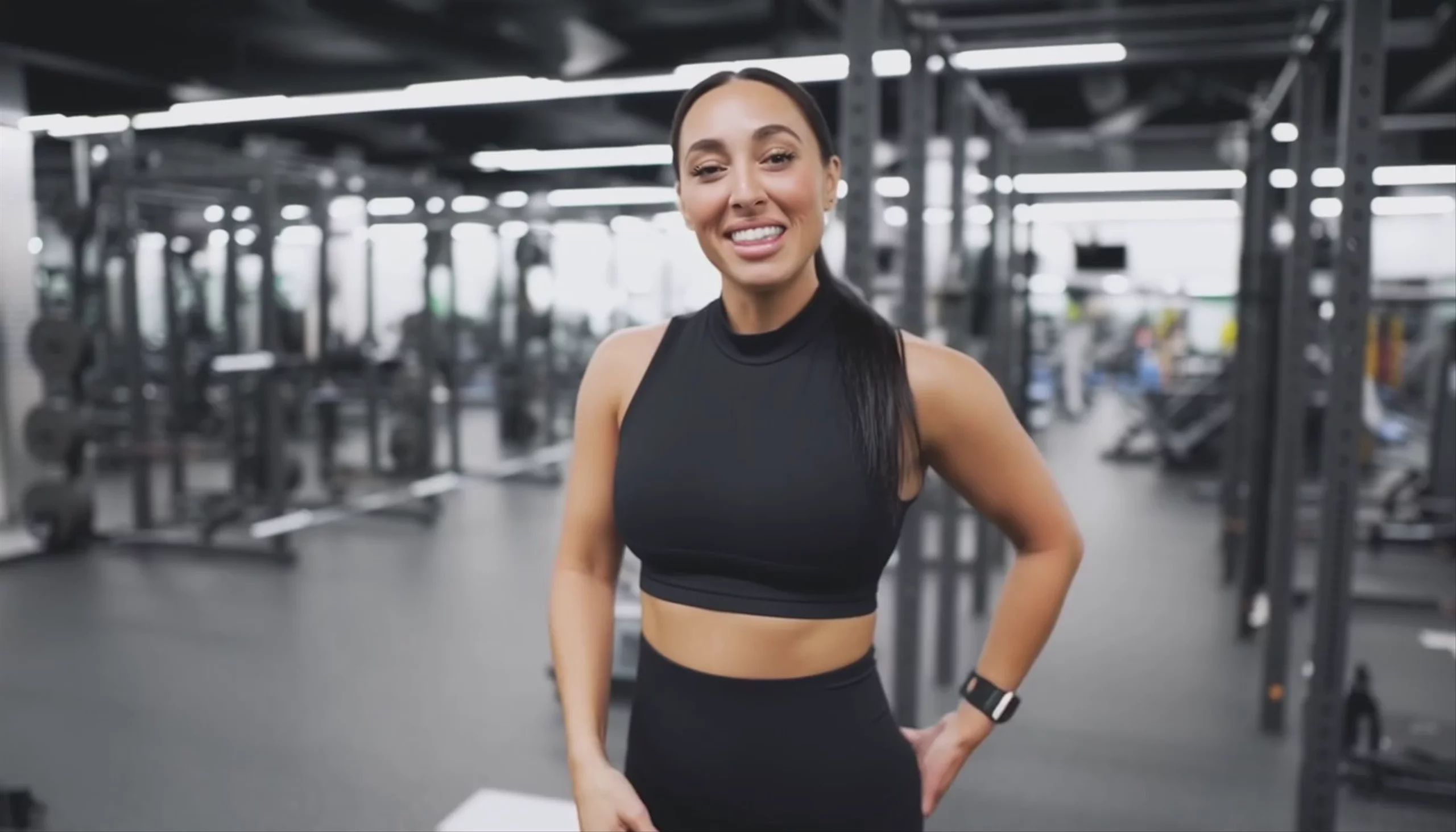 Sora 2 Pro: Fit Woman Speaking in Gym
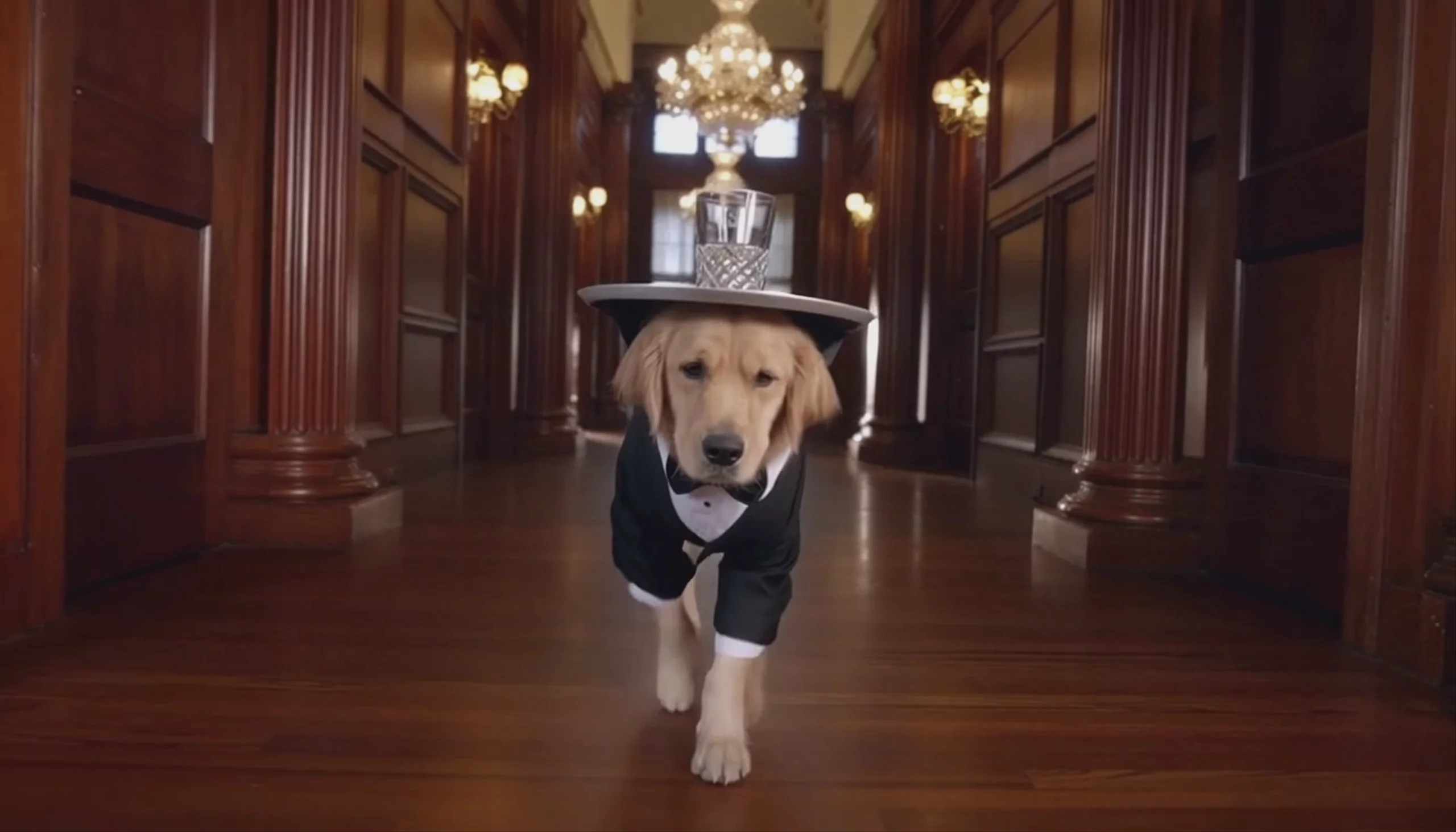 Golden Retriever Butler in Tuxedo — Sora 2 Pro
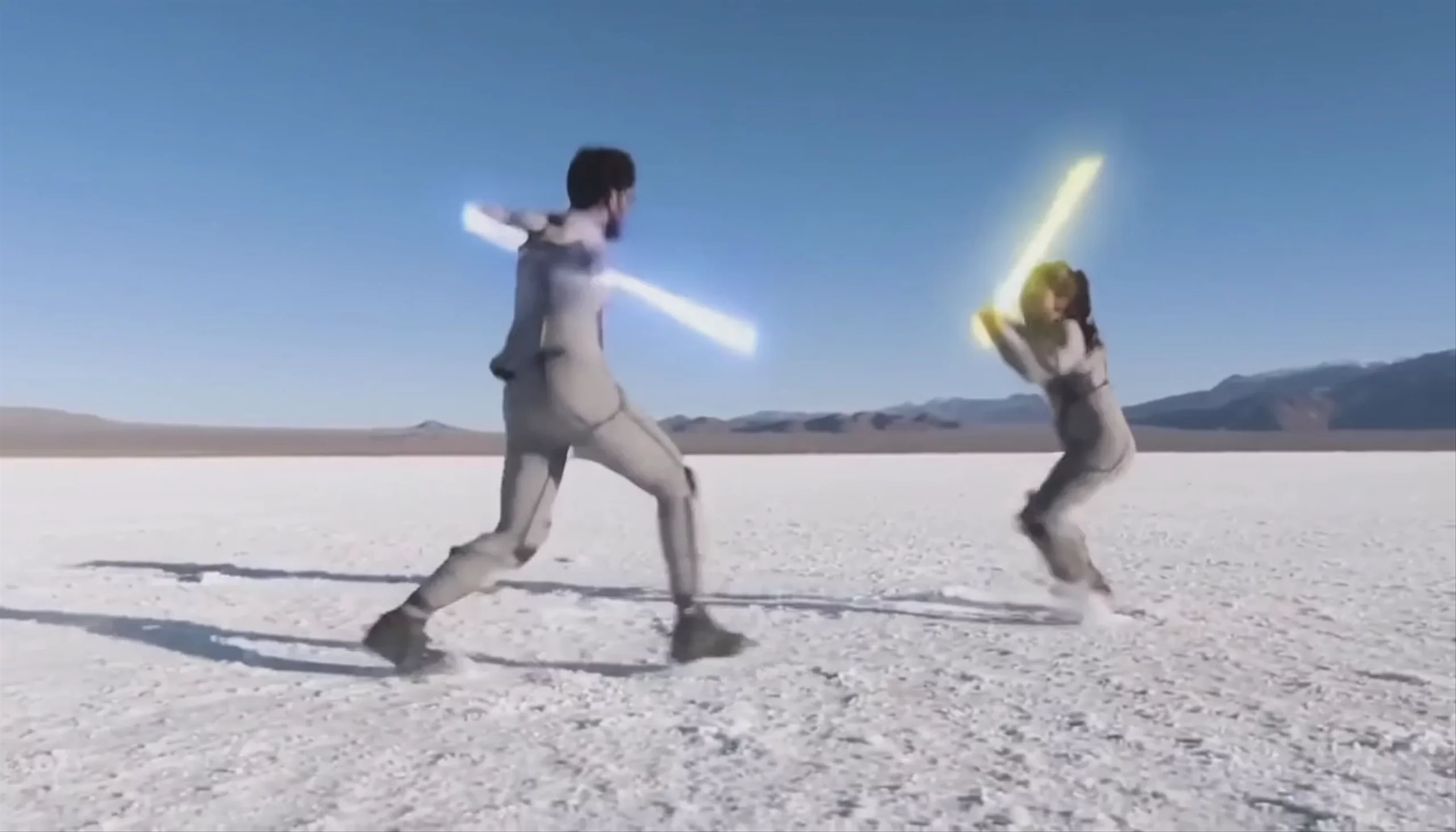 Light Baton Duel on Salt Flats — Sora 2 Pro
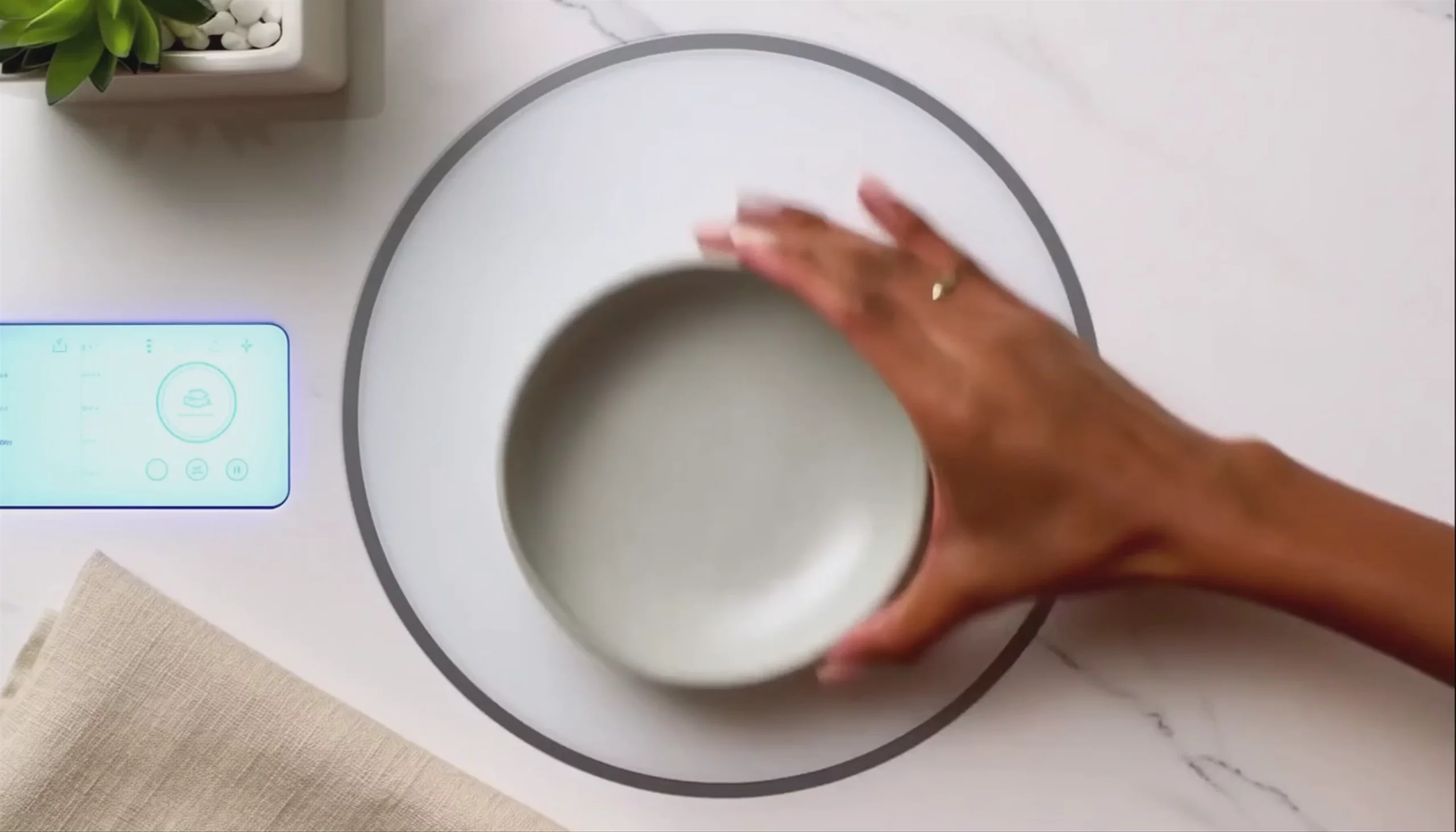 Sora 2 Pro: Futuristic Kitchen Countertop and Bowl
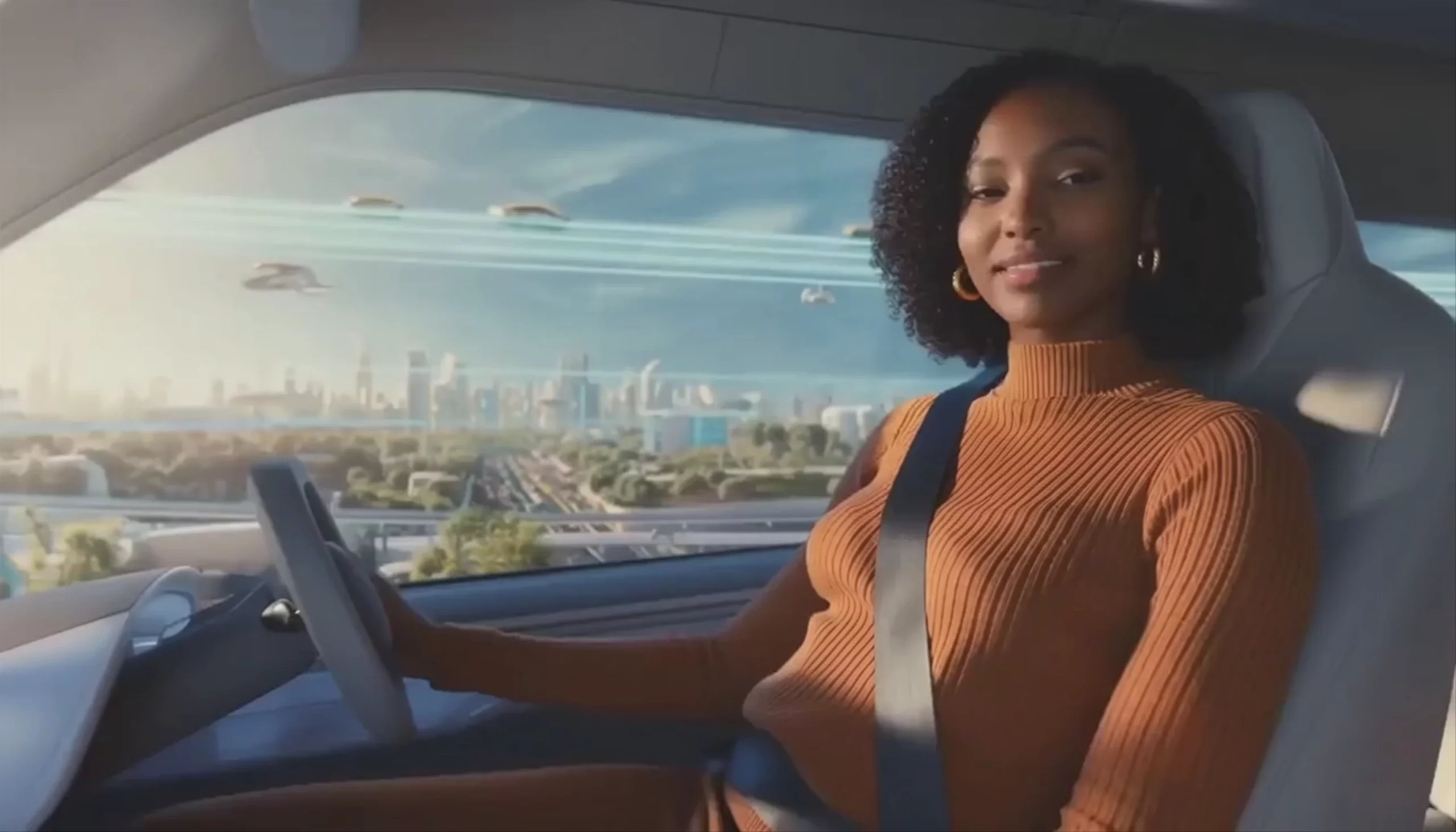 Futuristic Autonomous Vehicle Ride — Sora 2 Pro
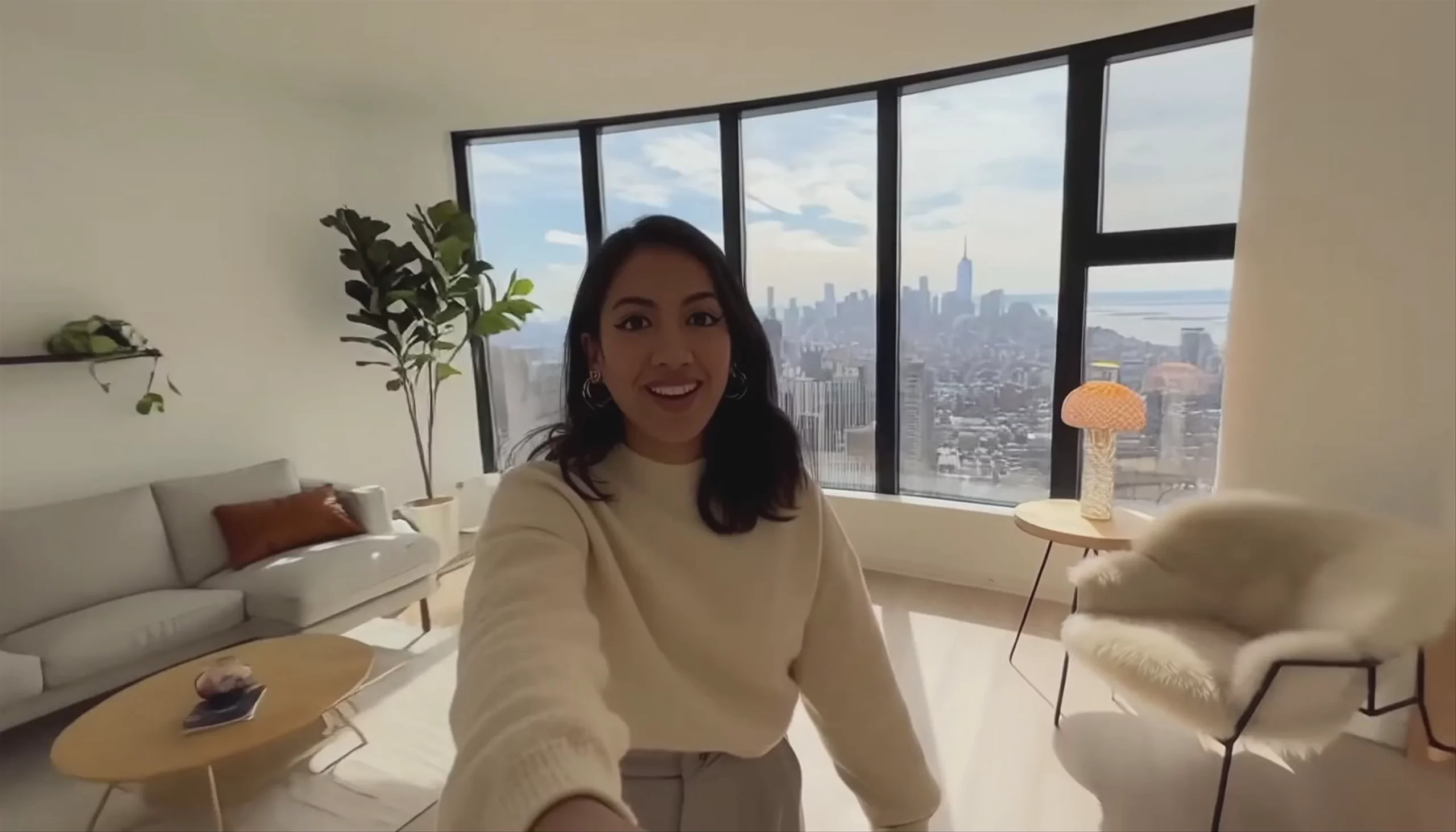 High-Rise Apartment Vlog, by Sora 2 Pro
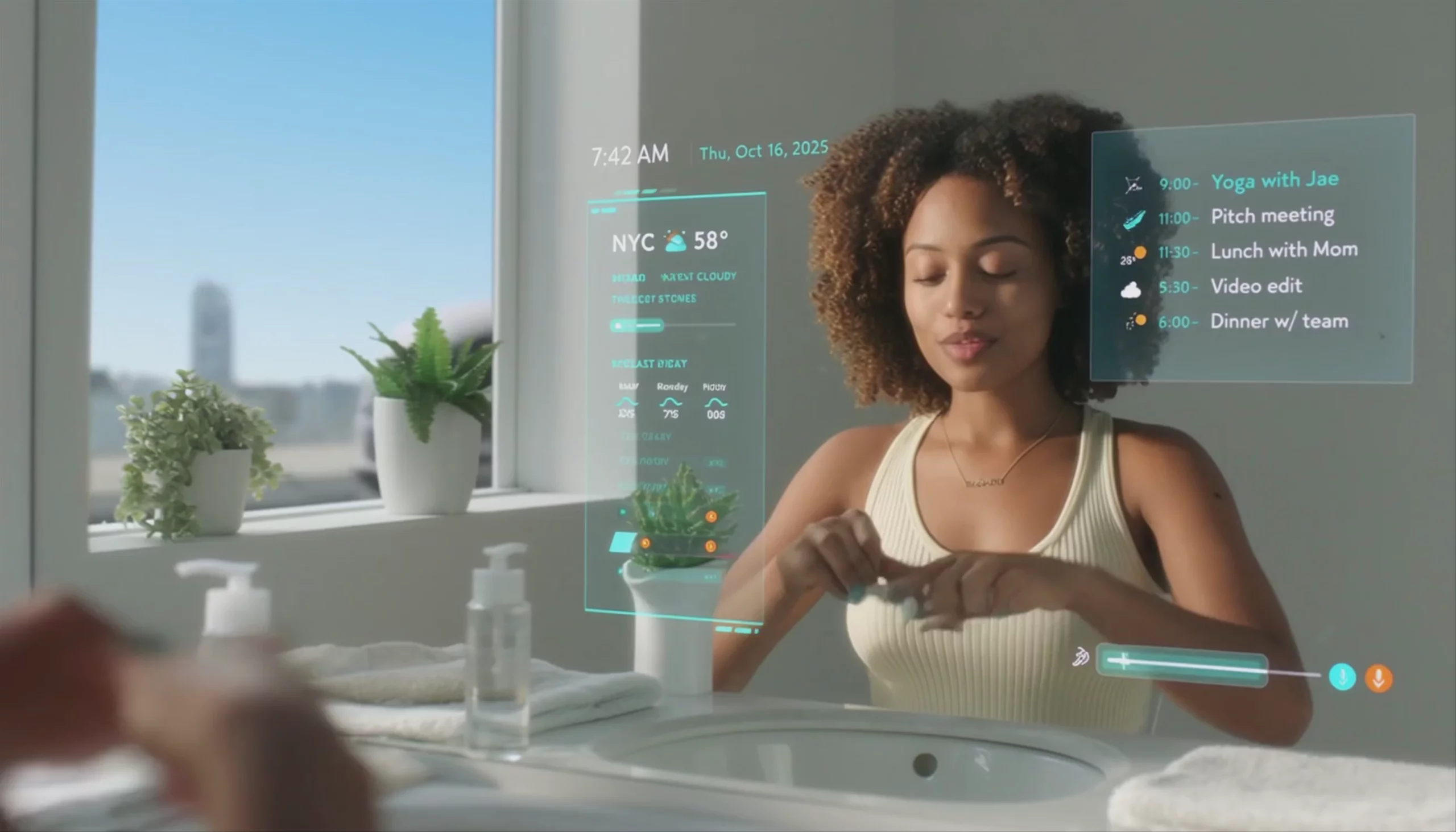 Smart Mirror Morning Routine — Sora 2 Pro
What is Sora 2 Pro best used for?
Sora 2 Pro is OpenAI's flagship video model, built for production-quality, cinematic footage. It excels at world-state persistence—meaning objects and characters maintain their spatial relationships and don't disappear across complex camera cuts. The community praises its ability to generate physics-accurate motion and native, synchronized audio (including dialogue and sound effects) in a single pass. It is suited for high-resolution client deliverables, often compared to competitors like Veo 3.1 and Kling V3 Pro for complex hero shots.
What is the release history and lineage of Sora 2 Pro?
Developed by OpenAI, Sora 2 Pro was officially announced on September 30, 2025, alongside the standard Sora 2 model. It serves as the premium successor to the original Sora (which was sunset for US users in March 2026). While the standard model is optimized for speed and short clips, the Pro version offers higher resolutions (up to true 1080p) and longer single-generation durations (up to 25 seconds).
How can I get the best results with Sora 2 Pro?
To maximize its capabilities, follow the official Sora 2 Prompting Guide. The AI filmmaking community highly recommends "timeline prompting" for complex sequences—structuring your text prompt with second-by-second instructions (e.g., specifying distinct actions for 0–3s, 3–6s, and 6–9s) to maintain strict control over the narrative. Additionally, you should explicitly tag voice, sound, and music cues in your prompt to take full advantage of the model's synchronized audio generation.
Similar models
Prompt tips
- Treat prompts like a brief: Front-load your prompt with camera framing and subject details. Explicitly describe the shot, but leave minor details open to give the model creative freedom.
- Use timeline tags: Break your prompt into timestamped blocks (e.g., "Shot 1 (0-3s):...", "Shot 2 (3-8s):...") to dictate precise camera movements and cuts within a single video.
- Leverage image-to-video: Start with a high-quality reference image to maintain brand identity or specific visual styles, then use the text prompt to guide the motion and camera behavior.
- Direct the audio: Since the model generates native audio, explicitly include sound directions (e.g., "ambient city noise," "heavy footsteps") in your text prompt so it doesn't guess the soundscape.
