Seedance 1.5 Pro
Overview
Seedance 1.5 Pro is a foundational video model by BytePlus that natively generates video and synchronized audio simultaneously. Built on a dual-branch Diffusion Transformer architecture, it excels at producing cinematic camera movements and multi-language dialogue with millisecond-level lip-sync precision. It offers a strong alternative to Kling 2.6 Pro and Veo 3.1 for audio-heavy workflows, making it highly useful for advertisers, e-commerce teams, and creators producing multi-language content that requires seamless audio-visual integration.
Seedance 1.5 Pro All Inputs
Multiple input modes — generates video.
Specifications
- Input mode
- Multiple input modes
- Accepts
- start frame, end frame
- Aspect ratios
- 1:1, 3:4, 4:3, 16:9, 21:9, 9:16
- Resolutions
- 480p, 720p, 1080p
- Durations
- 4s, 5s, 6s, 7s, 8s, 9s, 10s, 11s, 12s
- Max duration
- 12s
- Native audio
- Yes
- Pricing
- 7 credits / second — longer clips and higher resolutions cost more
- Typical generation time
- ~2 min
- Free tier
- Yes
Multiple input modes examples
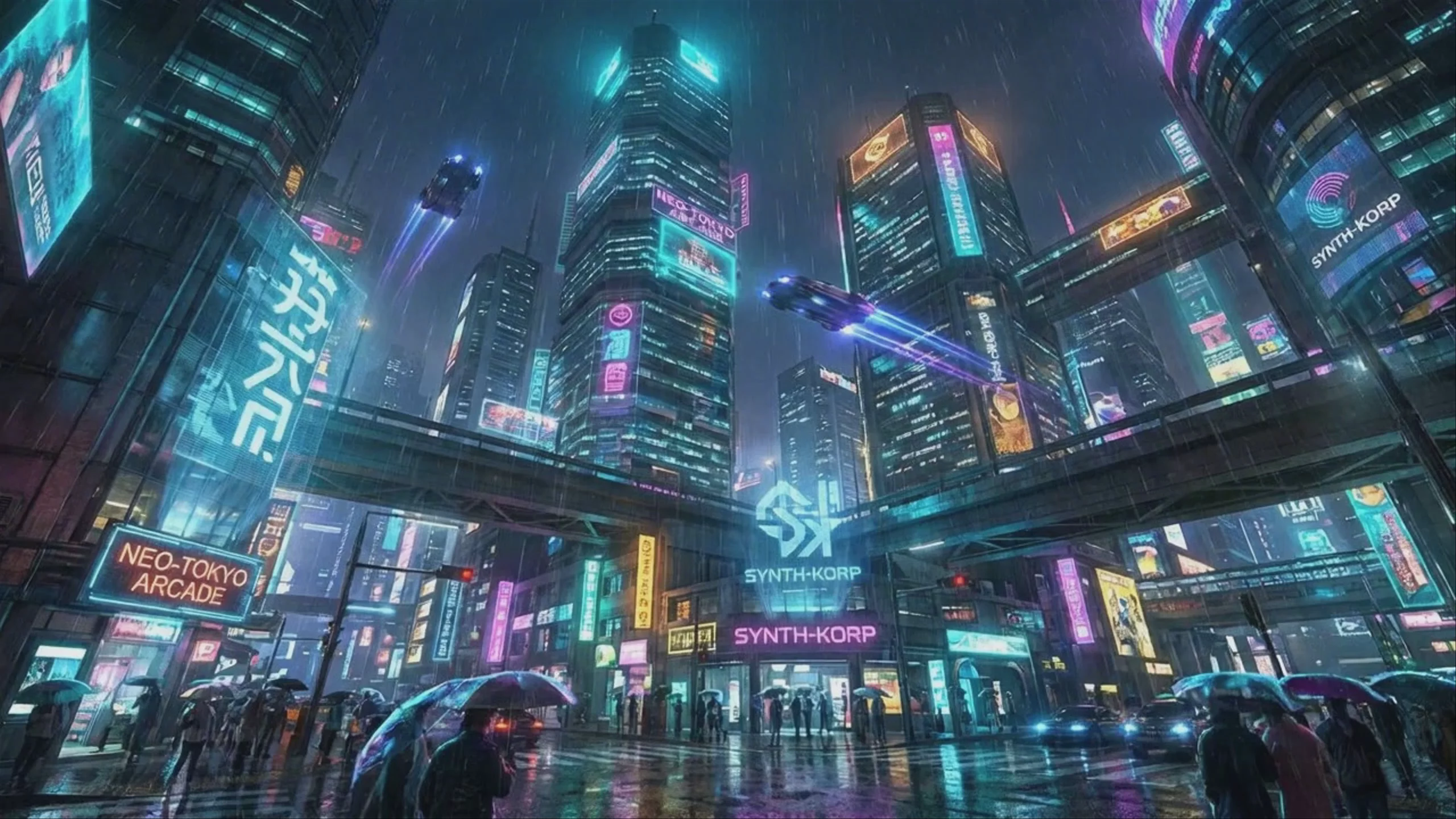 Cyberpunk City with Flying Cars — Seedance 1.5 Pro
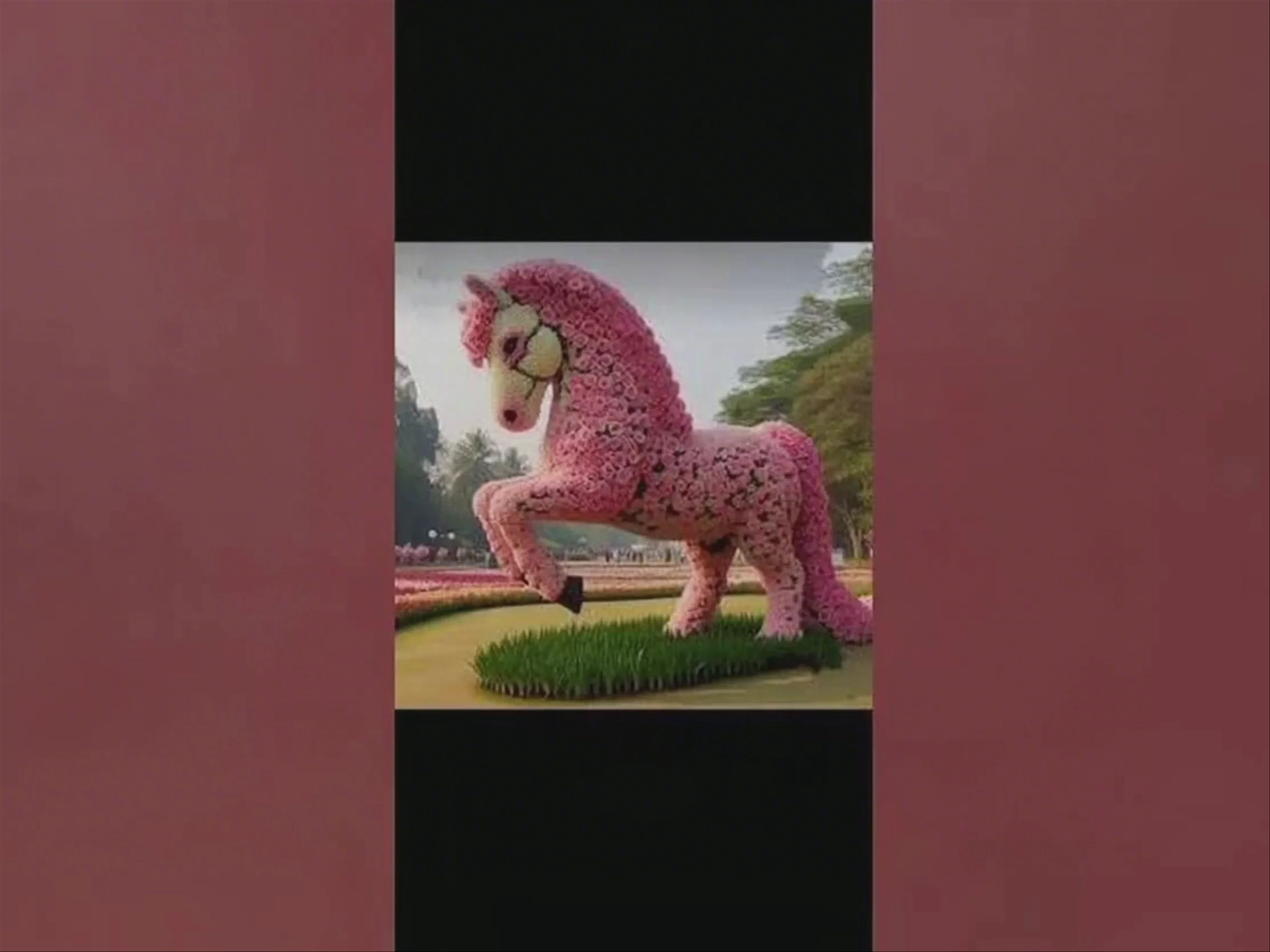 Pink Rose Topiary Horse in a Park, by Seedance 1.5 Pro
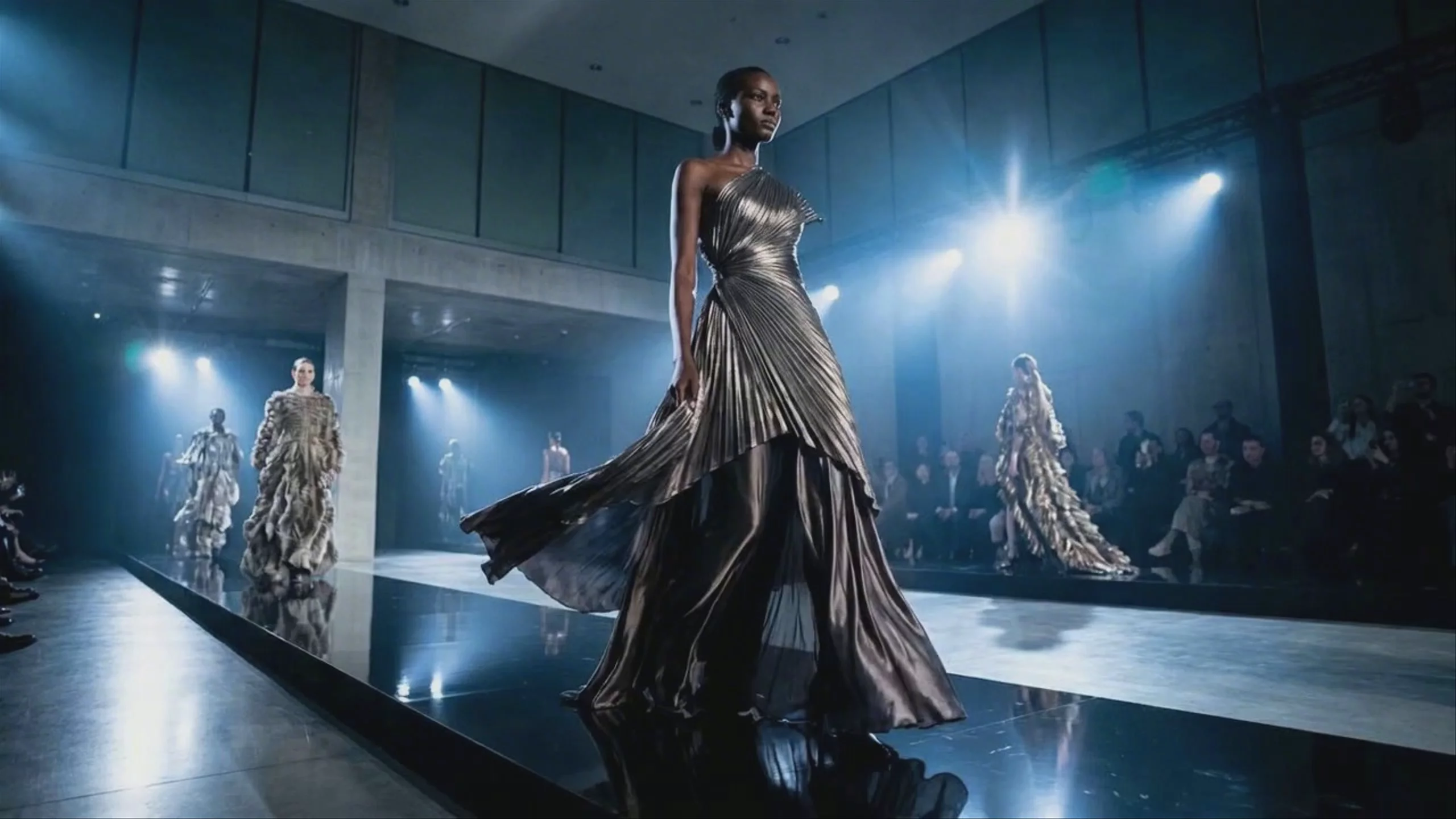 Runway Fashion Show — Seedance 1.5 Pro
 Mars Rover Exploring Red Planet — Seedance 1.5 Pro
 Weary Traveler in Salt Flats — Seedance 1.5 Pro
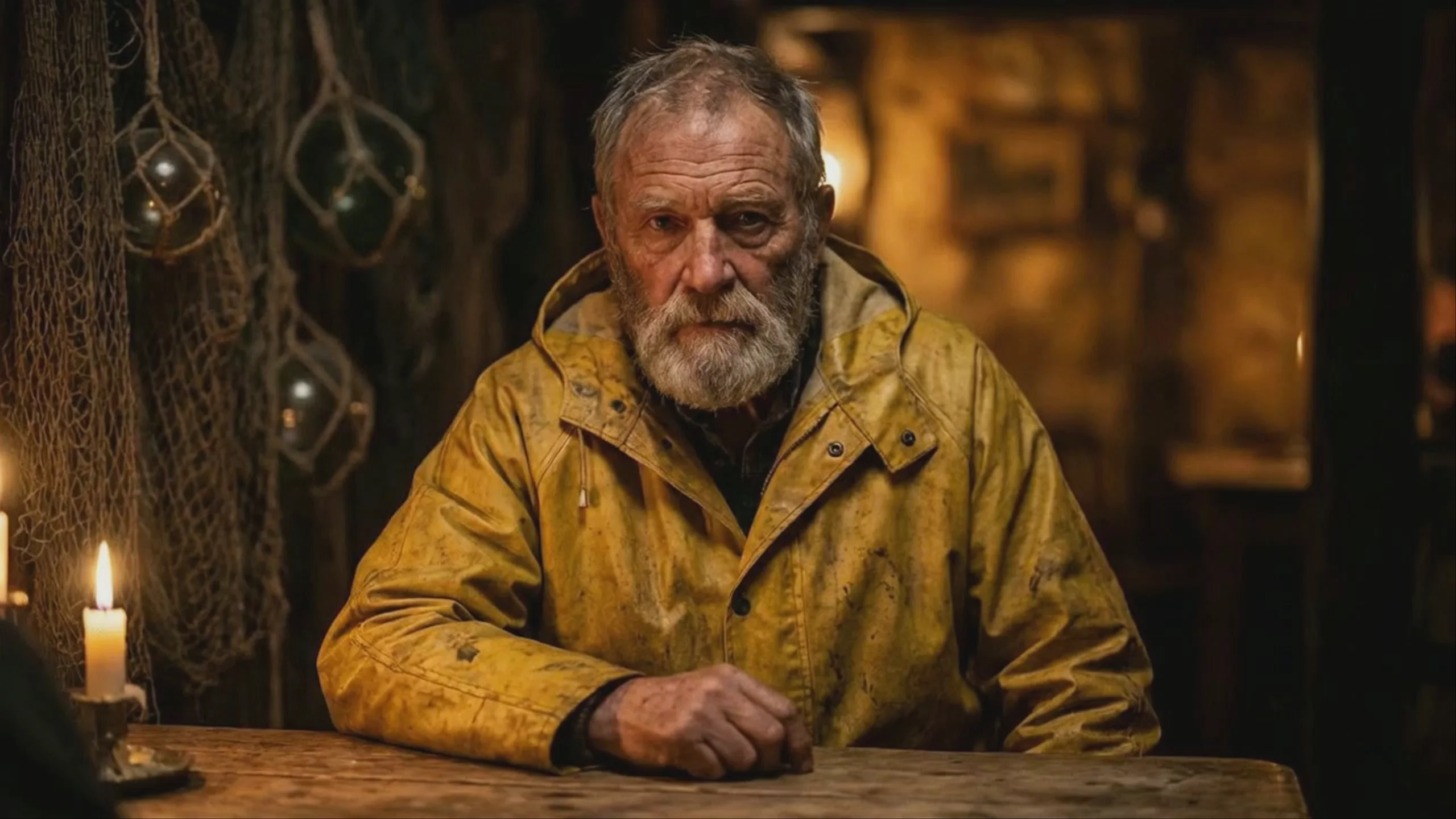 Weathered Fisherman in Yellow Slicker — Seedance 1.5 Pro
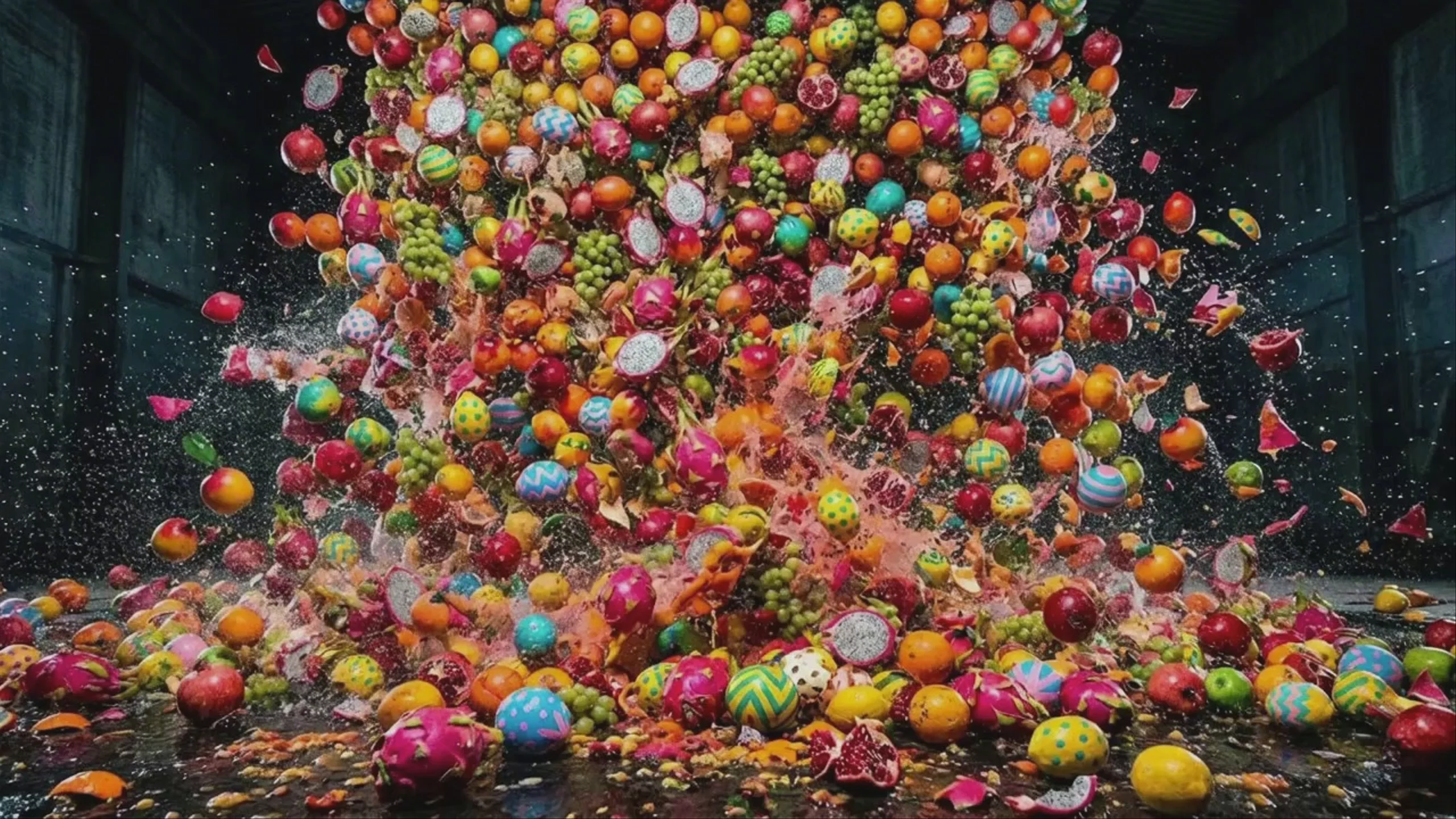 Seedance 1.5 Pro: Explosion of Colorful Fruits
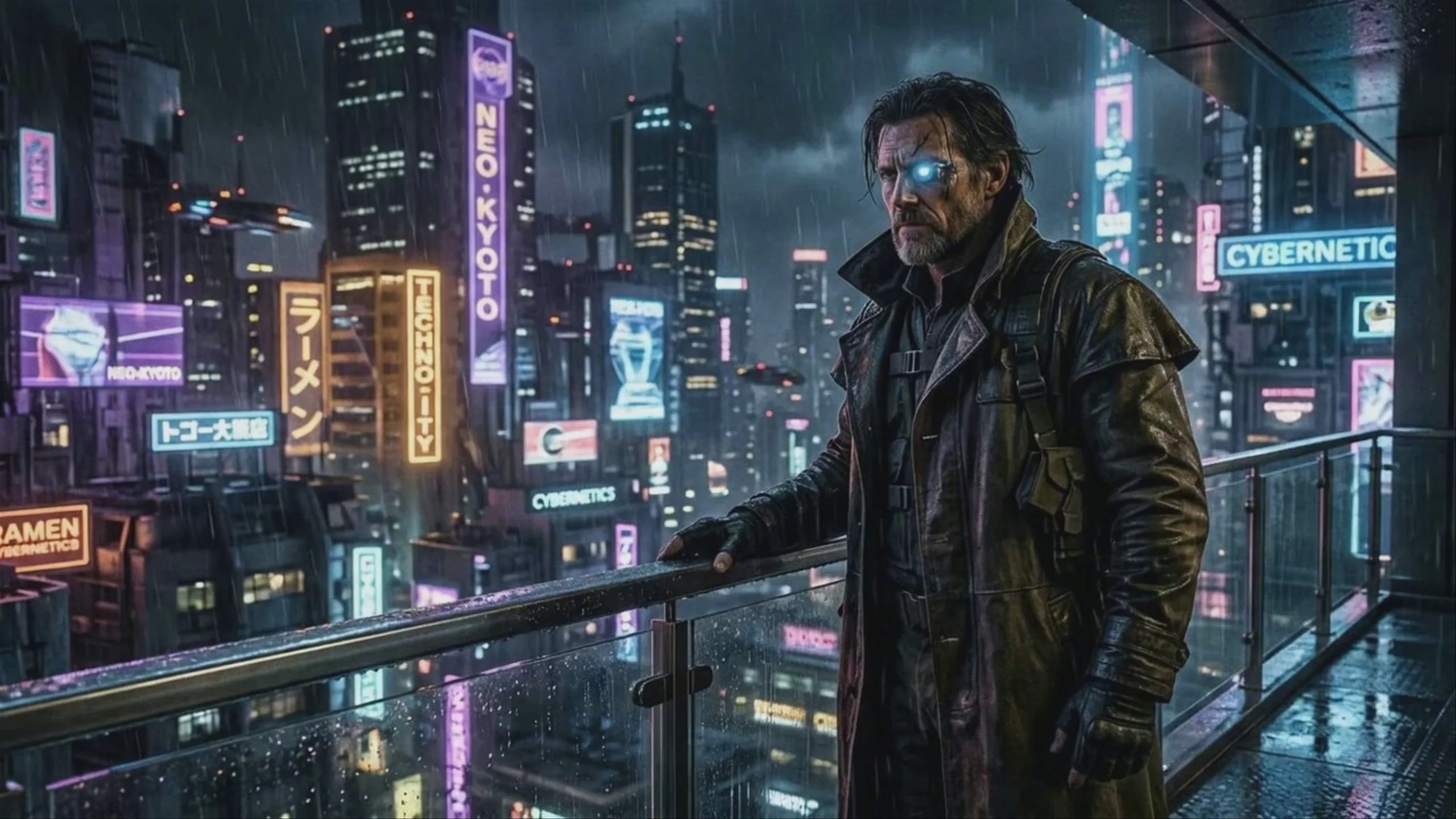 Cyberpunk Explorer on Balcony — Seedance 1.5 Pro
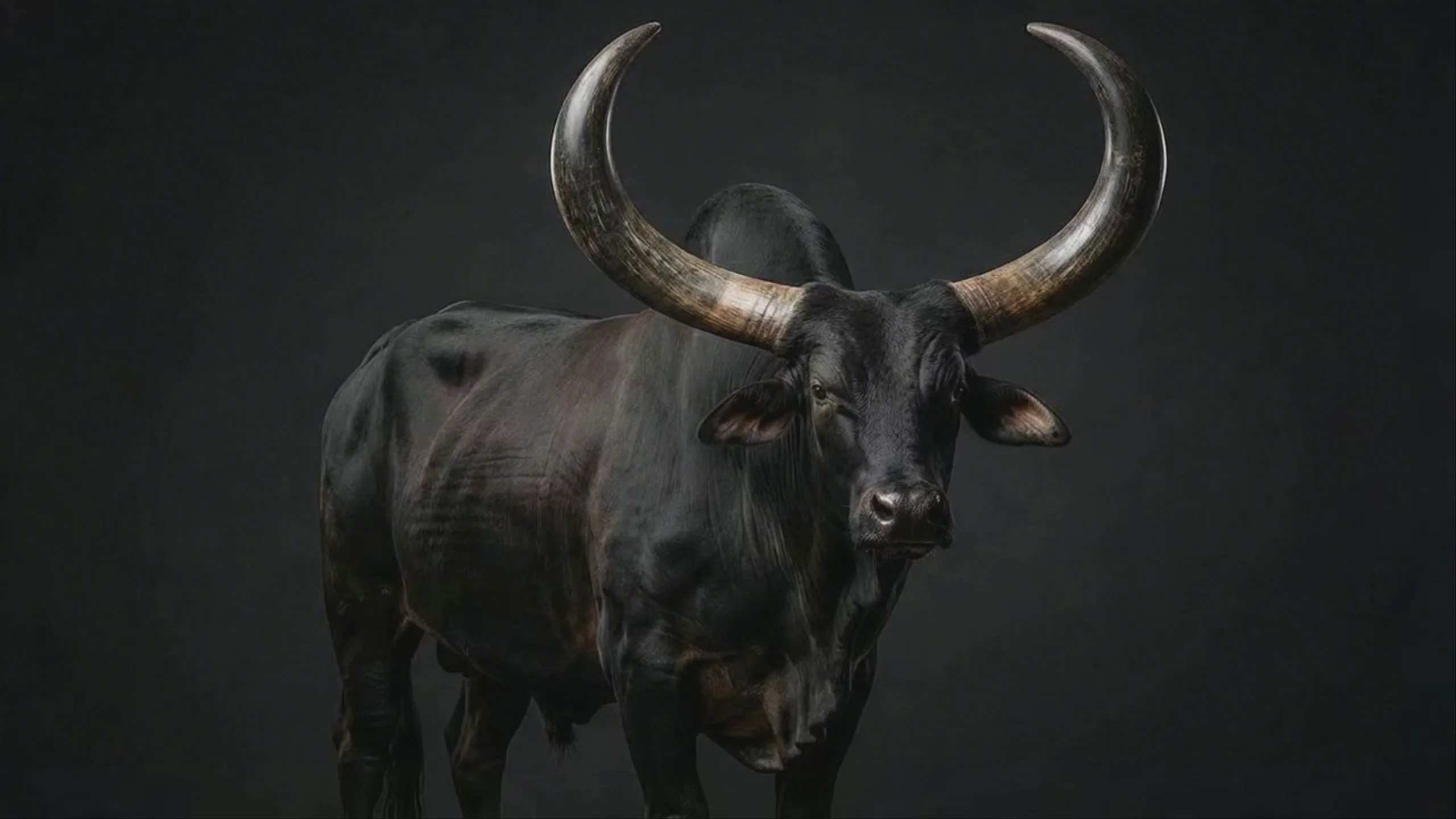 Majestic Zebu Ox, Generated by Seedance 1.5 Pro
 Explorer Sketching Glowing Plant — Seedance 1.5 Pro
What is Seedance 1.5 Pro best used for?
Seedance 1.5 Pro is widely praised for its native joint audio-visual generation. Because it creates video and audio simultaneously in a single pass, it excels at highly accurate, multi-language lip-syncing and matching sound effects to on-screen action. The community highlights its ability to handle fluid motion, subtle human micro-expressions, and cinematic camera movements like panning and orbiting. This makes it ideal for dialogue-heavy scenes, AI avatars, and atmospheric shots where sound design is critical.
When was Seedance 1.5 Pro released, and what is its lineage?
Developed by ByteDance and offered through its enterprise division BytePlus, Seedance 1.5 Pro was officially launched on December 23, 2025. It serves as a major architectural upgrade over the original Seedance 1.0, introducing a dual-branch diffusion transformer to handle simultaneous audio and video generation. It was later succeeded by Seedance 2.0 in February 2026, which expanded the architecture to support complex multimodal inputs like multiple reference videos and images.
Are there any tips or specific workflows for Seedance 1.5 Pro?
To get the best results, lean into the model's native audio capabilities by describing dialogue, sound effects, and ambient noise directly in your prompt. For creating consistent characters or AI influencers, the community recommends using a first and last frame workflow, which gives you precise control over the narrative and visual continuity. Be aware that while it excels at lip-syncing and cinematic motion, it is capped at 720p and can struggle with chaotic, complex physics compared to other models, so keep your action scenes structured.
Similar models
Prompt tips
- Direct the Soundscape: Because audio is generated natively alongside the video, explicitly describe the ambient noise, specific sound effects, and dialogue tone in your text prompt.
- Use First/Last Frame Workflows: Upload both a starting and ending image to tightly control the narrative arc and maintain strict character consistency throughout the clip.
- Emphasize Slow Motion: To get the best visual quality, prompt for slow, deliberate camera directions (e.g., "slow cinematic pan," "gentle orbit") rather than fast-paced action.
- Specify the Language: When generating spoken dialogue, clearly state the target language in your prompt to activate the model's multi-language lip-sync capabilities.
