MiniMax Hailuo 2.3 Fast Standard
Overview
MiniMax Hailuo 2.3 Fast Standard is a high-speed video generation model developed by Chinese AI company MiniMax. Designed as a lower-latency alternative to the main MiniMax Hailuo 2.3 Standard, it delivers rapid text-to-video and image-to-video outputs at 1080p resolution. This model is highly effective for creators needing quick iteration cycles and batch content creation while preserving stable motion, realistic physics, and cinematic camera control.
MiniMax Hailuo 2.3 Fast Standard Image to Video
Image → Video — generates video.
Specifications
- Input mode
- Image → Video
- Accepts
- start frame
- Aspect ratios
- 16:9
- Durations
- 6s, 10s
- Max duration
- 10s
- Native audio
- No
- Pricing
- 4 credits / second — longer clips and higher resolutions cost more
- Typical generation time
- ~2 min
- Free tier
- No
Image → Video examples
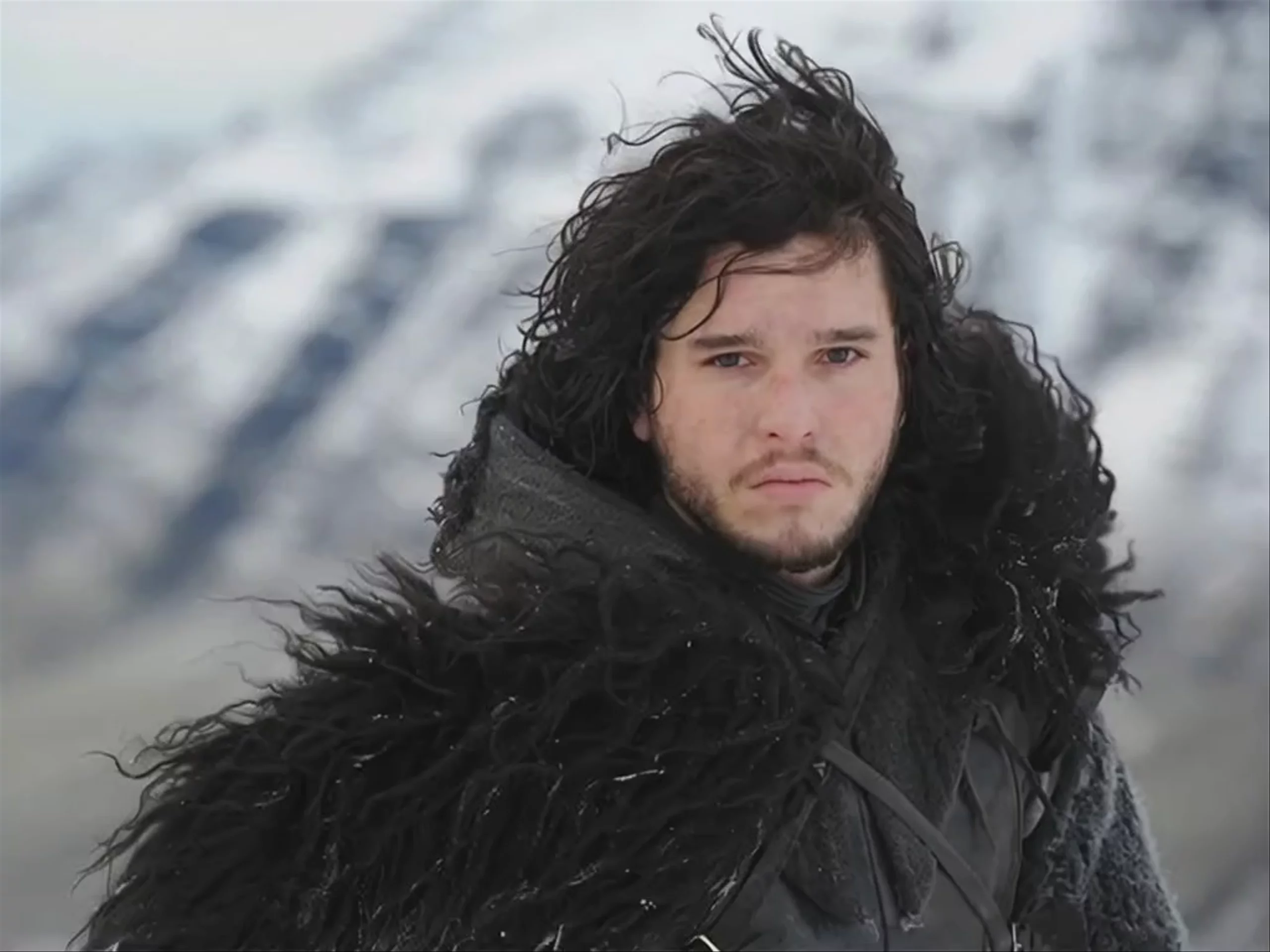
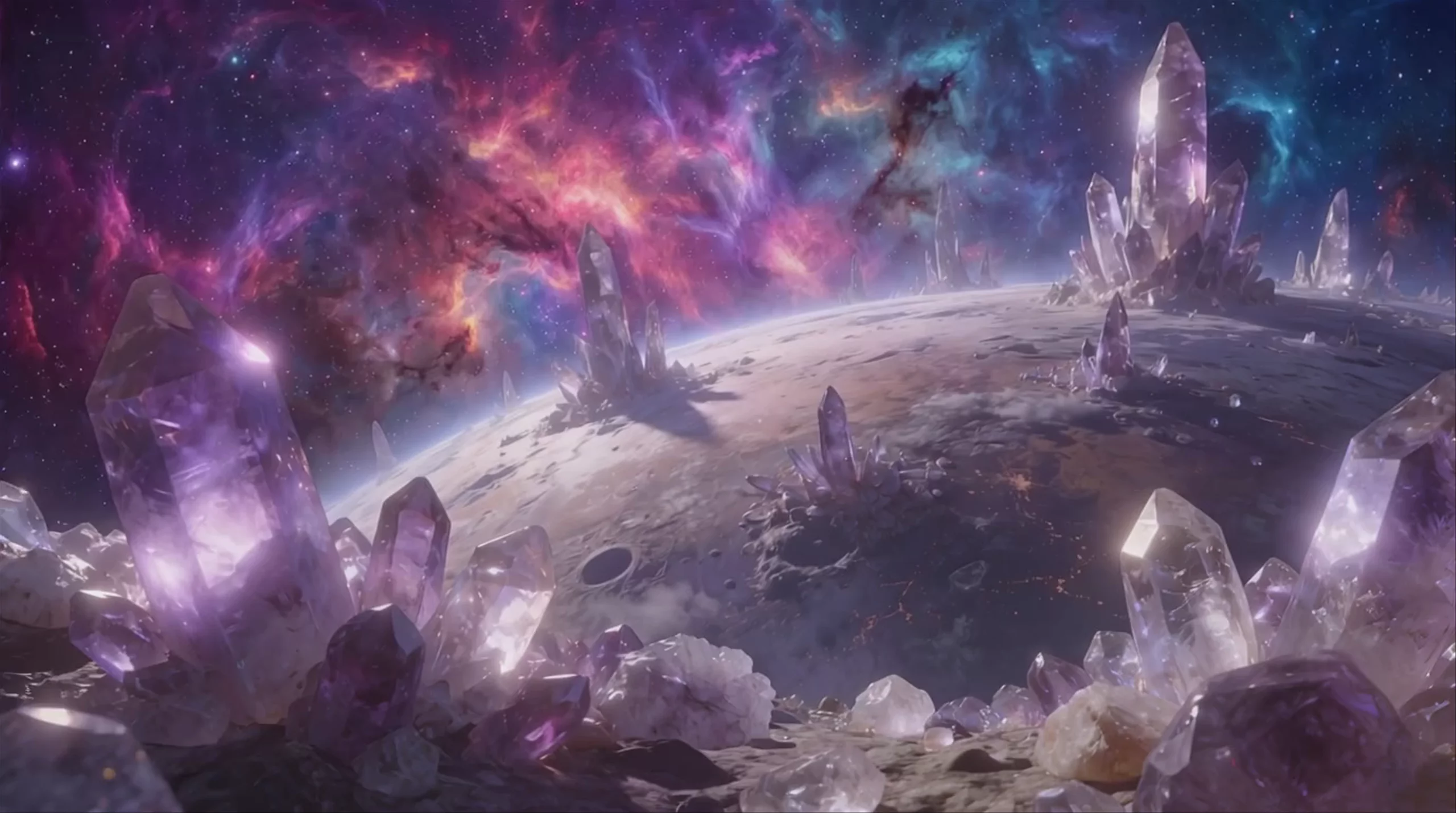
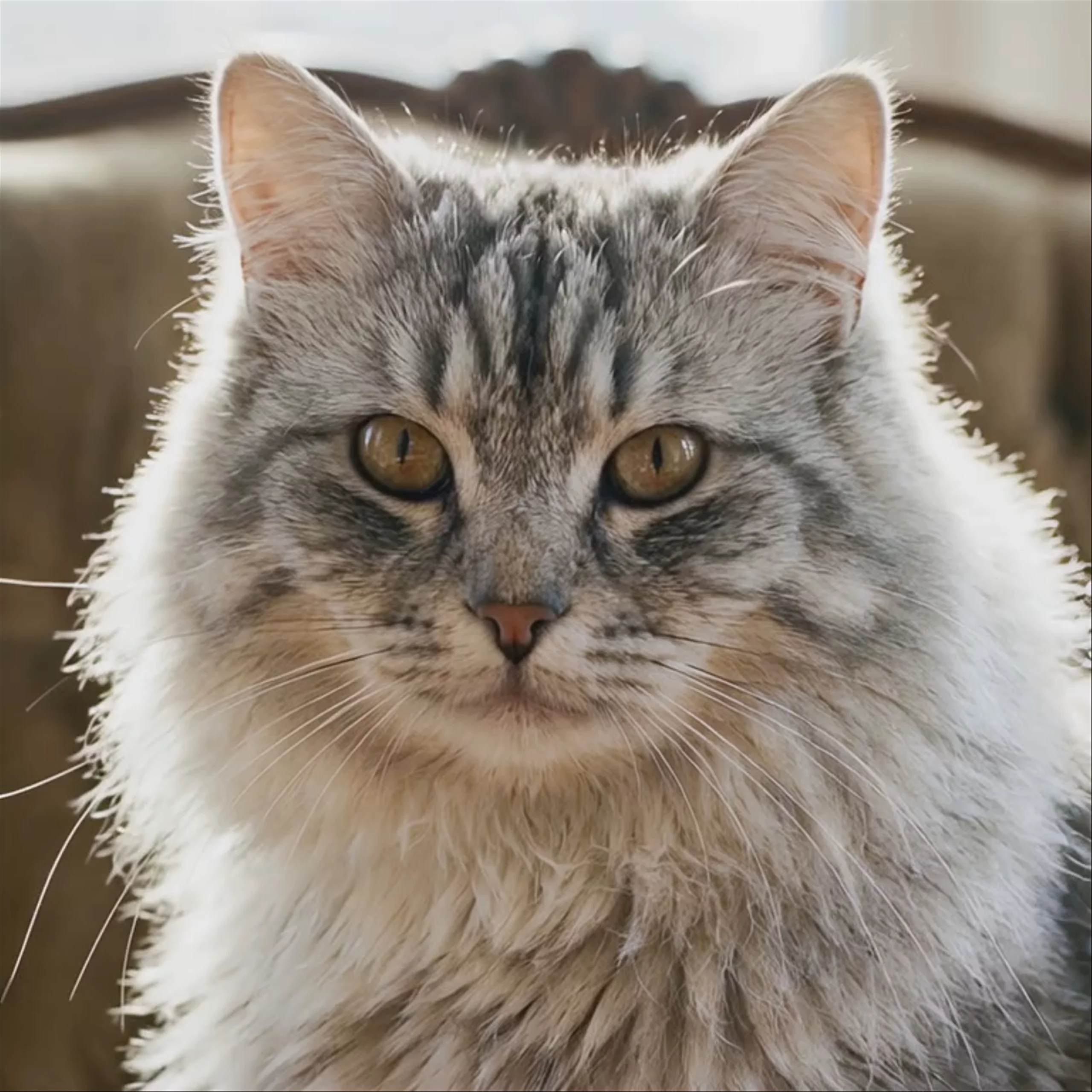
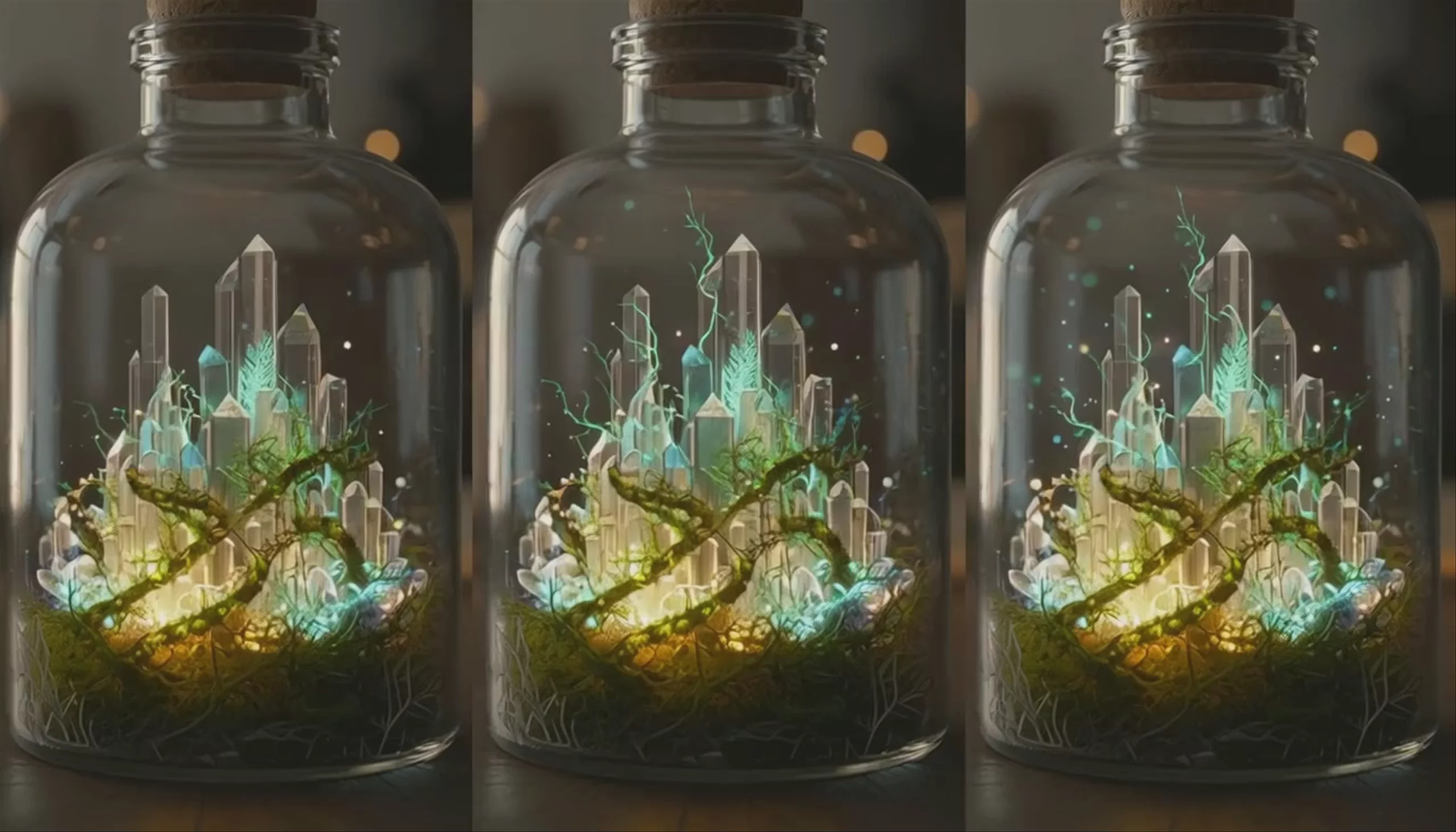
What is MiniMax Hailuo 2.3 Fast Standard best used for?
This model is built for rapid iteration, batch content creation, and quick previews. As the fastest tier in the Hailuo 2.3 family, it generates 6-second or 10-second image-to-video clips at 768p resolution. It retains the strong physics, character motion, and prompt adherence of the base model but delivers results at much higher speeds. This makes it practical for storyboarding or testing motion concepts before rendering a final version in a higher-resolution model like MiniMax Hailuo 2.3 Standard.
What kind of scenes does the Hailuo 2.3 architecture handle best?
The MiniMax Hailuo 2.3 models are known for handling complex physical interactions and cinematic motion. They generate fluid body movements for actions like dancing or fighting, realistic micro-expressions on faces, and dynamic visual effects like speed blur or energy distortion. The model also provides strong support for stylized outputs, including anime, ink wash painting, and game CG aesthetics.
When was Hailuo 2.3 released and what is its lineage?
MiniMax officially introduced the Hailuo 2.3 model family on October 28, 2025. It serves as the direct successor to MiniMax Hailuo-02 Standard, bringing major improvements in dynamic expression, object interaction, and camera stability. The Fast Standard variant is the speed-optimized 768p version of this architecture. For creators needing 1080p fidelity, MiniMax released step-up versions like MiniMax Hailuo 2.3 Pro.
How should I structure prompts for Hailuo 2.3?
Avoid treating video prompts like static image descriptions. For the best results, use a structured formula: Subject + Specific Action + Camera Angle + Lighting Style. Describe the motion explicitly using terms like "cinematic tracking shot" to prevent the model from defaulting to basic zooms. You can also use bracketed commands like [Pan Right] or [Tilt Left] directly in your text prompt to explicitly direct the camera movement. For more details, refer to the official MiniMax documentation.
Similar models
Prompt tips
- Keep it concise: Limit prompts to under 200 words and focus on a single primary subject and movement to ensure the model follows instructions accurately.,- Specify camera direction: Use bracketed or clear camera commands (e.g.,
[Pan Right],camera pushes in slowly) to guide the framing.,- Leverage lighting cues: Improve the 768p output quality by explicitly describing the lighting environment, such as "warm moody bar lighting" or "golden hour sunlight".,- Define the art style: For non-photorealistic outputs, explicitly state styles like "game CG," "anime," or "ink wash painting" to activate the model's stylization training.
