MiniMax Hailuo-02 Pro
Overview
MiniMax Hailuo-02 Pro is a professional-grade video generation model developed by MiniMax that produces native 1080p cinematic content from text or image prompts. Known for its advanced physics simulation and temporal stability, the model accurately renders complex dynamics, fluid motion, and precise camera movements. Offering sharper textures and greater detail than MiniMax Hailuo-02 Standard, it is well-suited for commercial advertising, character animation, and short films requiring realistic, director-level control.
MiniMax Hailuo-02 Pro Image to Video
Image → Video — generates video.
Specifications
- Input mode
- Image → Video
- Accepts
- start frame
- Aspect ratios
- 16:9
- Durations
- 6s
- Max duration
- 6s
- Native audio
- No
- Pricing
- 16 credits / second — longer clips and higher resolutions cost more
- Typical generation time
- ~3 min
- Free tier
- No
Image → Video examples
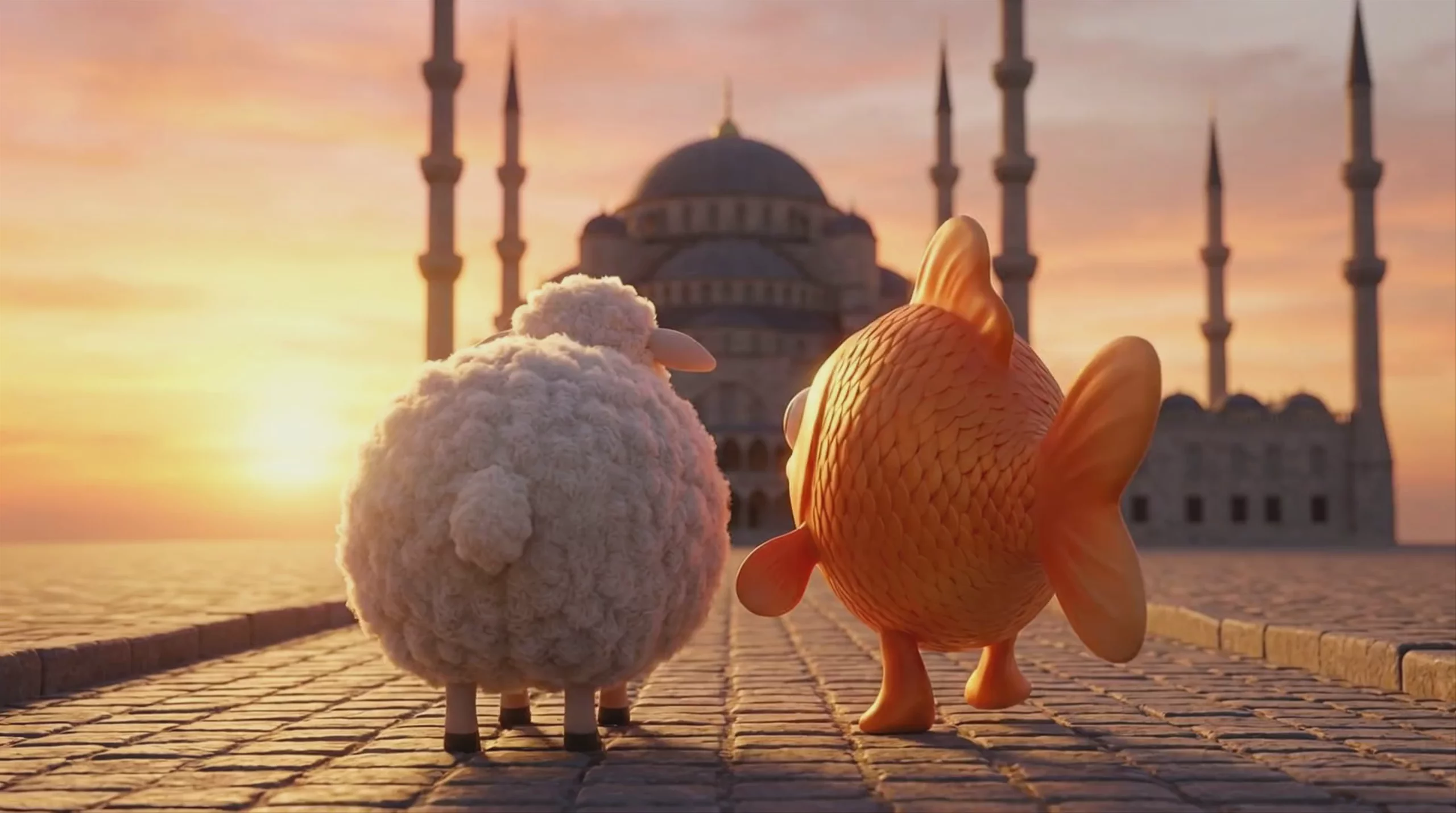 Sheep and Goldfish at a Mosque — MiniMax Hailuo-02 Pro
 Underwater Sea Creature Tea Party — MiniMax Hailuo-02 Pro
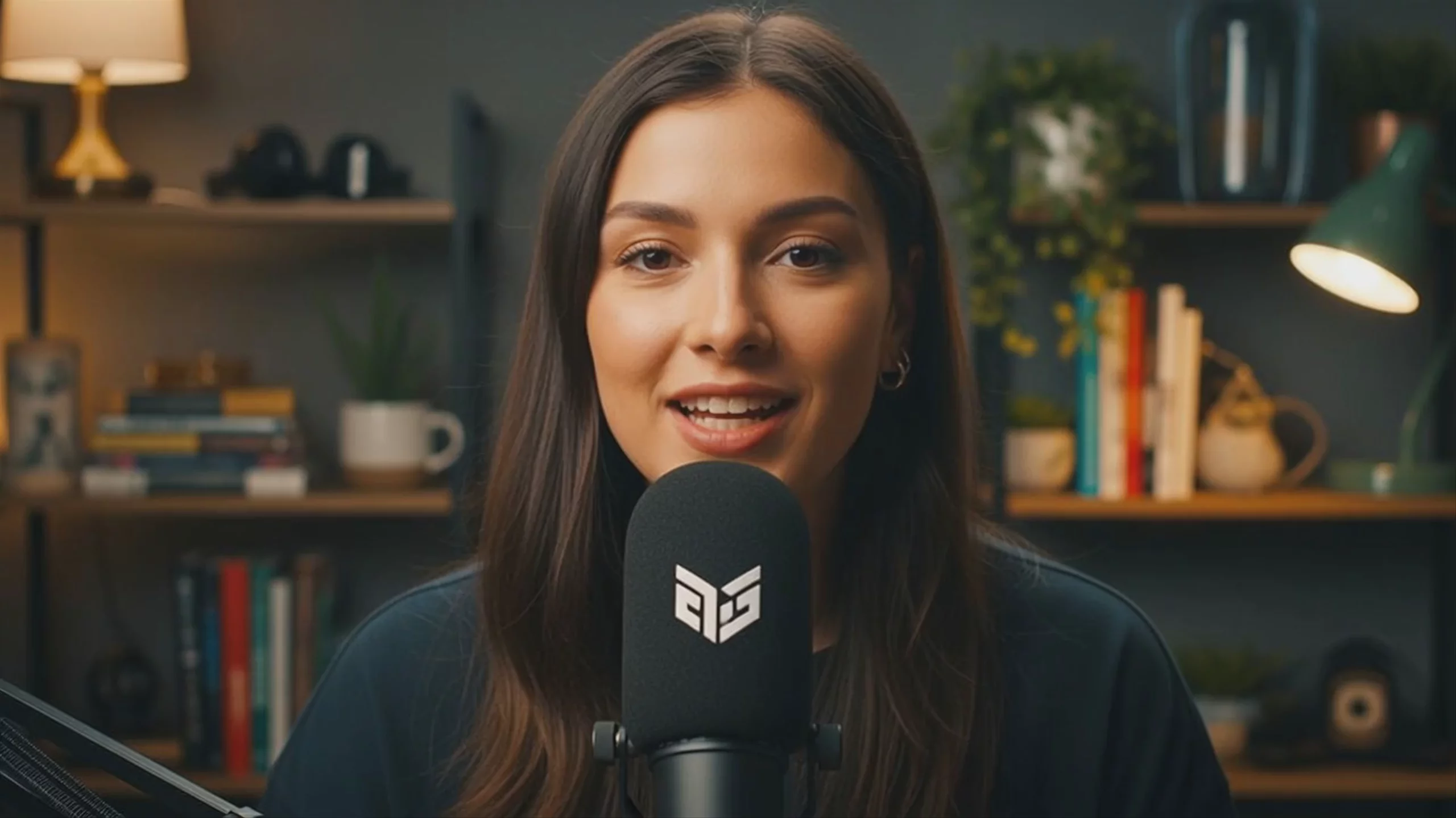 MiniMax Hailuo-02 Pro: Podcast Host Speaking into Microphone
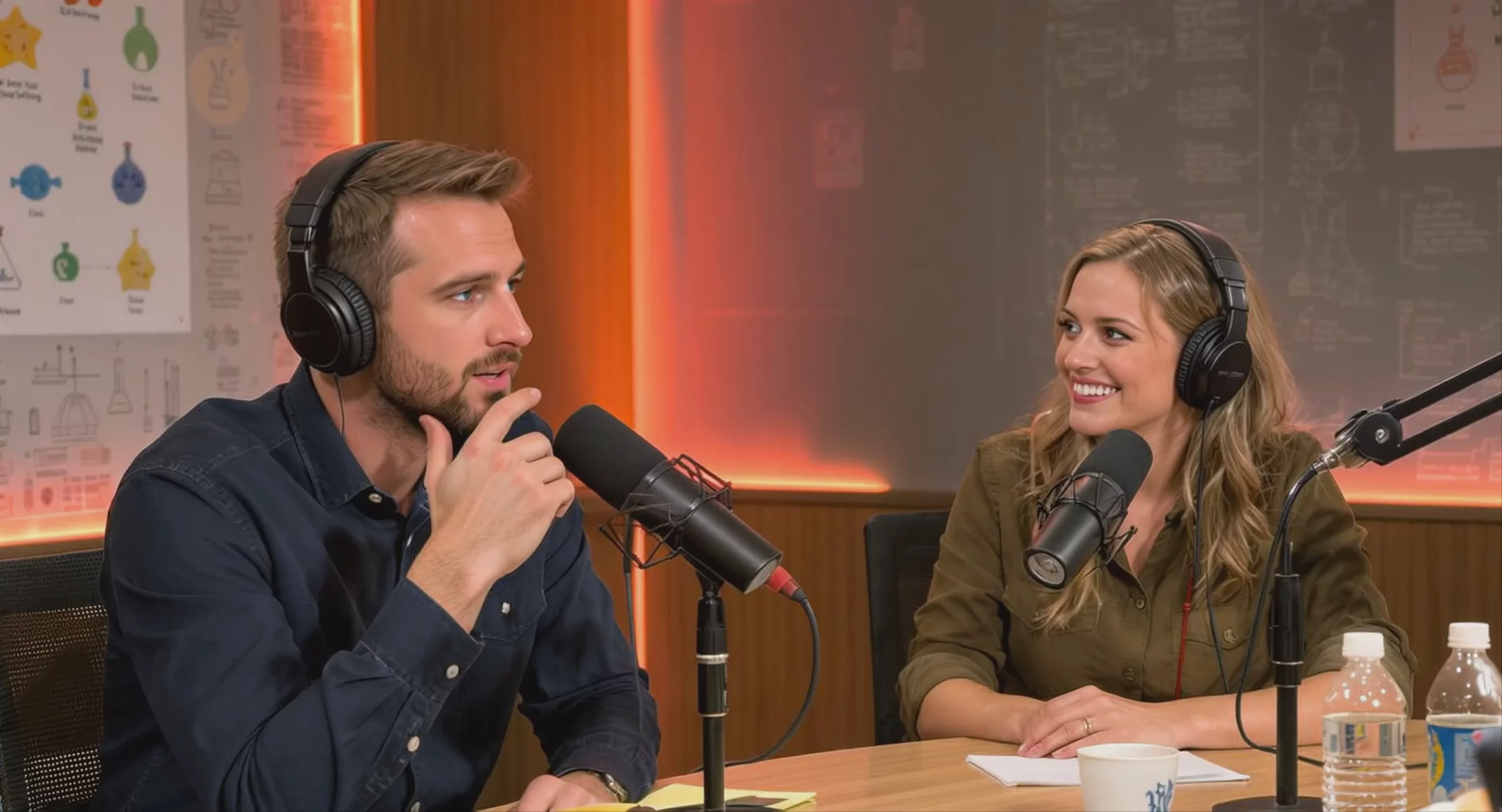 Podcast Recording Session in Studio — MiniMax Hailuo-02 Pro
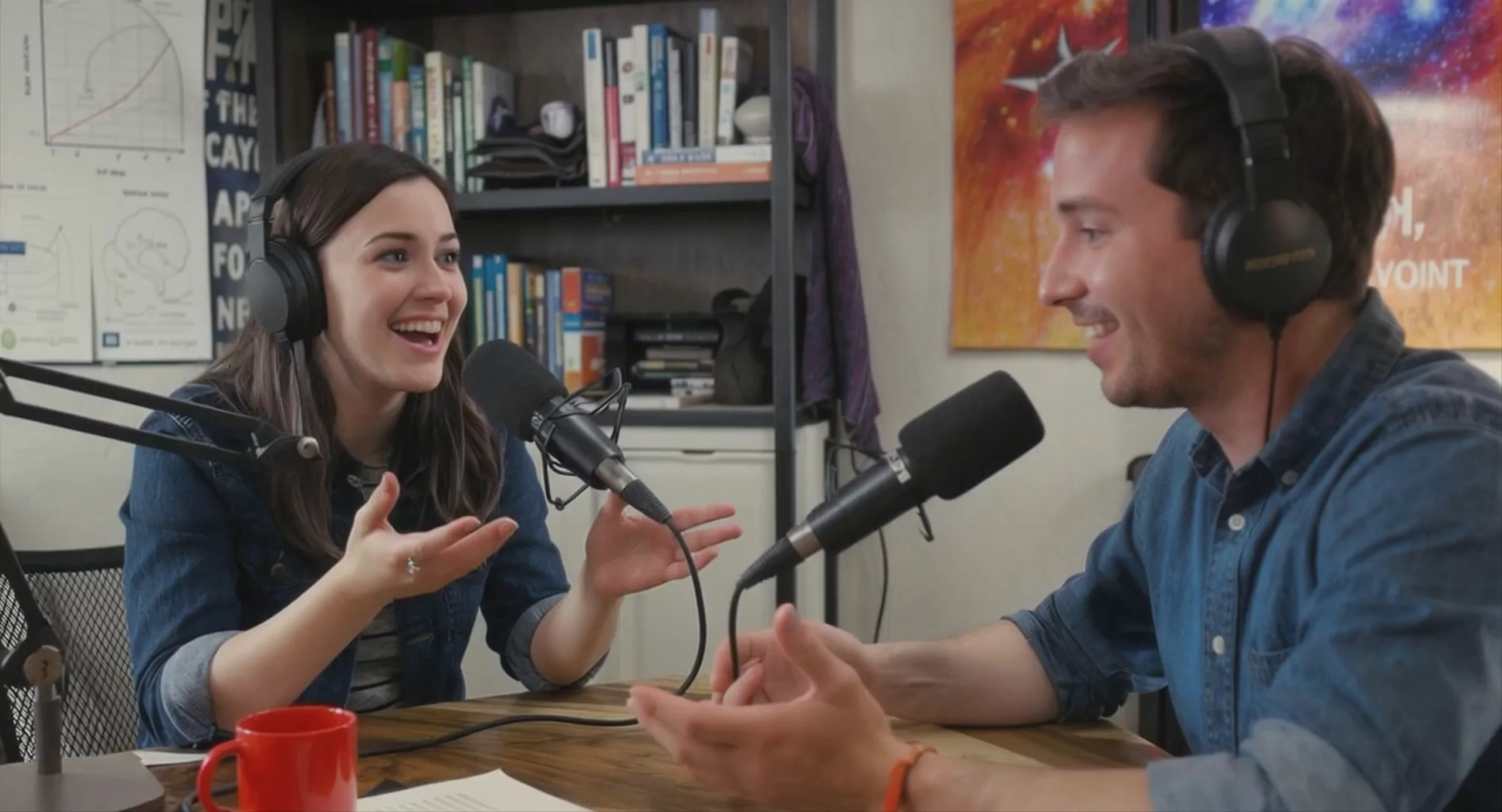 Podcast Hosts Discussing Science, by MiniMax Hailuo-02 Pro
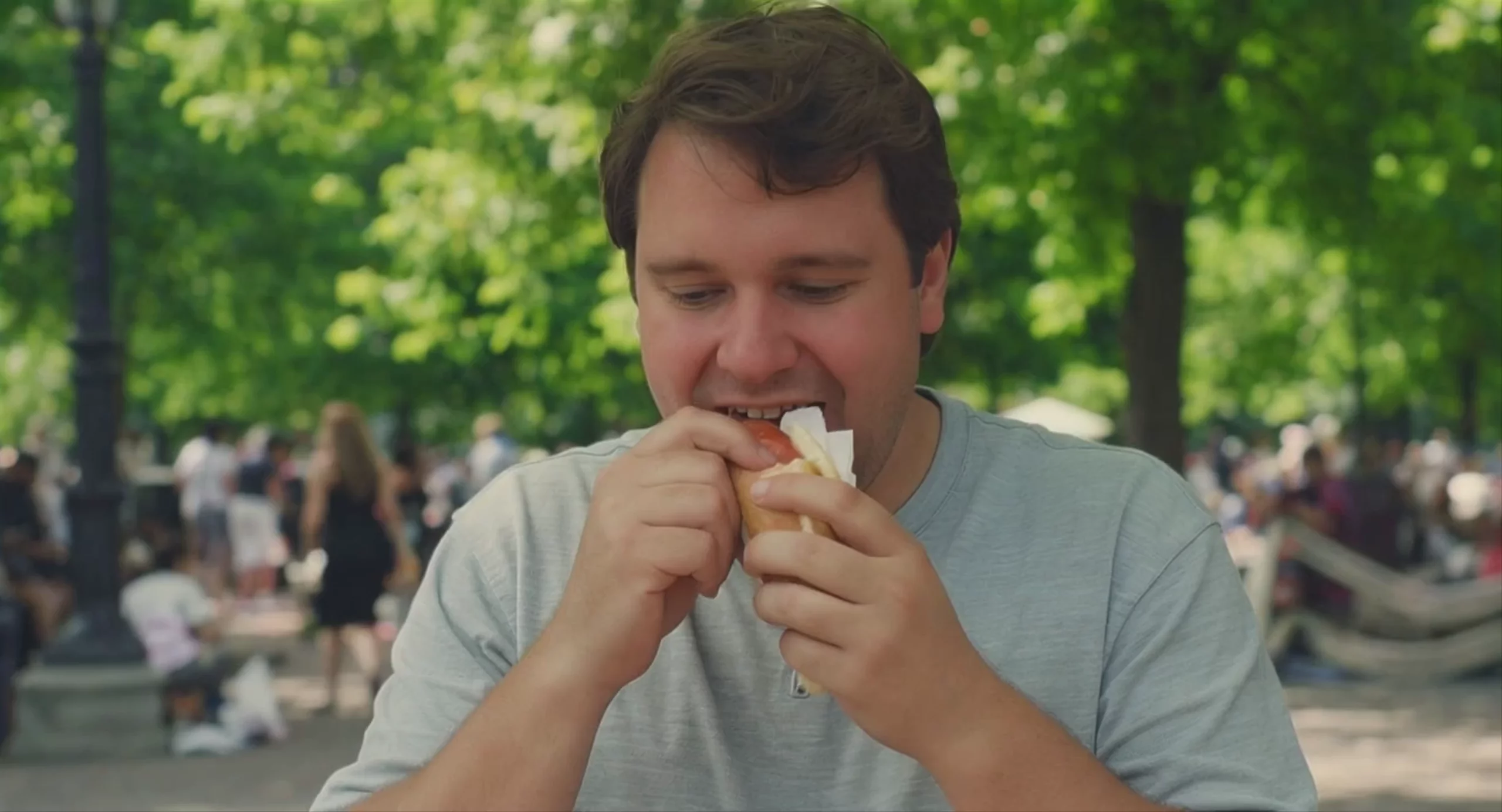 Man Eating a Hot Dog in the Park — MiniMax Hailuo-02 Pro
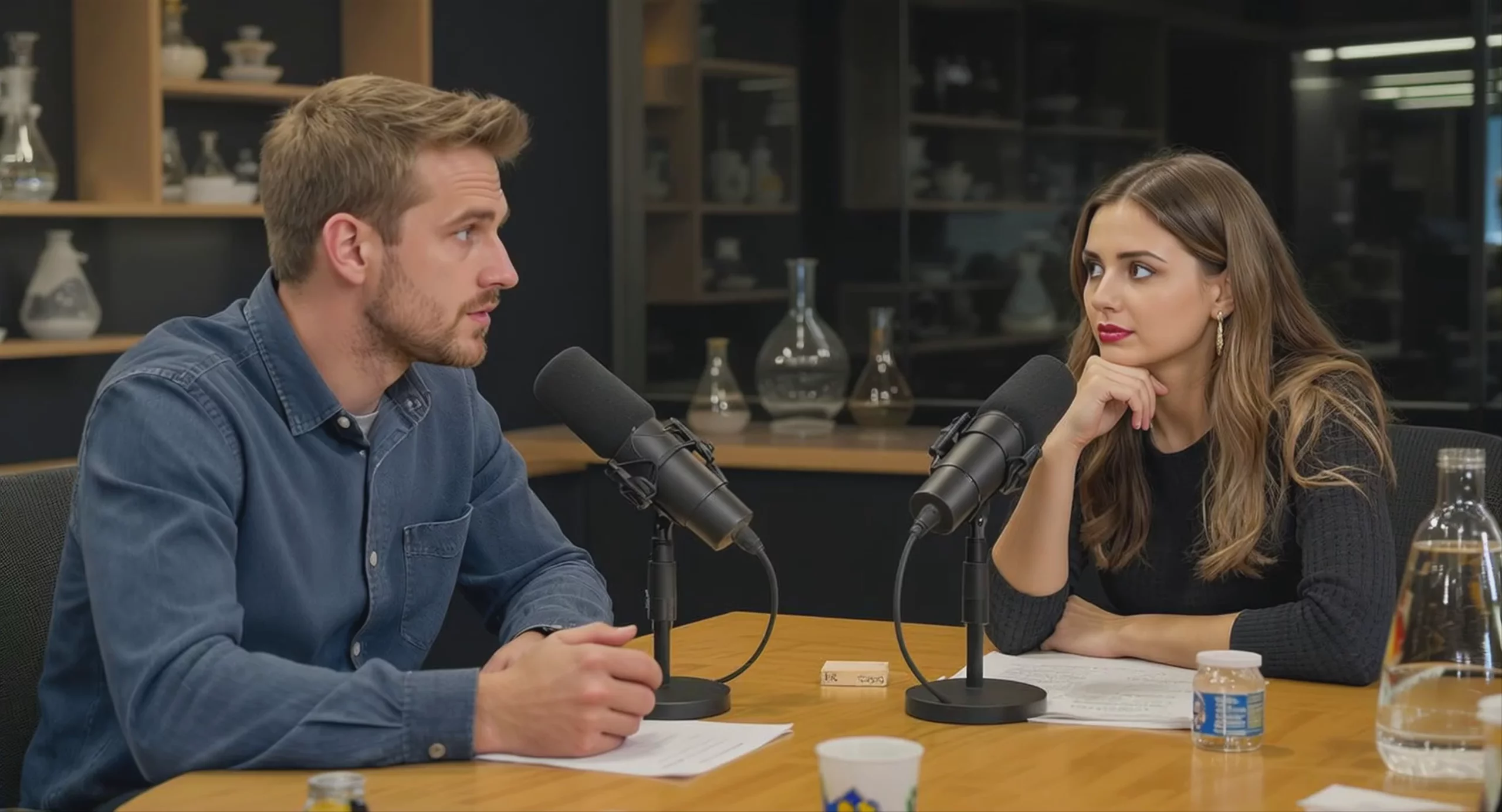 Podcast Hosts in Studio Discussion — MiniMax Hailuo-02 Pro
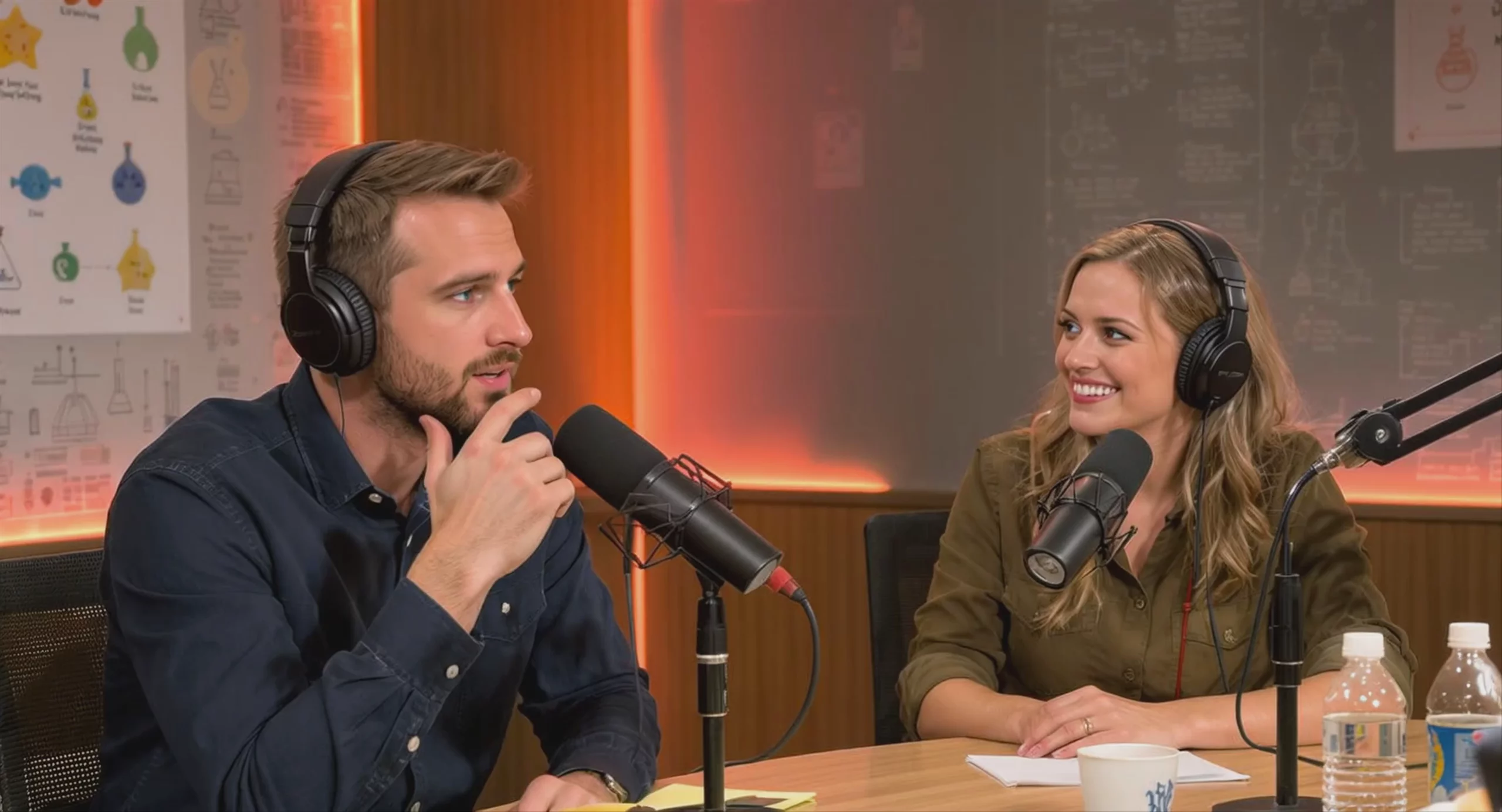 Podcast Hosts in Studio — MiniMax Hailuo-02 Pro
MiniMax Hailuo-02 Pro Text to Video
Text → Video — generates video.
Specifications
- Input mode
- Text → Video
- Aspect ratios
- 16:9
- Durations
- 6s
- Max duration
- 6s
- Native audio
- No
- Pricing
- 16 credits / second — longer clips and higher resolutions cost more
- Typical generation time
- ~4 min
- Free tier
- No
What is MiniMax Hailuo-02 Pro best used for?
Hailuo-02 Pro generates native 1080p video with realistic physics. MiniMax built its Noise-aware Compute Redistribution (NCR) architecture to handle complex kinetic motions, such as gymnastics, fluid dynamics, and rigid-body collisions. Because it accurately simulates gravity and momentum, it is well-suited for sports footage, physical comedy, and action sequences without relying on upscaling.
When was Hailuo-02 Pro released, and what is its lineage?
Developed by the Chinese AI company MiniMax, Hailuo-02 Pro was officially announced on June 18, 2025. It succeeded MiniMax's original Video-01 model, bringing significant efficiency improvements and native 1080p support. In late October 2025, MiniMax superseded it with the MiniMax Hailuo 2.3 Pro and MiniMax Hailuo 2.3 Standard models, which further refined character micro-expressions, dynamic lighting, and stylized rendering.
How can I get the best results with Hailuo-02 Pro?
To leverage its physics engine, write prompts that explicitly describe weight, momentum, and material interactions—such as a heavy object splashing into water or a gymnast shifting their balance. For image-to-video workflows, providing both a start and end frame allows you to precisely keyframe transitions. This technique works well for generating controlled hyperlapses, virtual try-ons, and product motion graphics.
Similar models
Prompt tips
- Use bracket syntax for cameras: Explicitly direct the camera using bracketed commands like
[Pan left]or[Dolly in]to trigger the model's trained cinematic movements. - Anchor with start and end images: For complex transformations, upload both a starting and ending image to lock the composition and guide the AI's transition across the scene.
- Structure prompts for physics: Because the model relies on a strong physics engine, explicitly describe momentum, weight shifts, and material properties (e.g., "heavy landing," "fluid splash") to maximize kinetic realism.
- Focus on facial expressions: The model excels at micro-expressions; specify the exact emotional shifts or subtle facial movements in your prompt rather than just describing the broader action.
