Kling O3 Standard
Overview
Developed by Kuaishou, Kling O3 Standard is a multimodal video generation model that produces HD video with synchronized native audio. Using a unified architecture with spatial reasoning, it maintains character consistency and accurate physics across multi-shot sequences. This standard tier offers a faster, more cost-efficient alternative to Kling O3 Pro, making it useful for rapid iteration, storyboarding, and reference-guided video editing.
Kling O3 Standard Image to Video
Image → Video — generates video.
Specifications
- Input mode
- Image → Video
- Accepts
- reference image (up to 3), start frame, end frame
- Aspect ratios
- 16:9, 9:16, 1:1
- Durations
- 3s, 4s, 5s, 6s, 7s, 8s, 9s, 10s, 11s, 12s, 13s, 14s, 15s
- Max duration
- 15s
- Native audio
- Optional
- Pricing
- 30 credits / second — longer clips and higher resolutions cost more
- Free tier
- No
Kling O3 Standard First & Last Frame
First & last frame → Video — generates video.
Specifications
- Input mode
- First & last frame → Video
- Accepts
- reference image (up to 3), start frame, end frame
- Aspect ratios
- 16:9, 9:16, 1:1
- Durations
- 3s, 4s, 5s, 6s, 7s, 8s, 9s, 10s, 11s, 12s, 13s, 14s, 15s
- Max duration
- 15s
- Native audio
- Optional
- Pricing
- 30 credits / second — longer clips and higher resolutions cost more
- Free tier
- No
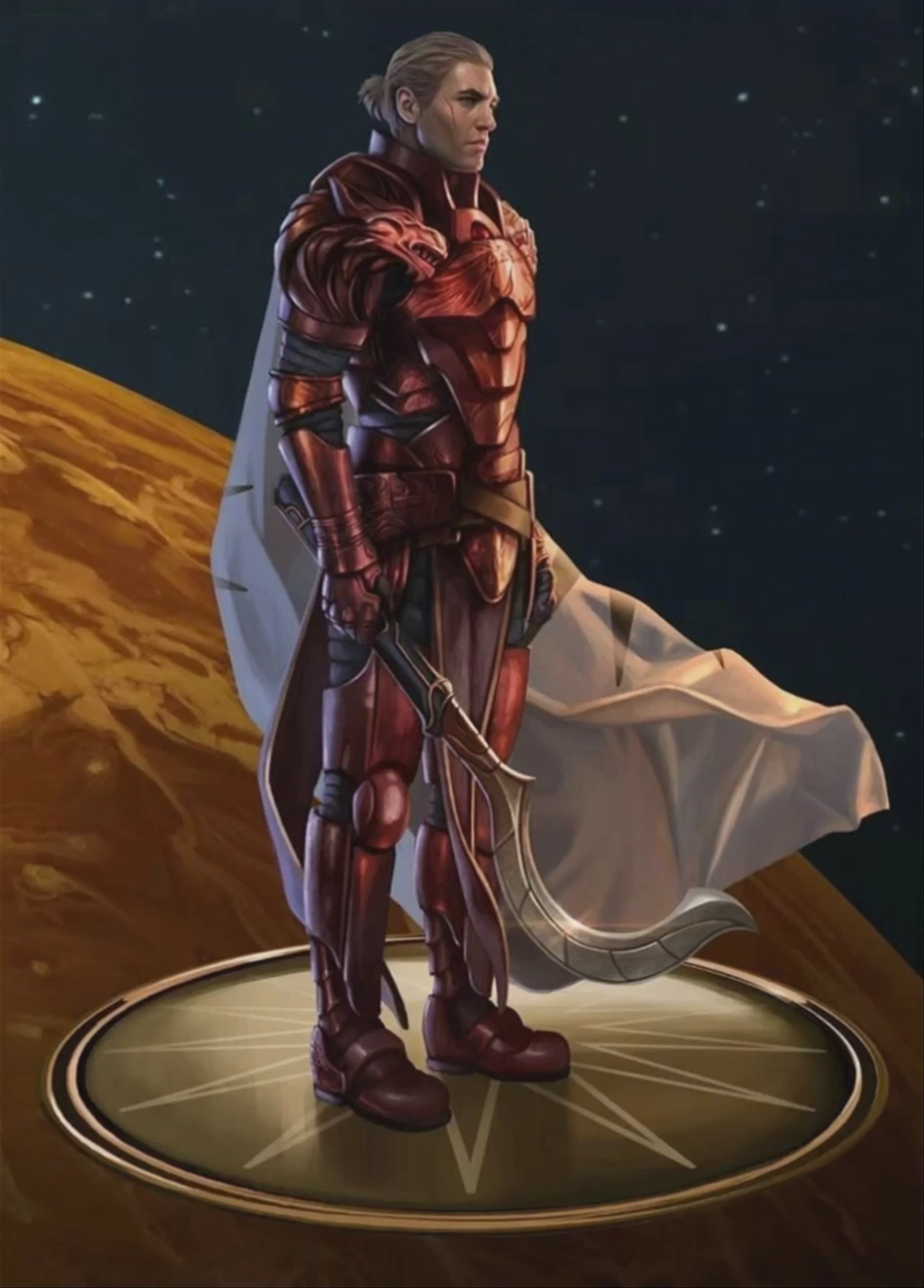
First & last frame → Video examples
Kling O3 Standard Reference to Video
Reference → Video — generates video.
Specifications
- Input mode
- Reference → Video
- Accepts
- reference image (up to 3), start frame, end frame
- Aspect ratios
- 16:9, 9:16, 1:1
- Durations
- 3s, 4s, 5s, 6s, 7s, 8s, 9s, 10s, 11s, 12s, 13s, 14s, 15s
- Max duration
- 15s
- Native audio
- Optional
- Pricing
- 30 credits / second — longer clips and higher resolutions cost more
- Free tier
- Yes
Kling O3 Standard Text to Video
Text → Video — generates video.
Specifications
- Input mode
- Text → Video
- Aspect ratios
- 16:9, 9:16, 1:1
- Durations
- 3s, 4s, 5s, 6s, 7s, 8s, 9s, 10s, 11s, 12s, 13s, 14s, 15s
- Max duration
- 15s
- Native audio
- Optional
- Pricing
- 30 credits / second — longer clips and higher resolutions cost more
- Free tier
- No
What is Kling O3 Standard best used for?
Kling O3 Standard—part of Kuaishou's Video 3.0 Omni family—excels at rapid, character-driven storytelling and cinematic storyboarding. Built on a unified multimodal architecture, it generates video and native audio simultaneously, delivering synchronized dialogue (in English, Chinese, Japanese, Korean, and Spanish) and ambient sound in a single pass. It is ideal for creators who need quick iterations of complex scenes, offering faster generation times than Kling O3 Pro while supporting up to 15-second clips, multi-character coreference, and multi-shot sequences.
When was Kling O3 released, and how does it fit into the Kling family?
Kuaishou officially rolled out the Kling 3.0 Omni generation on January 31, 2026. Kling O3 Standard serves as the direct successor to Kling O1, bringing the "Omni" architecture's native audio and multi-shot capabilities to a faster, more cost-efficient tier. It launched alongside Kling V3 Standard (the successor to Kling 2.6 Pro) and the flagship Kling O3 Pro, giving creators a scalable ecosystem for AI video production.
How can I control camera movements and scene transitions in Kling O3 Standard?
To maximize Kling O3 Standard's capabilities, use its Multi-Shot feature to act as an "AI Director." You can chain multiple prompts to automatically adjust camera angles, handle shot-reverse-shot dialogue, or specify tracking shots across a single 15-second sequence. For seamless visual transitions, combine this with start and end frame image conditioning to guide the model's morphing. You can also use Element Reference tags to lock character faces and clothing across every cut.
Similar models
Prompt tips
- Use Element Tags: Lock character identities by using
@Element1or@Element2in your prompt alongside reference images to keep faces and outfits strictly on-model. - Direct the Camera: Apply professional cinematography terms (e.g., "dolly zoom-in", "tracking shot", "shallow depth of field") to guide the model's spatial understanding.
- Leverage Start/End Frames: Provide both a starting image and an ending image to precisely control transitions, morphing effects, or specific character movements.
- Chain Motion Phases: Use multi-segment prompting to describe narrative sequences and pacing changes within a single 15-second generation.
