Kling O3 Pro
Overview
Kling O3 Pro is a professional-tier multimodal video generation model developed by Kuaishou. Built on a unified architecture, it produces high-fidelity video with native audio, automatic lip-sync, and multi-shot sequences up to 15 seconds long. The model utilizes visual chain-of-thought reasoning to maintain strict scene logic and character consistency. It is well-suited for multi-shot storyboarding, cinematic B-roll, and reference-heavy video-to-video editing, while Kling O3 Standard offers a faster alternative for prompt iteration.
Kling O3 Pro Image to Video
Image → Video — generates video.
Specifications
- Input mode
- Image → Video
- Accepts
- reference image (up to 3), start frame, end frame
- Aspect ratios
- 16:9, 9:16, 1:1
- Resolutions
- 1080p
- Durations
- 3s, 4s, 5s, 6s, 7s, 8s, 9s, 10s, 11s, 12s, 13s, 14s, 15s
- Max duration
- 15s
- Native audio
- Optional
- Pricing
- 35 credits / second — longer clips and higher resolutions cost more
- Typical generation time
- ~4 min
- Free tier
- No
Image → Video examples
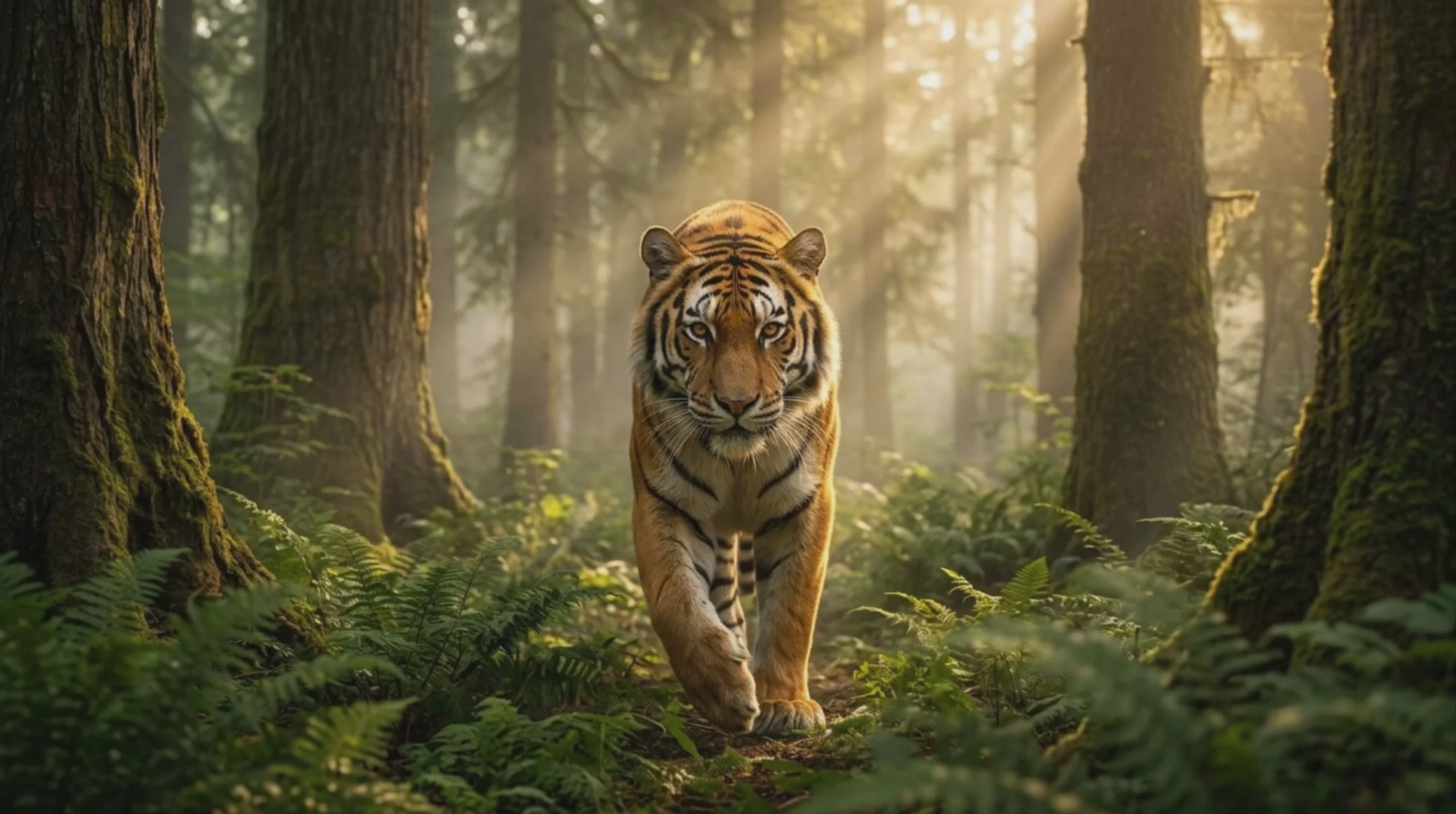 Tiger Walking Through Sunlit Forest — Kling O3 Pro
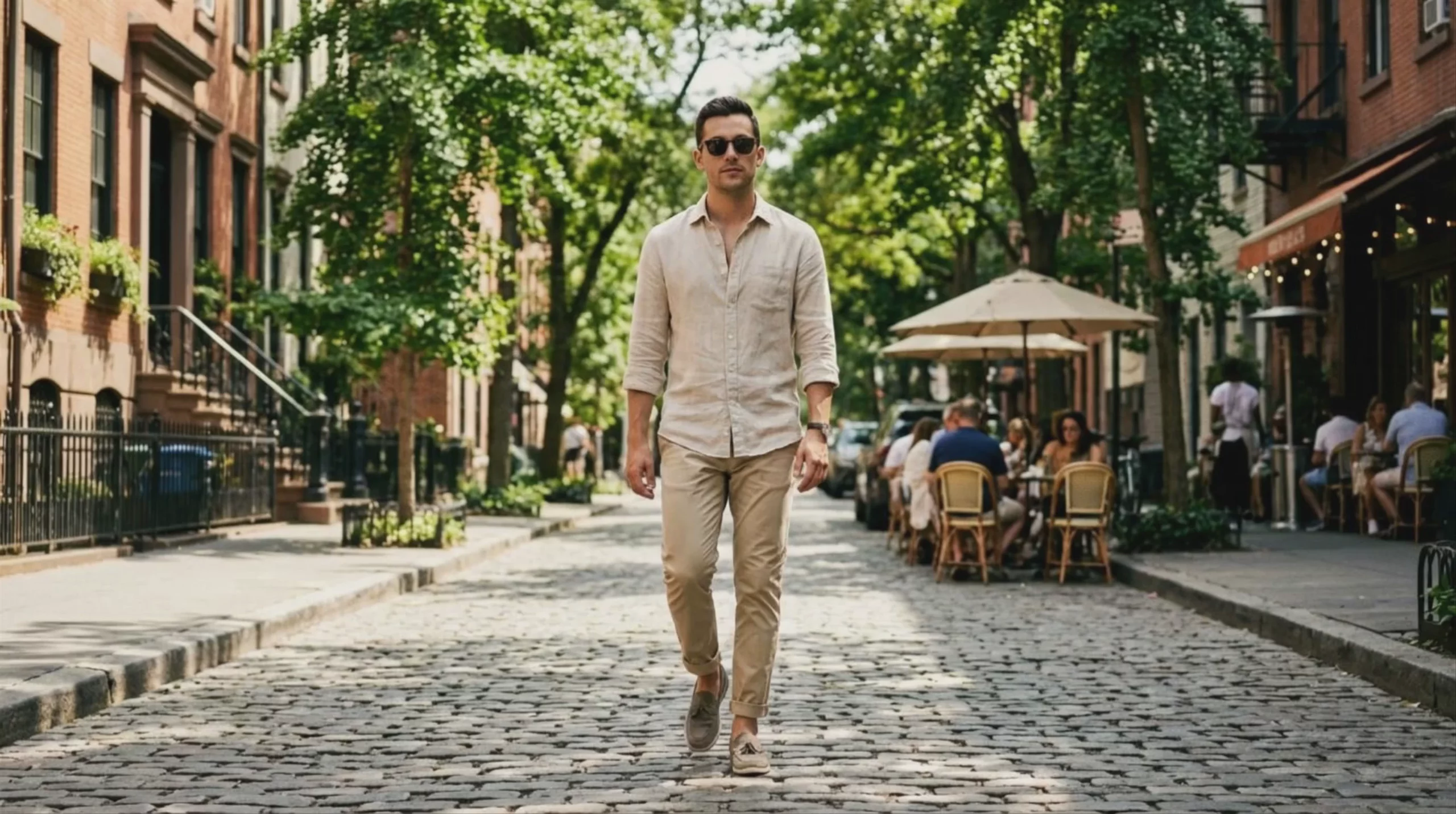 Man Walking Down Cobblestone Street — Kling O3 Pro
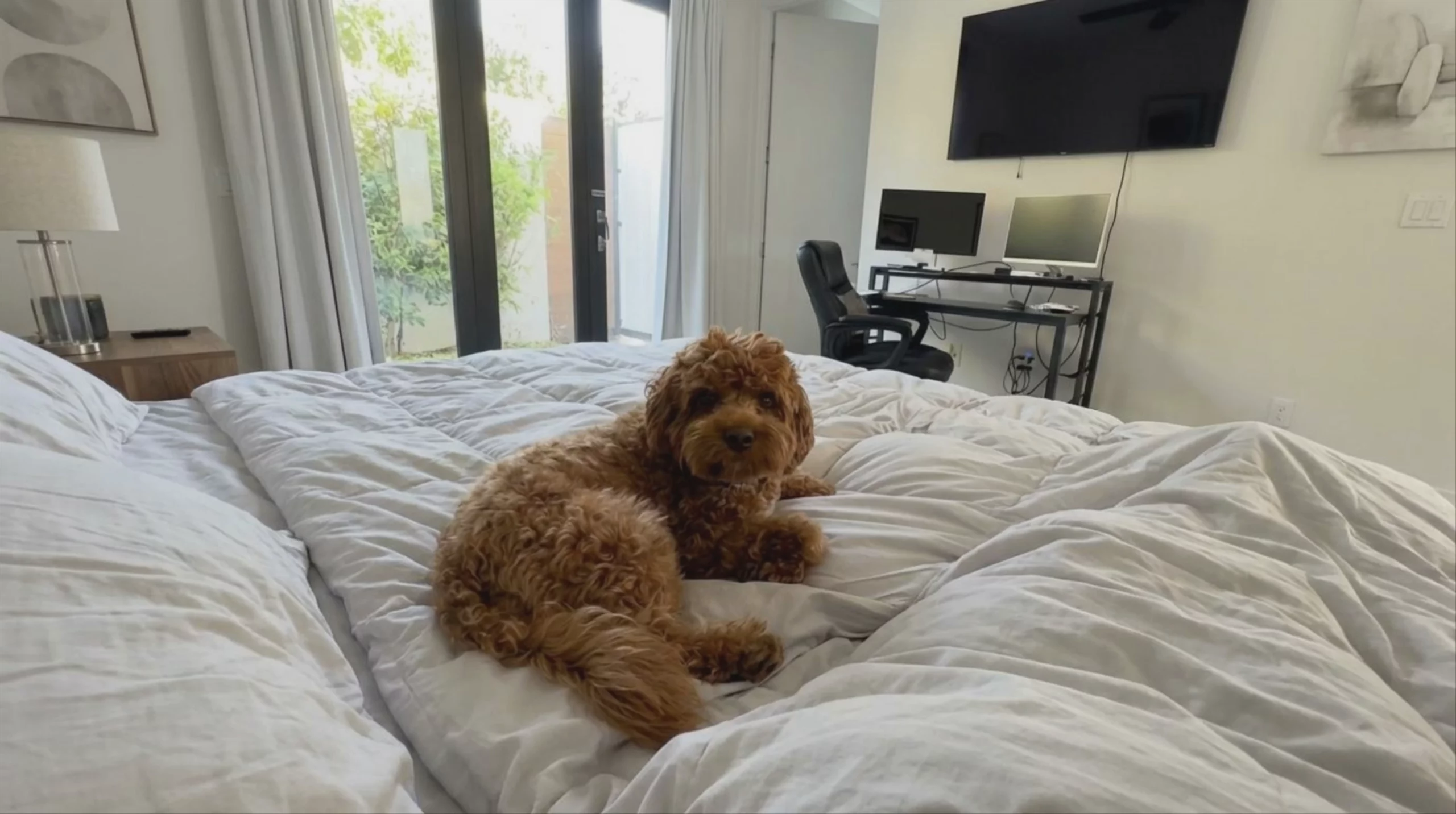 Fluffy Dog on Bed, by Kling O3 Pro
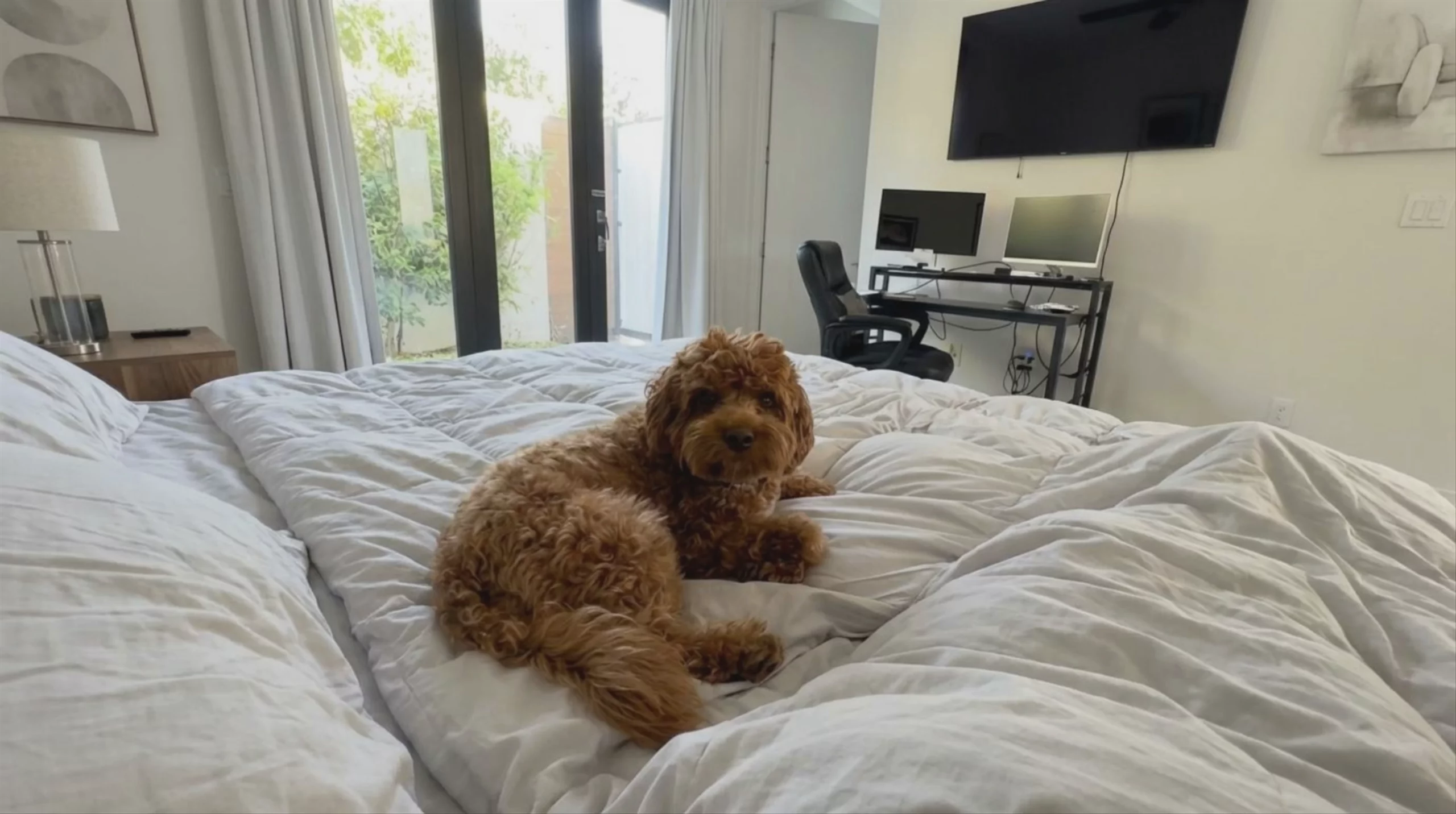 Fluffy Dog on a White Duvet — Kling O3 Pro
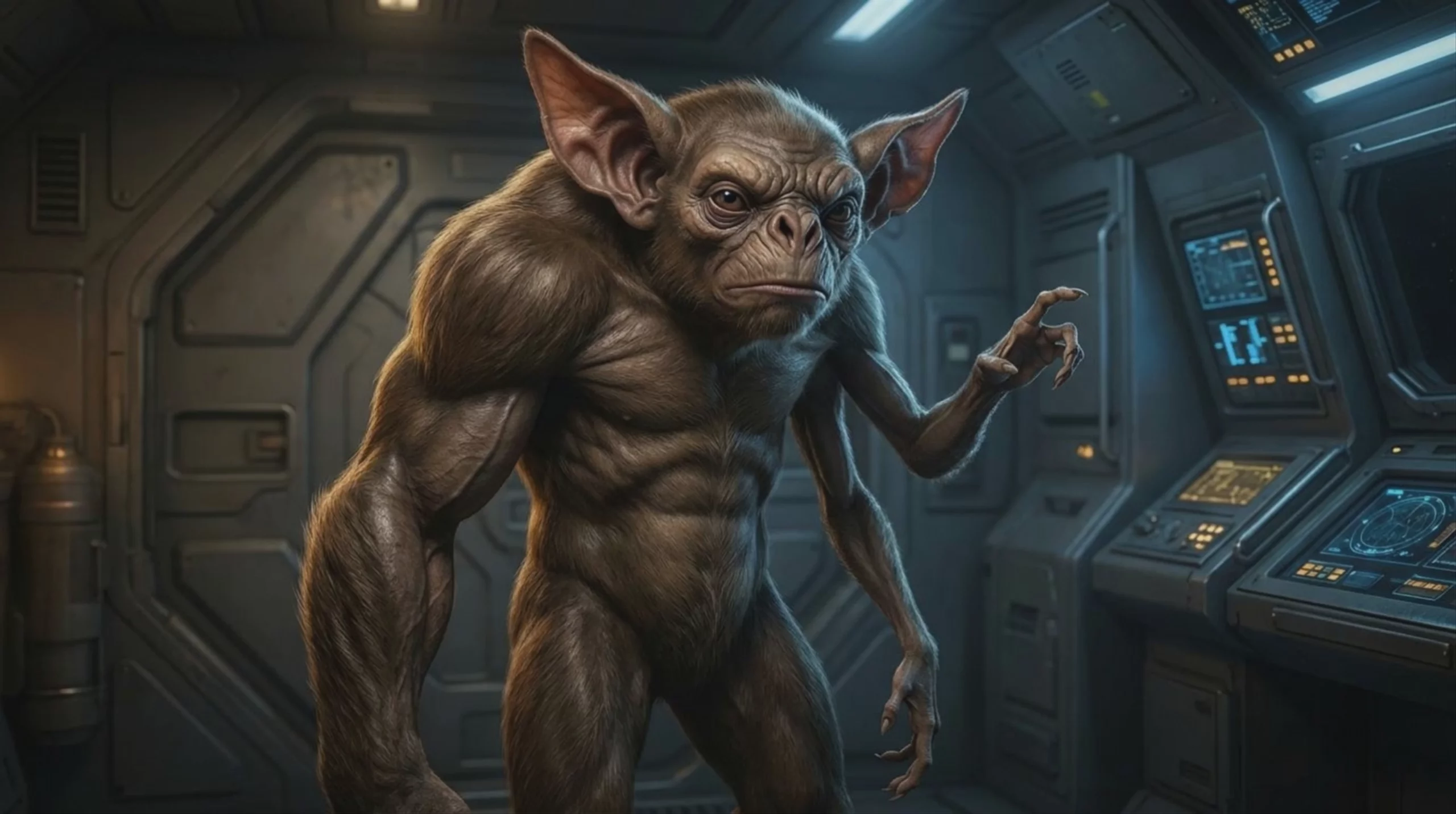 Kling O3 Pro: Alien Creature on Spaceship
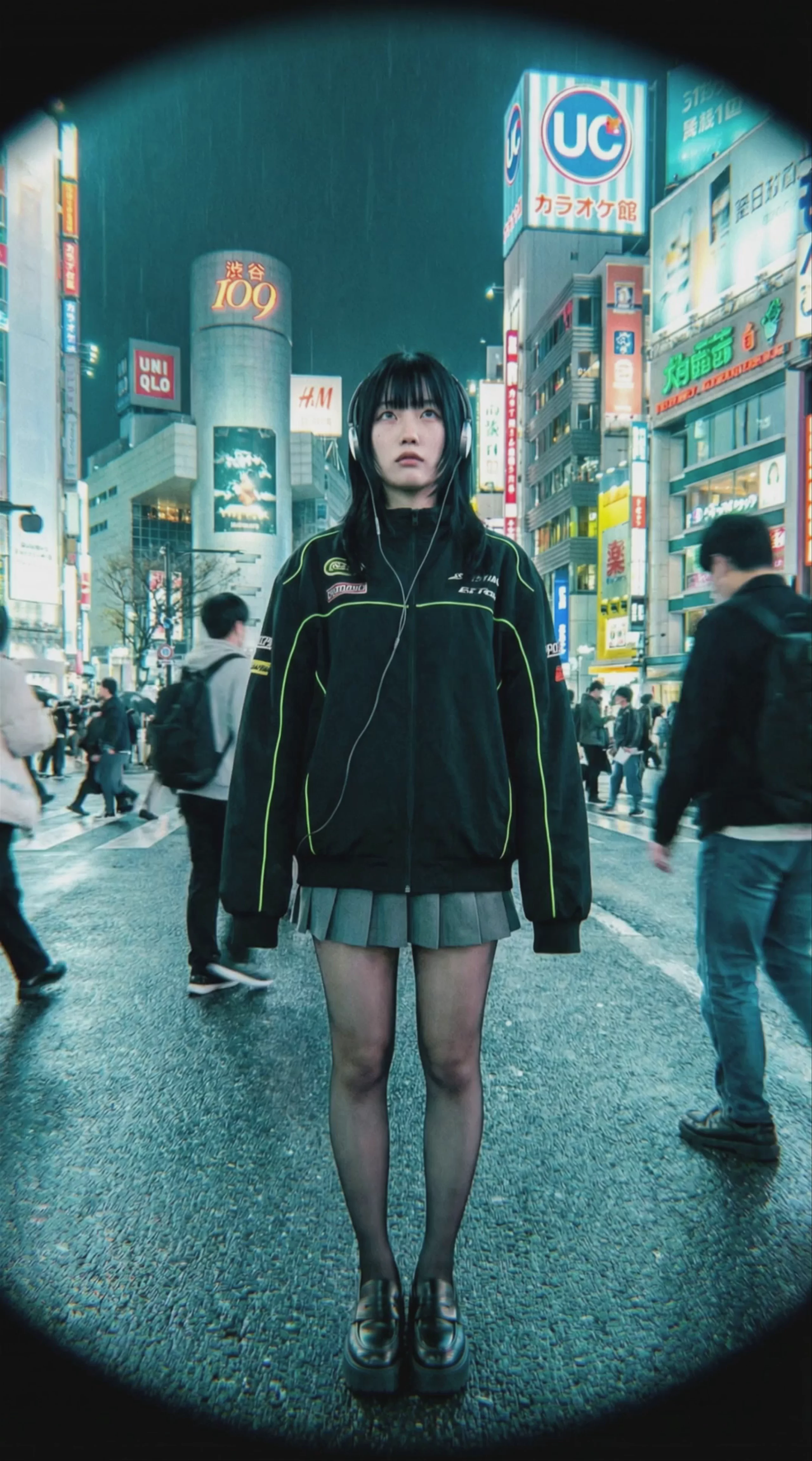 Kling O3 Pro: Woman in Shibuya Crossing
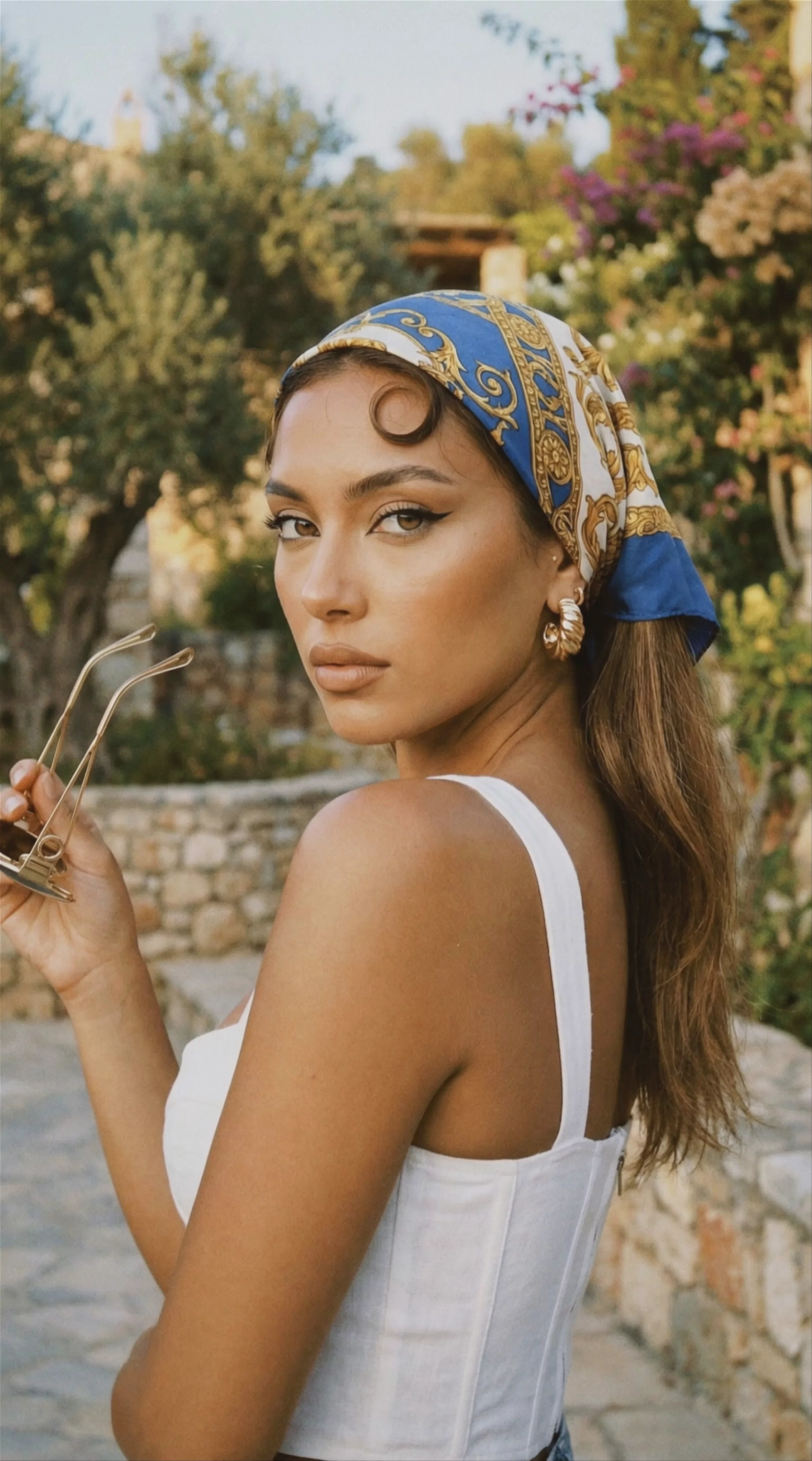 Woman in Headscarf — Kling O3 Pro
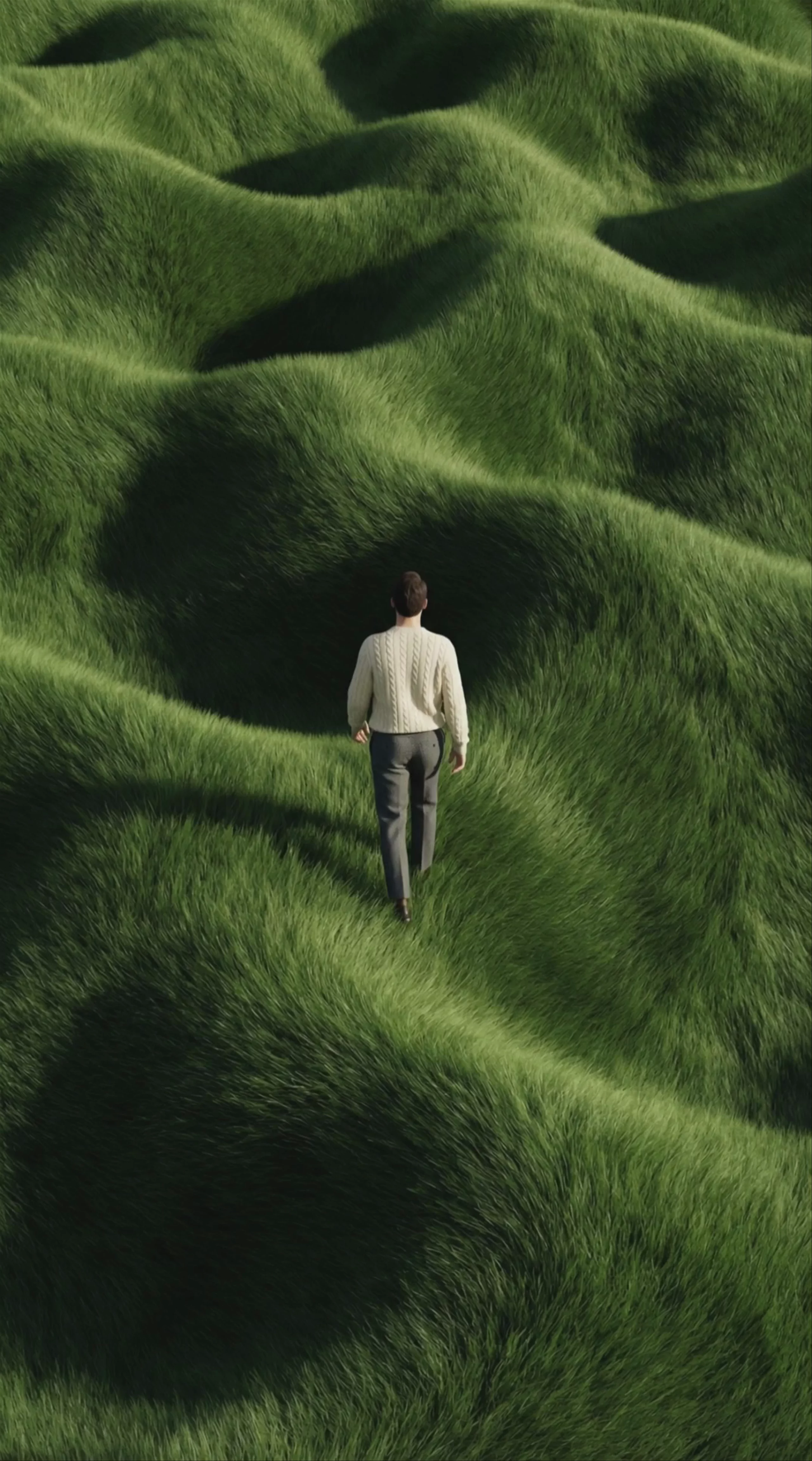 Man Walking on Grassy Waves, by Kling O3 Pro
Kling O3 Pro First & Last Frame
First & last frame → Video — generates video.
Specifications
- Input mode
- First & last frame → Video
- Accepts
- reference image (up to 3), start frame, end frame
- Aspect ratios
- 16:9, 9:16, 1:1
- Resolutions
- 1080p
- Durations
- 3s, 4s, 5s, 6s, 7s, 8s, 9s, 10s, 11s, 12s, 13s, 14s, 15s
- Max duration
- 15s
- Native audio
- Optional
- Pricing
- 35 credits / second — longer clips and higher resolutions cost more
- Typical generation time
- ~8 min
- Free tier
- No
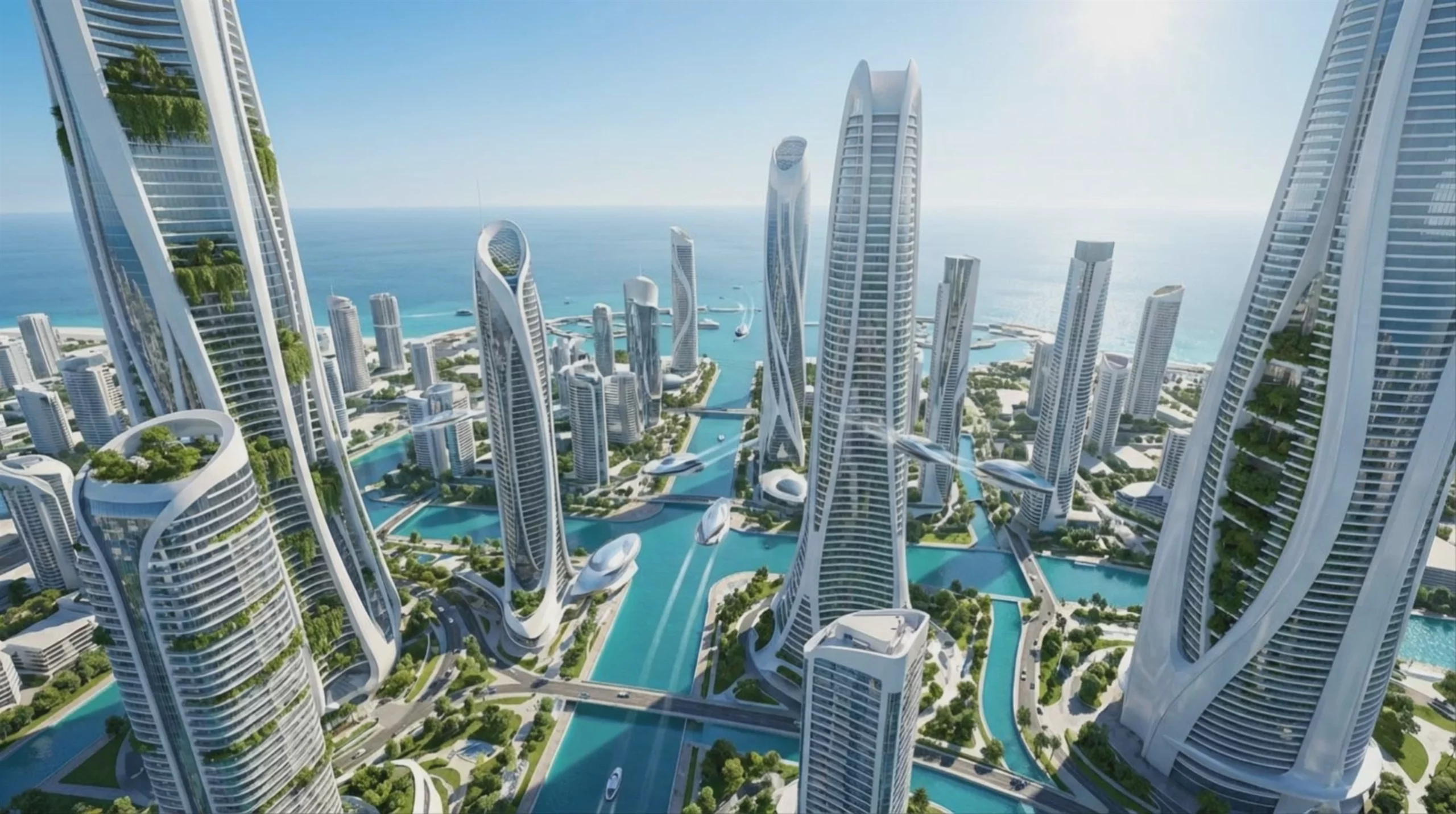
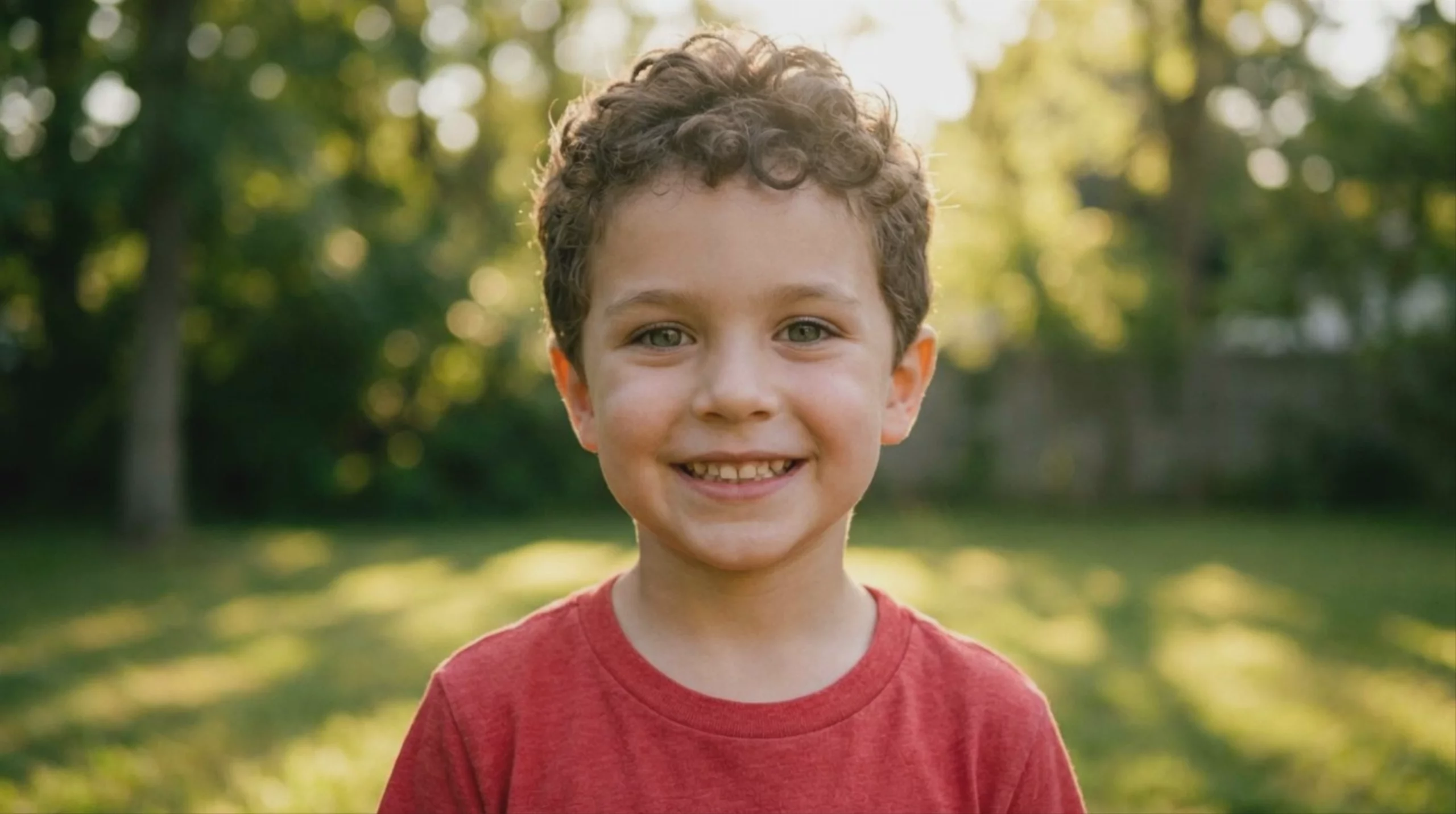
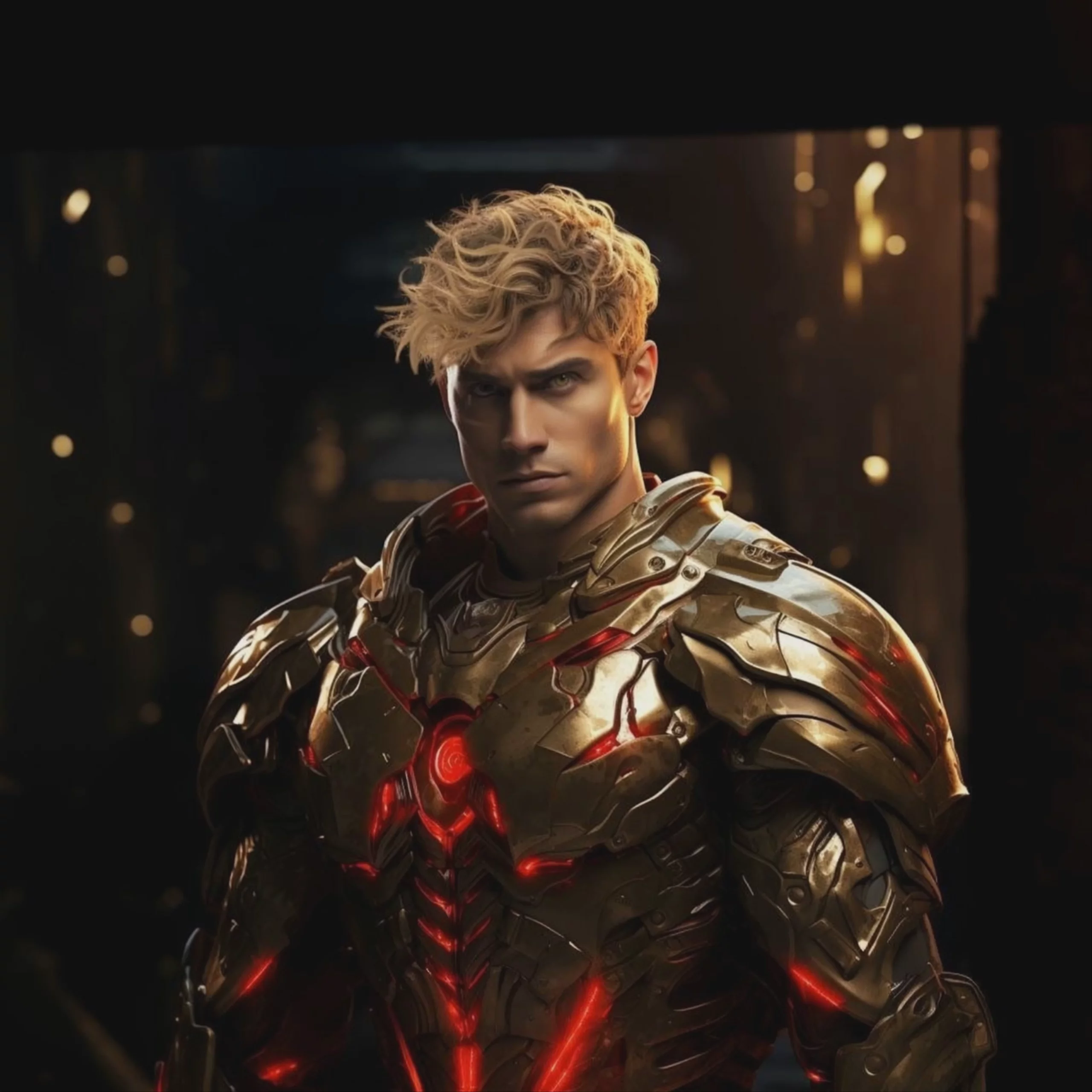
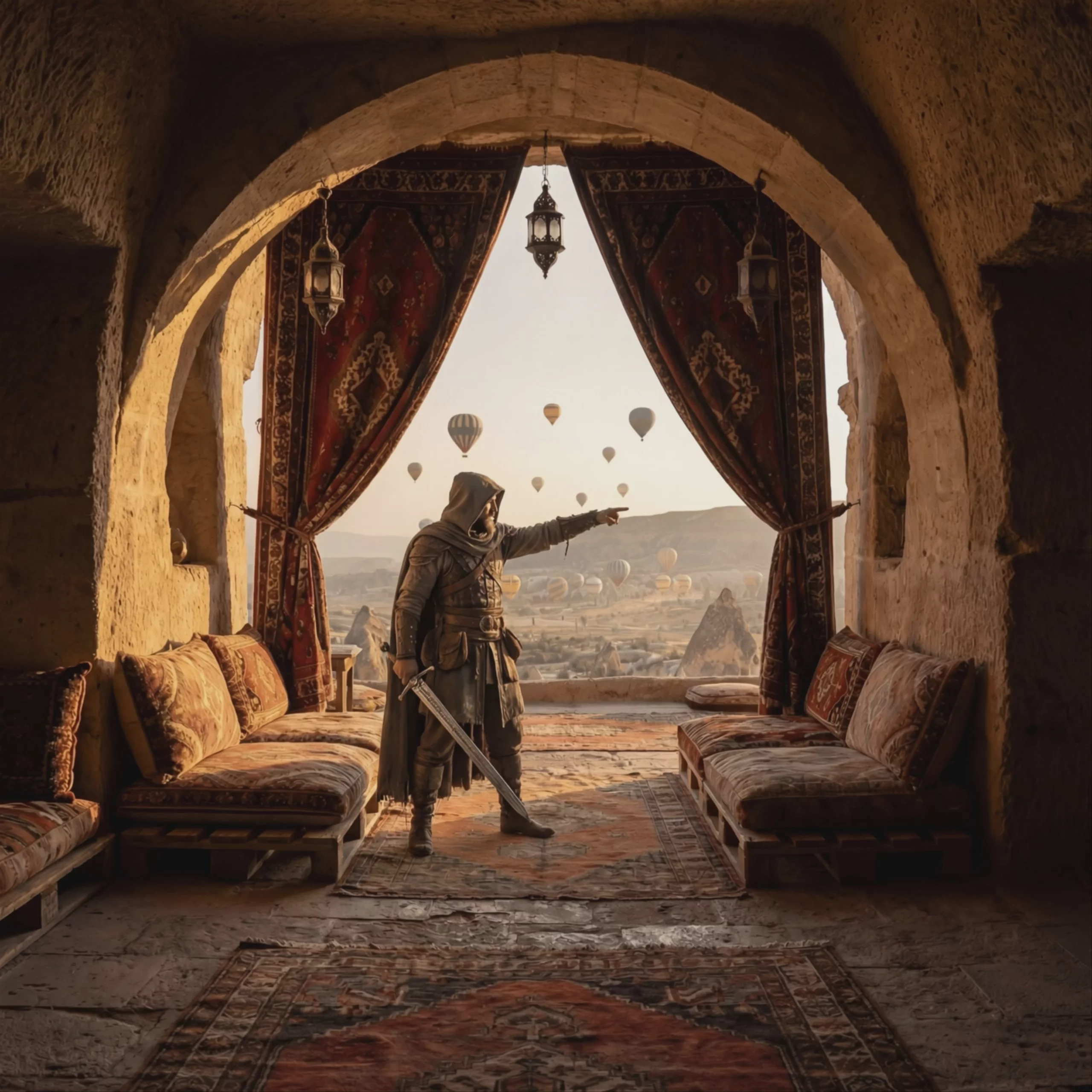
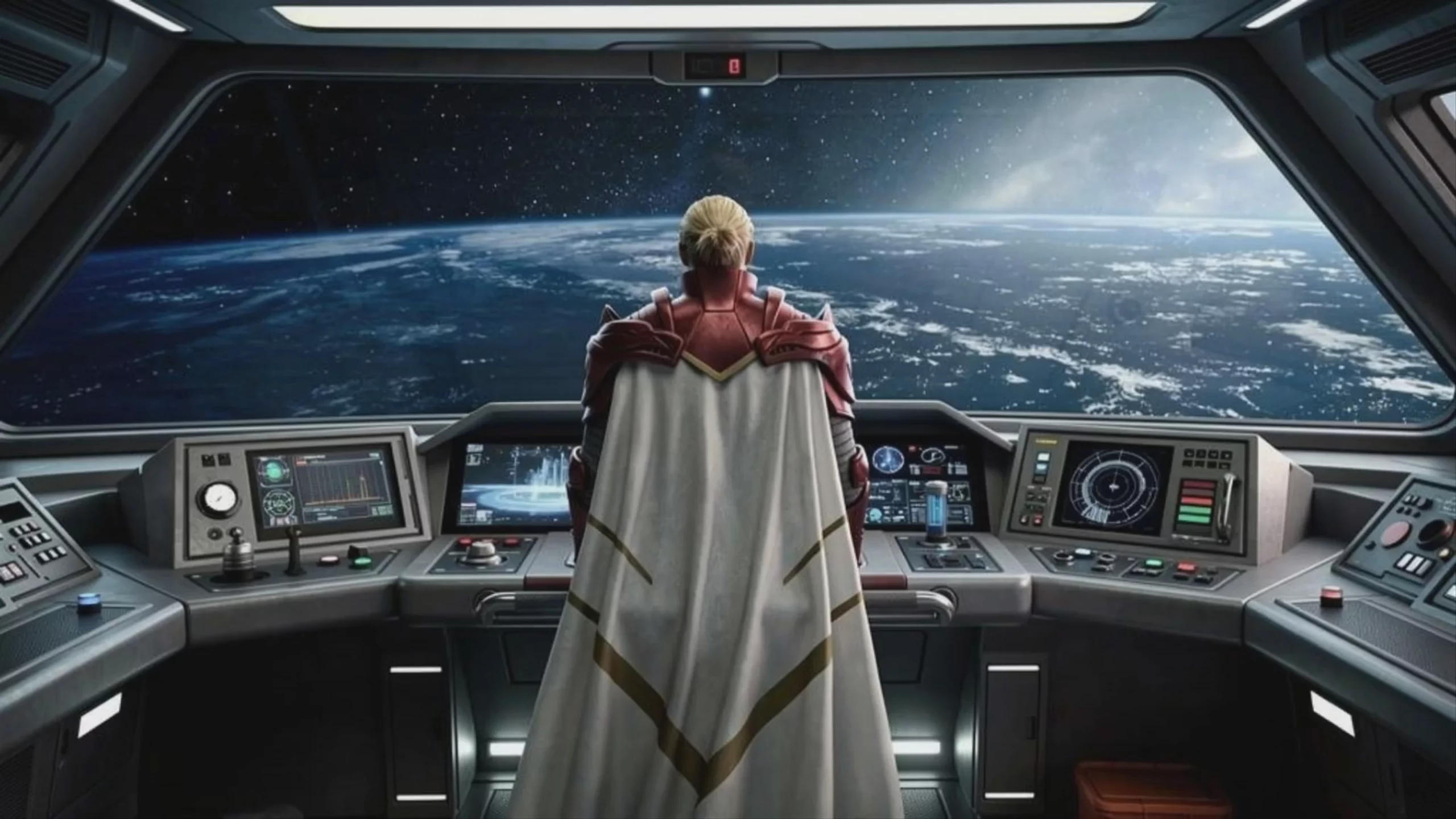
First & last frame → Video examples
Kling O3 Pro Reference to Video
Reference → Video — generates video.
Specifications
- Input mode
- Reference → Video
- Accepts
- reference image (up to 3), start frame, end frame
- Aspect ratios
- 16:9, 9:16, 1:1
- Resolutions
- 1080p
- Durations
- 3s, 4s, 5s, 6s, 7s, 8s, 9s, 10s, 11s, 12s, 13s, 14s, 15s
- Max duration
- 15s
- Native audio
- Optional
- Pricing
- 35 credits / second — longer clips and higher resolutions cost more
- Free tier
- Yes
Kling O3 Pro Text to Video
Text → Video — generates video.
Specifications
- Input mode
- Text → Video
- Aspect ratios
- 16:9, 9:16, 1:1
- Resolutions
- 1080p
- Durations
- 3s, 4s, 5s, 6s, 7s, 8s, 9s, 10s, 11s, 12s, 13s, 14s, 15s
- Max duration
- 15s
- Native audio
- Optional
- Pricing
- 35 credits / second — longer clips and higher resolutions cost more
- Typical generation time
- ~10 min
- Free tier
- No
Who developed Kling O3 Pro, and what is its lineage?
Kling O3 Pro is part of the Kling Video 3.0 Omni family developed by Kuaishou Technology. Officially launched in late January 2026, it represents an architectural shift from earlier models like Kling 2.6 Pro by introducing a unified multimodal framework. This allows it to generate video, audio, and lip-sync simultaneously in a single pass. It sits alongside Kling O3 Standard and Kling O1, serving as the primary tier for 1080p output and complex multi-shot storyboarding.
What is Kling O3 Pro best used for?
Kling O3 Pro is built for cinematic, multi-shot storytelling and character-driven narratives. Using Visual Chain-of-Thought (vCoT) reasoning, the model evaluates scene composition and physical logic before rendering, maintaining strong temporal consistency and physics-accurate motion across complex scenes. It is used for producing sequences with native audio sync, dialogue, and multi-segment camera movements within a single 15-second clip, reducing the need for separate audio post-production.
How can I get the best results with Kling O3 Pro?
To use its multi-shot control, apply multi-segment prompting to chain up to six distinct camera shots within a single 15-second sequence. Use its Subject Binding feature with reference images to lock in character identity across these cuts. For audio, specify dialogue or ambient sound in your text prompt to utilize its native audio and lip-sync capabilities. Avoid overly fragmented prompts; instead, write clear, sequential actions that guide its Visual Chain-of-Thought reasoning for natural transitions. For more examples, refer to the MindStudio guide.
Similar models
Prompt tips
- Timestamp your cuts: For multi-shot scenes, specify exact timestamps in the prompt (e.g., "0-3s: wide shot of the forest, hard cut to 3-6s: close-up of the character's face").
- Draft in Standard, render in Pro: Test camera language and prompt structure using Kling O3 Standard or Kling V3 Standard to save credits, then switch to O3 Pro for the final 1080p output.
- Lock identities with clothing: When generating multi-character scenes, explicitly define each subject by their clothing color on the first mention (e.g., "Person A in a red jacket") to help the model track them across cuts.
- Specify transition types: Explicitly call out cinematic transitions like "whip pan," "match cut," or "dolly zoom" to control the narrative flow between shots.
