Kling O1
Overview
Kling O1 is a unified multimodal video model developed by Kuaishou. Built on a Multimodal Visual Language framework, it consolidates text-to-video creation, reference-based generation, and native video editing into a single engine. The model is highly effective for precise video-to-video transformations, allowing users to swap subjects, modify backgrounds, or restyle existing footage using natural language prompts while maintaining strict temporal consistency.
Kling O1 Image to Video
Image → Video — generates video.
Specifications
- Input mode
- Image → Video
- Accepts
- reference image (up to 3), start frame, end frame
- Aspect ratios
- 16:9, 1:1, 9:16
- Durations
- 3s, 4s, 5s, 6s, 7s, 8s, 9s, 10s
- Max duration
- 10s
- Native audio
- No
- Pricing
- 20 credits / second — longer clips and higher resolutions cost more
- Typical generation time
- ~79s
- Free tier
- Yes
Image → Video examples
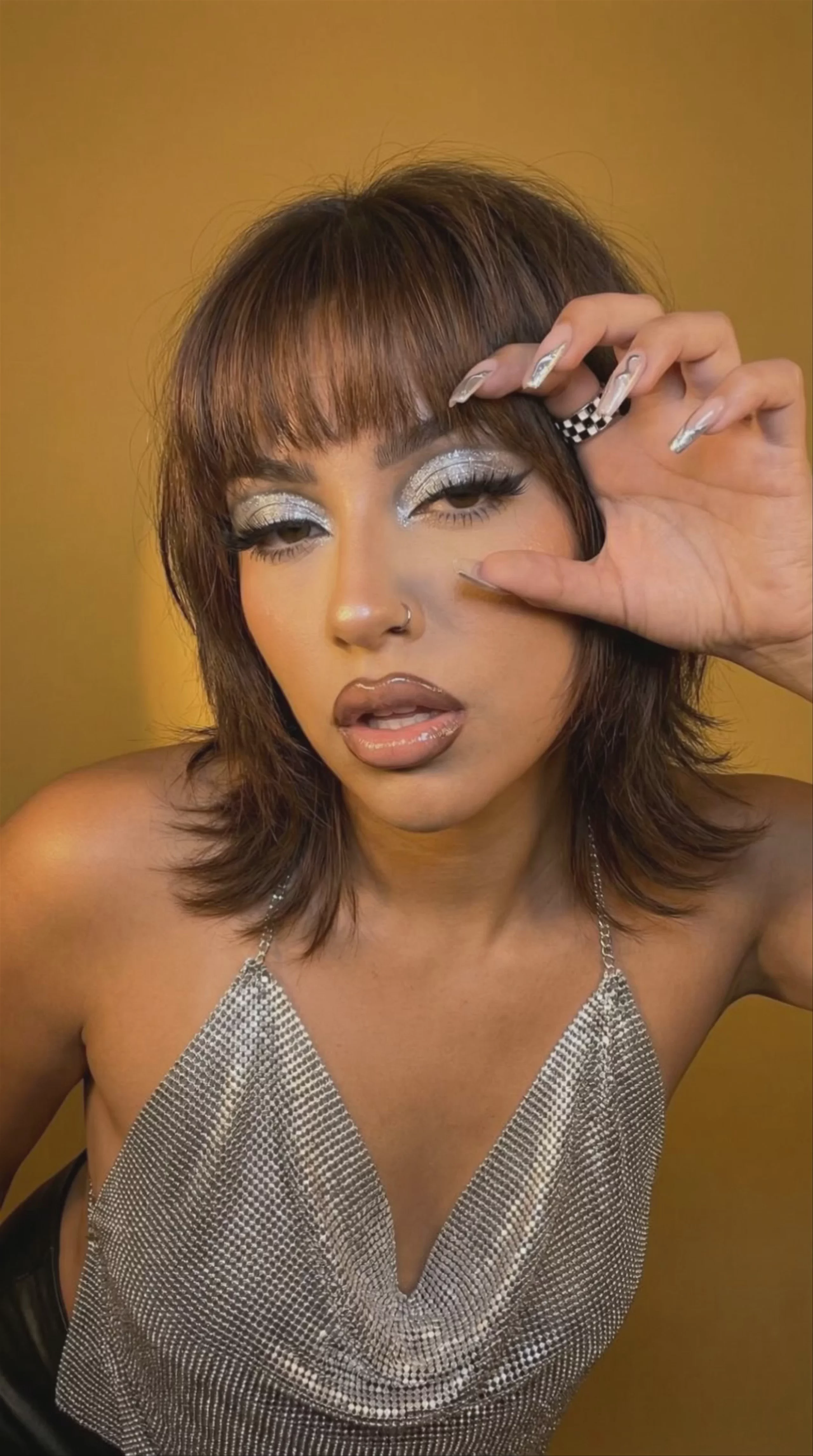

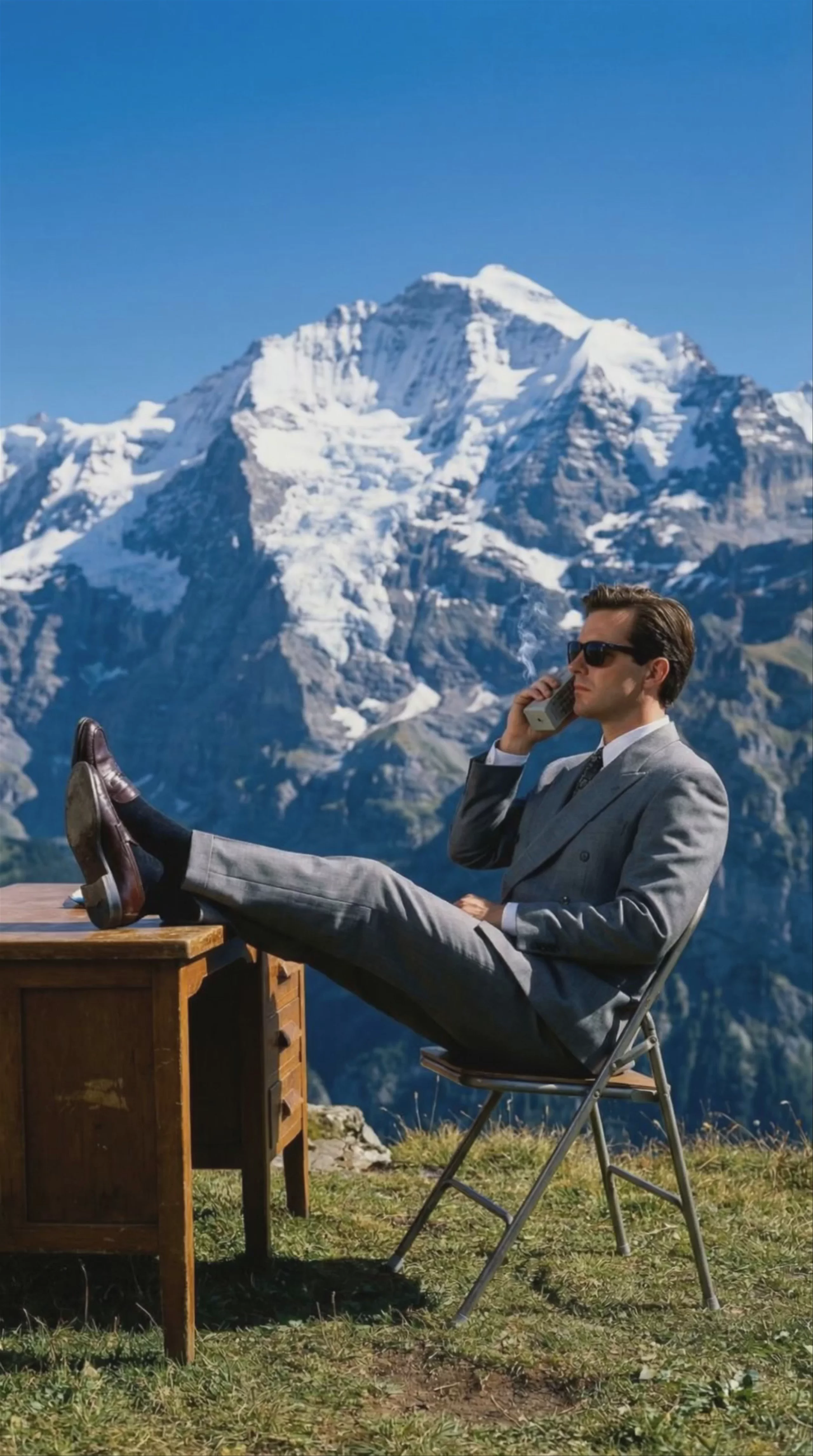

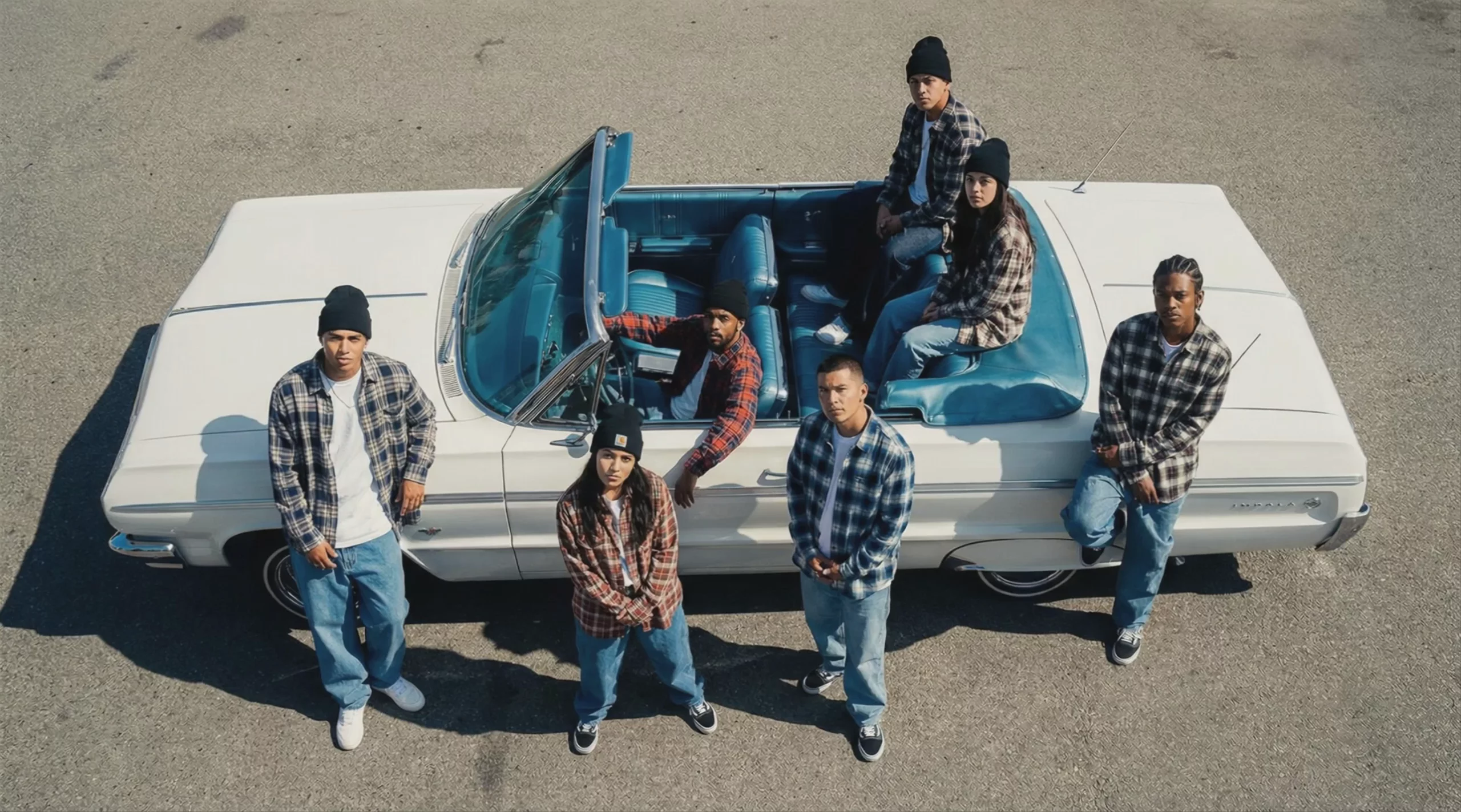
Kling O1 First & Last Frame
First & last frame → Video — generates video.
Specifications
- Input mode
- First & last frame → Video
- Accepts
- reference image (up to 3), start frame, end frame
- Aspect ratios
- 16:9, 1:1, 9:16
- Durations
- 3s, 4s, 5s, 6s, 7s, 8s, 9s, 10s
- Max duration
- 10s
- Native audio
- No
- Pricing
- 20 credits / second — longer clips and higher resolutions cost more
- Typical generation time
- ~2 min
- Free tier
- No
First & last frame → Video examples
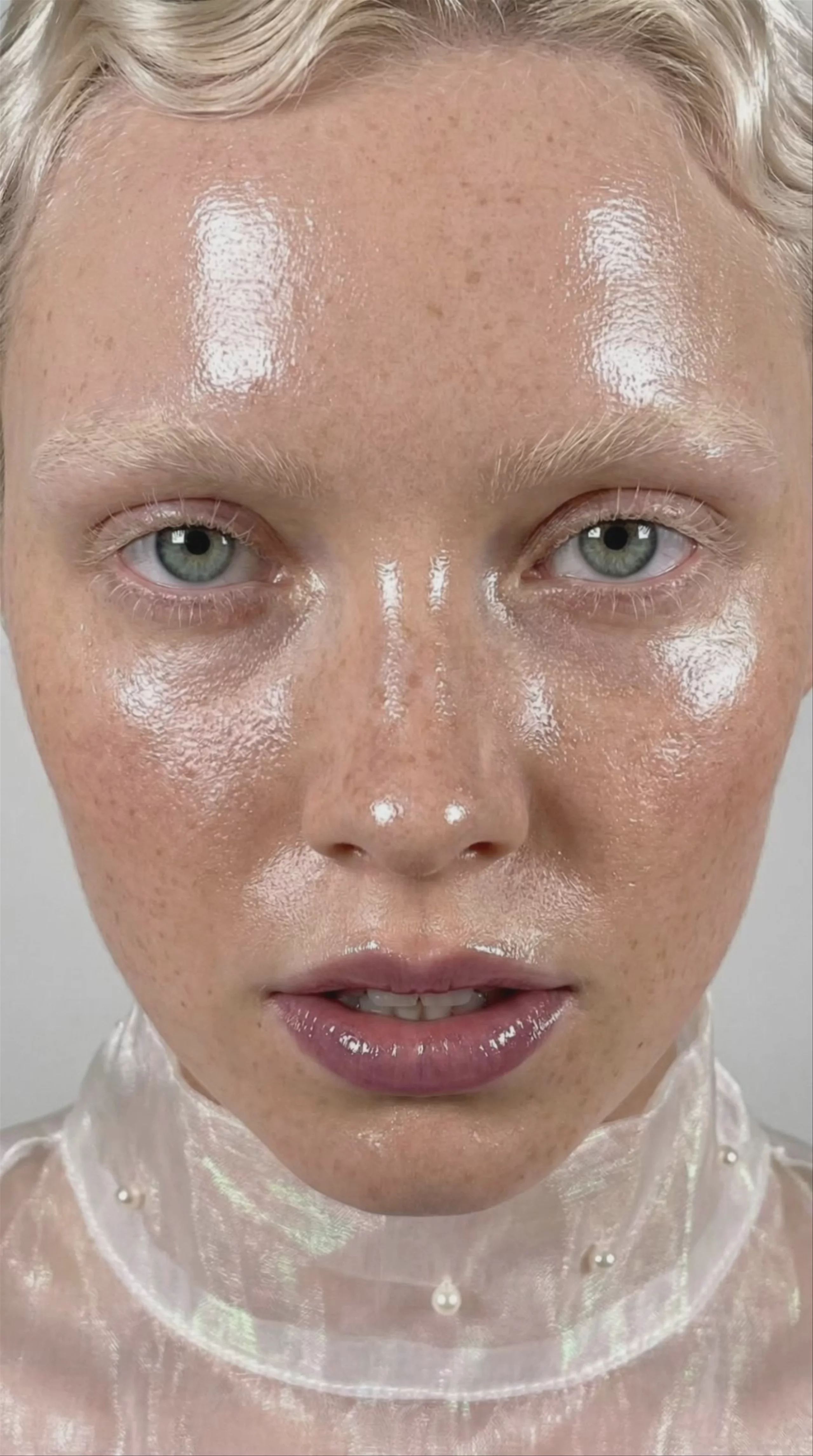
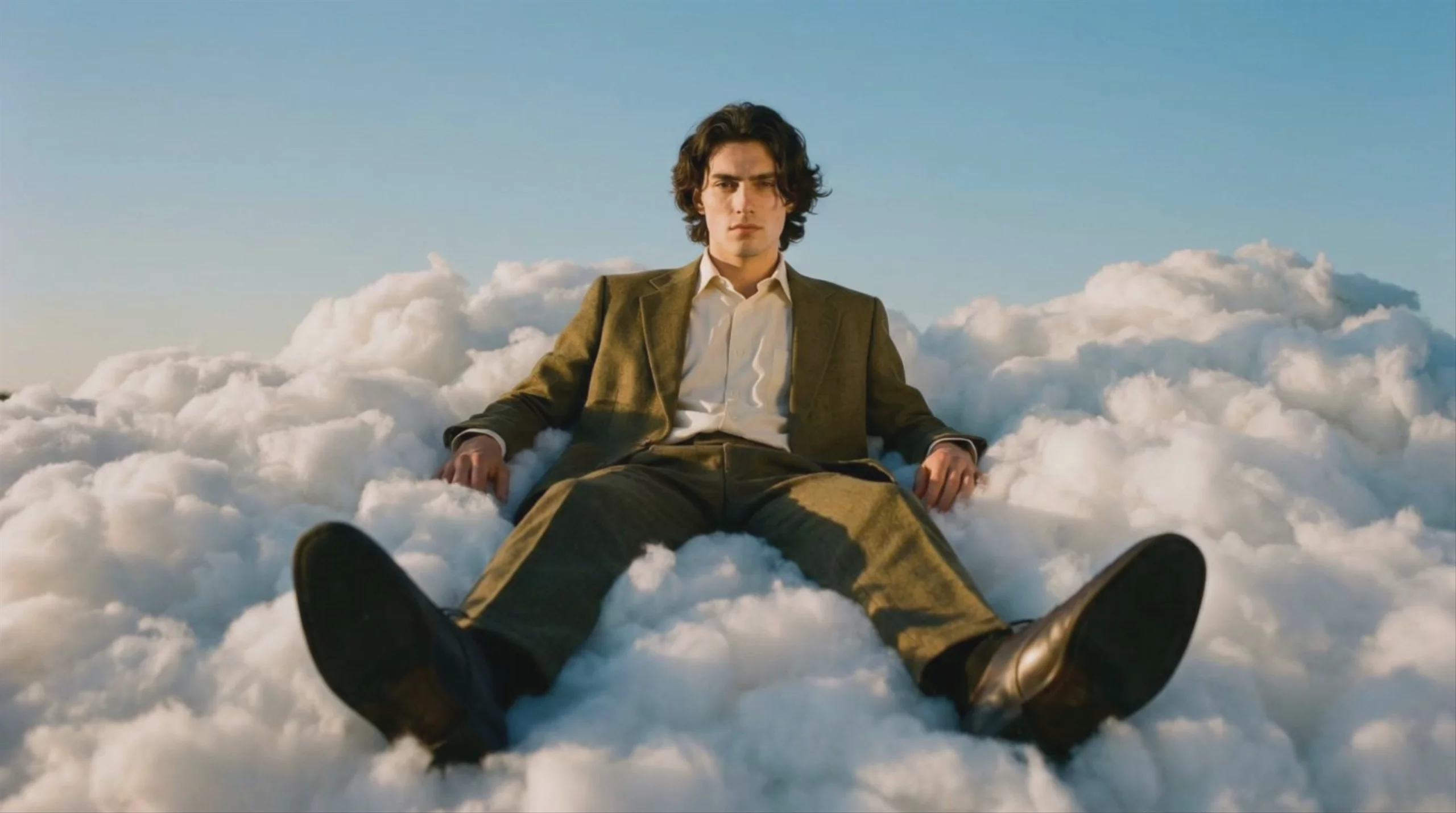
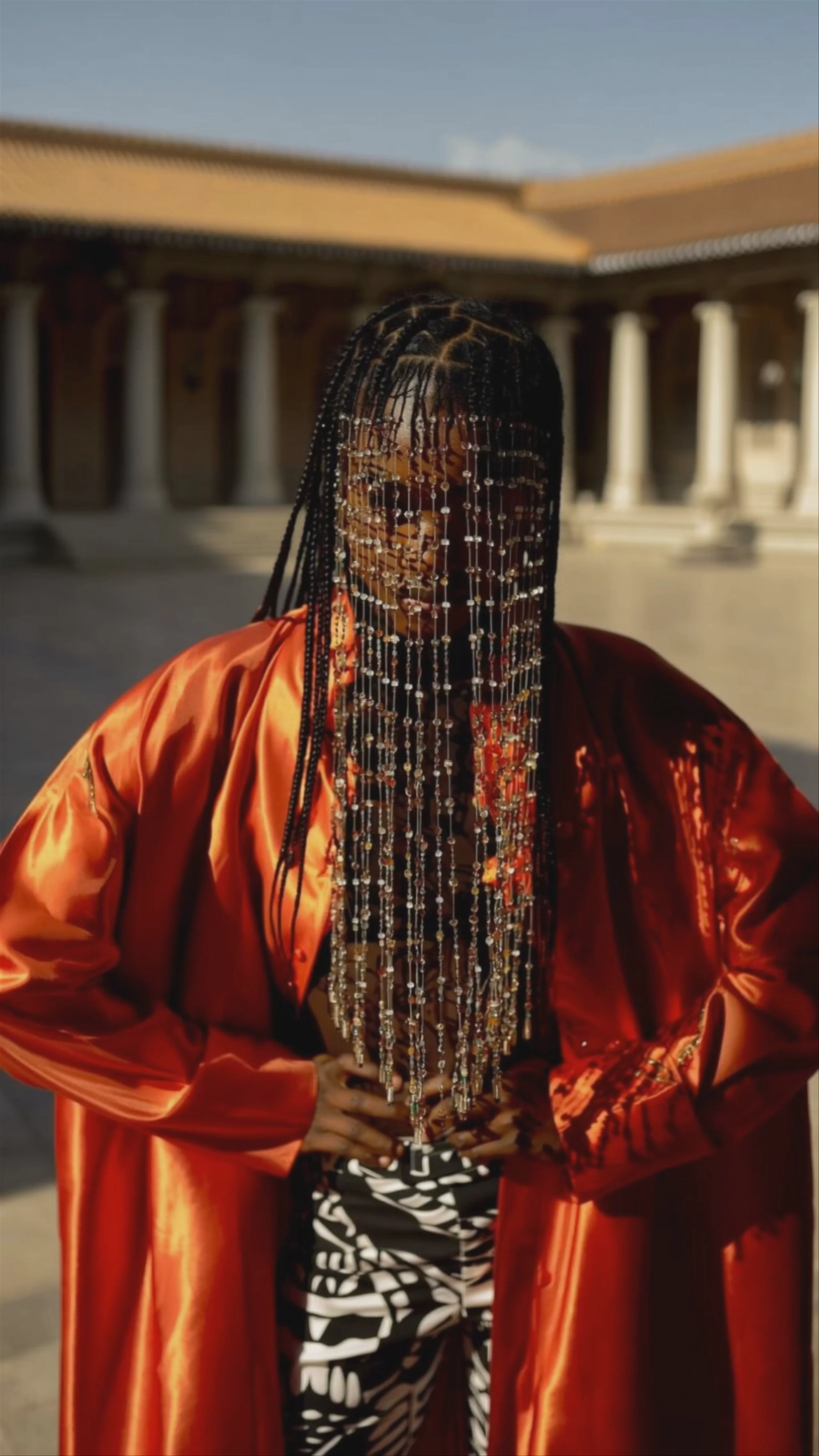
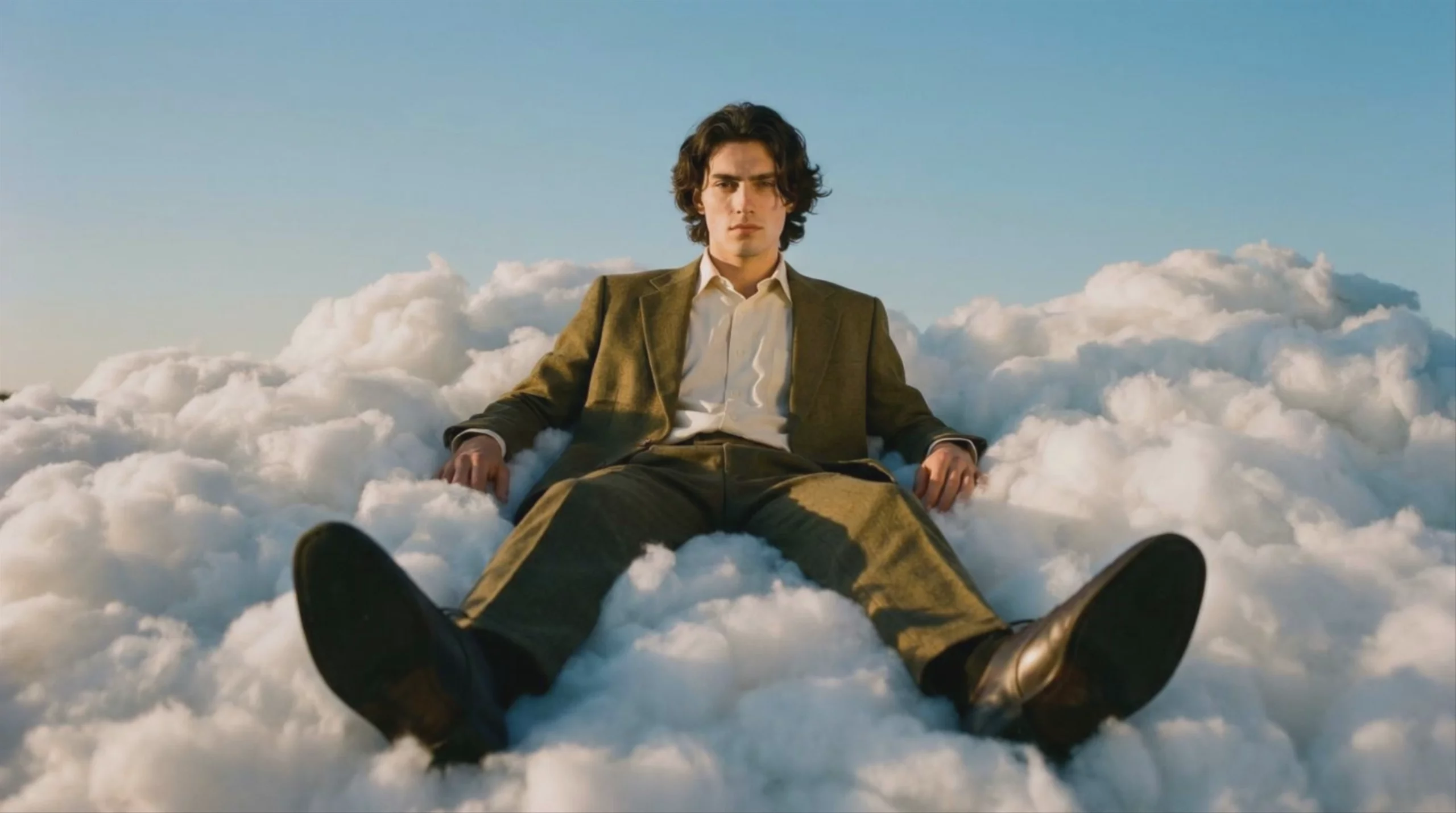
Kling O1 Reference to Video
Reference → Video — generates video.
Specifications
- Input mode
- Reference → Video
- Accepts
- reference image (up to 3), start frame, end frame
- Aspect ratios
- 16:9, 9:16, 1:1
- Durations
- 3s, 4s, 5s, 6s, 7s, 8s, 9s, 10s
- Max duration
- 10s
- Native audio
- No
- Pricing
- 20 credits / second — longer clips and higher resolutions cost more
- Free tier
- Yes
What is Kling O1 best used for?
Kling O1 is Kuaishou's first unified multimodal video model, making it exceptionally good at native video-to-video editing. Instead of just generating clips from scratch, it allows you to modify existing footage using natural language prompts—such as swapping backgrounds, changing a character's clothing, or shifting the lighting from day to night—without complex masking. Because of its fast generation speed and high prompt adherence, the community has dubbed it the "Nano Banana of AI video."
When was Kling O1 released and what is its lineage?
Kuaishou officially launched Kling O1 on December 1, 2025, kicking off its "Omni" lineup of unified multimodal models. It arrived shortly after the 2.x generation, such as Kling 2.6 Pro, and represented a major architectural shift from pure generation to a hybrid generation-and-editing engine. It was eventually succeeded by the 3.0 generation in February 2026, which includes standard models like Kling V3 Pro and the next-generation omni model, Kling O3 Pro.
How can I get the most consistent character edits with Kling O1?
To maintain strict character consistency while modifying footage, leverage Kling O1's multi-element reference capabilities by uploading reference images alongside your video. When prompting, use a conversational approach rather than traditional keyword stuffing. Because the model processes text, image, and video in a shared semantic space, clear instructions like "remove all cars from the street" or "change the protagonist's outfit to a red dress" yield much better results than comma-separated tags.
Similar models
Prompt tips
- Use numbered references: Explicitly define relationships between your uploaded images by using
@Image1,@Image2, etc., directly in your text prompt. - Anchor with real footage: For video-to-video edits, start with high-quality stock video as your foundation to provide structural detail and maintain a realistic look.
- Leverage the Elements feature: Upload a clear, frontal image of your subject to lock in a 3D-consistent actor across multiple scenes.
- Use the constraint sandwich: Place your most critical constraints (like character identity or specific actions) at both the beginning and end of your prompt to prevent the model from drifting.
