Kling AI Avatar v2 Pro
Overview
Kling AI Avatar v2 Pro is an advanced image-to-video model developed by Kuaishou that transforms a single static portrait and an audio track into a synchronized talking avatar. It generates precise lip synchronization, natural micro-expressions, and emotionally nuanced facial movements without requiring manual animation. Supporting realistic humans, stylized characters, and animals, it is built for marketers and creators needing professional audio-driven performances. For a more cost-effective alternative, users can explore Kling AI Avatar v2 Standard.
Kling AI Avatar v2 Pro Avatar
Audio → Video (avatar) — generates video.
Specifications
- Input mode
- Audio → Video (avatar)
- Accepts
- start frame, audio (required)
- Aspect ratios
- 16:9, 9:16, 1:1
- Max duration
- 1m
- Native audio
- Audio-driven
- Pricing
- 24 credits / second — longer clips and higher resolutions cost more
- Typical generation time
- ~5 min
- Free tier
- No
Audio → Video (avatar) examples

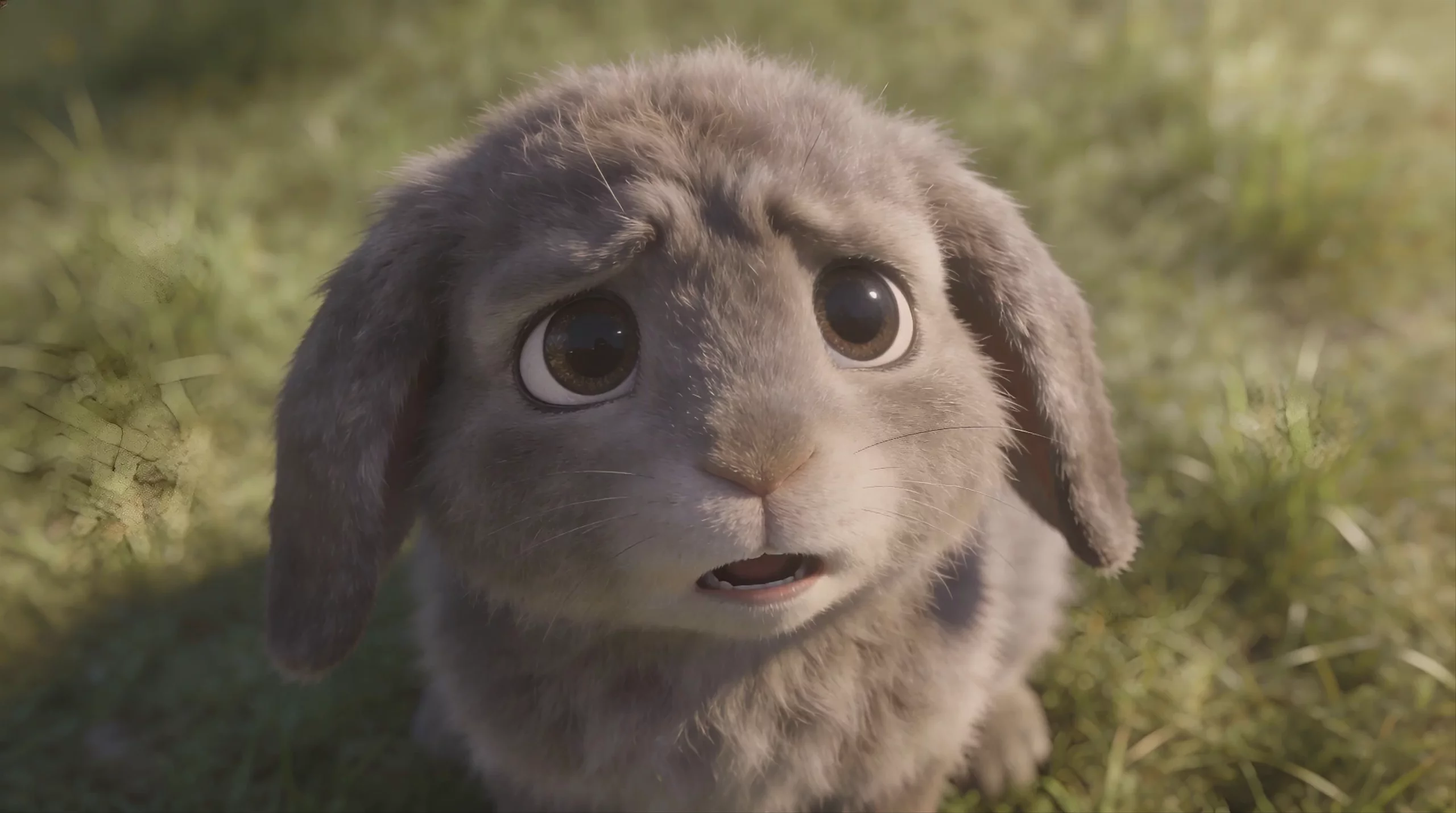
What is Kling AI Avatar v2 Pro best used for?
Kling AI Avatar v2 Pro by Kuaishou excels at generating highly realistic, audio-driven talking avatars from a single portrait. It is commonly used for producing professional-grade marketing videos, educational content, and social media clips. Unlike standard video generation models, it focuses on precise lip-syncing, capturing micro-expressions, and matching natural head movements to an uploaded audio track. It reliably animates realistic humans, animals, and stylized characters without requiring manual rigging.
What is the lineage of Kling AI Avatar v2 Pro?
Developed by Kuaishou, Kling AI Avatar v2 Pro is the premium tier of the Kling Avatar 2.0 update introduced in late 2025. It builds upon the original Kling Avatar feature launched in September 2025. The v2 upgrade brought support for longer content—up to 5 minutes—and improved hand stability and expressive body movements. It sits alongside Kling AI Avatar v2 Standard and is part of Kuaishou's broader Kling video ecosystem, which includes generation models like Kling V3 Pro and Kling 2.6 Pro.
How can I get the best results with Kling AI Avatar v2 Pro?
To maximize the quality of your avatar, use a high-resolution, front-facing reference image with clear facial features. The model allows you to include a text prompt to guide the avatar's actions, emotions, and camera movements—use this to specify the emotional tone (e.g., confident, smiling, subtle hand gestures). Ensure your audio file is clean and between 2 and 300 seconds long. For complex scenes, you can also prompt specific camera angles to make the performance feel more dynamic.
Similar models
Prompt tips
- Isolate the background: Use source images with simple, solid-color backgrounds to prevent unwanted environmental movement during generation.,- Clean your audio: Preprocess your audio track with a noise gate to remove background static or breathing, ensuring the cleanest possible lip sync.,- Direct the performance: Use the text prompt to explicitly guide the avatar's emotional delivery, specific gestures, and camera movements (e.g., "Excited and joyful, camera zooms in").,- Optimize source images: Use high-resolution, front-facing portraits with good lighting; profile angles, objects crossing the face, or heavy facial hair can reduce lip-sync accuracy.
