Kling 2.6 Pro
Overview
Kling 2.6 Pro is a high-fidelity AI video generation model developed by Kuaishou Technology. It introduces native audio-visual synthesis, allowing creators to generate cinematic video, synchronized speech, and ambient sound effects in a single pass. Designed for professional workflows, the model excels at complex motion control, character consistency, and broadcast-quality output, serving as a robust alternative to Sora 2 Pro and Veo 3.
Kling 2.6 Pro Image to Video
Image → Video — generates video.
Specifications
- Input mode
- Image → Video
- Accepts
- start frame
- Aspect ratios
- 16:9, 9:16, 1:1
- Durations
- 5s, 10s
- Max duration
- 10s
- Native audio
- No
- Pricing
- 20 credits / second — longer clips and higher resolutions cost more
- Typical generation time
- ~2 min
- Free tier
- Yes
Image → Video examples
 Bioluminescent Flower with Glowing Pollen — Kling 2.6 Pro
 Mechanical Glowing Flowers — Kling 2.6 Pro
 Golden Mangos in a Sunlit Canopy by Kling 2.6 Pro
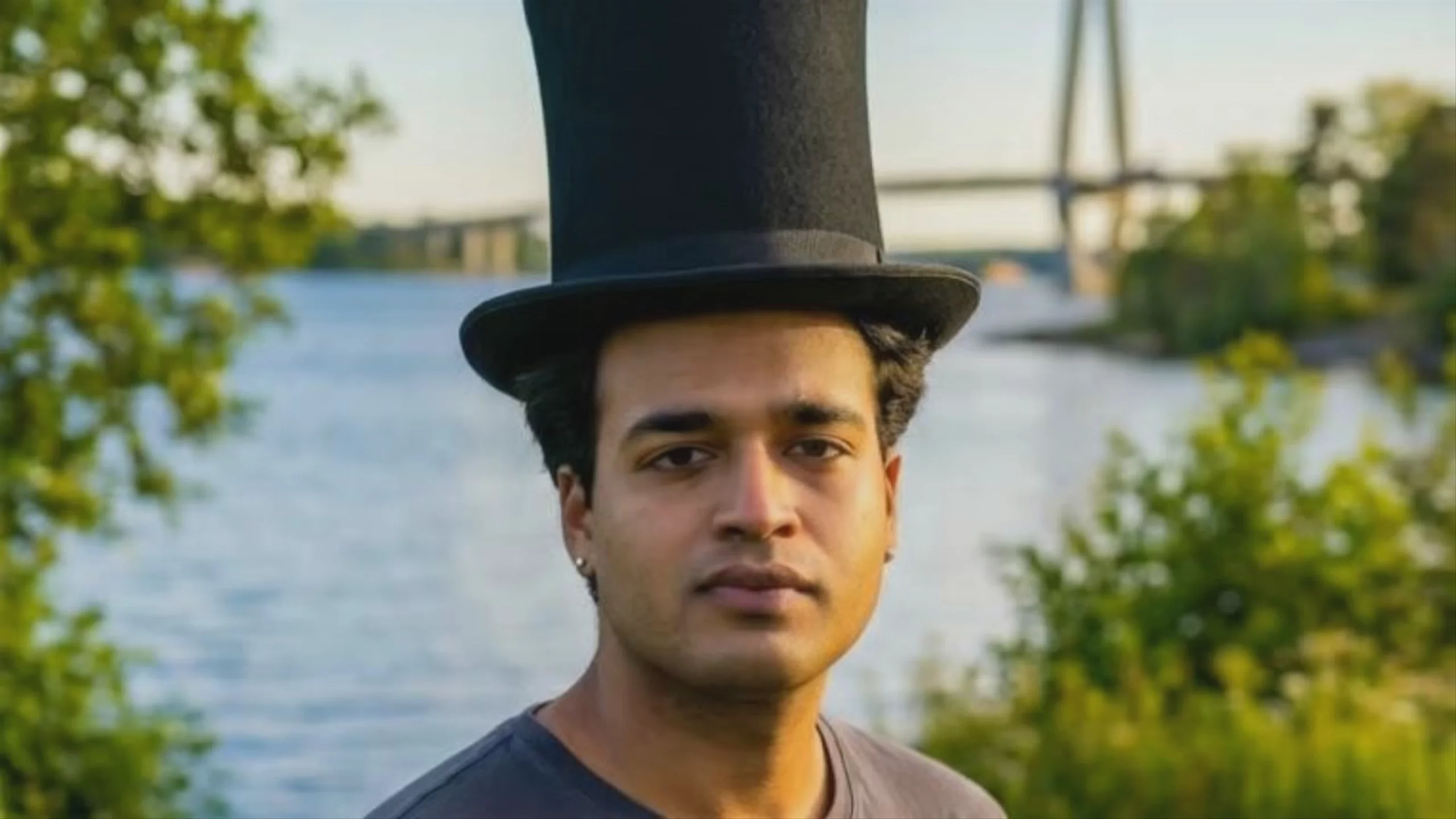 Man in Top Hat Speaking — Kling 2.6 Pro
 Man Speaking by a River, by Kling 2.6 Pro
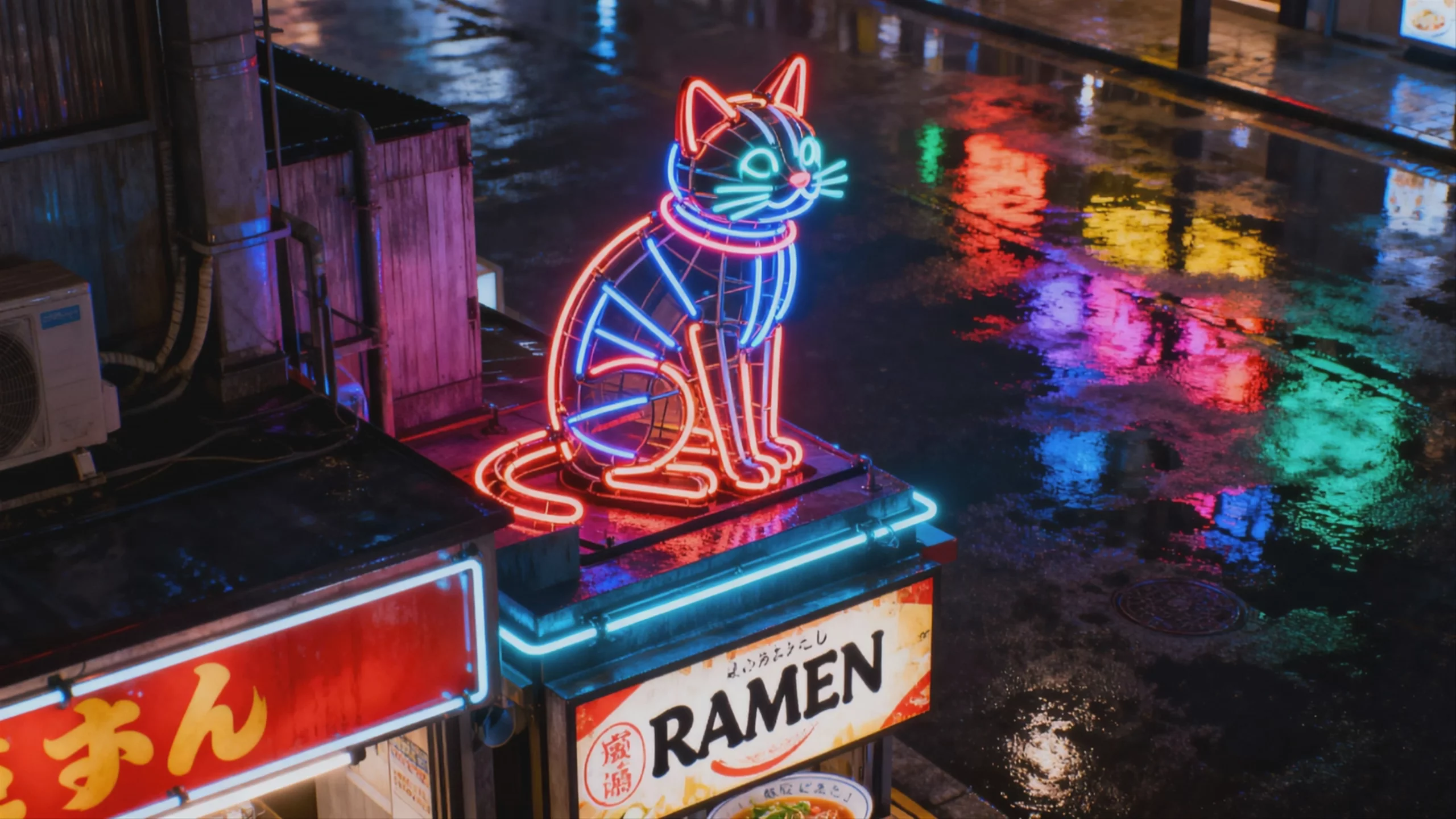 Neon Cat on Ramen Stand — Kling 2.6 Pro
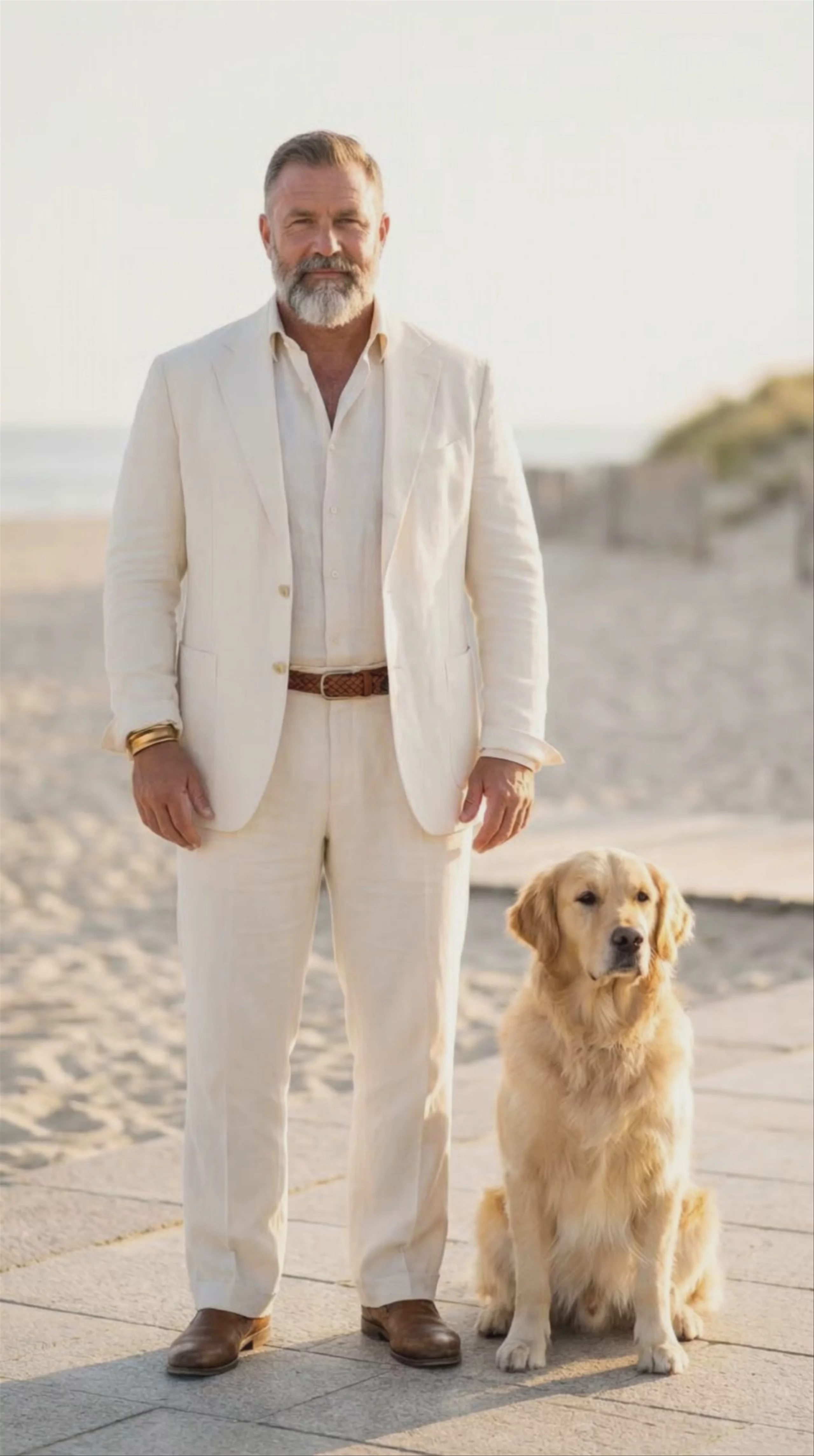 Man and Dog on Beach — Kling 2.6 Pro
Kling 2.6 Pro Text to Video
Text → Video — generates video.
Specifications
- Input mode
- Text → Video
- Aspect ratios
- 16:9, 9:16, 1:1
- Durations
- 5s, 10s
- Max duration
- 10s
- Native audio
- No
- Pricing
- 20 credits / second — longer clips and higher resolutions cost more
- Typical generation time
- ~2 min
- Free tier
- Yes
Text → Video examples
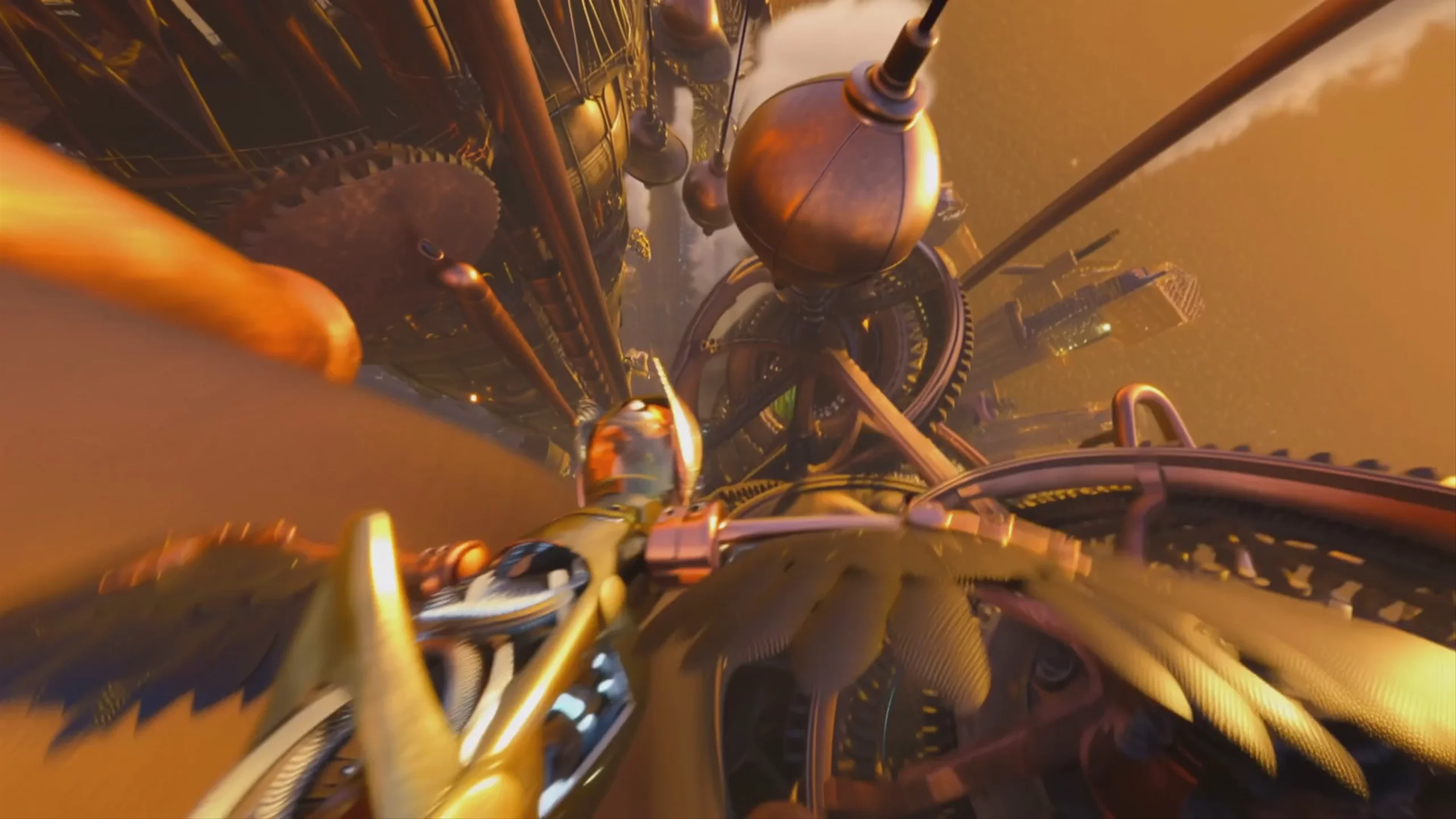 Mechanical Owl in Steampunk Flight — Kling 2.6 Pro
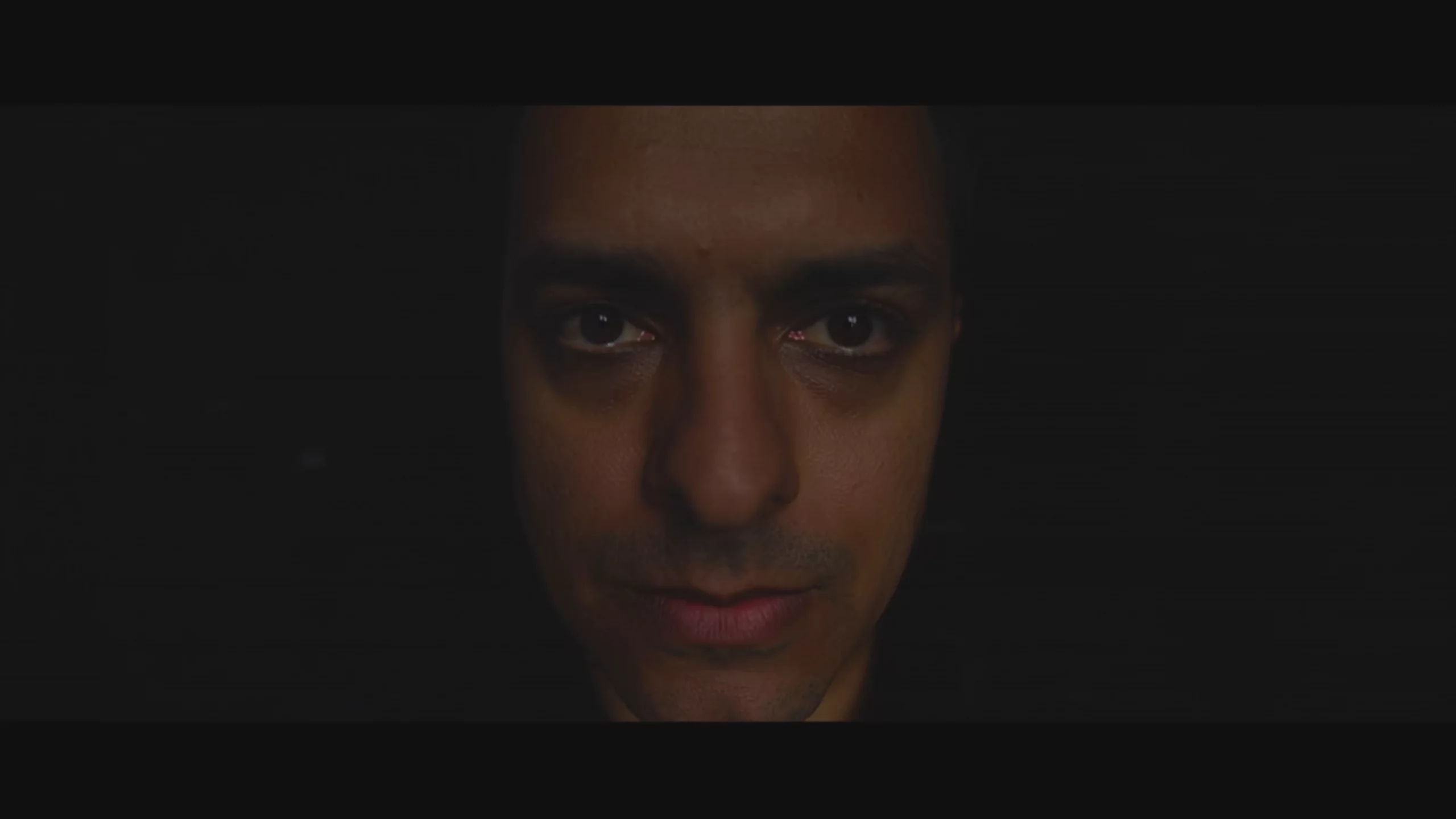 Kling 2.6 Pro: Cinematic Tech Reviewer Portrait
 Kling 2.6 Pro: Hand Painting on Canvas
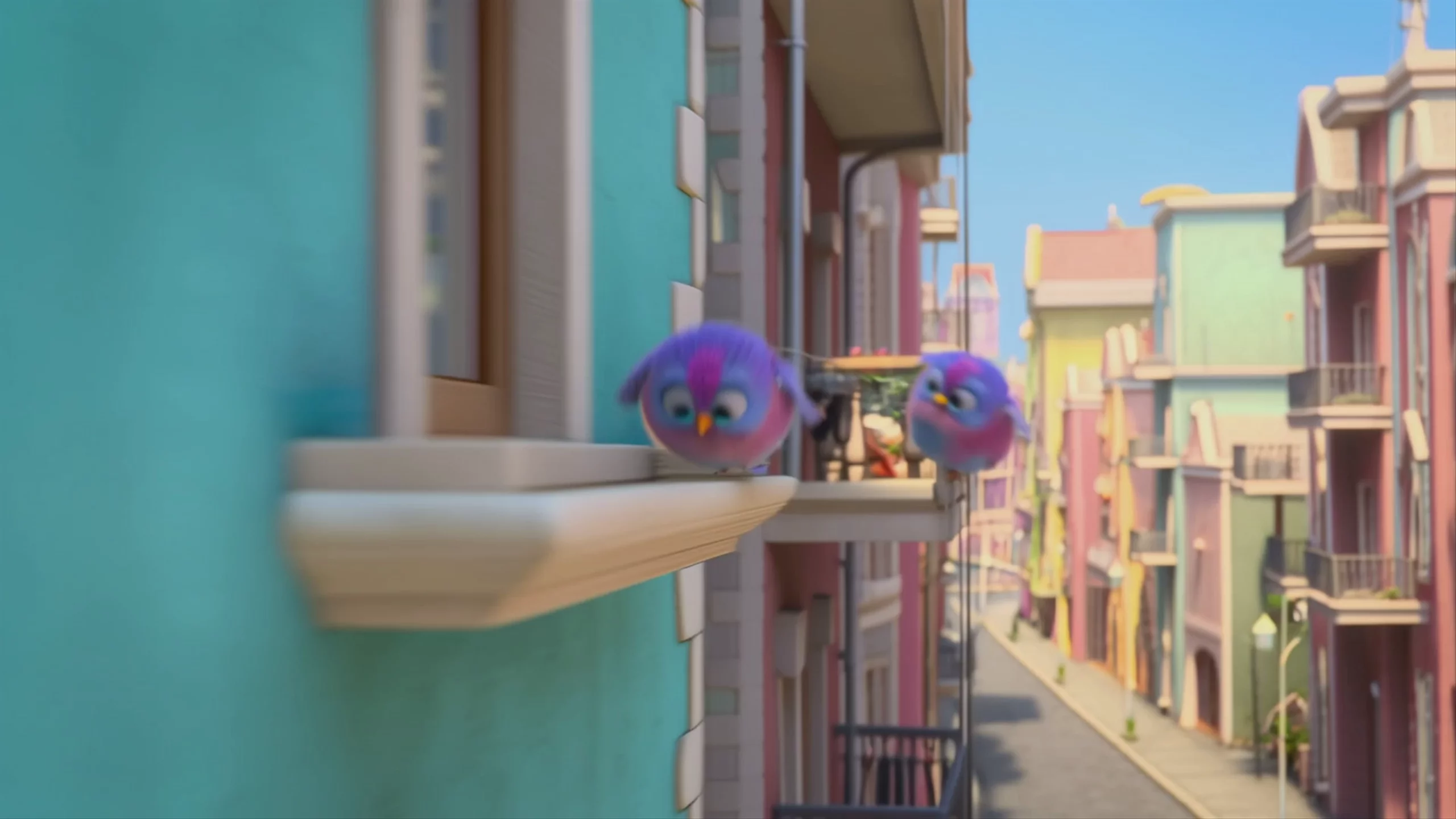 Fluffy Cartoon Birds on a Ledge, by Kling 2.6 Pro
 Macro View of Leaf Veins — Kling 2.6 Pro
 Desert Succulent Blooming, by Kling 2.6 Pro
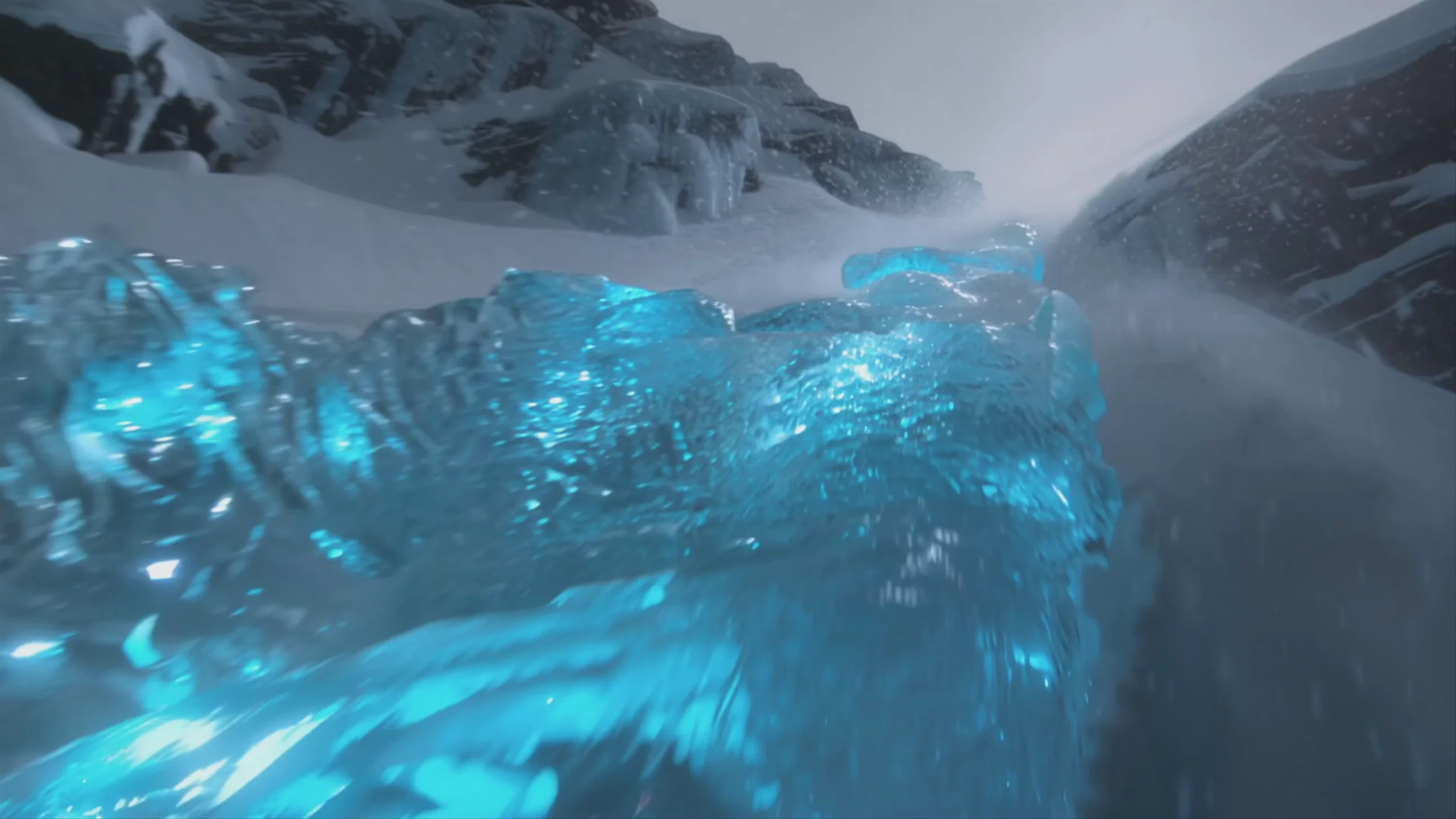 Flowing Blue Glacial Ice — Kling 2.6 Pro
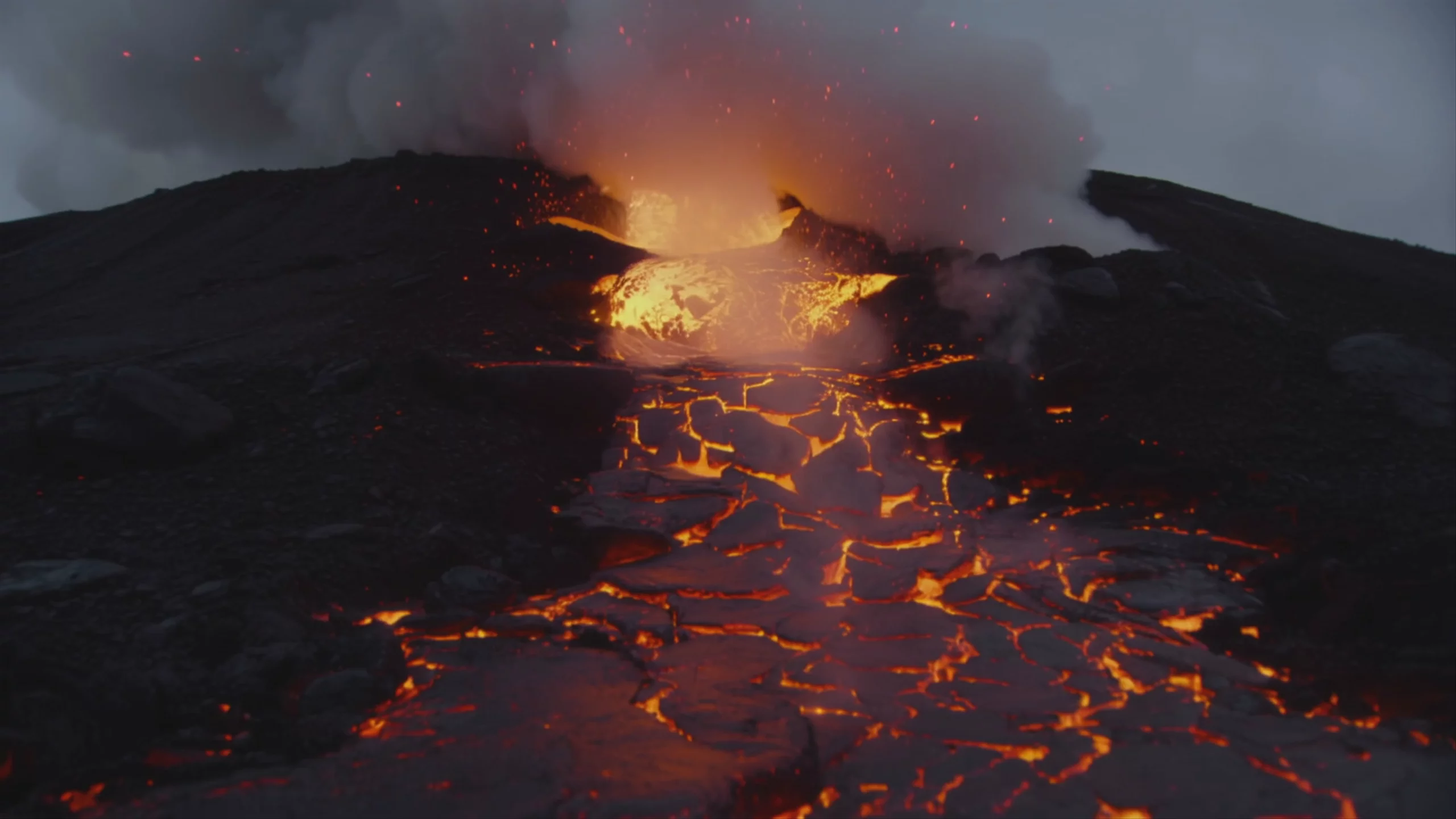 Active Volcano Lava Flow — Kling 2.6 Pro
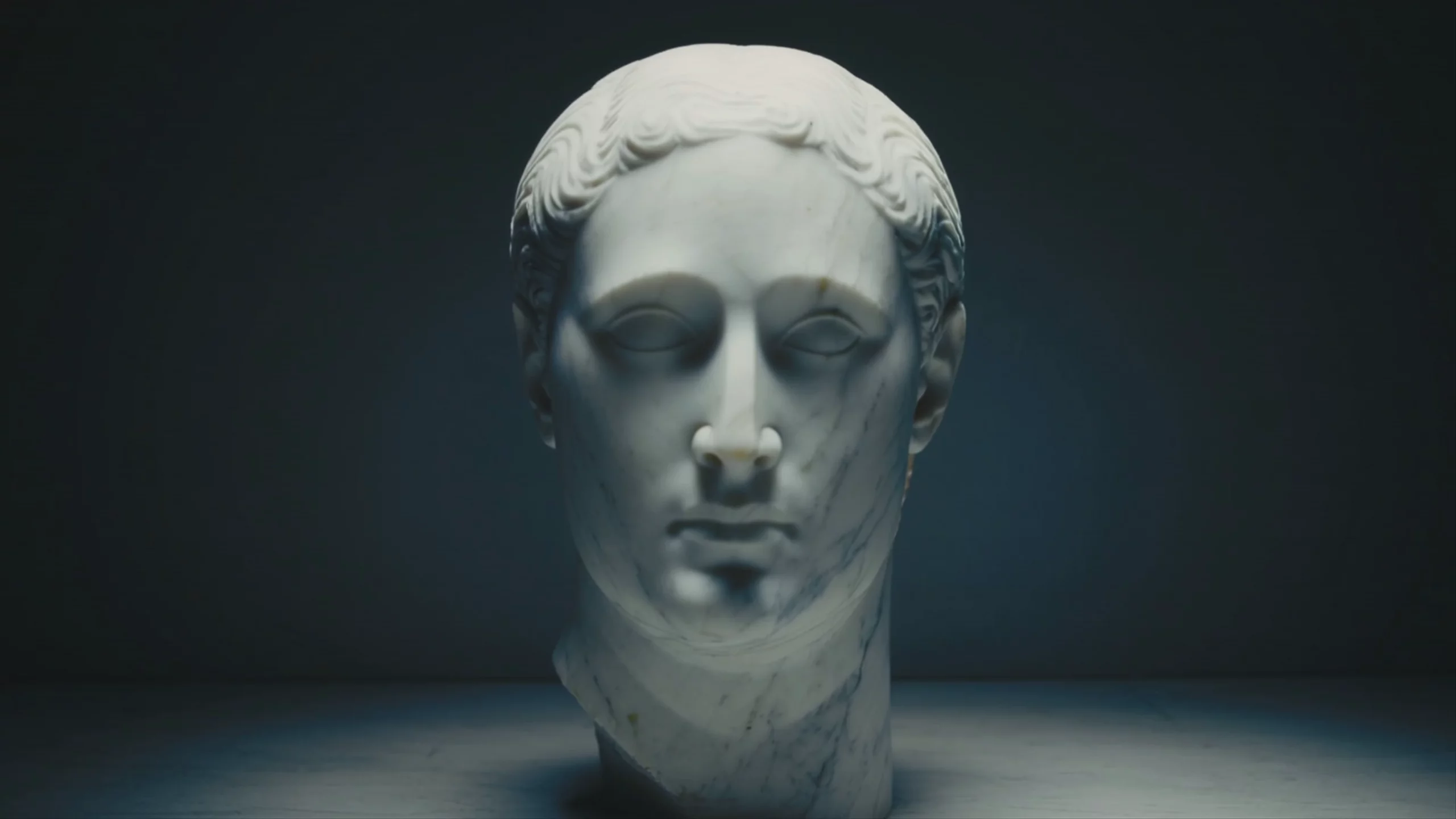 Cracked Marble Bust — Kling 2.6 Pro
 Kling 2.6 Pro: Animated Great Wall Construction
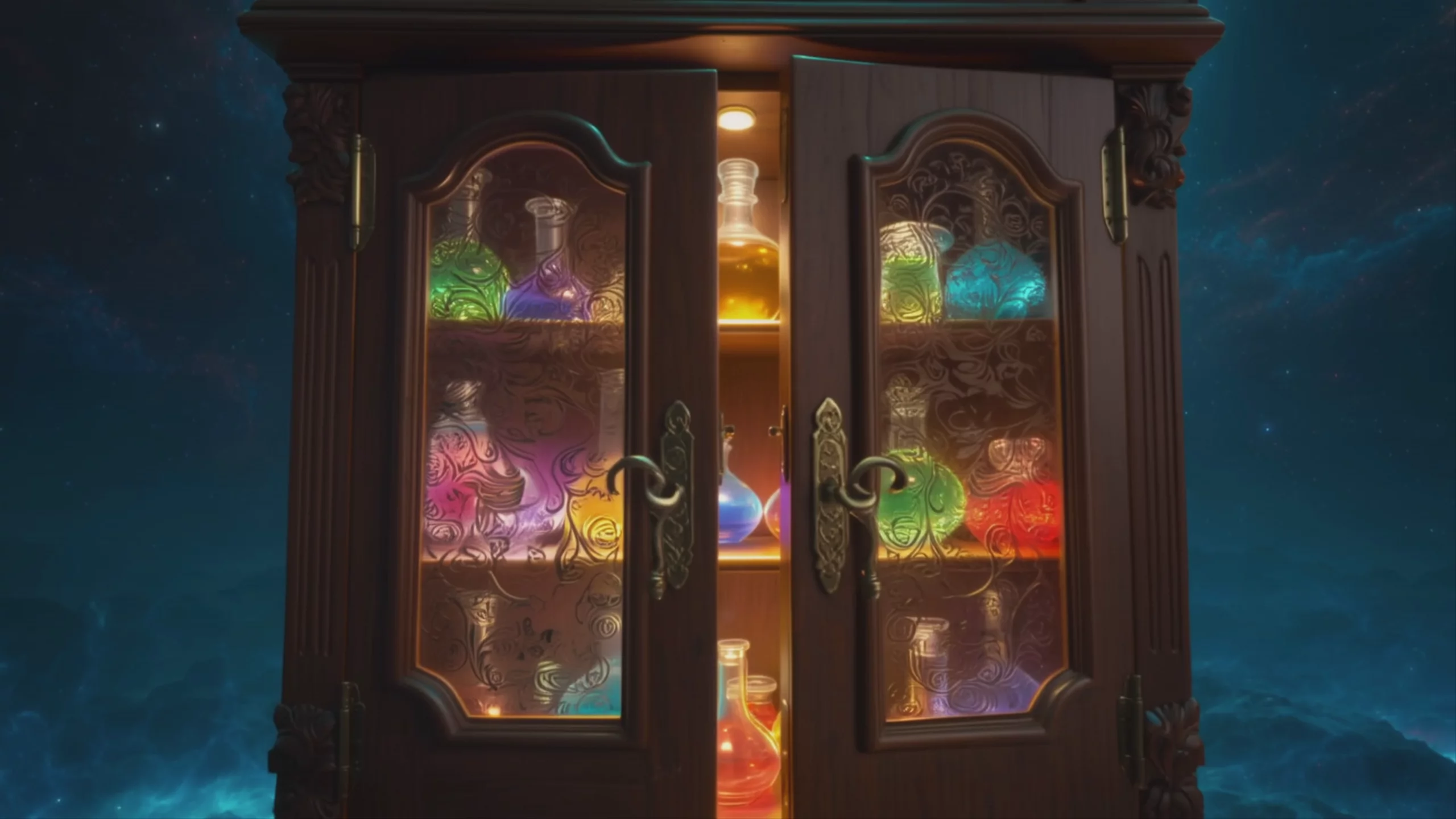 Cabinet of Magical Potions, by Kling 2.6 Pro
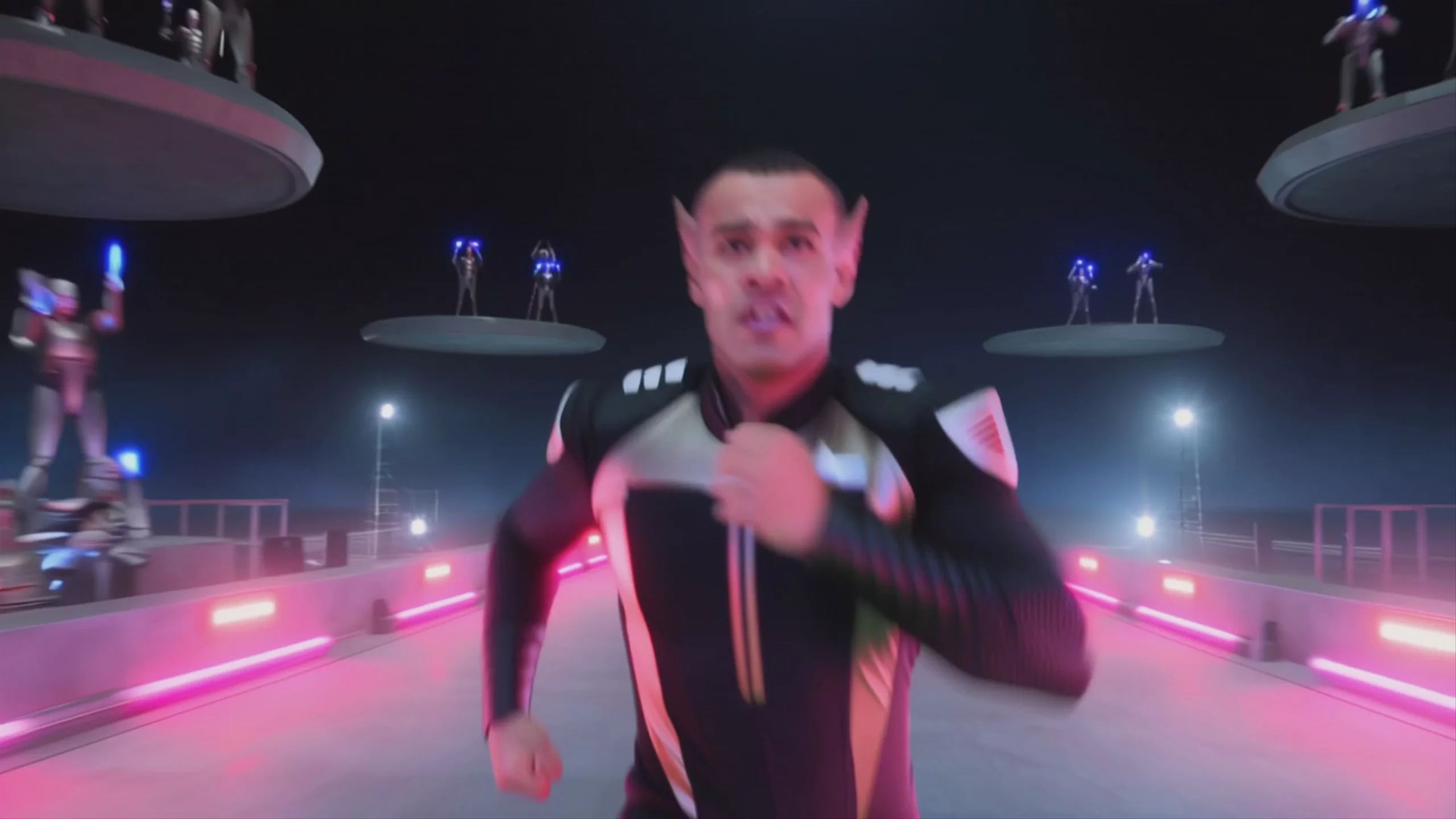 Futuristic Runner Wins Race — Kling 2.6 Pro
What is Kling 2.6 Pro best used for?
Kling 2.6 Pro excels at generating broadcast-ready video with native audio synthesis. Developed by Kuaishou, it was the first in the Kling family to produce synchronized voiceovers, sound effects, and ambient noise in a single generation pass alongside the visuals. It is highly recommended for creators making short films, product advertisements, and social media clips where precise temporal consistency and integrated soundscapes are required without relying on external audio post-production. It also features advanced motion control for transferring complex human actions to characters.
When was Kling 2.6 Pro released, and what is its model lineage?
Kling 2.6 Pro was released by Kuaishou in December 2025. It represents a major leap over its predecessors, such as Kling 2.1 Master and Kling 2.5 Turbo, by introducing simultaneous multimodal audio-visual generation. In February 2026, Kuaishou succeeded the 2.6 series with its 3.0 generation models, including Kling V3 Pro and Kling O3 Pro, which further extended video duration limits and multi-shot narrative consistency.
How can I get the best results with Kling 2.6 Pro?
To maximize the native audio capabilities, write prompts that explicitly describe the soundscape alongside the visual action (e.g., "heavy rain falling on a tin roof while a woman speaks in a hushed tone"). For cinematic workflows, the community recommends generating a pristine first frame using a high-fidelity image model like Nano Banana Pro, then passing that image into Kling 2.6 Pro for animation. Additionally, leverage its motion control feature by uploading a reference video to accurately transfer complex human movements directly onto your generated character.
Similar models
Prompt tips
- Use Voice Tags: For precise dialogue, add a voice tag right after the speaking subject in your prompt (e.g.,
Host @[Warm Female Voice] says, "Welcome to the show."). - Blend Visual and Audio Cues: Write prompts that describe both the physical scene and the soundscape (e.g., "train whistle, steam hissing, emotional orchestral swell").
- Optimize Motion References: When using Motion Control, ensure the character's facing direction in the reference video matches your input image for pro-level animation.
- Combine with Image Models: Generate your initial static character using a high-fidelity image model like Seedream 4.5 or [Flux.2 pro], then use Kling 2.6 Pro to animate it with audio.
