Kling 2.5 Turbo
Overview
Kling 2.5 Turbo is a speed-optimized AI video generation model developed by Kuaishou. Designed as a faster, more cost-effective alternative to models like Kling 2.1 Master and Kling 2.6 Pro, it delivers cinematic motion and strong prompt adherence at roughly twice the generation speed. The model is especially useful for rapid iteration, high-volume social media production, and workflows requiring precise start and end frame control.
Kling 2.5 Turbo Image to Video
Image → Video — generates video.
Specifications
- Input mode
- Image → Video
- Accepts
- start frame
- Aspect ratios
- 16:9, 9:16, 1:1
- Durations
- 5s, 10s
- Max duration
- 10s
- Native audio
- No
- Pricing
- 10 credits / second — longer clips and higher resolutions cost more
- Typical generation time
- ~2 min
- Free tier
- No
Image → Video examples
 Scholar Examining Map — Kling 2.5 Turbo
 Man Morphing Into Ravens in Kitchen — Kling 2.5 Turbo
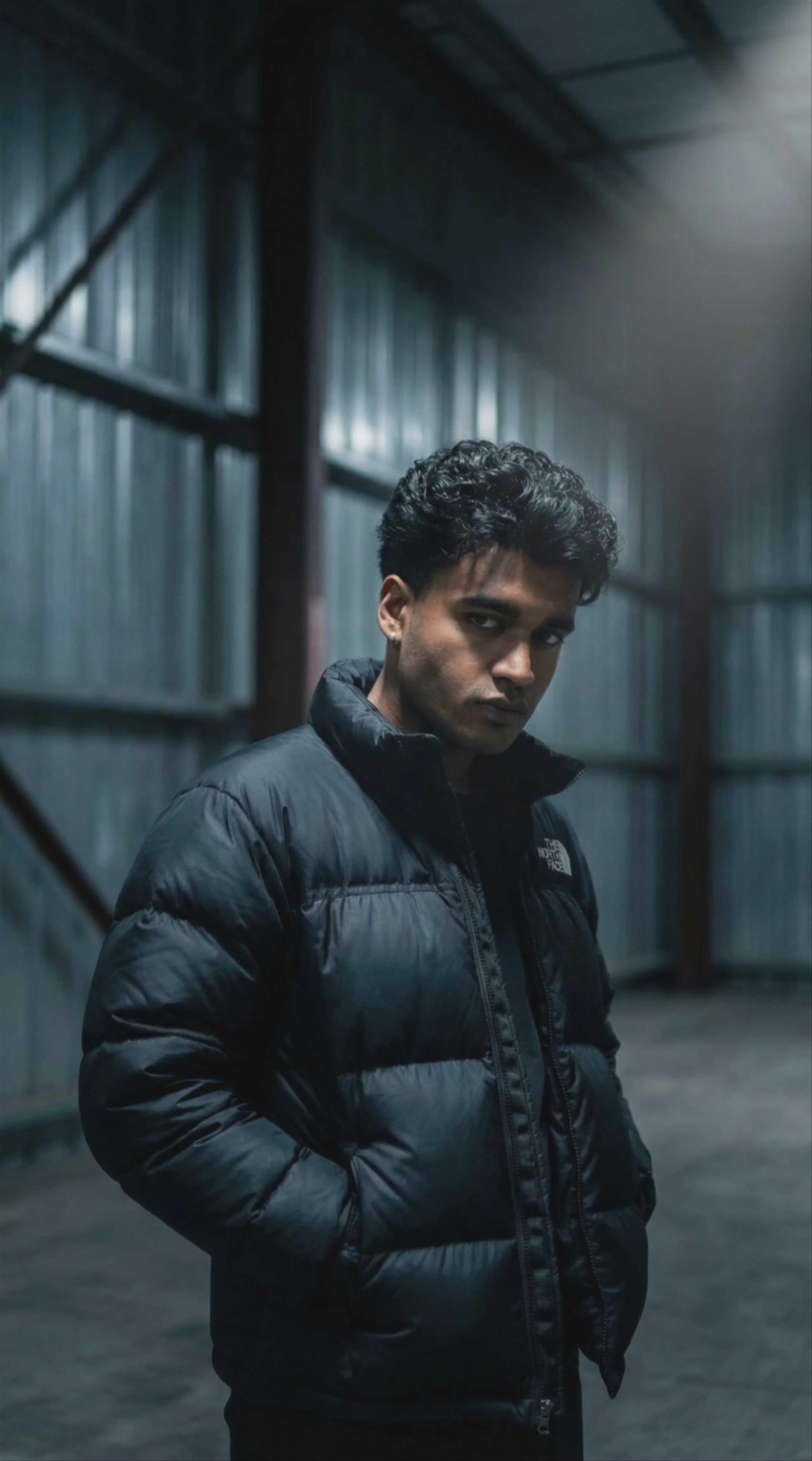 Man in Puffer Jacket in Warehouse — Kling 2.5 Turbo
 Underwater Tea Party, by Kling 2.5 Turbo
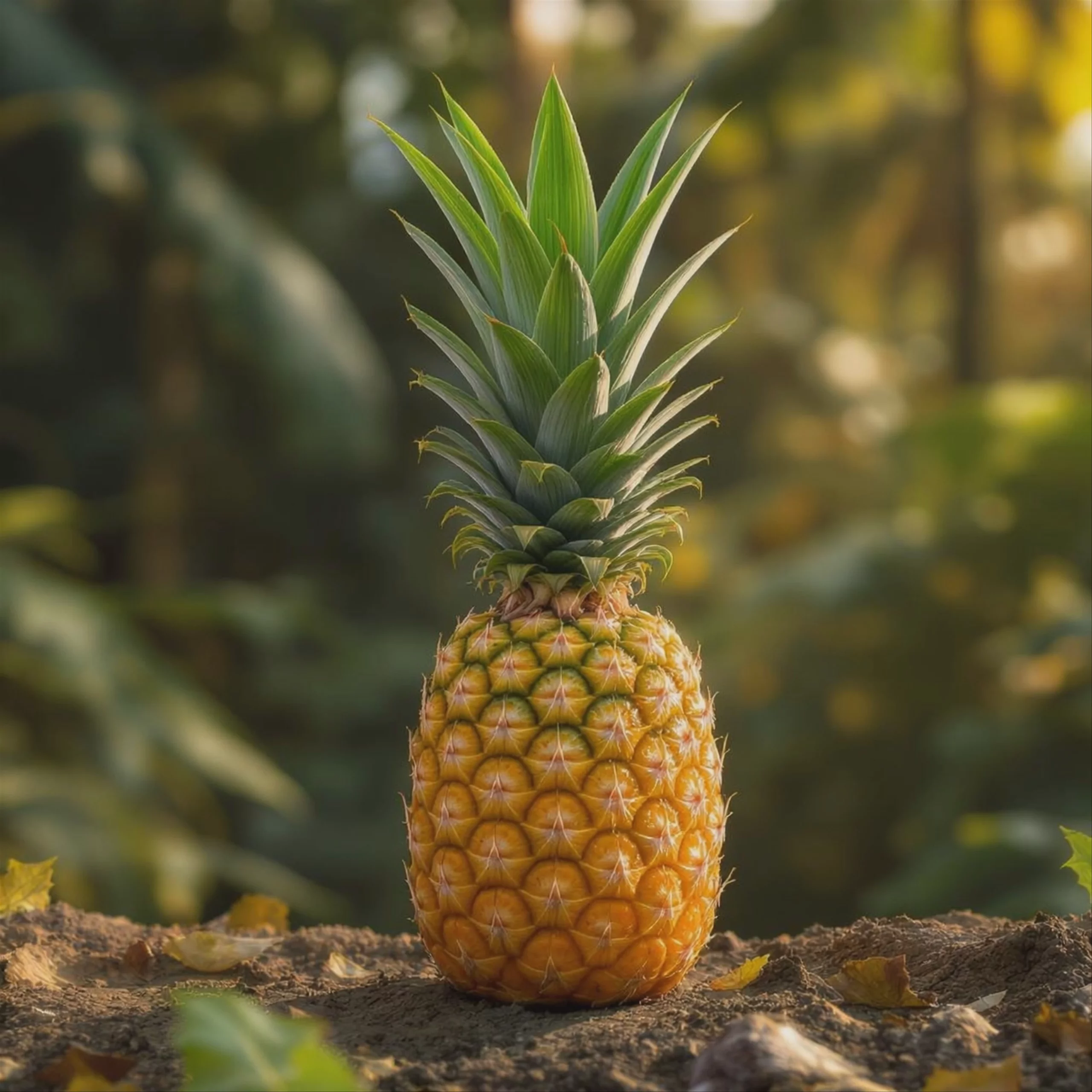 Fresh Pineapple in Tropical Forest — Kling 2.5 Turbo
 Professional Portrait of a Man — Kling 2.5 Turbo
 Ocean Sunset at Golden Hour — Kling 2.5 Turbo
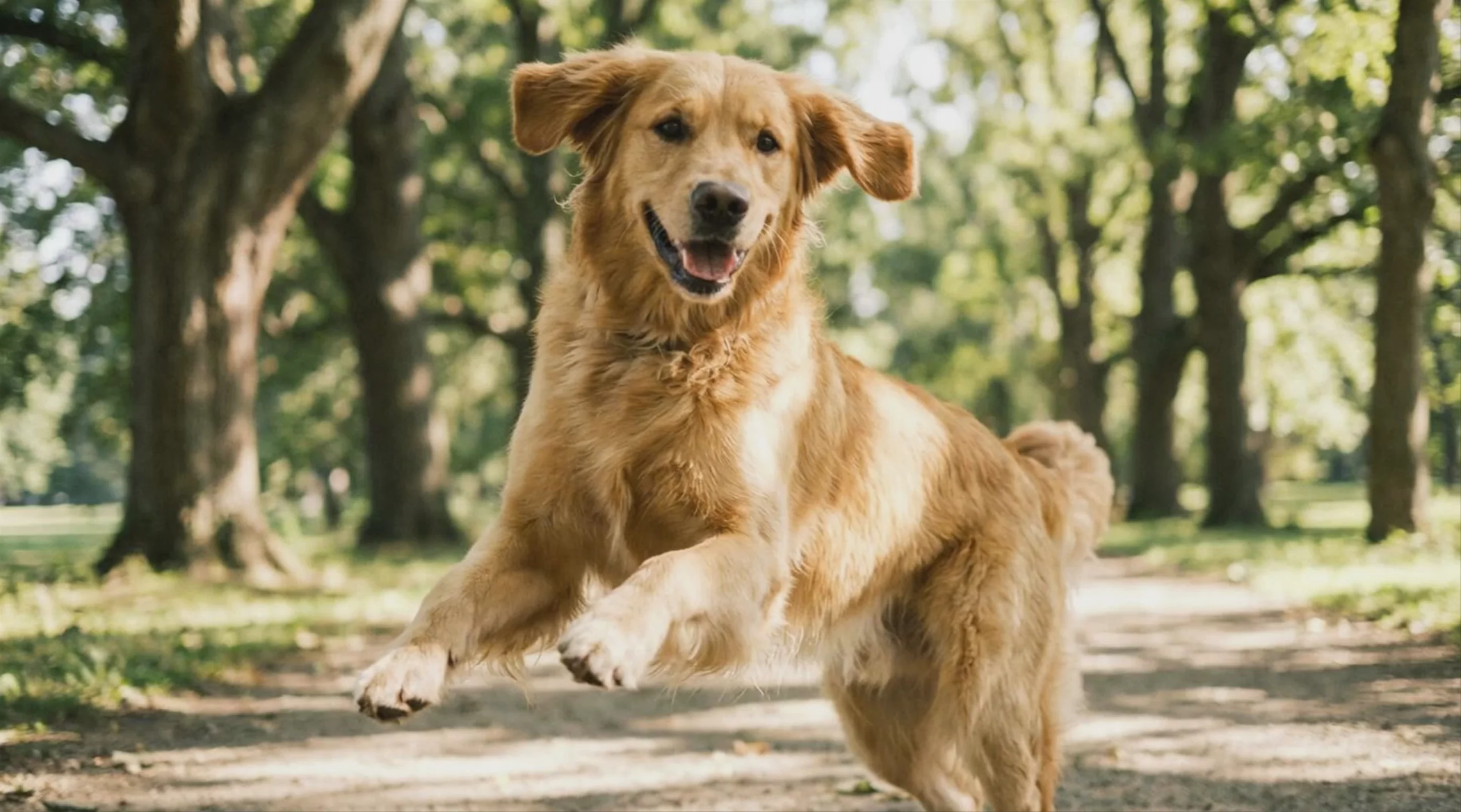 Golden Retriever Running in the Park — Kling 2.5 Turbo
Kling 2.5 Turbo Text to Video
Text → Video — generates video.
Specifications
- Input mode
- Text → Video
- Aspect ratios
- 16:9, 9:16, 1:1
- Durations
- 5s, 10s
- Max duration
- 10s
- Native audio
- No
- Pricing
- 10 credits / second — longer clips and higher resolutions cost more
- Typical generation time
- ~2 min
- Free tier
- No
What is Kling 2.5 Turbo best used for?
Kling 2.5 Turbo is a speed-optimized video model by Kuaishou that excels at rapid iteration and high-volume social media production. Because it generates video much faster and at a 30% lower cost than its predecessors, creators rely on it for quick storyboard validation, A/B testing prompts, and rendering dynamic action scenes with complex physics before committing to a heavier, final render.
When was Kling 2.5 Turbo released, and how does it fit into the Kling family?
Kuaishou released Kling 2.5 Turbo in September 2025 as a faster, more affordable successor to Kling 2.1 Master. In December 2025, Kuaishou expanded the lineup with Kling 2.6 Pro, which trades the Turbo's rapid generation speed for higher broadcast-ready quality and native audio synchronization. Kuaishou later advanced the series further with the release of the Kling V3 Pro and Kling V3 Standard models in early 2026.
How can I get the best results with Kling 2.5 Turbo?
To maximize the model's capabilities, use the Start Frame (image-to-video) feature to lock in your character's identity and visual style. The model also responds exceptionally well to multi-step prompting and complex camera directions—try using specific cinematic terms like "Dutch angle," "dolly zoom," or "sweeping tracking shot" to achieve highly dynamic motion. For more comprehensive prompt structuring, refer to the official Kling AI platform.
Similar models
Prompt tips
- Chain for continuous takes: Use the Start and End Frame feature to create seamless one-take videos by feeding the last frame of one clip as the first frame of the next.
- Command the camera: Explicitly write aggressive camera moves into your prompt (e.g., "fast drone follow shot," "whip-pan to reveal") to leverage its tracking capabilities.
- Focus on physical momentum: Describe weight and gravity in your action prompts (e.g., "heavy footsteps," "water crashing downward") to trigger the physics engine.
- Dial in the CFG: Adjust the CFG scale (which defaults around 0.5) and utilize negative prompts to clean up artifacts in highly complex scenes.
