Kling 2.1 Master
Overview
Kling 2.1 Master is a top-tier AI video generation model developed by Kuaishou. Designed for professional creators and commercial productions, it produces 1080p outputs from both text and image prompts. The model utilizes a 3D spatiotemporal attention mechanism to deliver advanced physics simulation, ensuring realistic object interactions, fluid motion, and dynamic facial expressions for complex motion synthesis.
Kling 2.1 Master Image to Video
Image → Video — generates video.
Specifications
- Input mode
- Image → Video
- Accepts
- start frame
- Aspect ratios
- 16:9, 9:16, 1:1
- Durations
- 5s, 10s
- Max duration
- 10s
- Native audio
- No
- Pricing
- 35 credits / second — longer clips and higher resolutions cost more
- Typical generation time
- ~5 min
- Free tier
- No
Image → Video examples
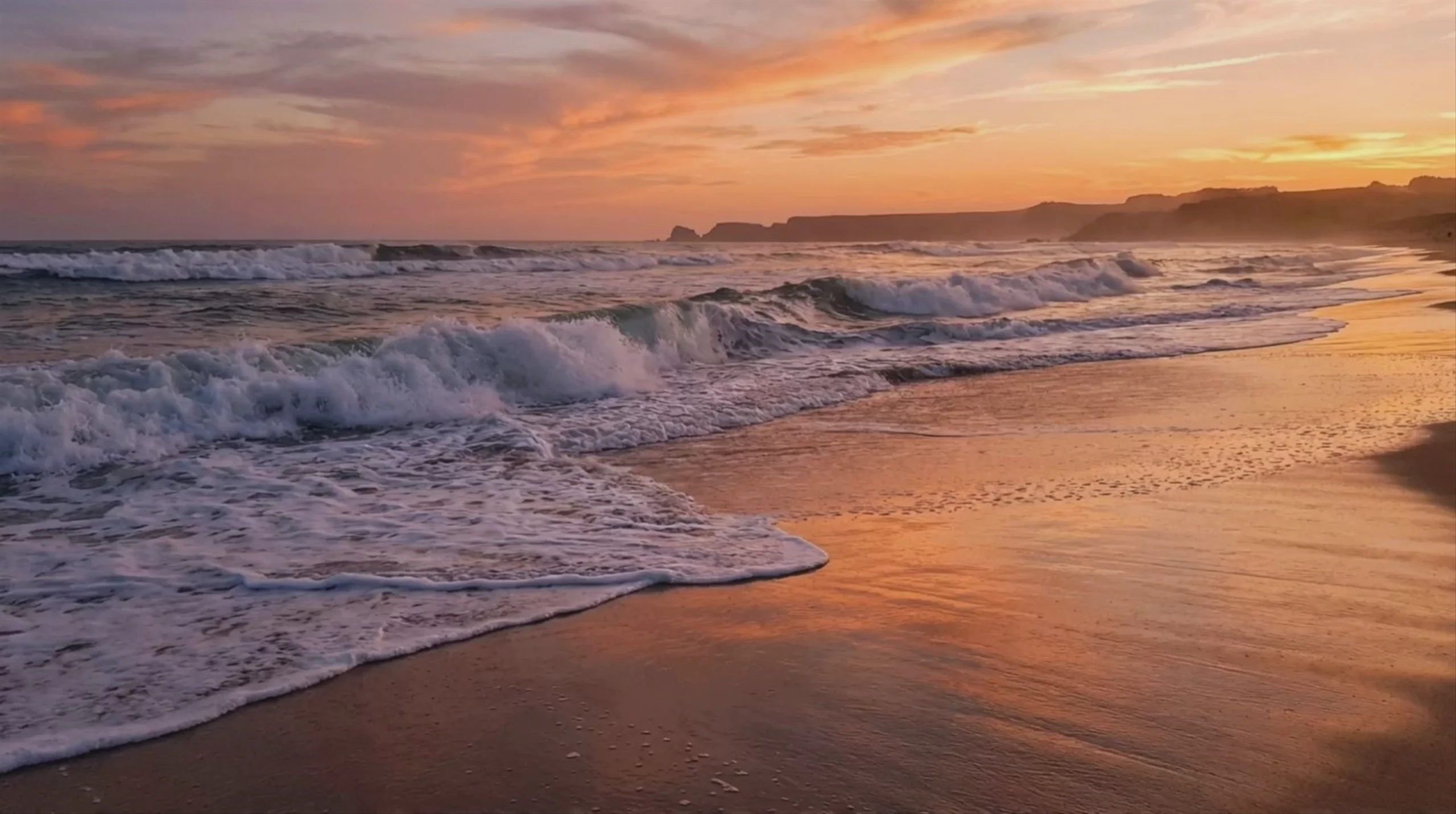 Ocean Waves at Sunset — Kling 2.1 Master
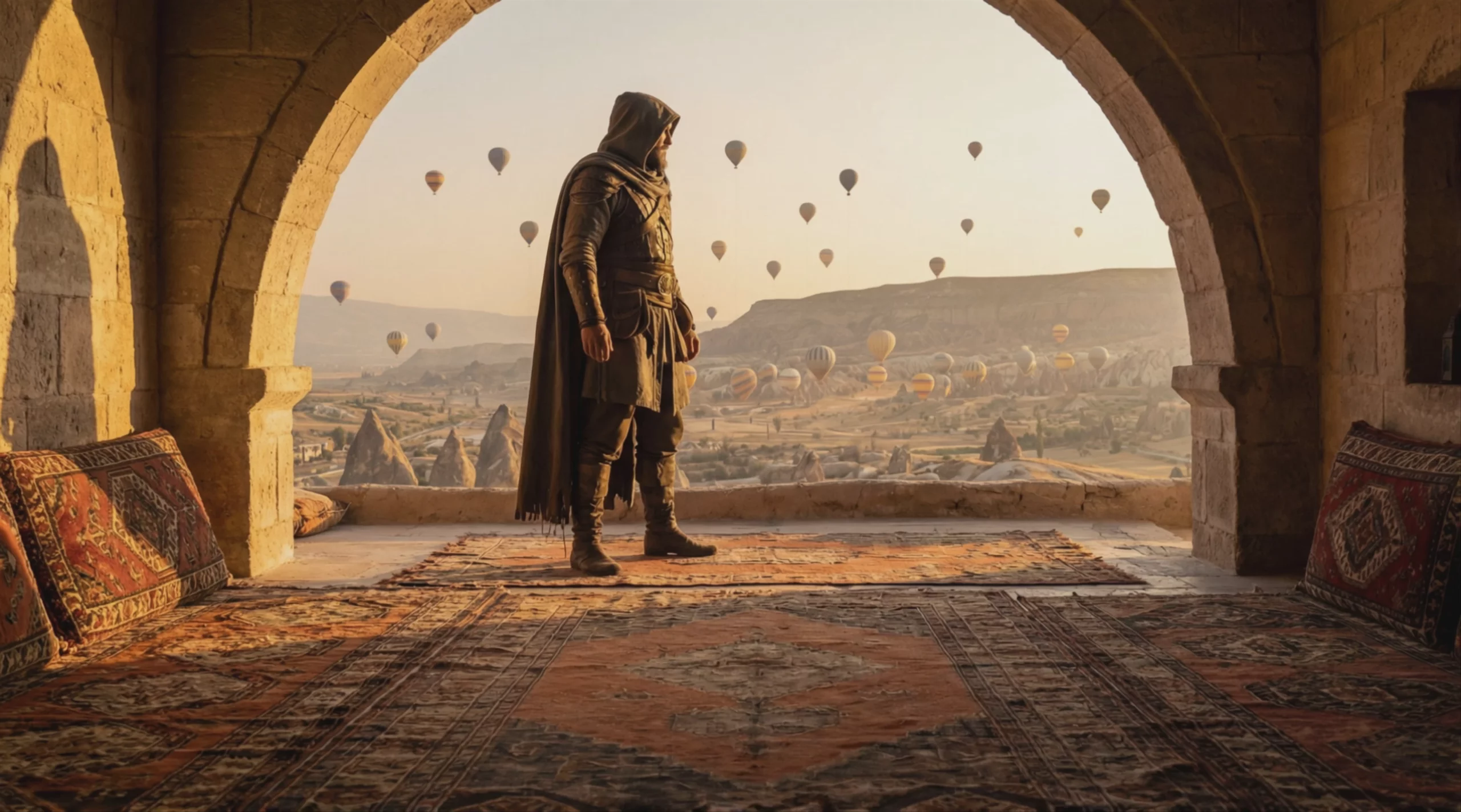 Hooded Warrior Overlooking Balloon Valley — Kling 2.1 Master
 Bioluminescent Forest at Sunset — Kling 2.1 Master
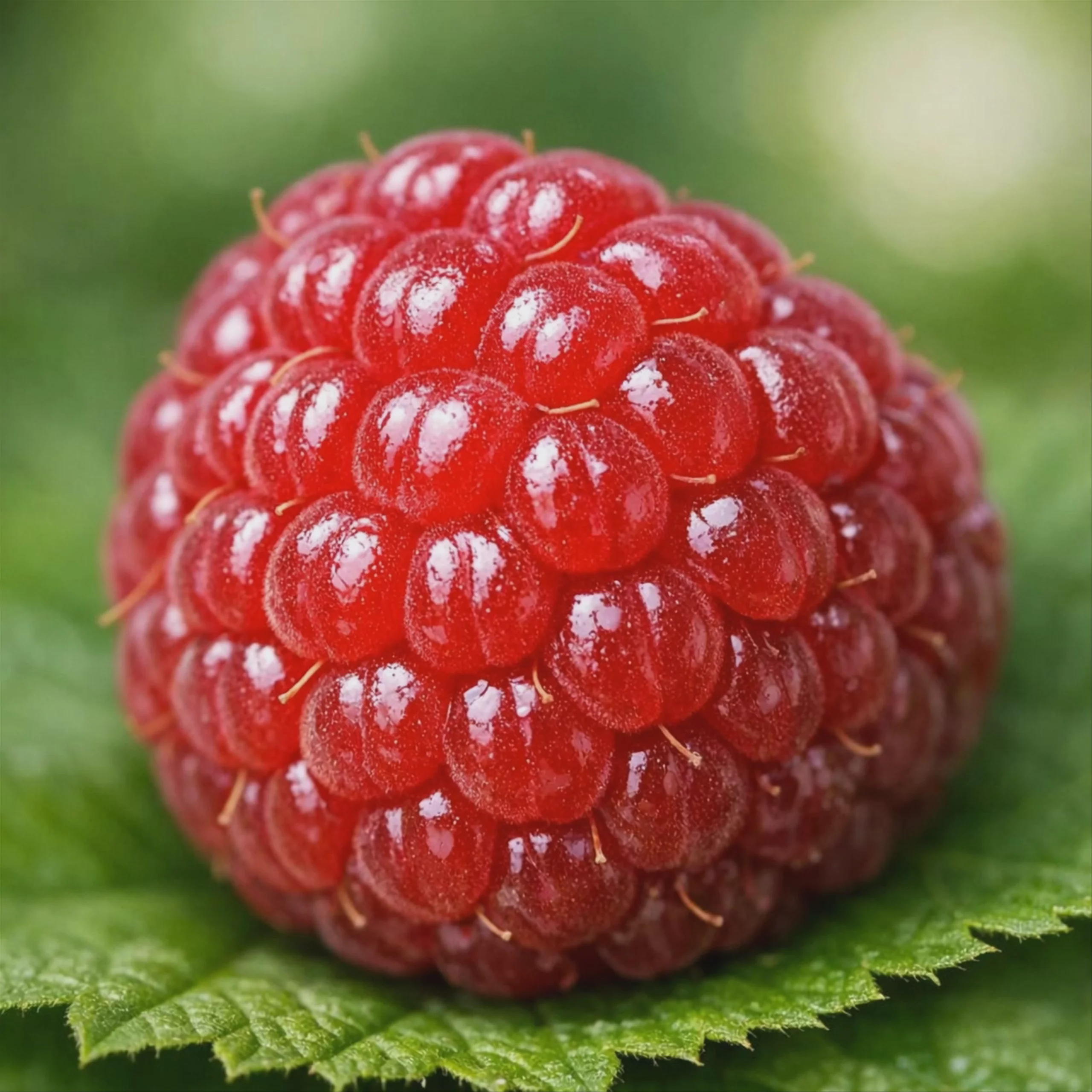 Close-Up of a Ripe Raspberry — Kling 2.1 Master
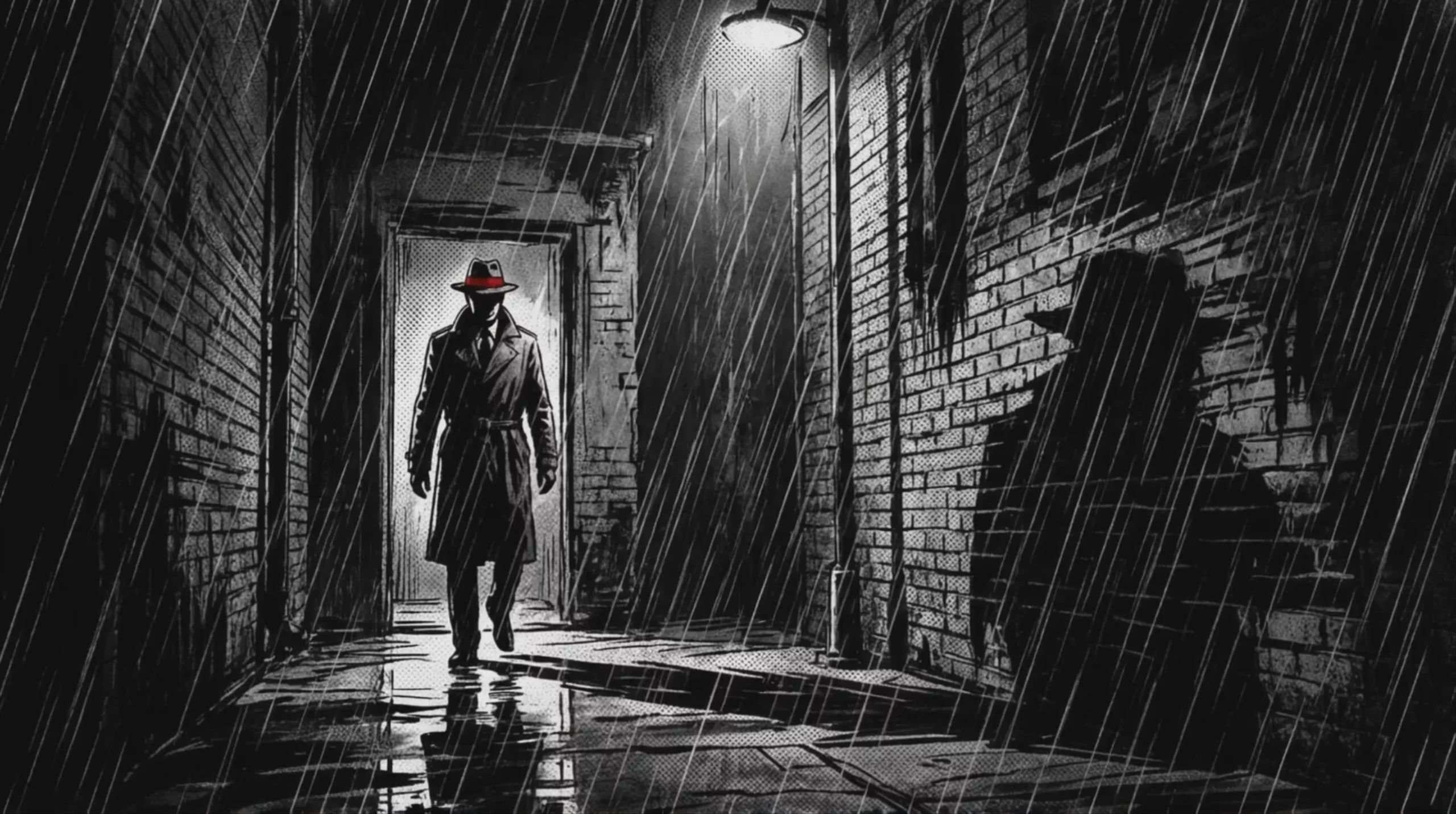 Kling 2.1 Master: Noir Detective in Rain Alley
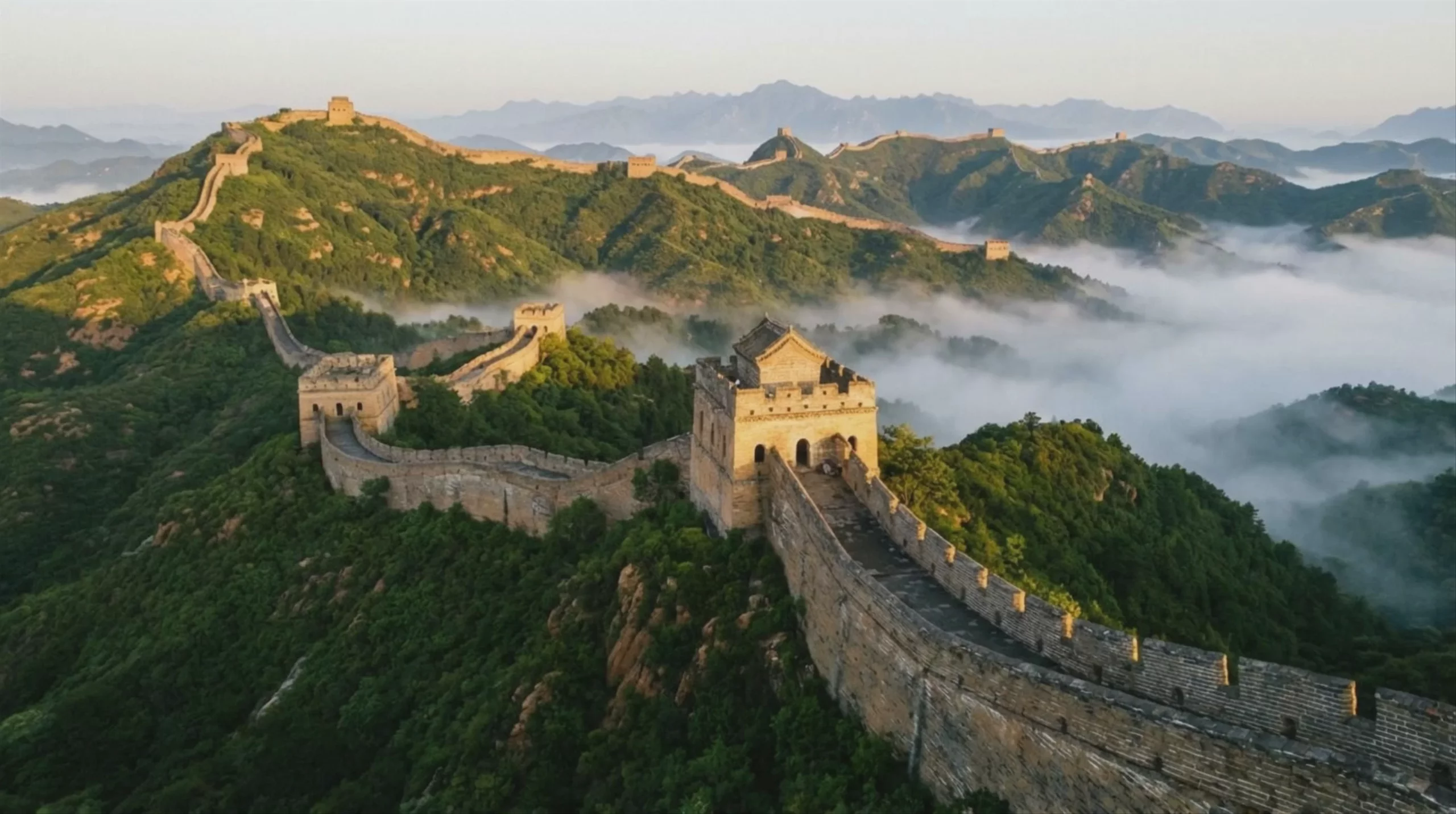 The Great Wall of China at Sunrise — Kling 2.1 Master
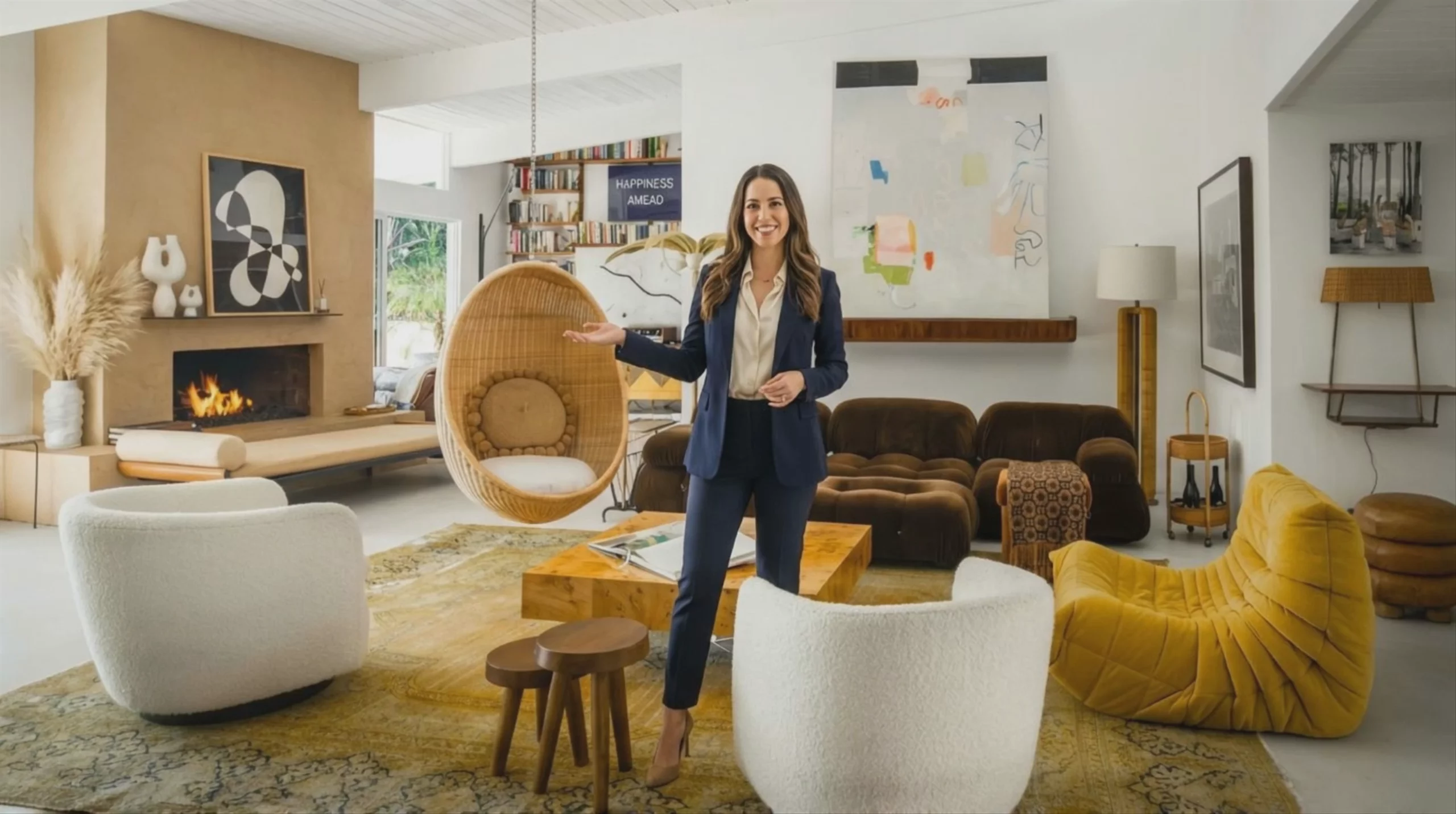 Real Estate Agent in Luxury Living Room — Kling 2.1 Master
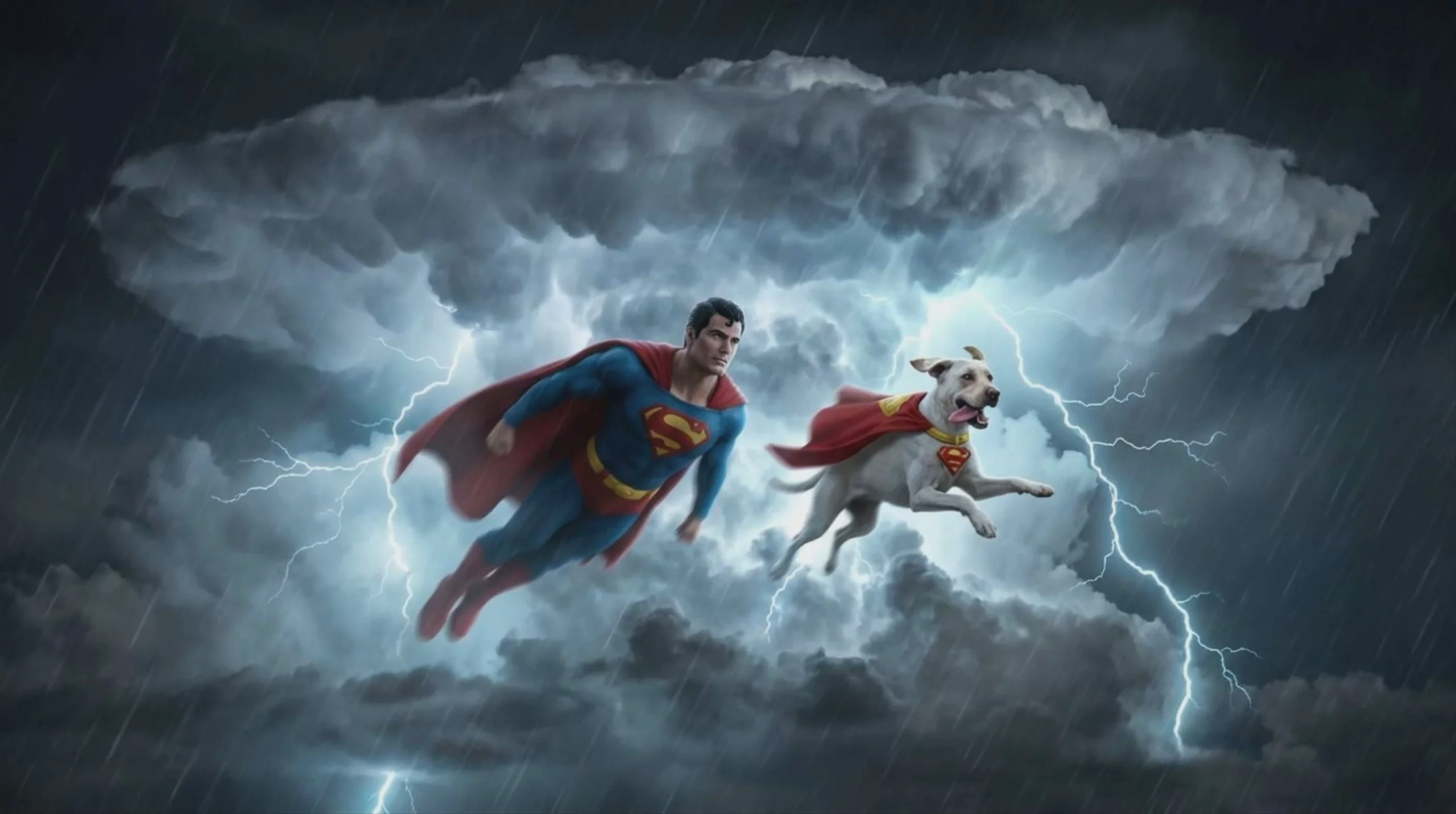 Superman and Krypto Flying Through Storm — Kling 2.1 Master
Kling 2.1 Master Text to Video
Text → Video — generates video.
Specifications
- Input mode
- Text → Video
- Aspect ratios
- 16:9, 9:16, 1:1
- Durations
- 5s, 10s
- Max duration
- 10s
- Native audio
- No
- Pricing
- 35 credits / second — longer clips and higher resolutions cost more
- Typical generation time
- ~4 min
- Free tier
- No
What is Kling 2.1 Master best used for?
Developed by Kuaishou, Kling 2.1 Master is designed for video production requiring precise physics and spatial awareness. Compared to the standard or pro tiers, the Master model handles advanced physics simulations, complex 3D motion, and interactions between objects. It natively supports 1080p resolution and is noted by the community for its prompt adherence, facial rendering, and consistent cinematic motion.
When was Kling 2.1 Master released and what is its lineage?
Kuaishou released Kling 2.1 Master in May 2025 as a direct upgrade to the Kling 2.0 architecture, which launched in April 2025. It brought improvements to motion consistency and prompt adherence. The model was later succeeded by faster and more advanced iterations in the catalog, such as Kling 2.5 Turbo and the third-generation Kling V3 Pro.
How should I structure my prompts for this model?
To get the best results from Kling 2.1 Master, use explicit cinematic language and camera directions. Terms like "low upward tilt shot," "crane shot," "FPV," or "tracking shot" help the model understand the exact framing you want. The community also recommends utilizing negative prompts to reduce visual glitches and maintain character consistency. For detailed official guidelines, consult the Kling HelpDesk.
What is the Start & End frame feature?
Kling 2.1 Master introduced Start and End frame controls for image-to-video generation. You can upload two distinct images to dictate exactly how a scene begins and resolves. Creators use this trick for scene transitions, age-morphing effects, or ensuring a character lands in a specific pose without the model hallucinating the ending.
Similar models
Prompt tips
- Use negative prompts: Explicitly list unwanted artifacts (e.g., "warped limbs, visual glitches") to force the model to maintain strict physical realism.
- Direct the camera: Include specific cinematic terminology like "FPV drone shot," "macro close-up," or "slow tracking shot" to control the exact movement.
- Anchor with keyframes: When using image-to-video, provide both start and end frames to lock in the animation and prevent the model from hallucinating off-screen elements.
- Isolate VFX changes: When using the swap or delete tools, keep your prompt focused purely on the element being changed rather than re-describing the entire scene.
