> ## Documentation Index
> Fetch the complete documentation index at: https://hedra.com/docs/llms.txt
> Use this file to discover all available pages before exploring further.
# How to Create UGC Ads
> Learn how to create UGC ads for social media platforms using Hedra Studio.
## Overview
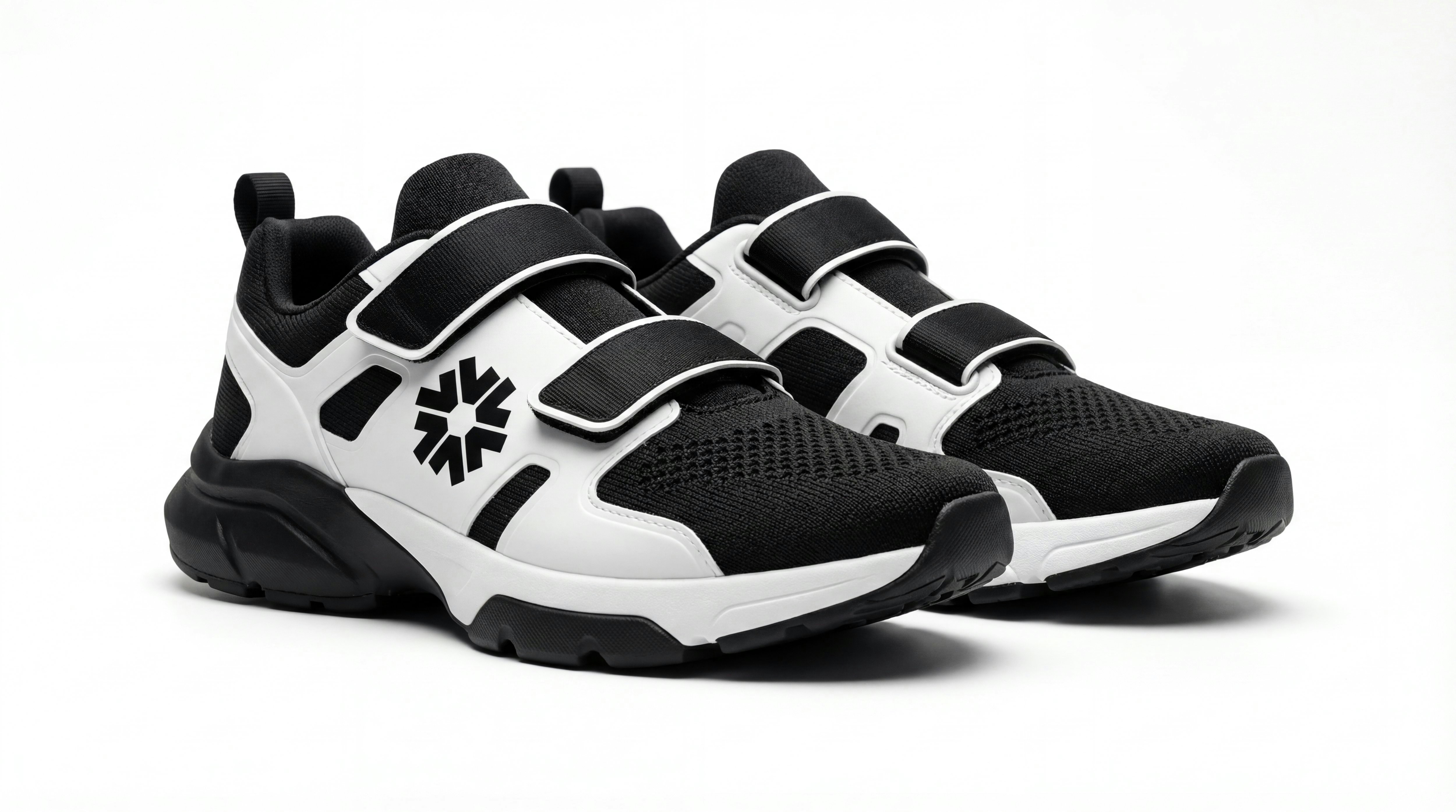
This tutorial walks through how to create a UGC-style running shoe ad using your own product image as the starting point. Rather than relying on pre-built assets, the workflow demonstrates how to move from a single static product image to a finished, short-form video ad using Hedra’s core tools.
You’ll see how to:
* Upload and position a product image as a visual anchor
* Select the appropriate model based on your use case
* Generate a controlled start frame
* Create and reuse Elements to maintain visual consistency
* Structure clips into a coherent composition
* Assemble and refine the final edit in Composer
* Add voiceover to produce a complete, platform-ready ad
The tutorial includes two finished examples. The first shows a straightforward product-first UGC approach, while the second demonstrates how the same workflow can be adapted into a more stylized or brand-led variation. Together, they illustrate how a single process can support different creative outcomes without changing the underlying structure.
This tutorial is intended for users who want a repeatable, practical workflow for building short-form product ads inside Hedra.